












.thumb.png.6cba57c5e88519e419516e3ed1152e01.png)
By Troy
How To Activate Video In Motion, Languages, RVC Guide Lines In The HMI 2.5 With The DPS Tool
Video In Motion For All GM Vehicles That Use The HMI 2.5 Module.
The video still plays when the vehicle is driving in drive mode.
Watch the video below to see the process.
These files can be used with the GM DPS tool to:
Activate Video in Motion.
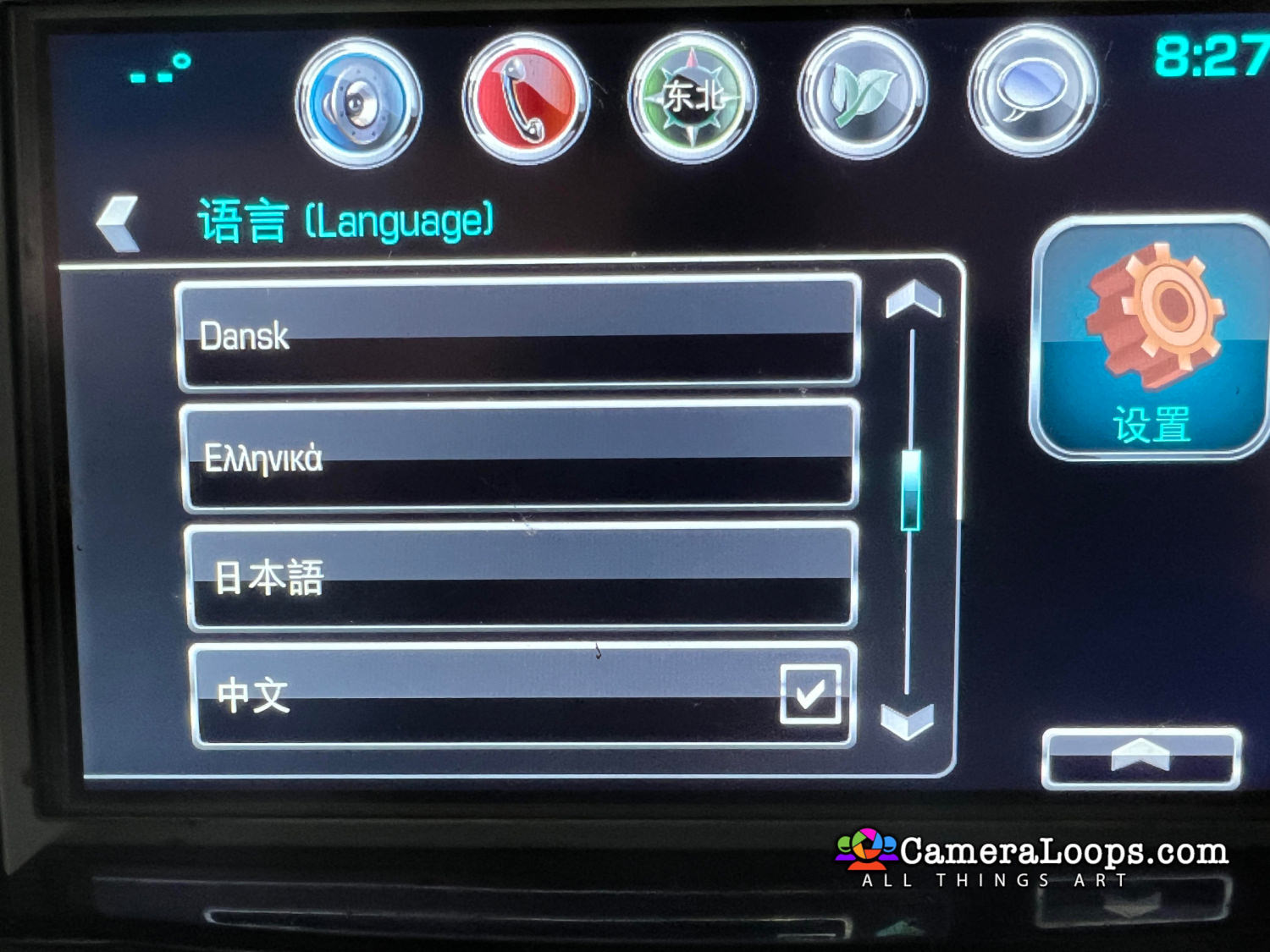
Activate both§ North American and European languages on the infotainment and IPC screens. (The language selected in infotainment settings is set in the IPC).
Activate reverse camera guide-lines.
Activate the reverse camera always on. (Note, an extra attachment or mod is needed to activate the reverse camera always-on feature, which I do not privide).
I can activate Arabic and Asian languages on all the GM vehicles that use the HMI 2.5 module.

Chevrolet Volt
Chevrolet Tahoe
Chevrolet Tahoe Arabic Language
Chevrolet Silverado
Chevrolet Silverado Middle East Arabic Language
Chevrolet Malibu
Chevrolet Suburban
Corvette
GMC Yukon
GMC Yukon Arabic Language
GMC Yukon Denali
GMC Yukon Denali Arabic Language
GMC Sierra
Cadillac Escalade USA
Cadillac CT6 European Specs
Cadillac Escalade European Specs
Cadillac Escalade USA With Arabic Language Activated
Buick Envision
Buick Regal
Vauxhall
Opel
Opel Arabic























































.jpg.434408b0b61b4552ae25cde5c0b5a388.jpg)






.jpeg.503ad3cbf167f180662b9e06a35f1911.jpg.4256ffb79777f00833ddbf666186ef55.jpg)




-min.jpeg.e57f393a5b1034dc5ead0fdf0e5be0a7.jpg.8b0eac9dbd8dd2120749a61afa119519.jpg)




.jpeg.7788c0ed0981e43684ee21be2e0cfd0c.jpg.5fe699189bcf0d18517707ce4222e81a.jpg)


.thumb.jpg.0f819d95317e386a92453772edb75c6b.jpeg.61f2c44081948bc780313ab6fcfdc53b.jpeg)













.jpeg.c58f6a017dba02d1386e26ad62d32fe5.jpeg)




.jpg.9dd8d45a3fad0a651bb2bc39ddead936.jpg.7a19f233d3331becb9d93ee7cfc63379.jpg)




.jpg.3dfde5099751bef5f6e2d27f3d463275.jpg.edf3062b4fb37e14c71ab2caa86c1053.jpg)






















Recommended Comments
Join the conversation
You can post now and register later. If you have an account, sign in now to post with your account.