












.thumb.png.6cba57c5e88519e419516e3ed1152e01.png)
By Troy
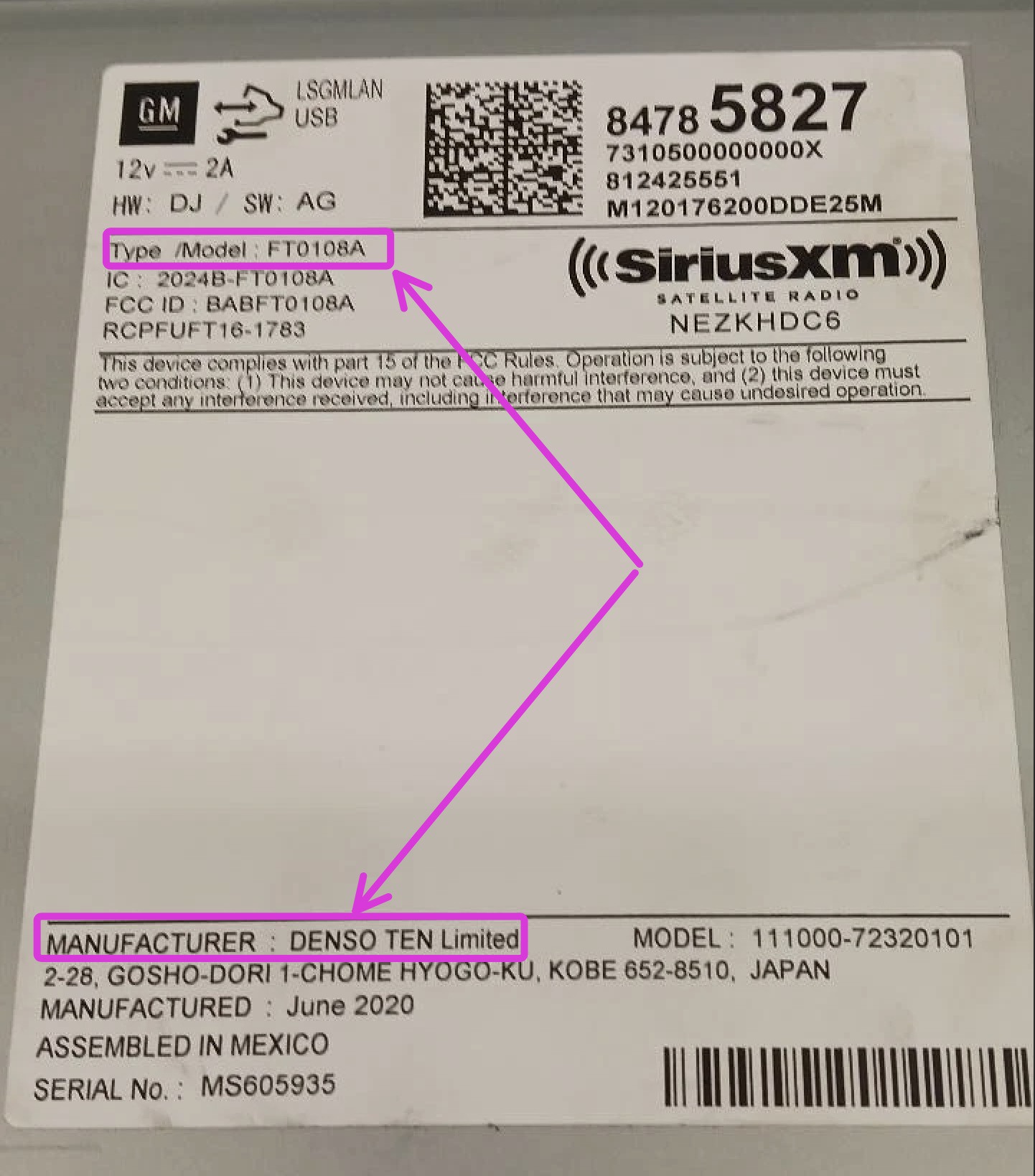
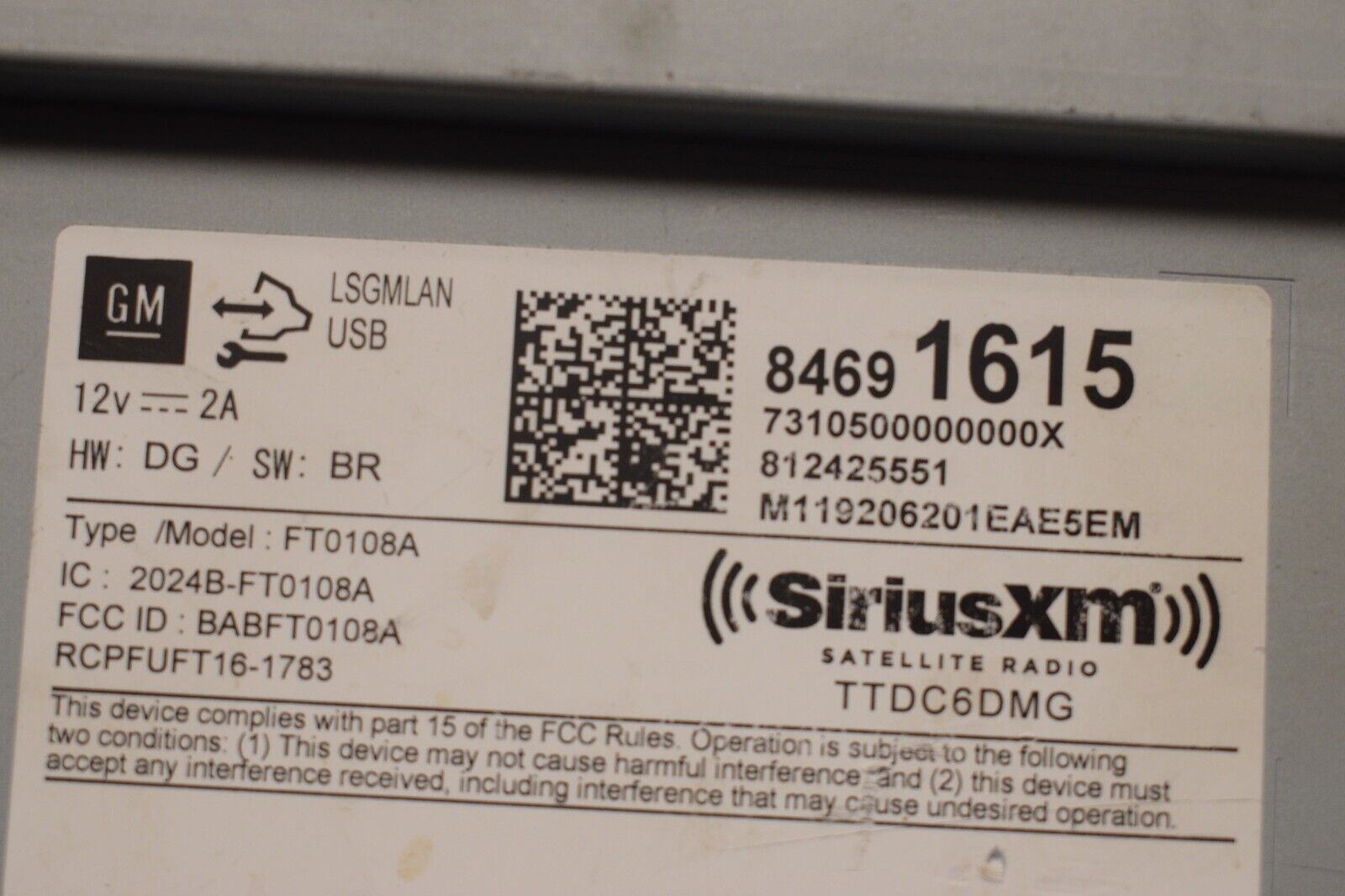
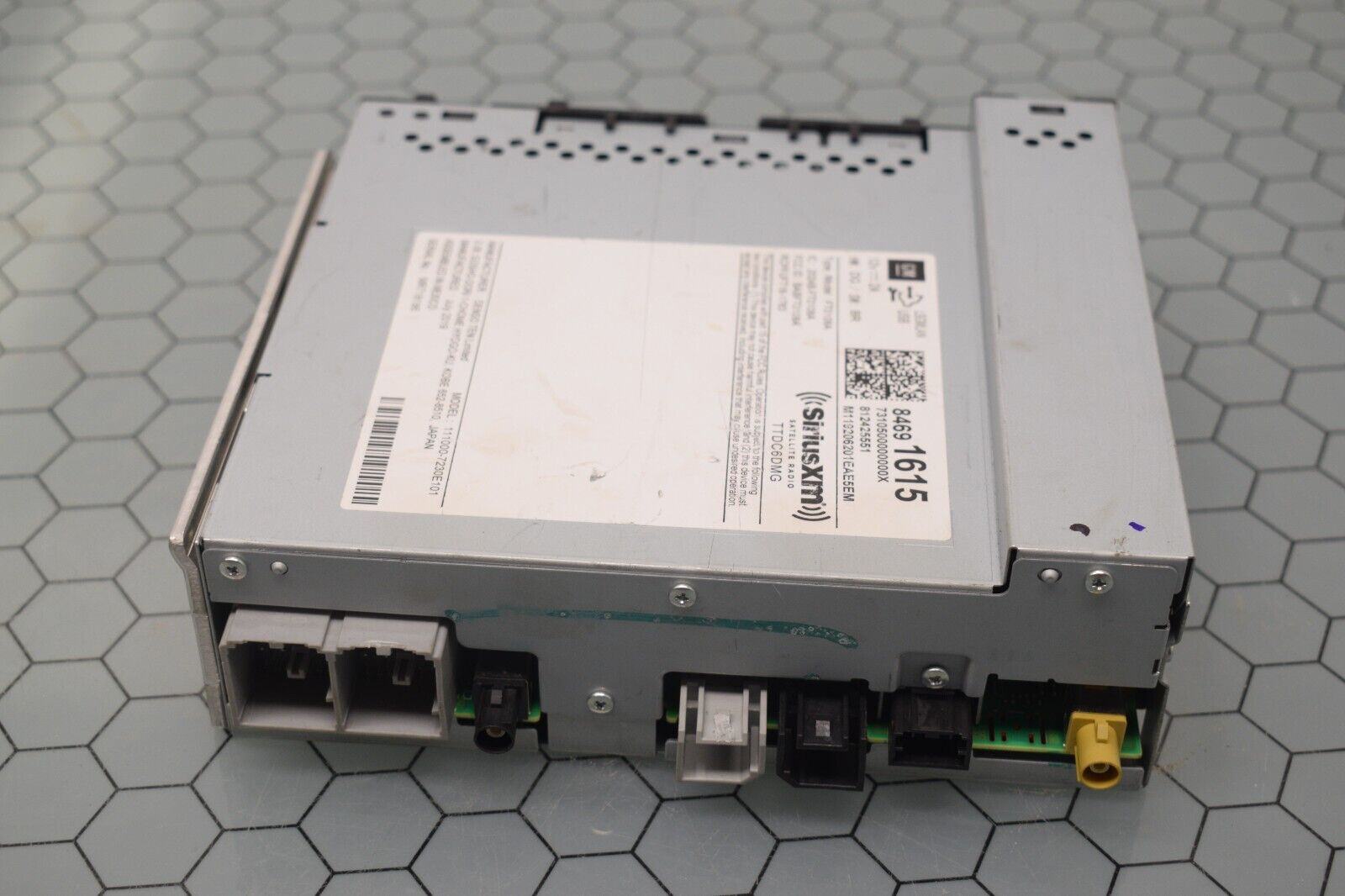
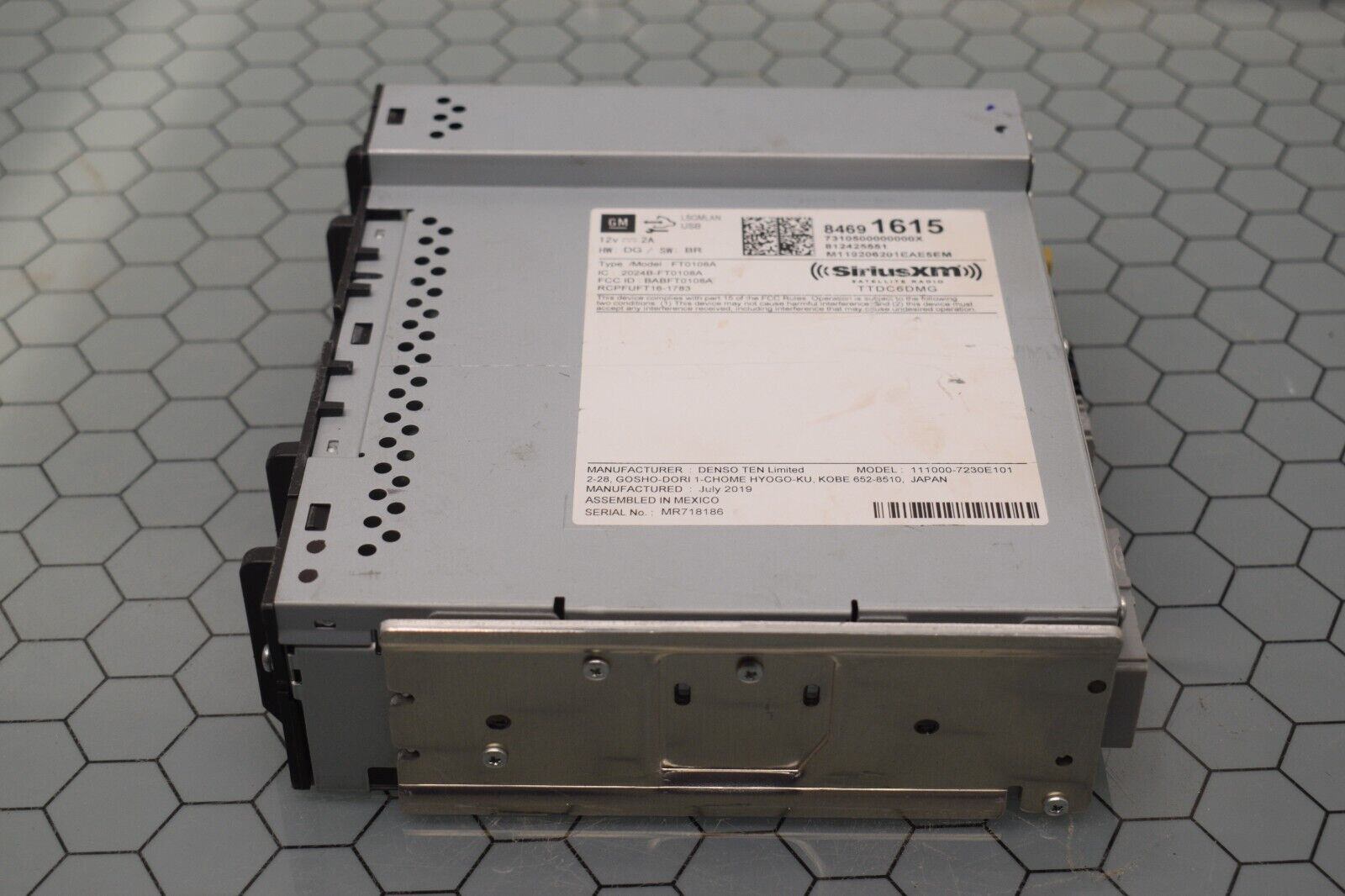
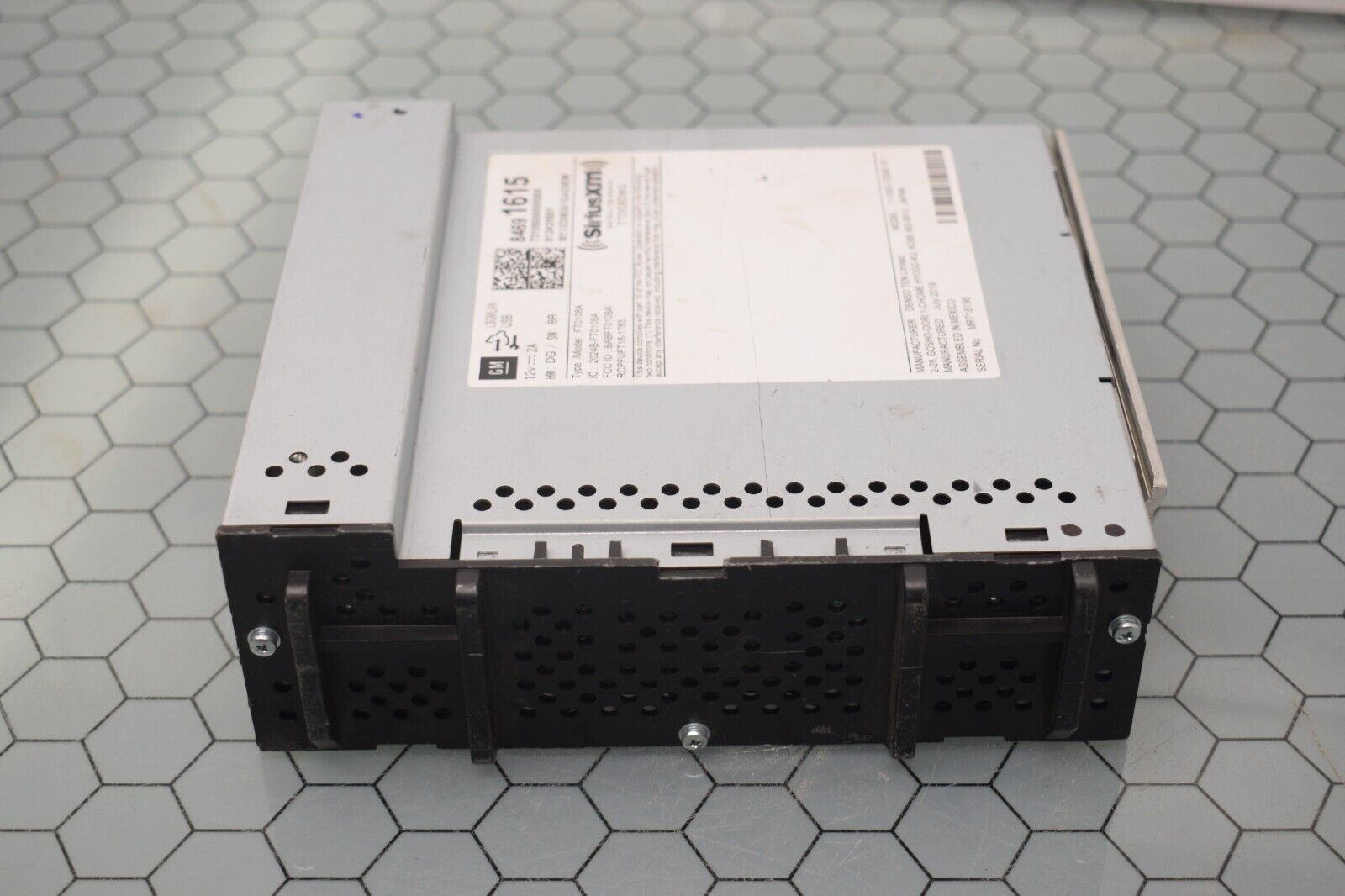
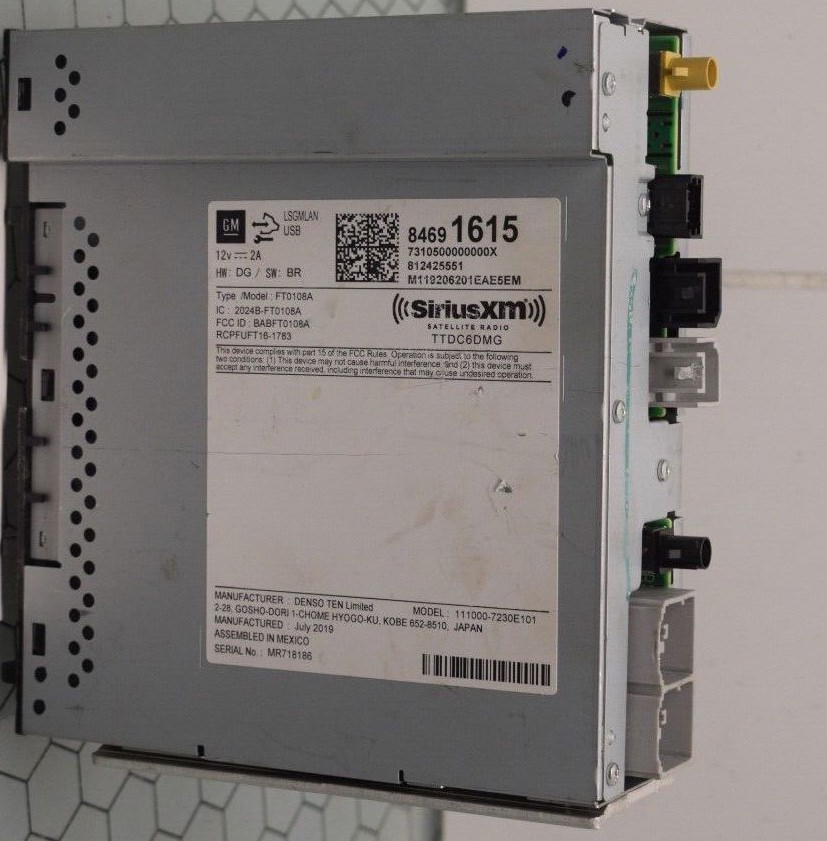
FT0108A, FT0108B Unlock Vin Change, Remove The Theft Lock, Denso Ten Radio FT0108A 84691615,
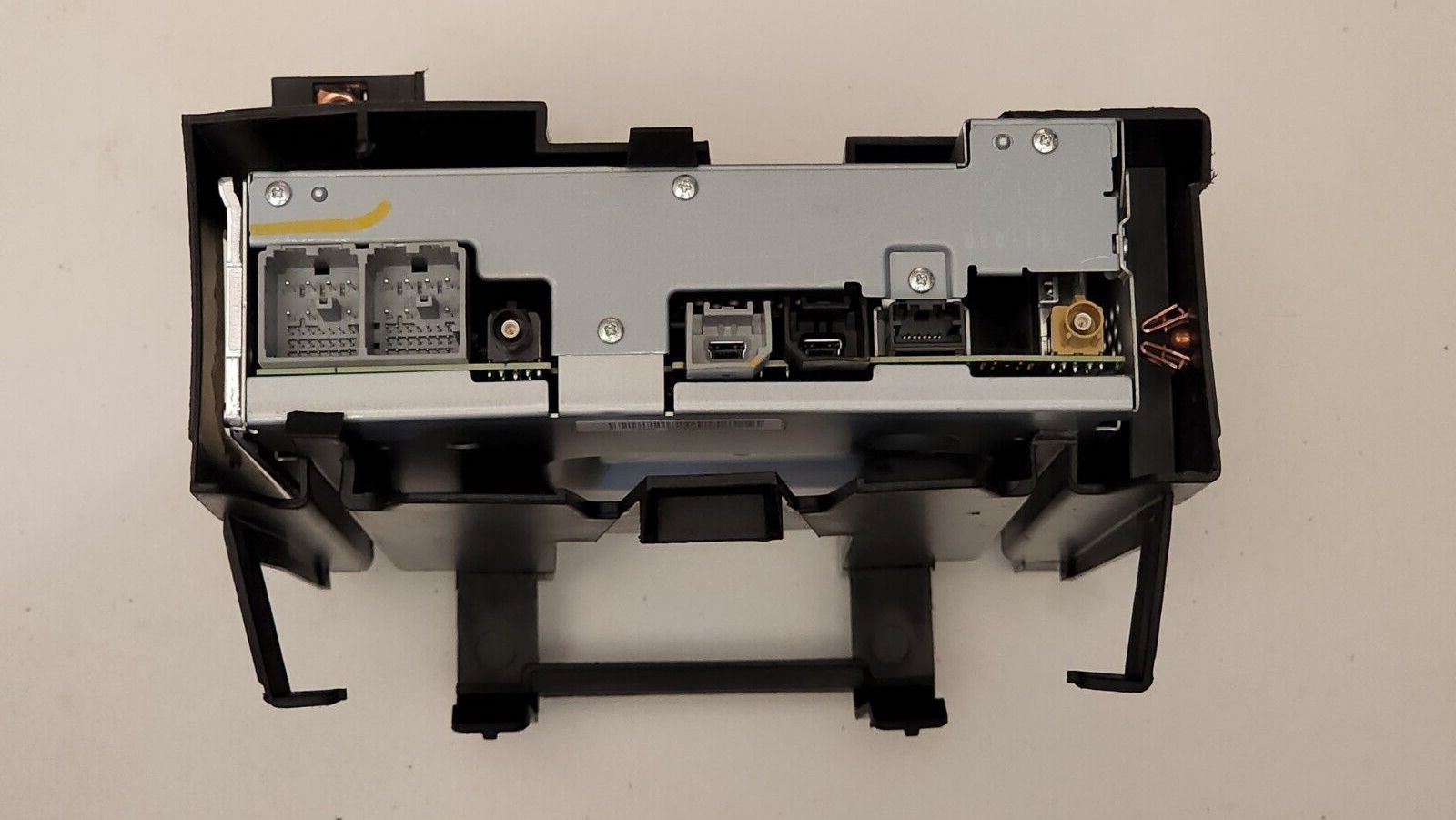
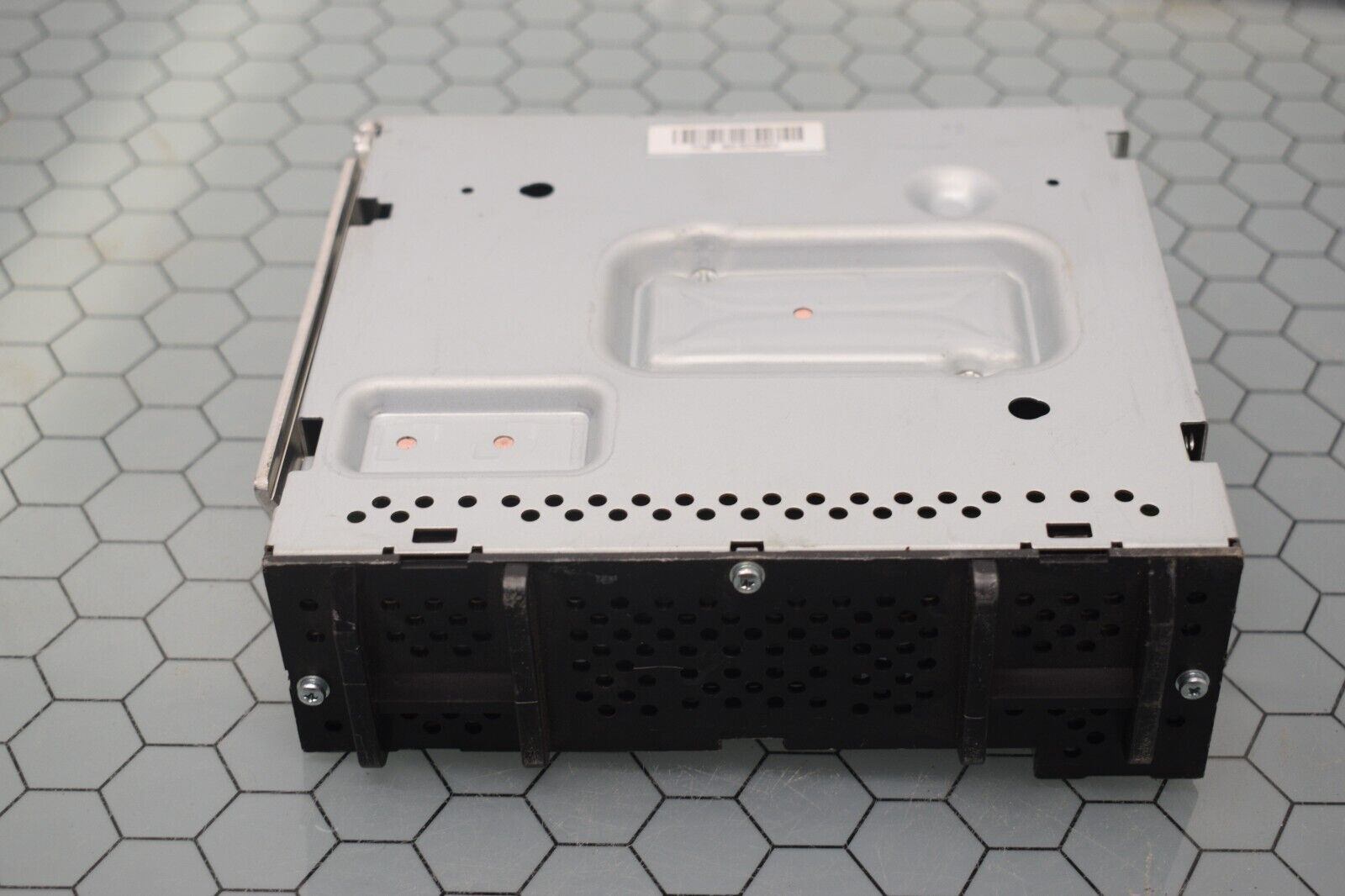
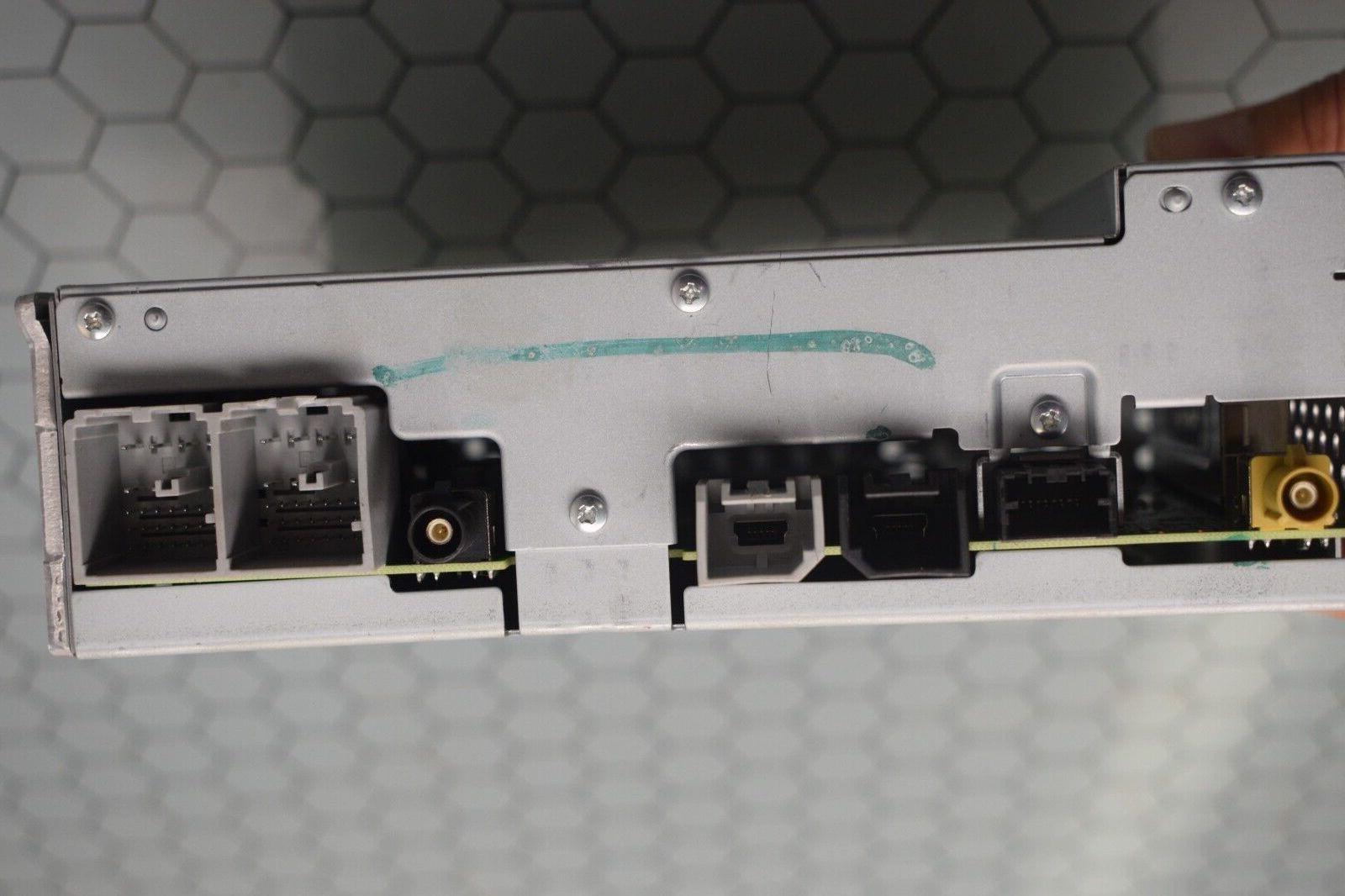
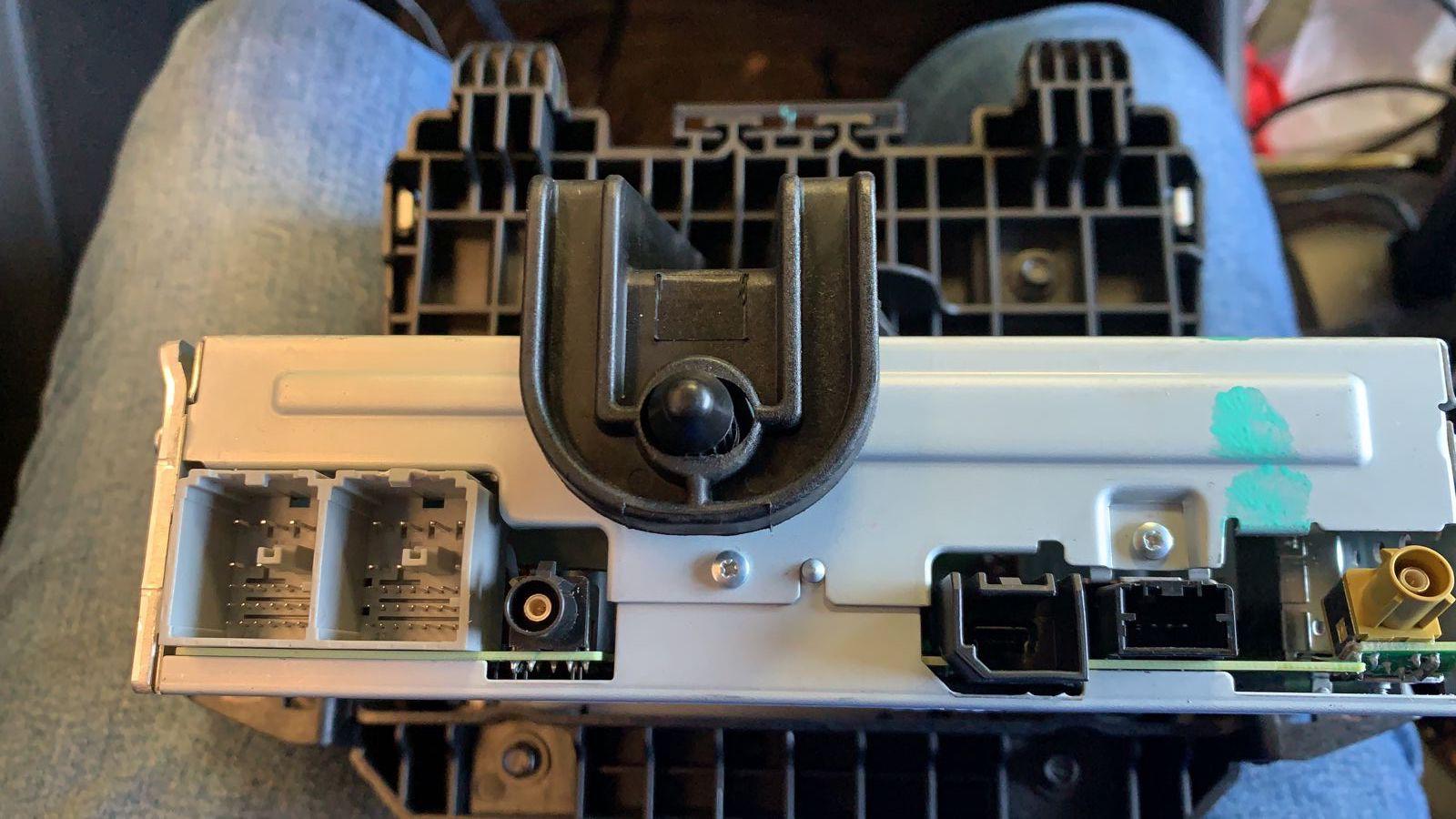
This DPS file will remove the theft lock by changing the VIN in the Denso Ten Radio FT0108A, FT0108B, 84691615 that comes installed in Chevrolet Malibu, Cruz and other GM vehicles.
The file instructs the radio module to learn the VIN stored in the BCM module. This file is useful when recycling a used radio module into a GM vehicle.
This file does not work for the manufacturer Fujitsu Ten FT0108A.
This file only works for the manufacturer: Denso Ten FT0108A and FT0108B.
This file does not work on UDS GM Global-B 12-byte seed vehicles.
This file only works for GM Global-A vehicles.
Purchase from this link below.
























































.jpg.434408b0b61b4552ae25cde5c0b5a388.jpg)






.jpeg.503ad3cbf167f180662b9e06a35f1911.jpg.4256ffb79777f00833ddbf666186ef55.jpg)




-min.jpeg.e57f393a5b1034dc5ead0fdf0e5be0a7.jpg.8b0eac9dbd8dd2120749a61afa119519.jpg)




.jpeg.7788c0ed0981e43684ee21be2e0cfd0c.jpg.5fe699189bcf0d18517707ce4222e81a.jpg)


.thumb.jpg.0f819d95317e386a92453772edb75c6b.jpeg.61f2c44081948bc780313ab6fcfdc53b.jpeg)













.jpeg.c58f6a017dba02d1386e26ad62d32fe5.jpeg)




.jpg.9dd8d45a3fad0a651bb2bc39ddead936.jpg.7a19f233d3331becb9d93ee7cfc63379.jpg)




.jpg.3dfde5099751bef5f6e2d27f3d463275.jpg.edf3062b4fb37e14c71ab2caa86c1053.jpg)






















Recommended Comments
Join the conversation
You can post now and register later. If you have an account, sign in now to post with your account.