












.thumb.png.6cba57c5e88519e419516e3ed1152e01.png)
By Troy
Old Build Hexa-Copter (aka Drone) 2011
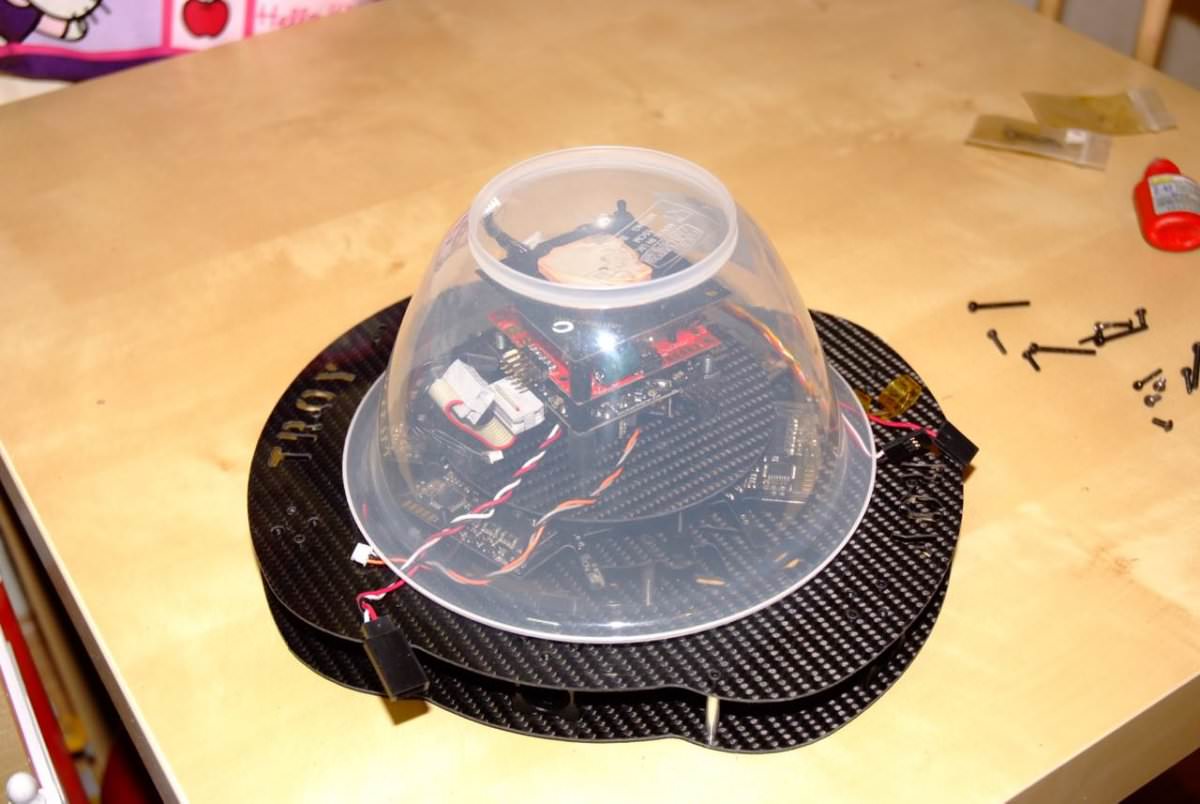
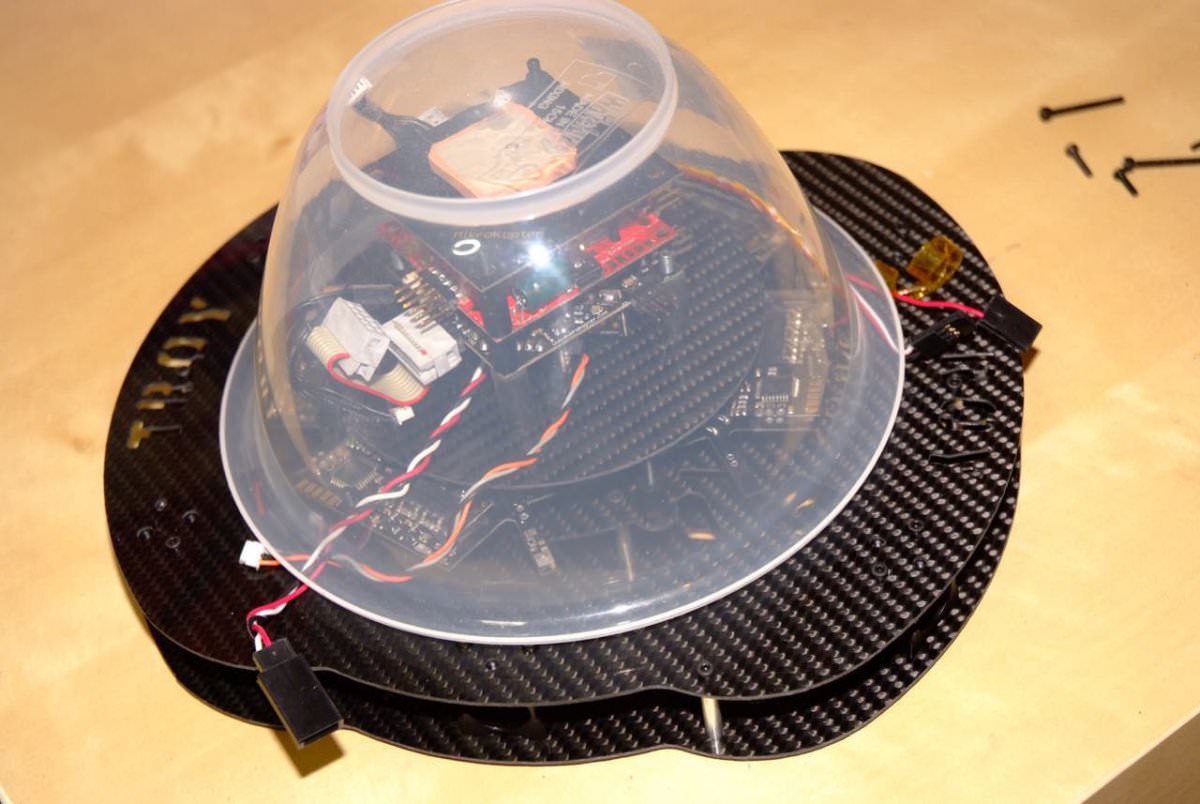
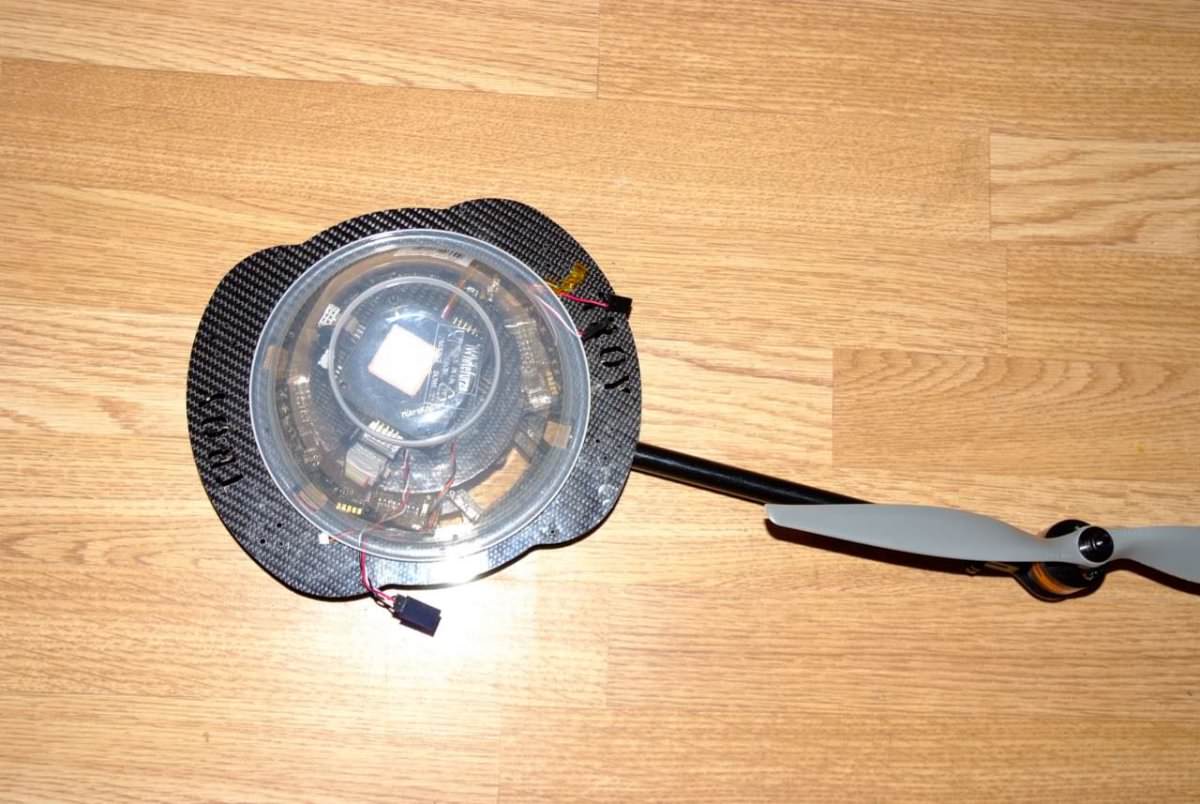
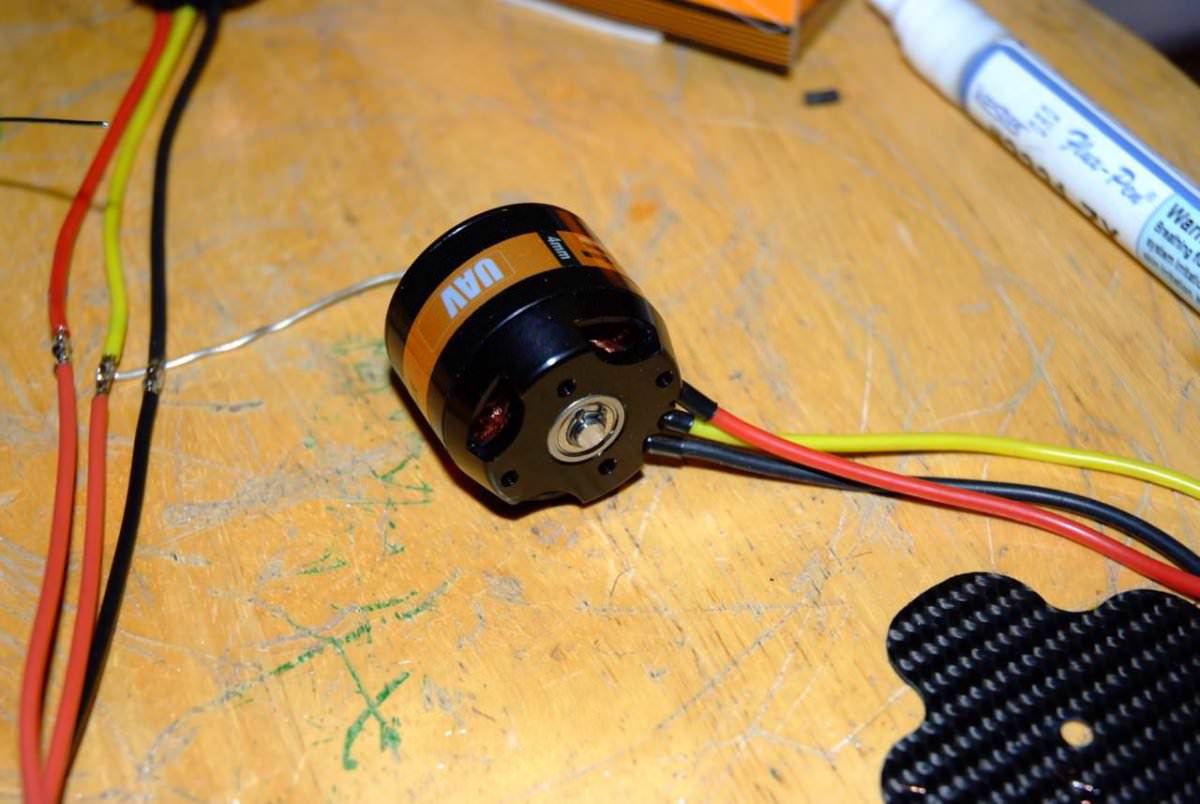
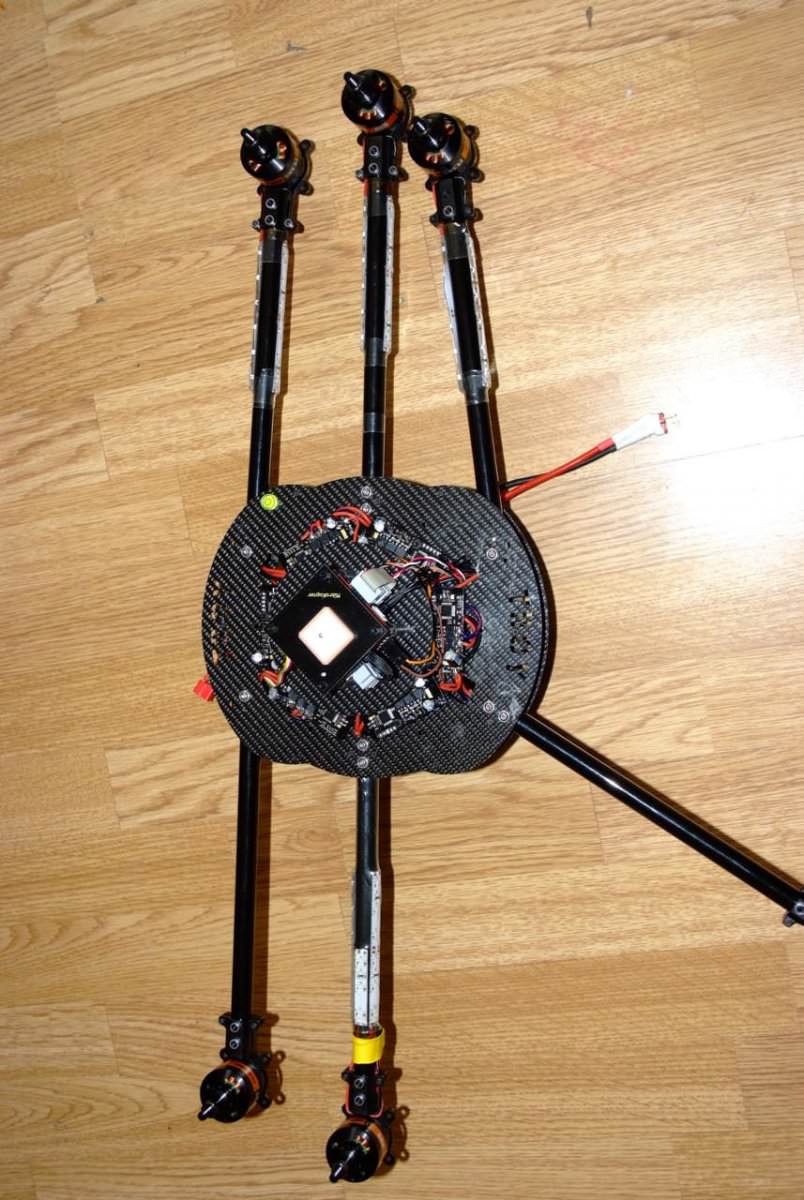
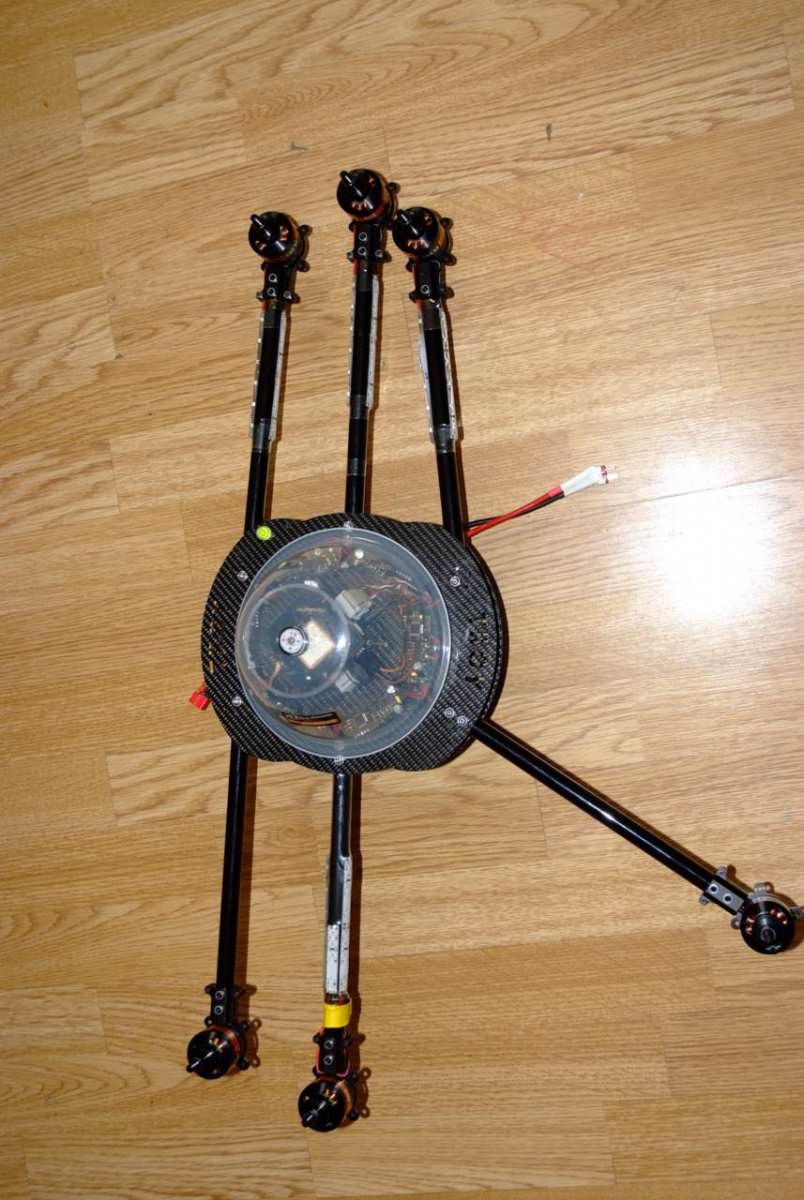
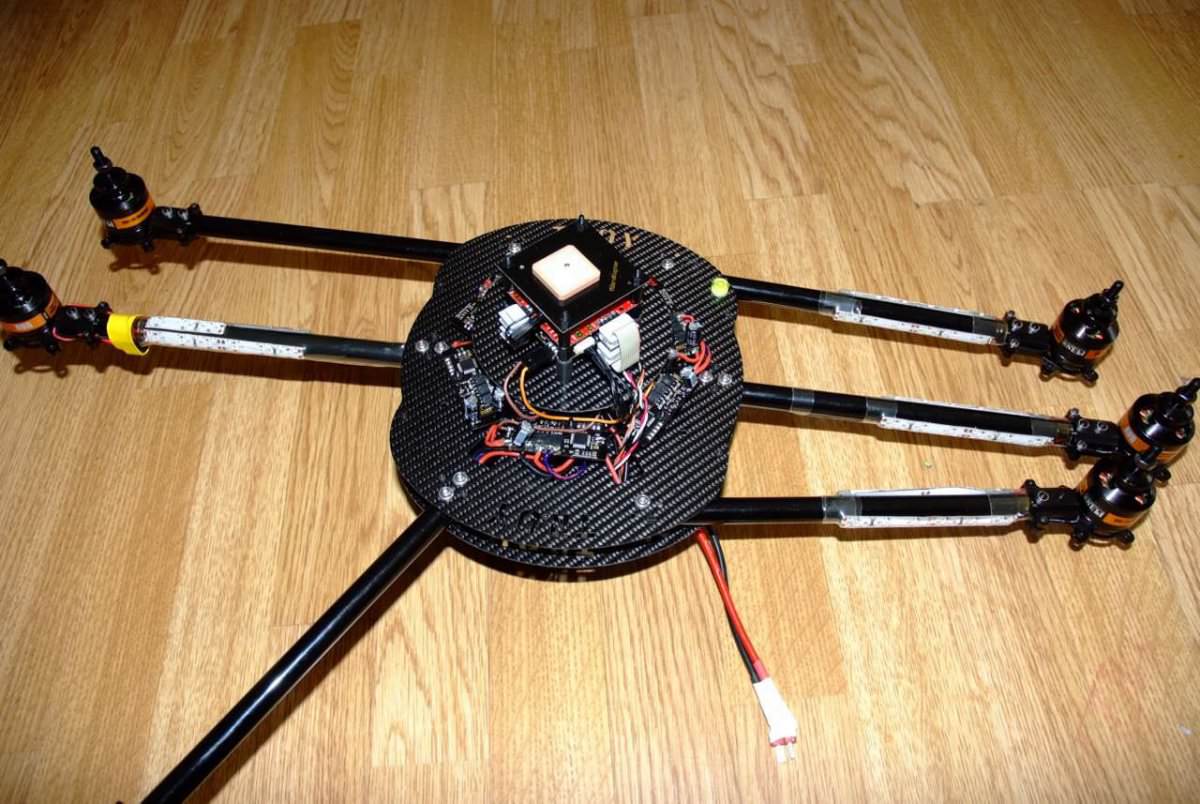
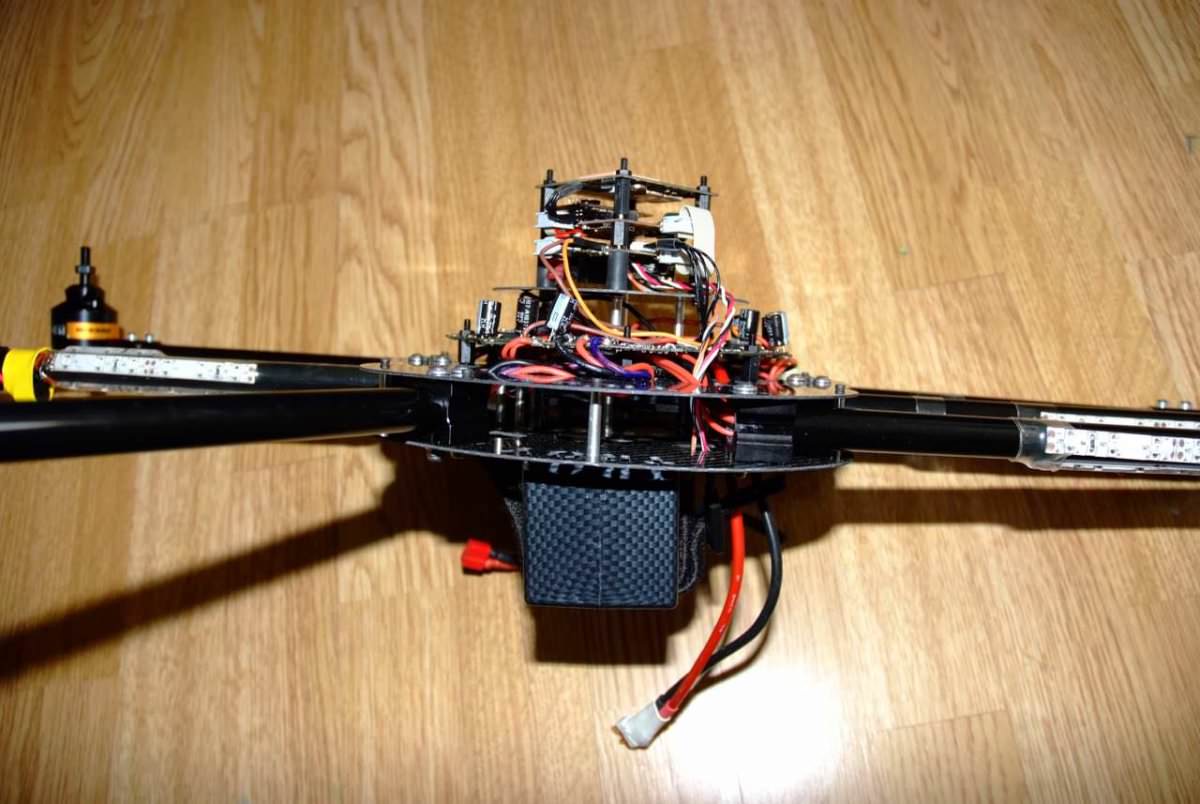
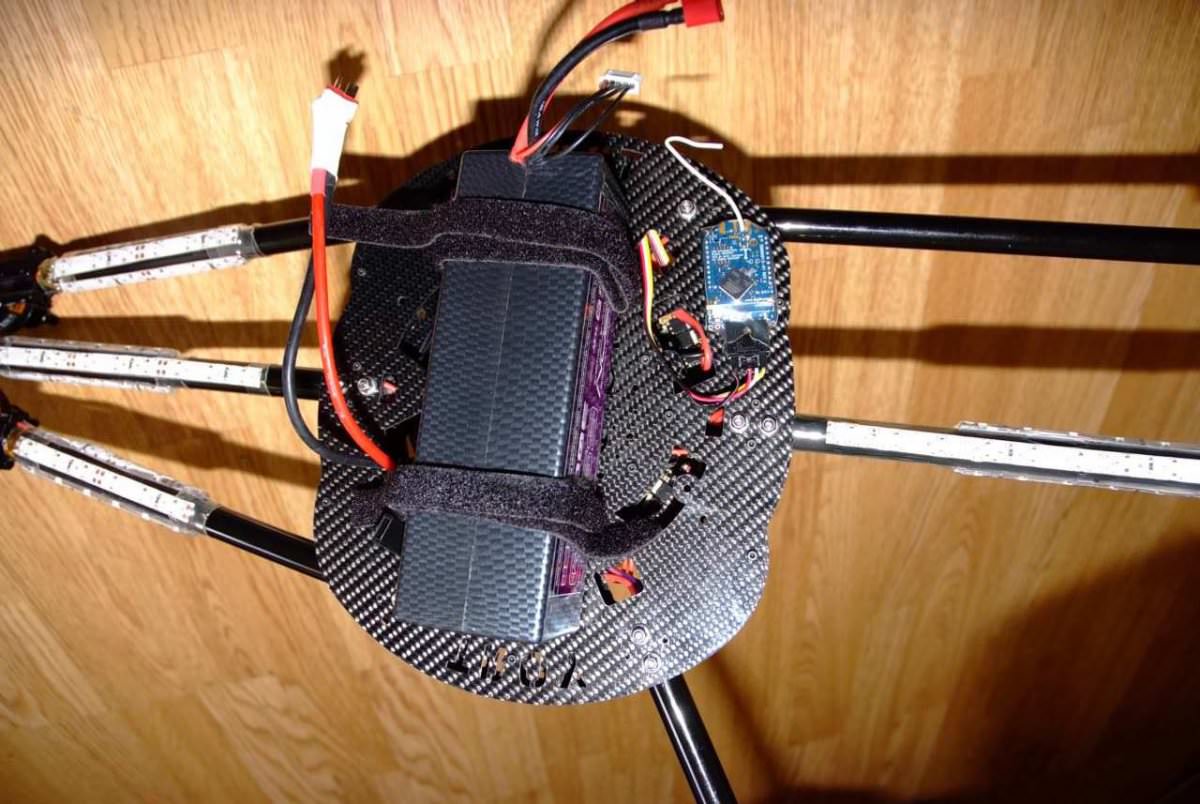
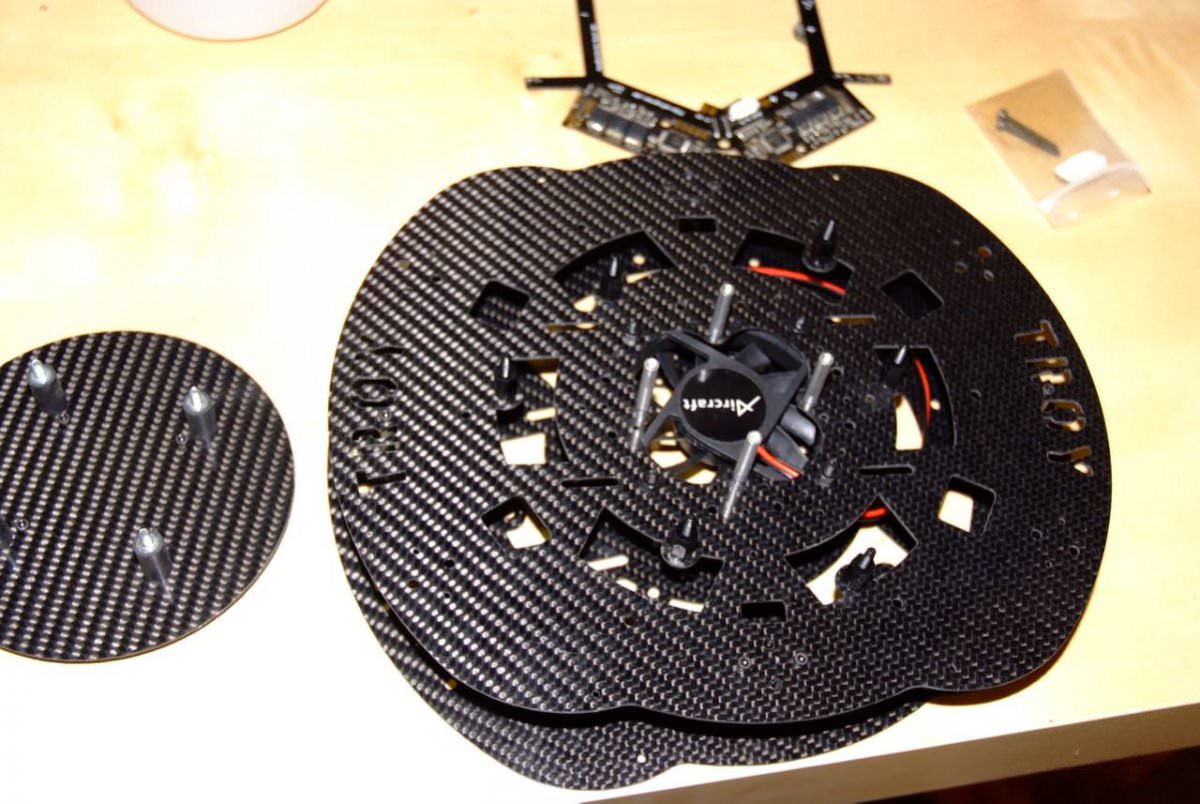
Sometime ago back in 2011 long before domestic drones were popular and couldn’t be bought ready-made off the shelves, I created this hexacopter. It was based on electronic parts sourced from Germany. The copter frame I designed using AutoCAD, then fabricated it from carbon fiber material using my trusty little homemade CNC machine.
I gave the copter the name “TROY” Troy the Trojan, as in the very unpredictable free-spirited one.
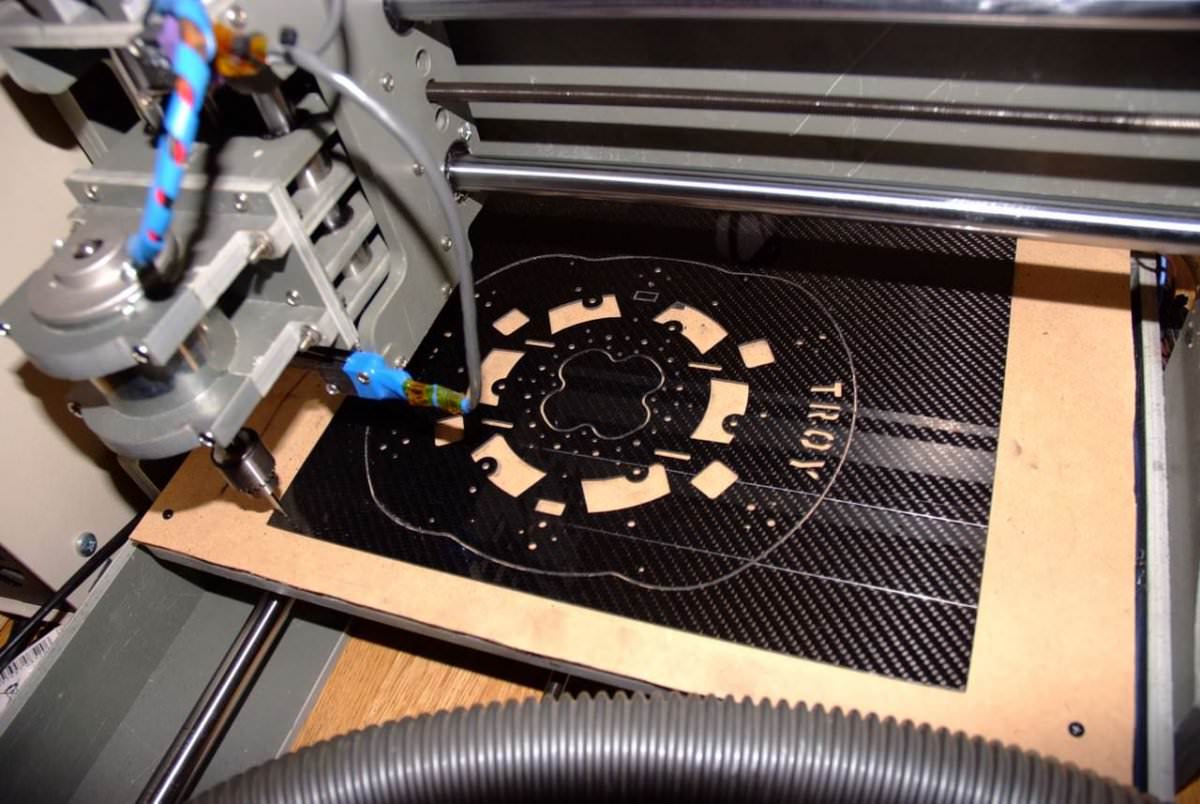
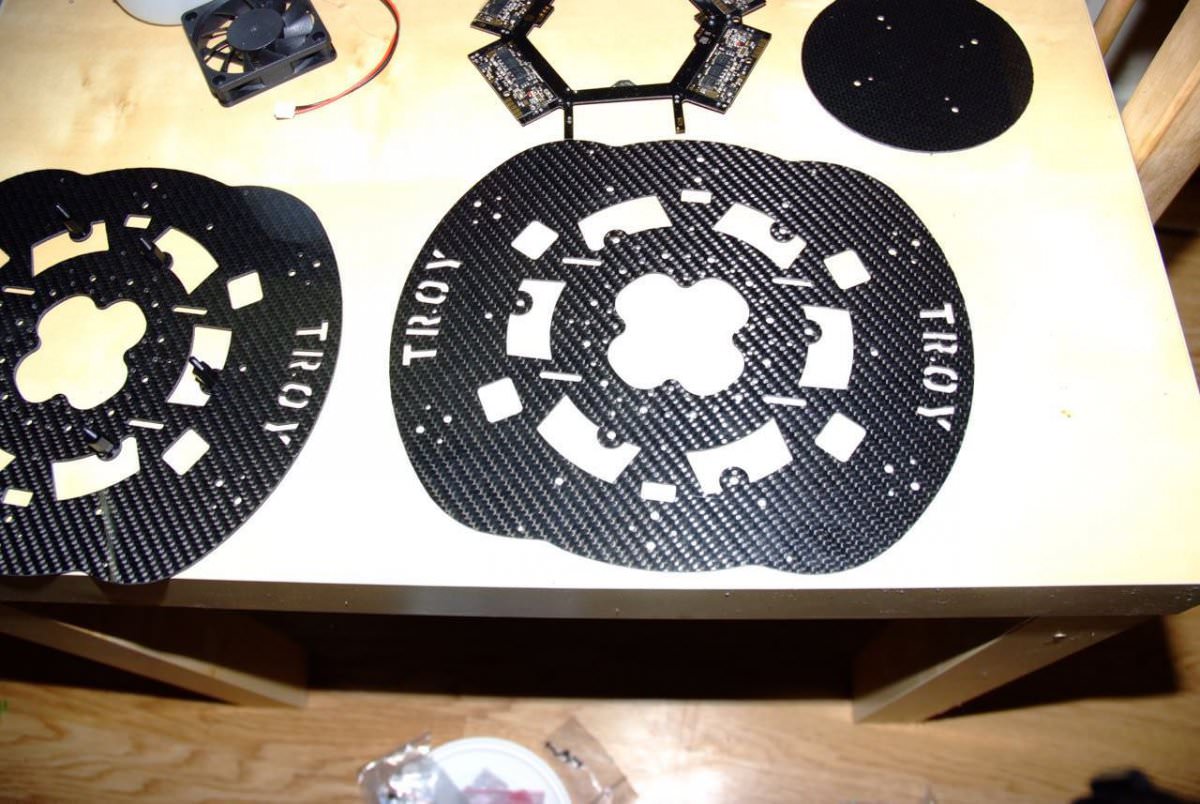
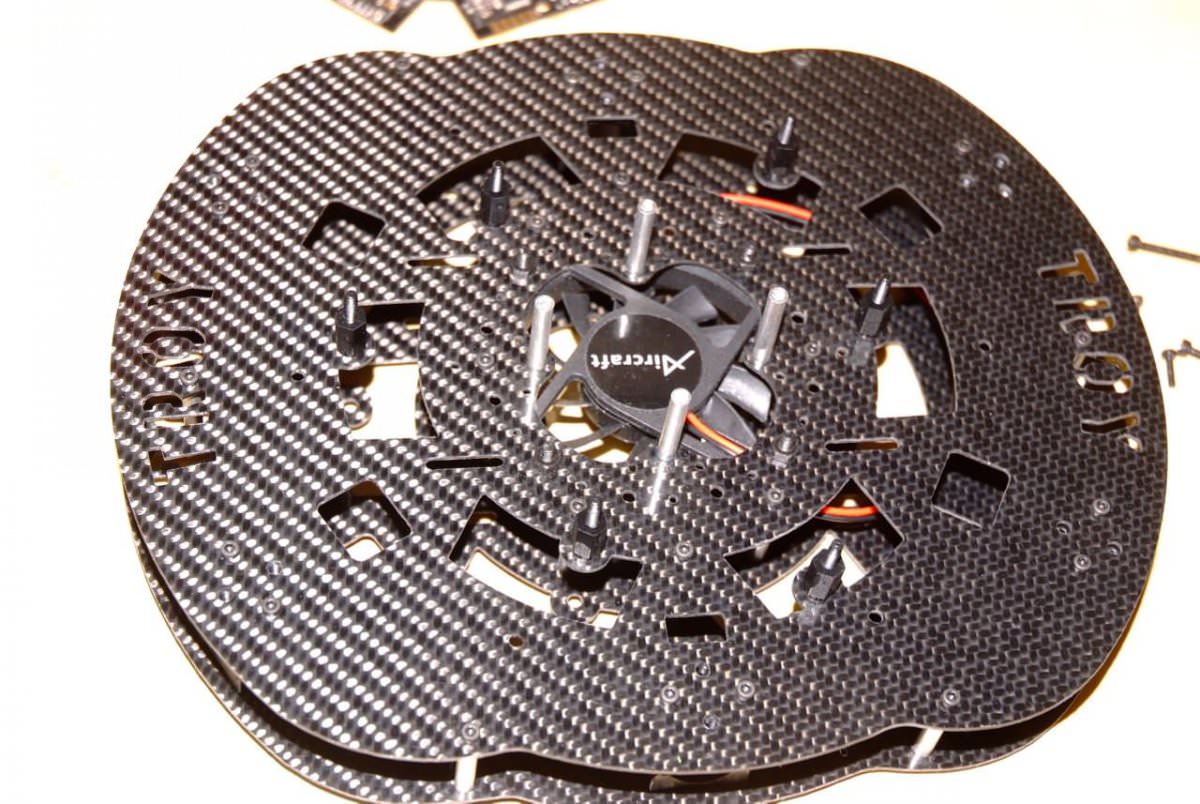
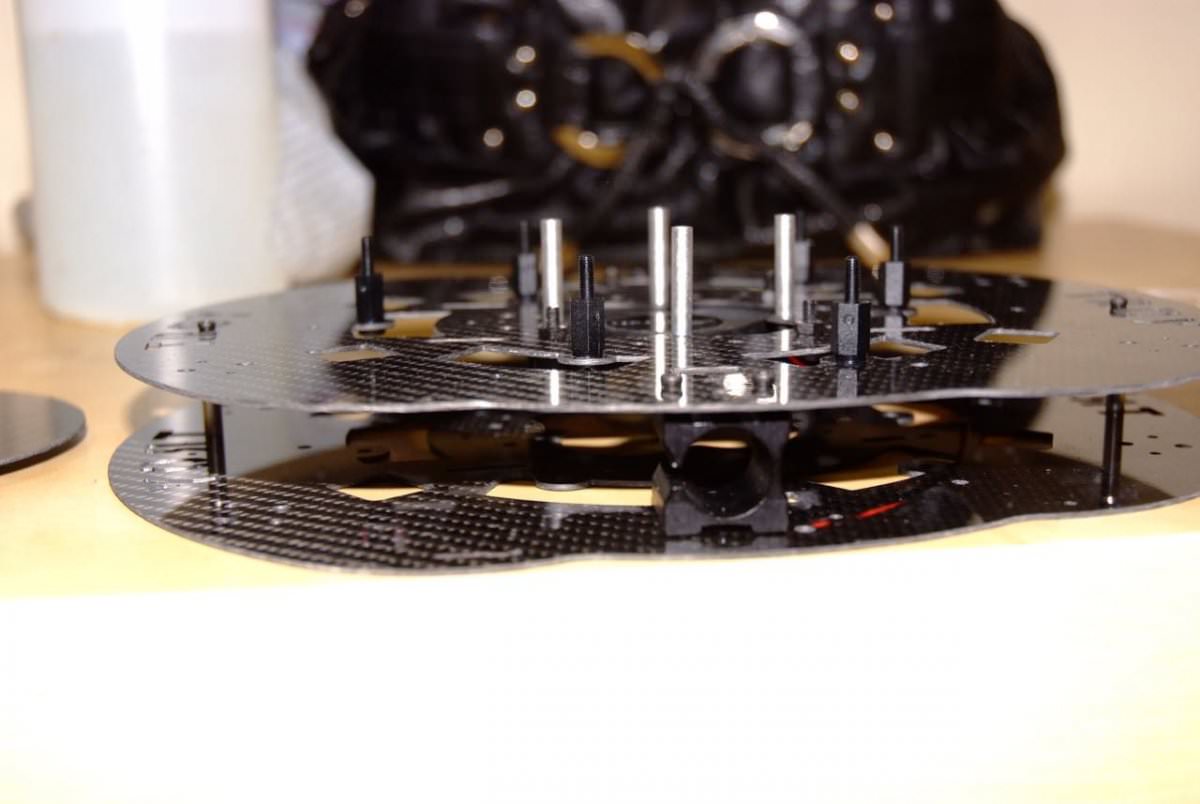
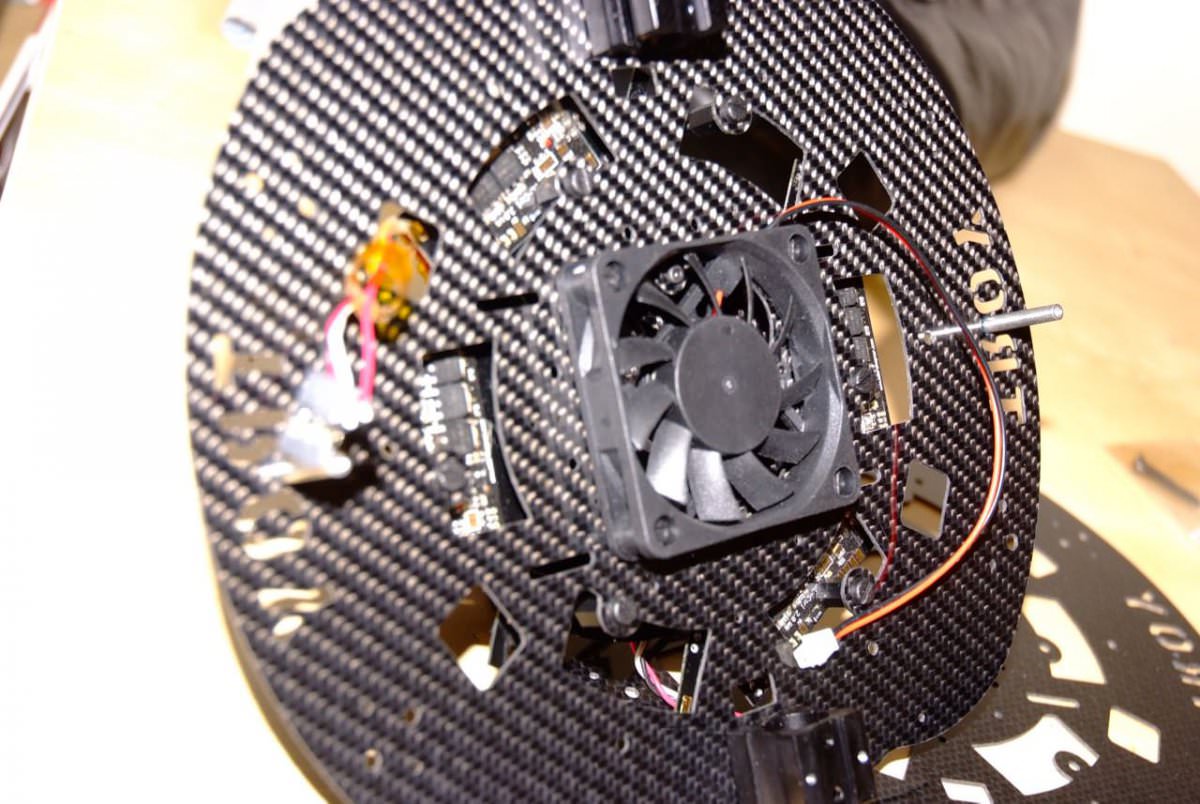
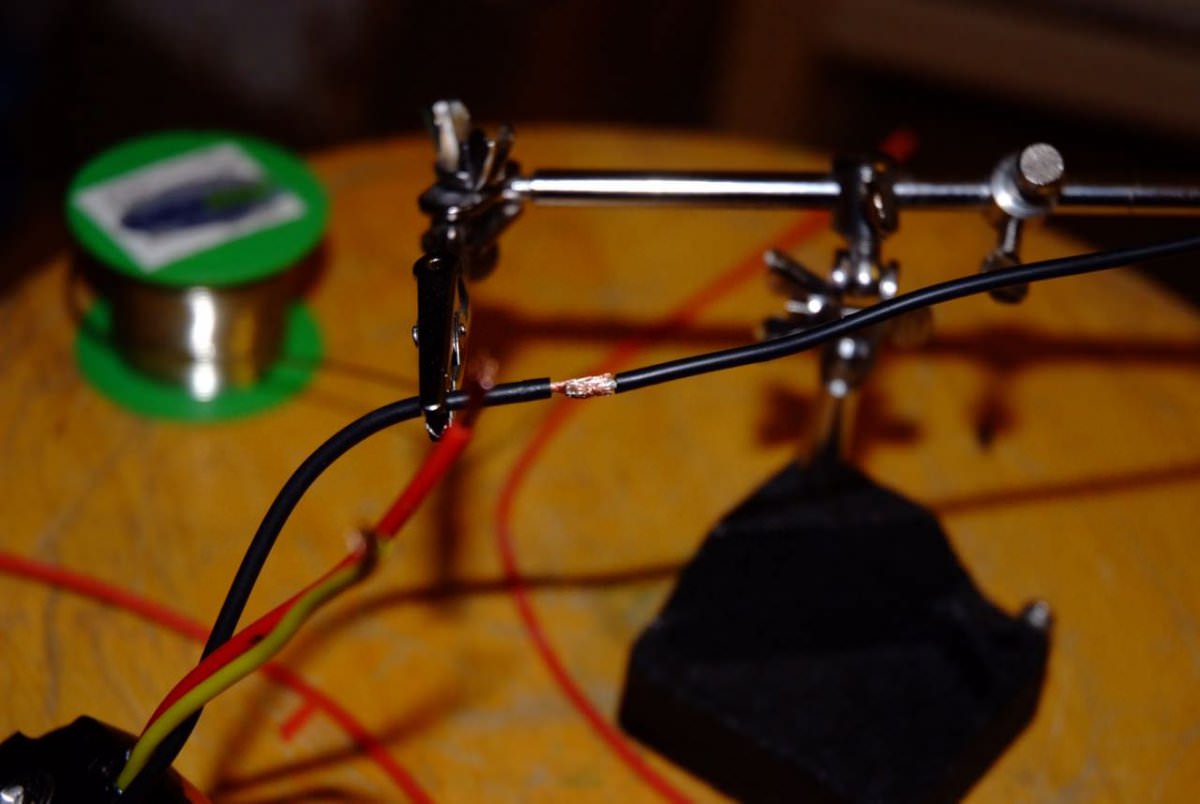
This was probably my 10th build. I had gained a lot of experience from the previous builds years before then. Those long and sometimes frustrating days. Thinking, creating, coding, testing, and then reporting back my data and findings to the open-source community. One major issue I had back then was the overheating of the motor's electronic speed controllers. They would overheat under load, which would cause instability to the copter’s system performance. I came up with the idea of installing a fan below the ESC, which did work. it kept the temps down. In the end, that copter flew very great, top of its class as a HexaCopter created in East London.
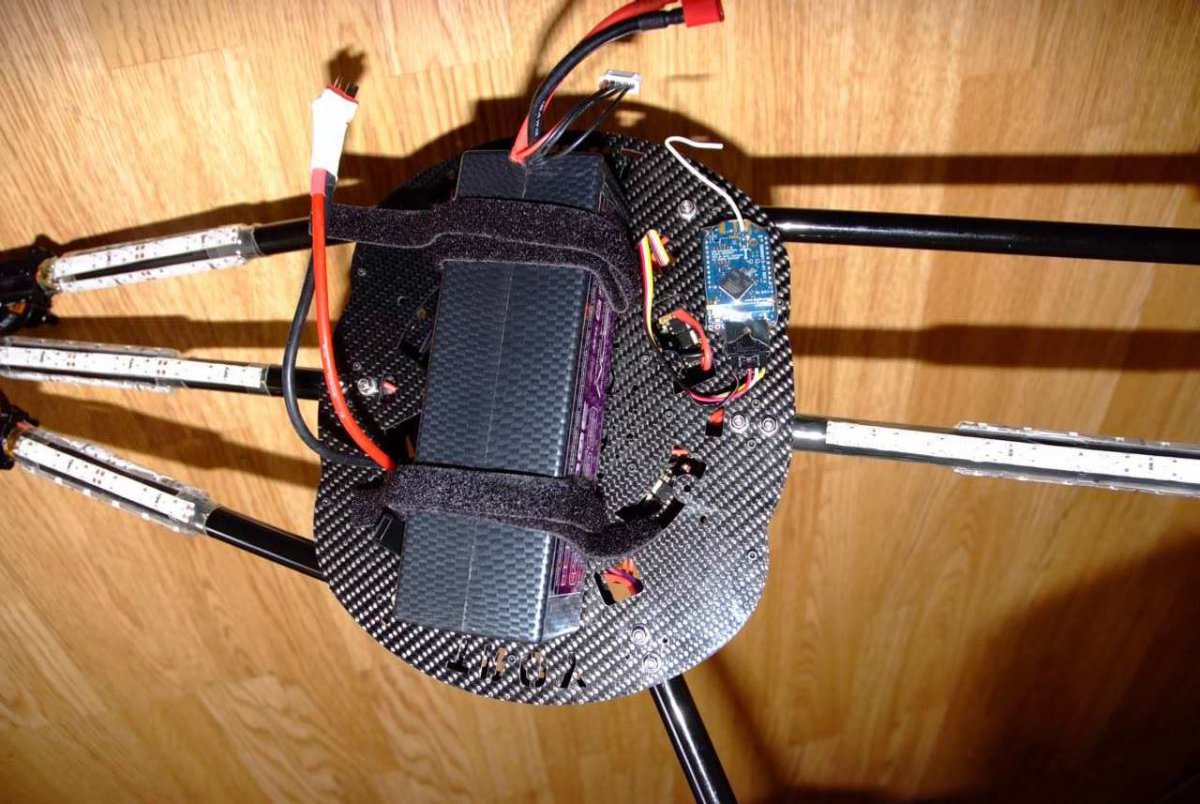
Check out my video above and the images below.
Don’t stop creating.
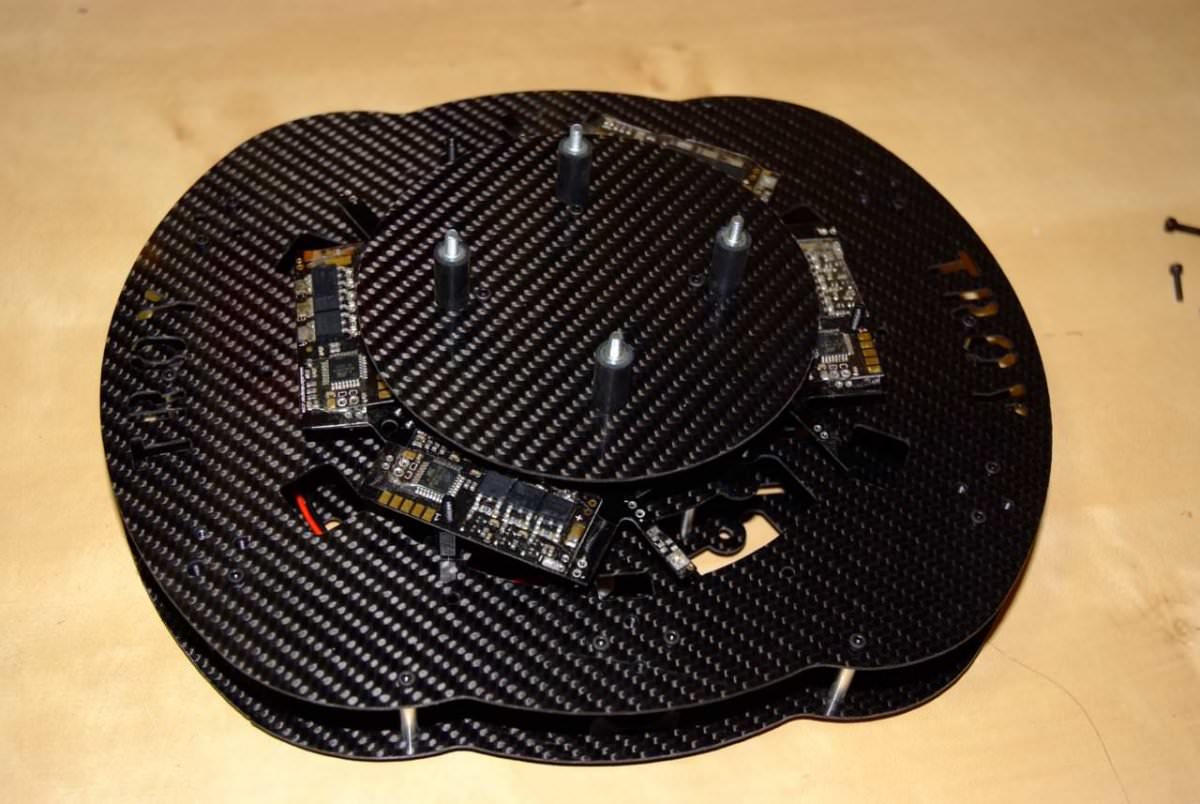
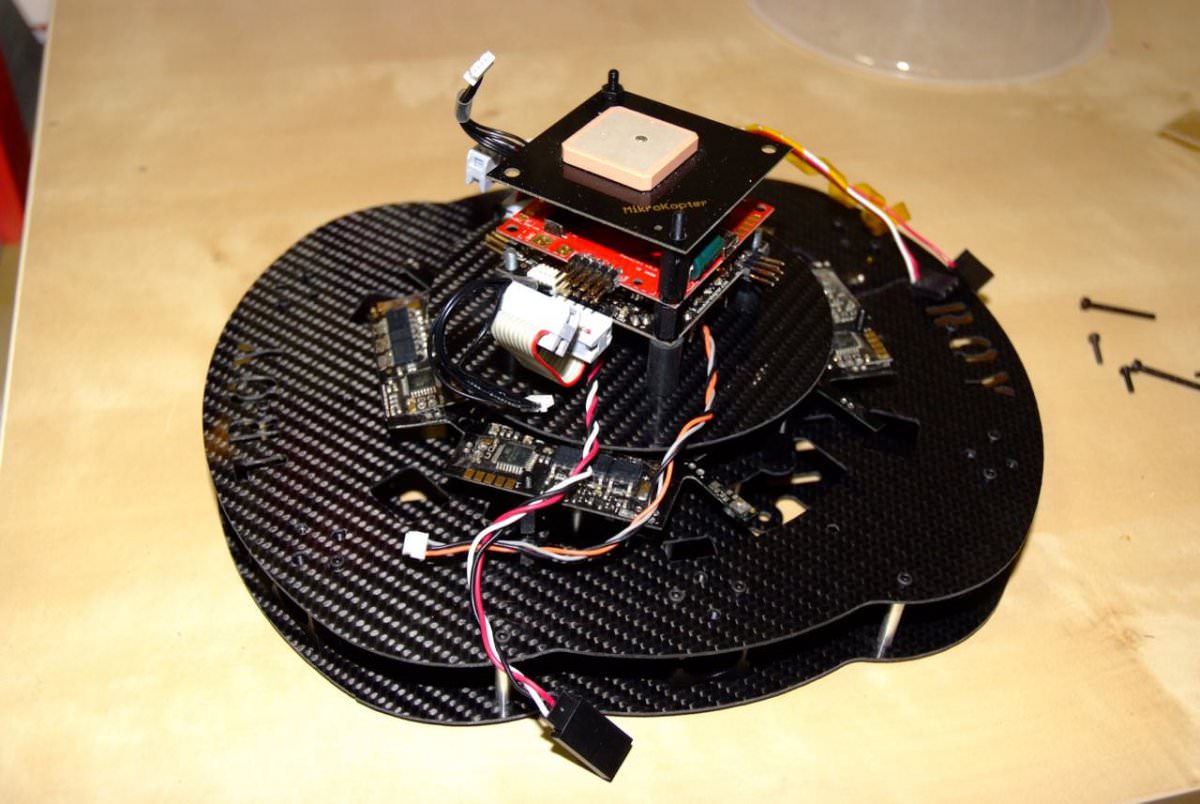
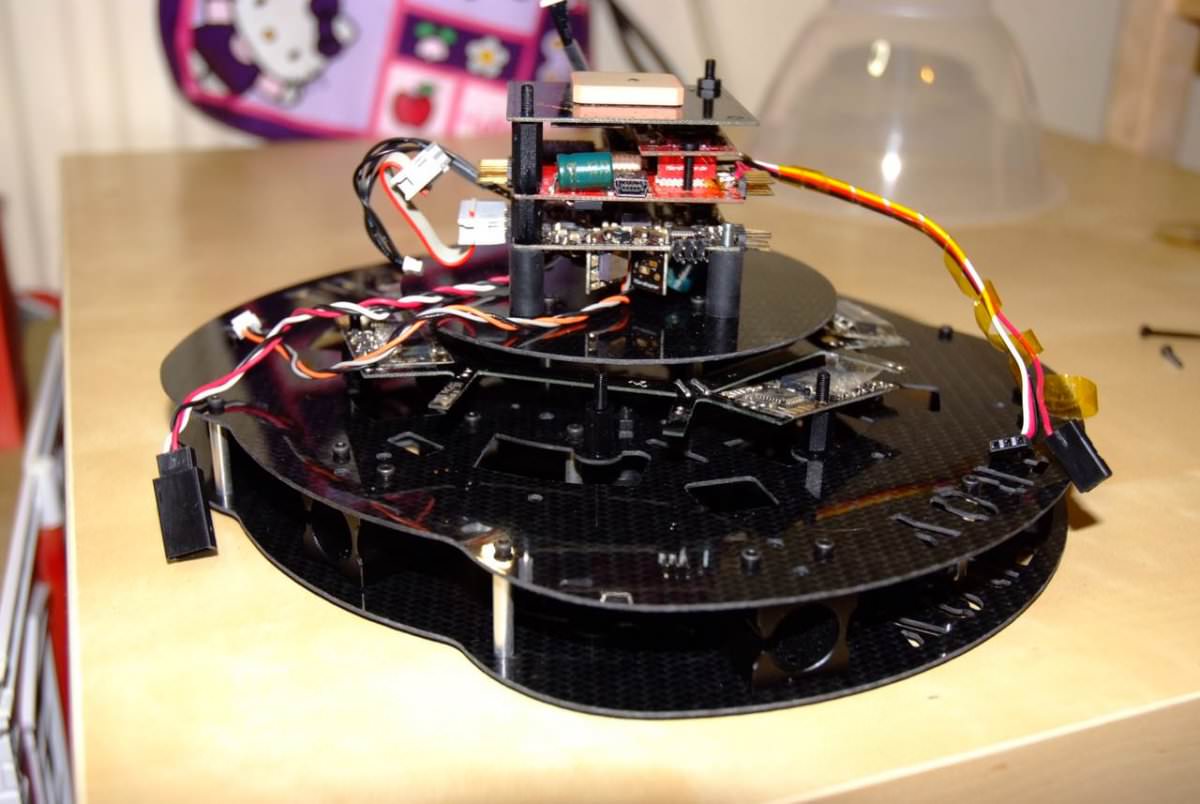























































.jpg.434408b0b61b4552ae25cde5c0b5a388.jpg)






.jpeg.503ad3cbf167f180662b9e06a35f1911.jpg.4256ffb79777f00833ddbf666186ef55.jpg)




-min.jpeg.e57f393a5b1034dc5ead0fdf0e5be0a7.jpg.8b0eac9dbd8dd2120749a61afa119519.jpg)




.jpeg.7788c0ed0981e43684ee21be2e0cfd0c.jpg.5fe699189bcf0d18517707ce4222e81a.jpg)


.thumb.jpg.0f819d95317e386a92453772edb75c6b.jpeg.61f2c44081948bc780313ab6fcfdc53b.jpeg)













.jpeg.c58f6a017dba02d1386e26ad62d32fe5.jpeg)




.jpg.9dd8d45a3fad0a651bb2bc39ddead936.jpg.7a19f233d3331becb9d93ee7cfc63379.jpg)




.jpg.3dfde5099751bef5f6e2d27f3d463275.jpg.edf3062b4fb37e14c71ab2caa86c1053.jpg)





















Recommended Comments
Join the conversation
You can post now and register later. If you have an account, sign in now to post with your account.