












.thumb.png.6cba57c5e88519e419516e3ed1152e01.png)
By Troy
Rode Video Mic Micro Bouncing Quick Fix "Mod"
A quick fix deserves to a quick write up.
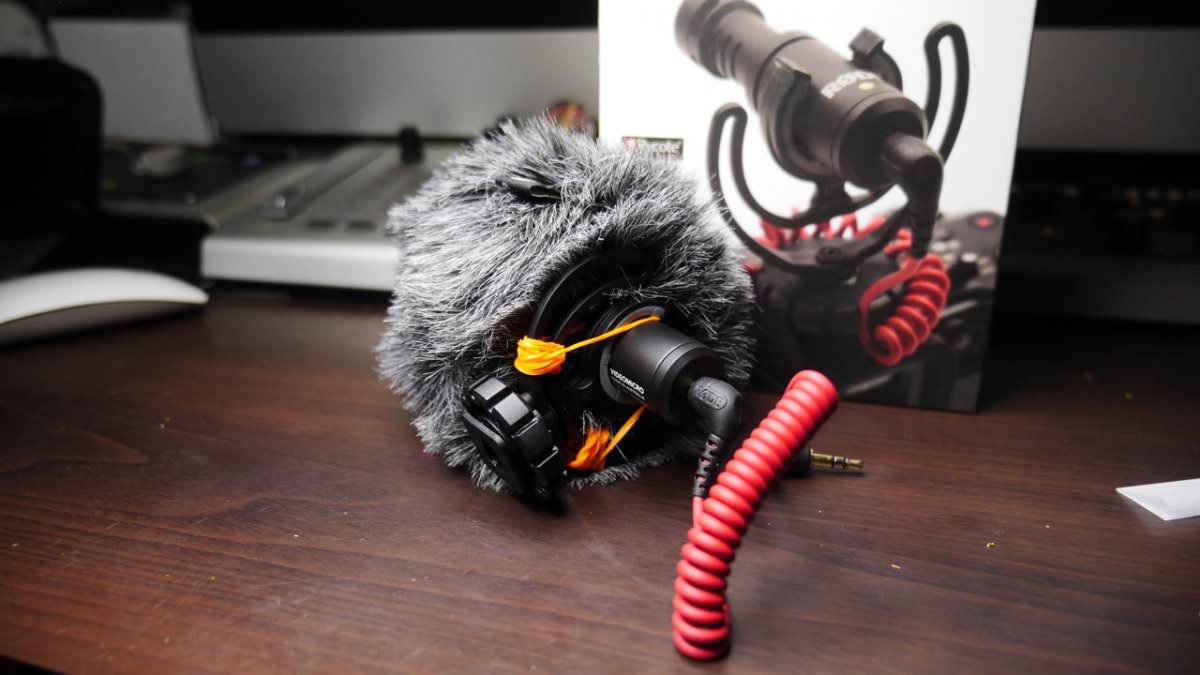
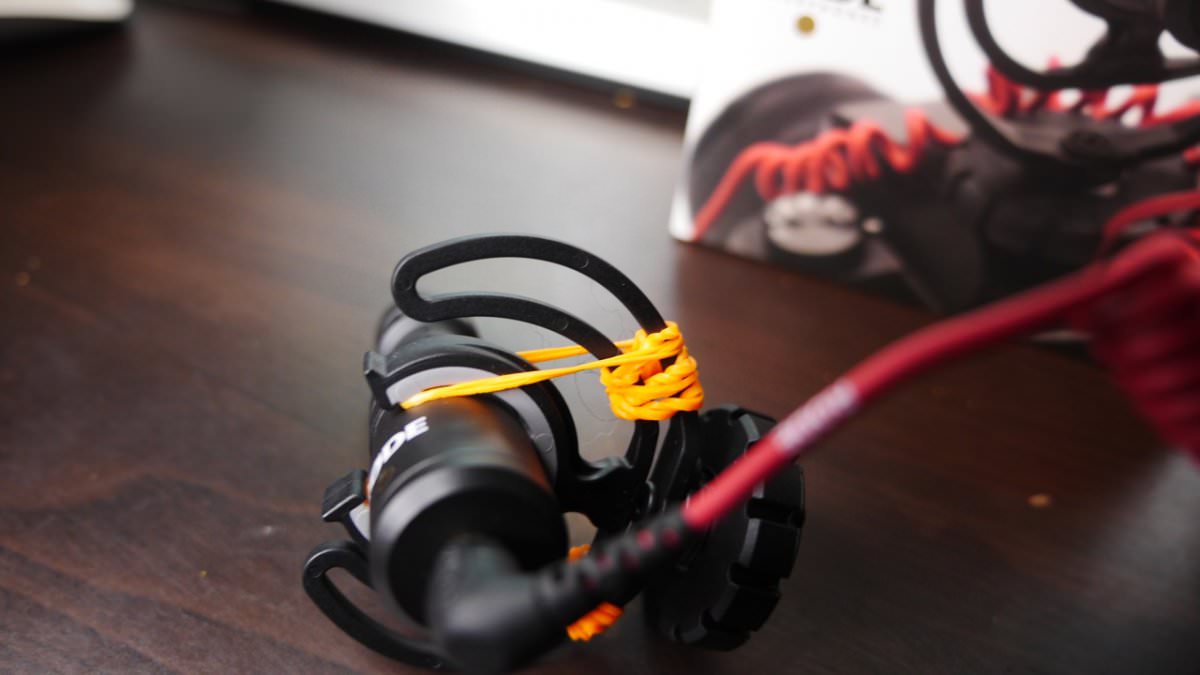
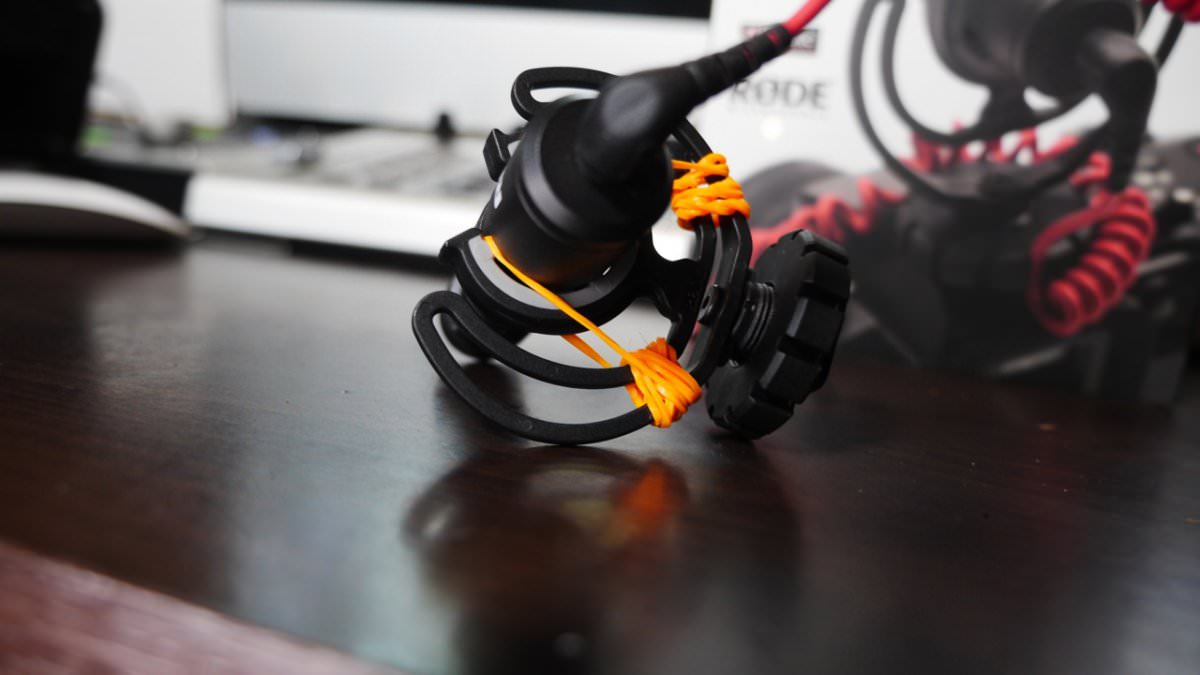
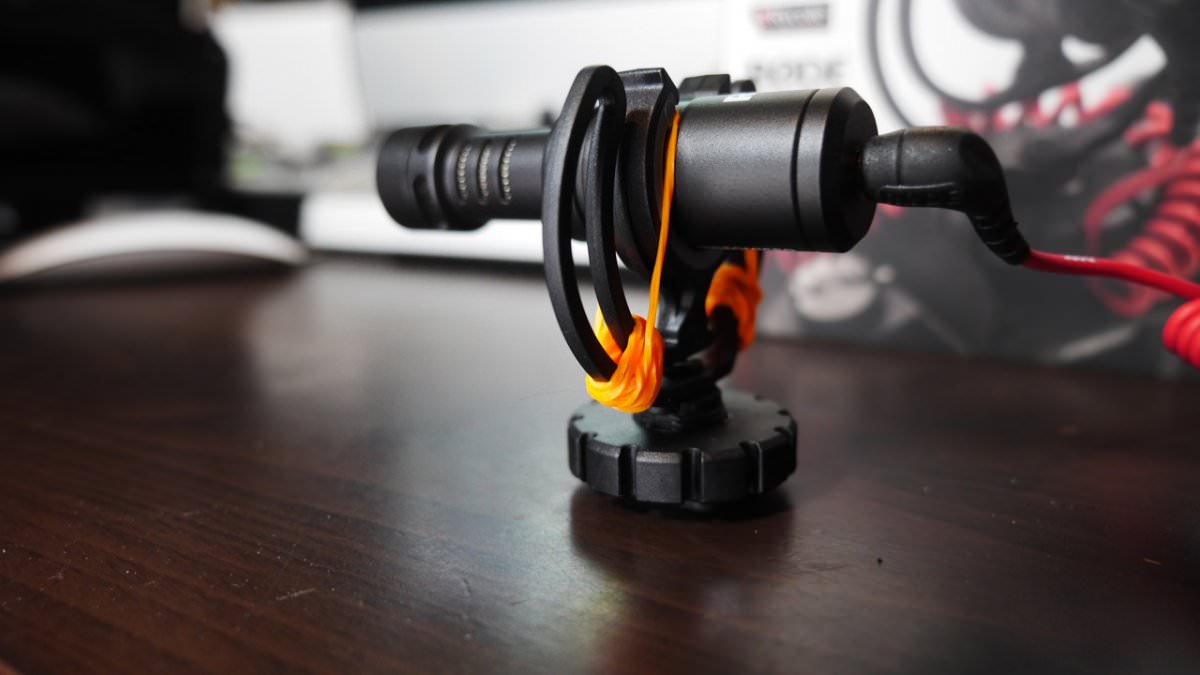
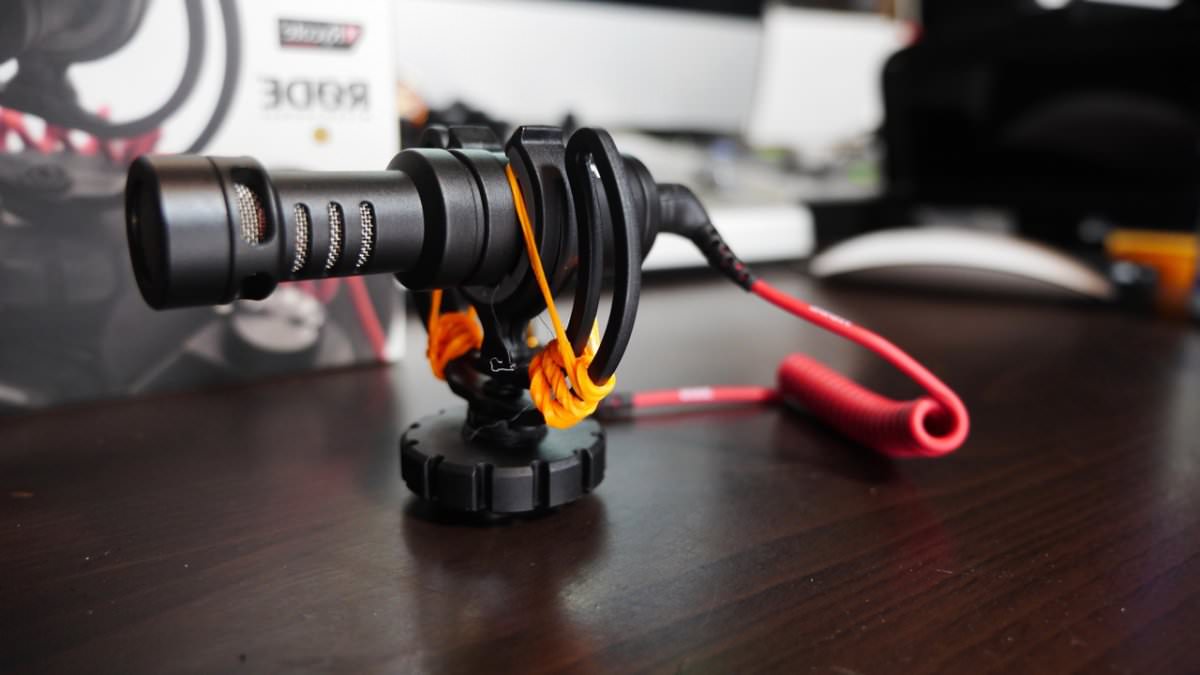
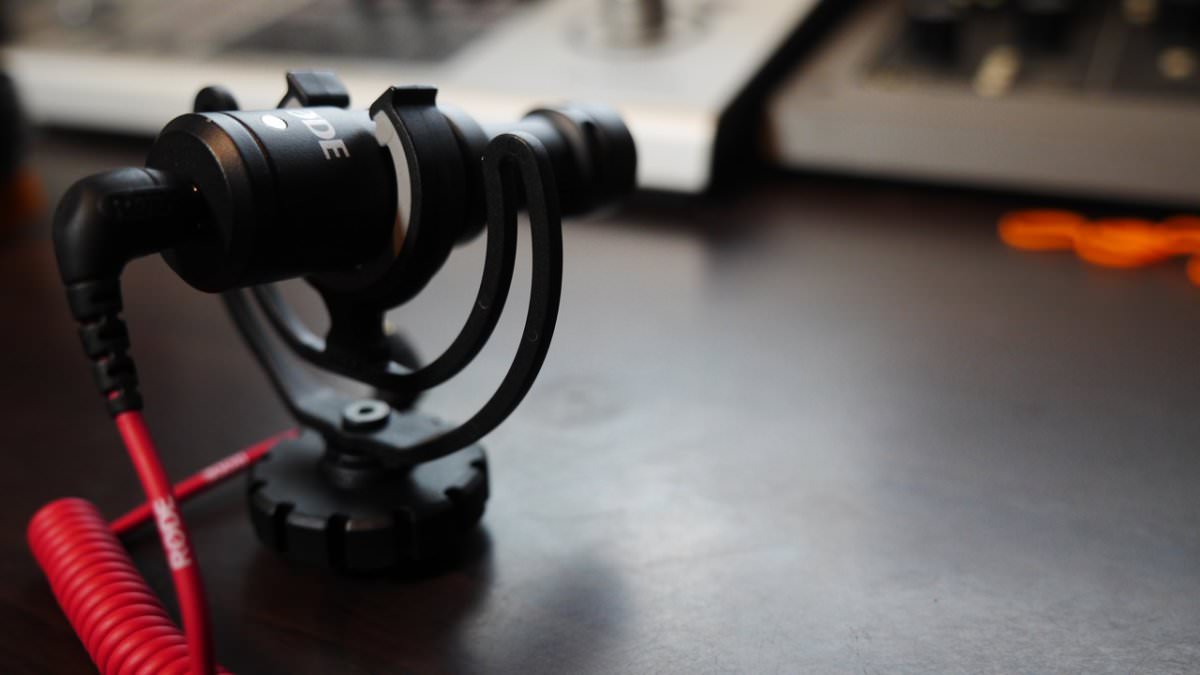
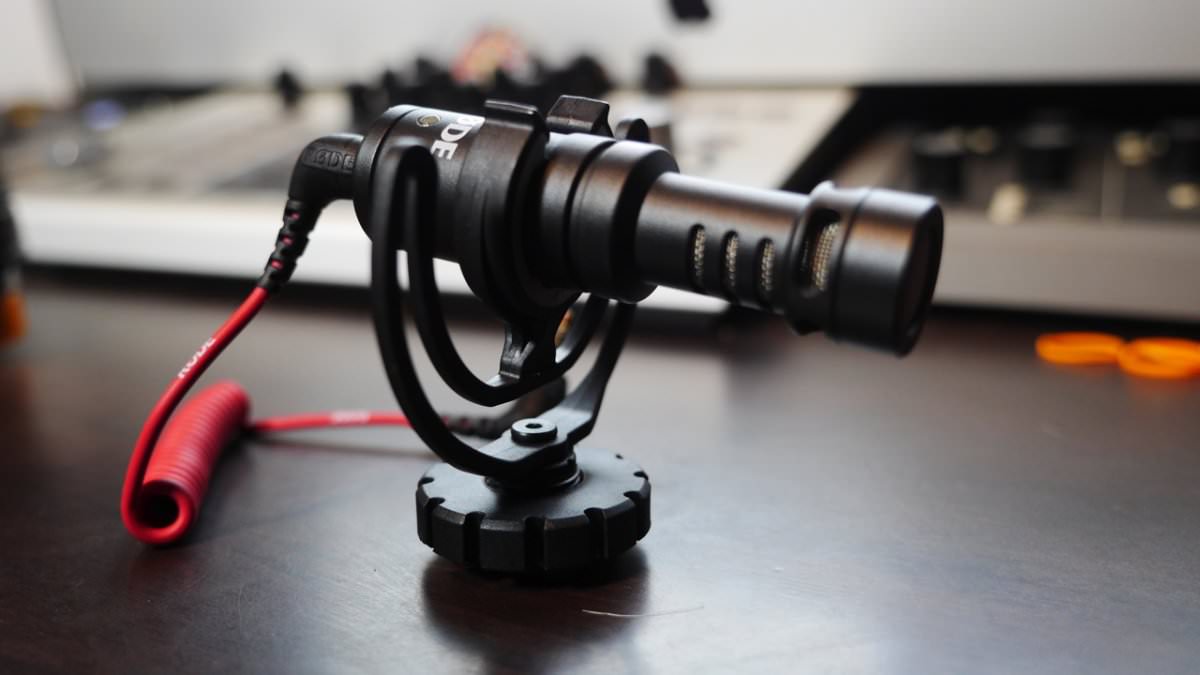
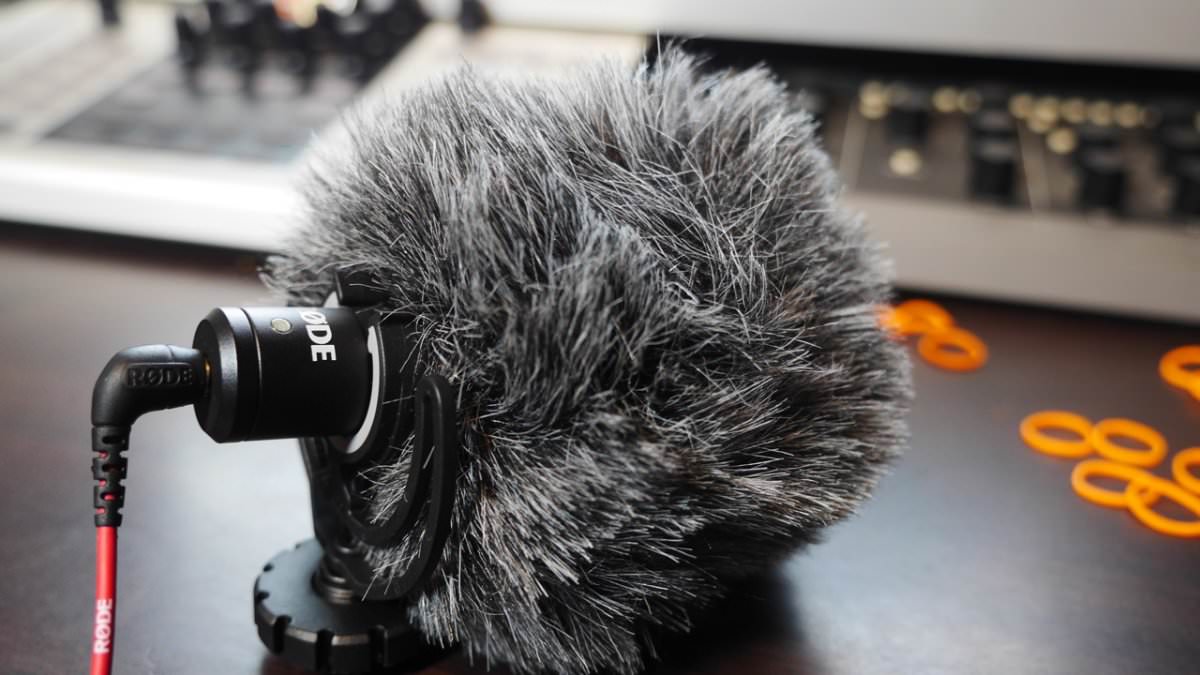
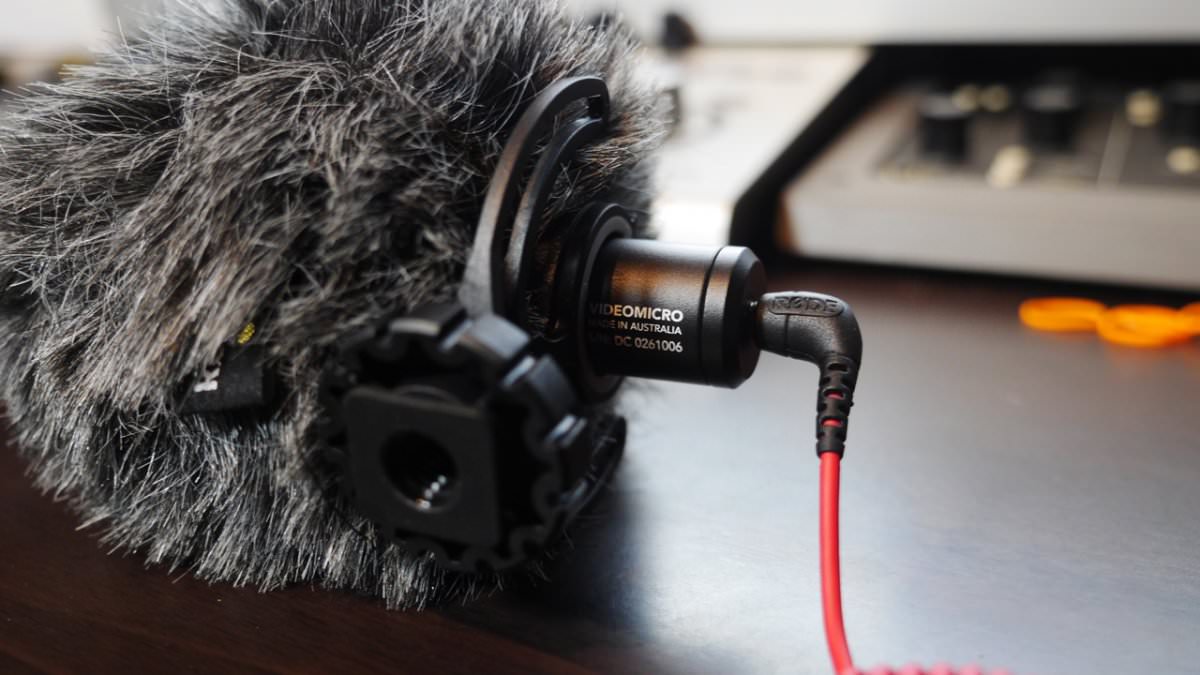
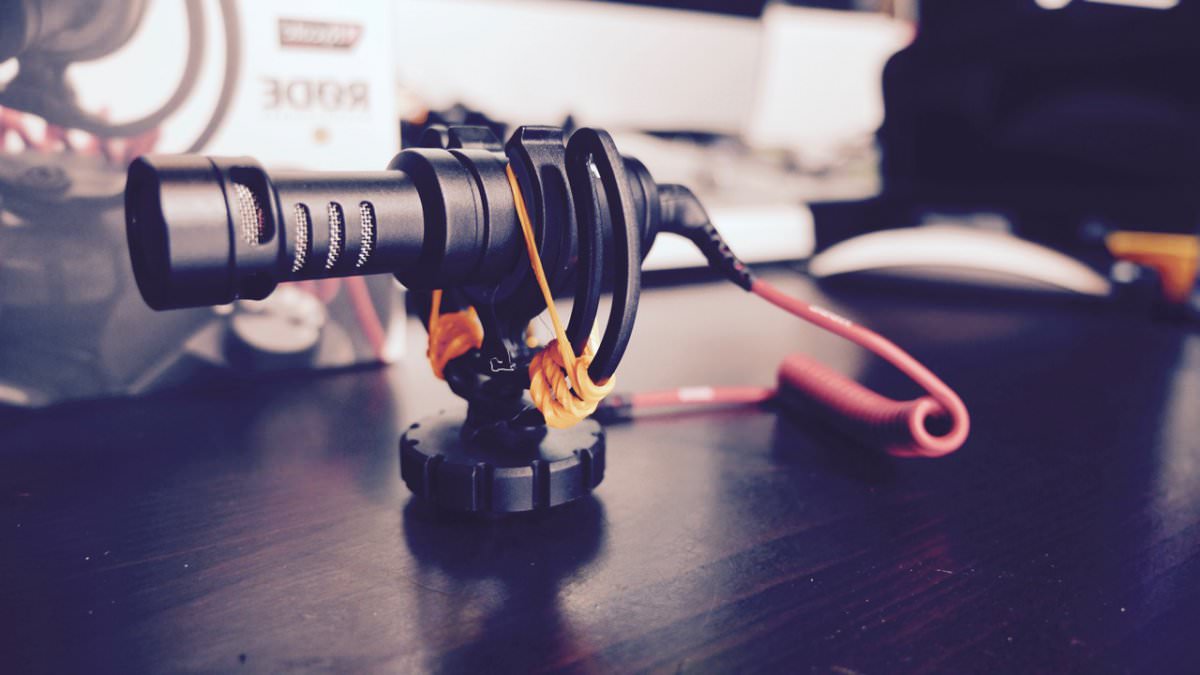
As we all Know the Rode video mic micro is a great microphone, except for the flimsy mic mount. For a quick fix, all is needed are some rubber bands wrapped around the antivibration mount, which will cut down some of the bounciness.
The fix
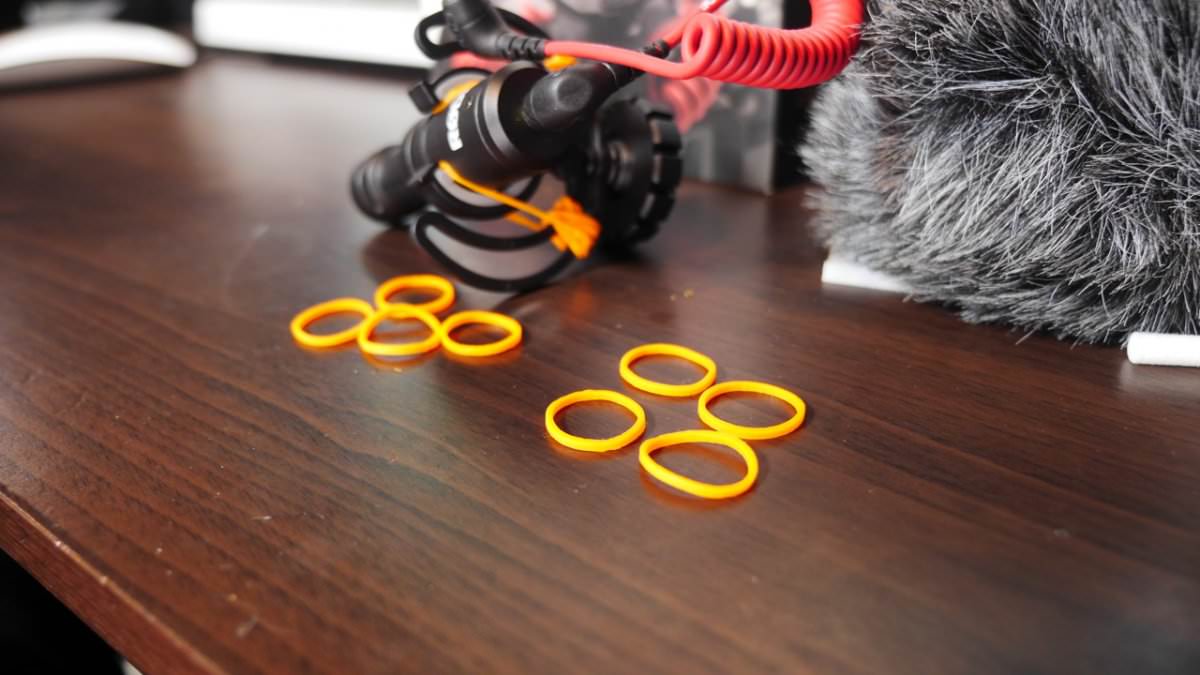
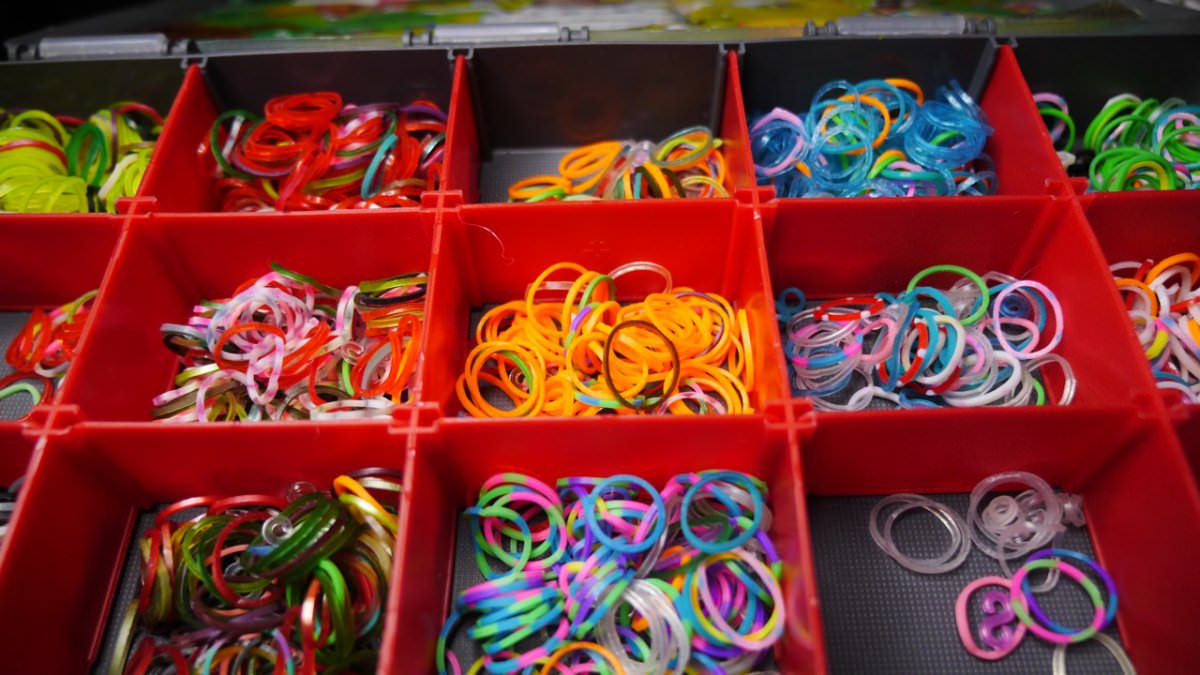
10 loom bands. loom bands are rubber bands kids use to make various arts and crafts. Check with your kids as they might have some.
Wrap 5 bands around each side of the mount, job done.
Check out my vid on the Tube for a hands-on illustration.
If you guys and gals come up with a better fix please let me know.
I’m always seeking ideas to help improve the stuff I already have.
I also hope Rode take a note and improve this in their next release.























































.jpg.434408b0b61b4552ae25cde5c0b5a388.jpg)






.jpeg.503ad3cbf167f180662b9e06a35f1911.jpg.4256ffb79777f00833ddbf666186ef55.jpg)




-min.jpeg.e57f393a5b1034dc5ead0fdf0e5be0a7.jpg.8b0eac9dbd8dd2120749a61afa119519.jpg)




.jpeg.7788c0ed0981e43684ee21be2e0cfd0c.jpg.5fe699189bcf0d18517707ce4222e81a.jpg)


.thumb.jpg.0f819d95317e386a92453772edb75c6b.jpeg.61f2c44081948bc780313ab6fcfdc53b.jpeg)













.jpeg.c58f6a017dba02d1386e26ad62d32fe5.jpeg)



.jpg.9dd8d45a3fad0a651bb2bc39ddead936.jpg.7a19f233d3331becb9d93ee7cfc63379.jpg)




.jpg.3dfde5099751bef5f6e2d27f3d463275.jpg.edf3062b4fb37e14c71ab2caa86c1053.jpg)






















Recommended Comments
Join the conversation
You can post now and register later. If you have an account, sign in now to post with your account.