








HMI files
19 files
-
Important Note:
This HMI 2.5 module firmware is only compatible with GM vehicles in the North American market that have the IO5 None-Navigation None-Sat-Nav HMI 2.5 module. It is not compatible with the HMI 2.5 module in GM vehicles in the European market.
The Firmware file for the European market GM vehicles HMI 2.5 module can be found at this Web-Link.
Mega link for HMI 2.5 Firmware file 84131941.
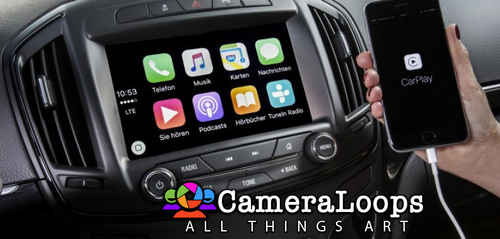
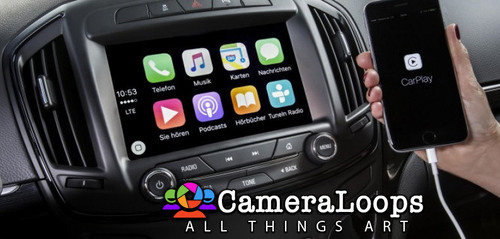
You can use this firmware file to update the HMI 2.5 module via a USB stick, which will add the Apple CarPlay and Android Auto features.
This file does not remove the theft lock from the HMI module.
Click here for the HMI 2.0 and HMI 2.5 theft-lock removal DPS file for North America Satellite radio.
Click here for the HMI 2.0 and HMI 2.5 theft-lock removal DPS file for the Europe SilverBox radio.
After completing the HMI 2.5 firmware update, you will see "calibrate Device" showing on the screen. You can use one of the three options below to remove the "calibrate Device" notification and have the HMI module functioning again.
You will need to use the GM SPS service with a VIN number from a car that has the HMI 2.5 and all the necessary features activated to program your HMI module.
Program the HMI with a DPS archive made for the HMI 2.5
Use these files to program the HMI after a firmware update to Activate video in motion, RVS guide-lines and RVS always on for GM vehicles.
How to install the Firmware:
1. Extract the contents of the file onto a reputable USB stick.
2. Insert the USB stick into the vehicle's USB port.
3. Follow the onscreen instructions.
Check out this article, which demonstrates how to gain wireless Apple CarPlay and wireless Android Auto for GM vehicles that use the HMI 2.5 module.
- Free
- 21 Downloads
- 1 Comments
Troy -
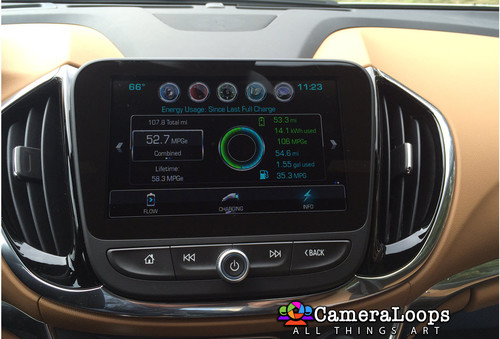
Chevrolet Volt 2017 HMI 2.5 Stock Default Calibration Files In DPS Format. This file can be used with the GM DPS software to program the default settings onto the HMI module.
DPS file for activating the Video In Motion feature for the HMI 2.5 Chevrolet Volt MyLink entertainment system.
VIM: The video still plays when the vehicle is driving in drive mode.
- Free
- 16 Downloads
- 6 Comments
Troy -
Important Note:
This HMI 2.5 module firmware is only compatible with GM vehicles in the China, Macau, Hongkong, Taiwan, Japan, Korea, Singapur, market. It is not compatible with the HMI 2.5 module in GM vehicles in the European or North American market.
The Firmware file for the European market GM vehicles HMI 2.5 module can be found at this Web-Link.
The Firmware file for the North American market GM vehicles HMI 2.5 module can be found at this Web-Link.
Mega link for HMI 2.5 Firmware file 84156700.mnf/84156708.smd FOR IO5 (No integrated NAVIGATION)
You can use this firmware file to update the HMI 2.5 module via a USB stick, which will add the Apple CarPlay and Android Auto features.
This file does not remove the theft lock from the HMI module.
After completing the HMI 2.5 firmware update, you will see "calibrate Device" showing on the screen. You can use one of the next options below to remove the "calibrate Device" notification and have the HMI module functioning again.
You will need to use the GM SPS service with a VIN number from a car that has the HMI 2.5 and all the necessary features activated to program your HMI module.
Program the HMI with a DPS archive made for the HMI 2.5
How to install the Firmware:
1. Extract the contents of the file onto a reputable USB stick.
2. Insert the USB stick into the vehicle's USB port.
3. Follow the onscreen instructions.
Differences between IO5 and IO6:
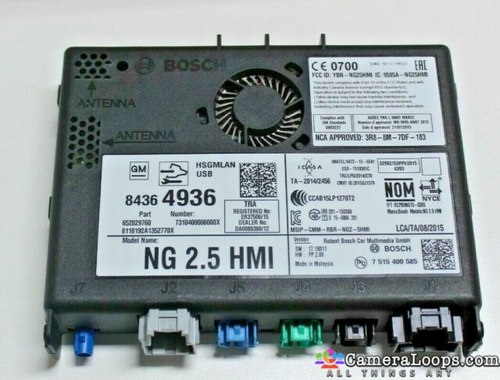
The blue GPS antenna plug in the module
IO5: Without blue plug (No integrated NAV)
IO6: With Blue plug (Integrated Nav)
- Free
- 10 Downloads
- 2 Comments
+Arbe_gtc -
Important Note:
This HMI 2.5 module firmware is only compatible with GM vehicles in the North American market. It is not compatible with the HMI 2.5 module in GM vehicles in the European market.
The Firmware file for the European market GM vehicles HMI 2.5 module can be found at this Web-Link.
Mega link for HMI 2.5 Firmware file 84131943.
You can use this firmware file to update the HMI 2.5 module via a USB stick, which will add the Apple CarPlay and Android Auto features.
This file does not remove the theft lock from the HMI module.
Click here for the HMI 2.0 and HMI 2.5 theft-lock removal DPS file for North America Satellite radio.
Click here for the HMI 2.0 and HMI 2.5 theft-lock removal DPS file for the Europe SilverBox radio.
After completing the HMI 2.5 firmware update, you will see "calibrate Device" showing on the screen. You can use one of the three options below to remove the "calibrate Device" notification and have the HMI module functioning again.
You will need to use the GM SPS service with a VIN number from a car that has the HMI 2.5 and all the necessary features activated to program your HMI module.
Program the HMI with a DPS archive made for the HMI 2.5
Use these files to program the HMI after a firmware update to Activate video in motion, RVS guide-lines and RVS always on for GM vehicles.
How to install the Firmware:
1. Extract the contents of the file onto a reputable USB stick.
2. Insert the USB stick into the vehicle's USB port.
3. Follow the onscreen instructions.
Check out this article, which demonstrates how to gain wireless Apple CarPlay and wireless Android Auto for GM vehicles that use the HMI 2.5 module.
- Free
- 43 Downloads
- 13 Comments
Troy -
- Free
- 22 Downloads
- 1 Comments
+GM-Enthusiast -
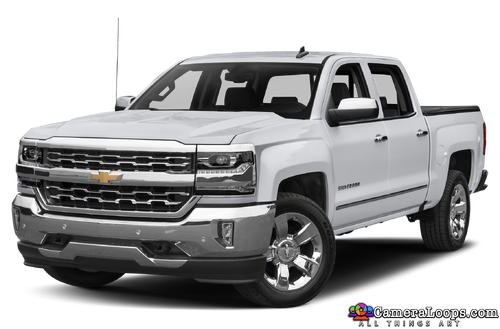
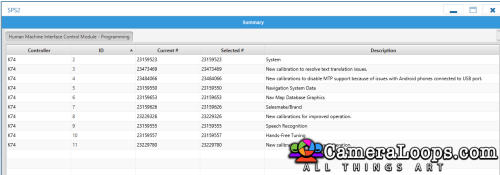
Silverado Stock HMI 2.5 calibration files in DPS format.
- Free
- 95 Downloads
- 4 Comments
Troy -
Stock Silverado 2017 HMI 2.5 calibration files in DPS format.
- Free
- 76 Downloads
Troy -
- Free
- 43 Downloads
+Kaotic -
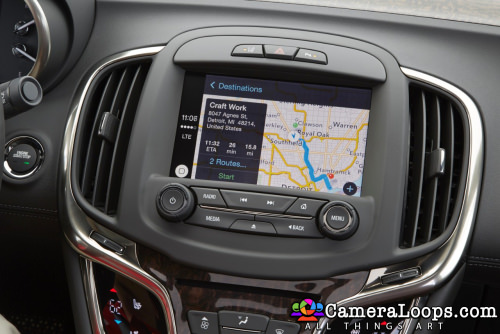
Buick Lacrosse 2014 HMI 2.0 calibration files in DPS format.
Note: This file is for the HMI 2.0. It will not work on the HMI 2.5 module.
- Free
- 32 Downloads
- 2 Comments
Troy -
- Free
- 39 Downloads
- 1 Comments
+GM-Enthusiast -
- Free
- 28 Downloads
- 1 Comments
+GM-Enthusiast -
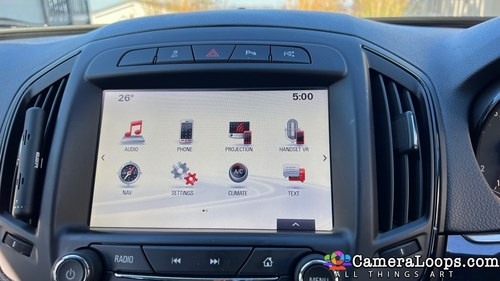
This is a stock already made DPS archive file for the HMI 2.5 module. Taken from a Vauxhall Insignia 2016. Vauxhall boot up logo branding, no RVC and no touchpad activated.
Use DPS to program the HMI using this file.
- Free
- 174 Downloads
- 3 Comments
Troy -
2019 XT5 Russia HMI calibration files (with Russian and Ukrainian language)
- Free
- 76 Downloads
- 4 Comments
+dmytrofan -
2016 Insignia Hatch HMI 2.5. SPS/DPS calibration Files
- Free
- 234 Downloads
- 18 Comments
Troy -
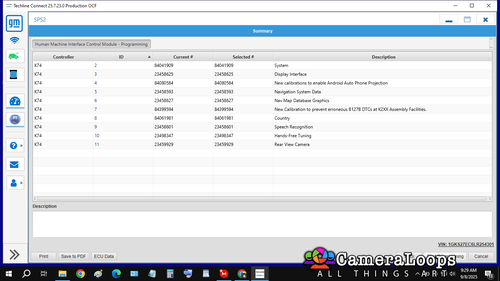
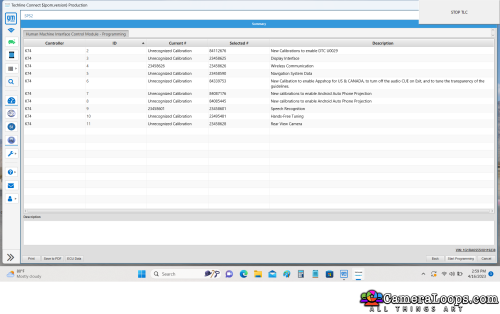
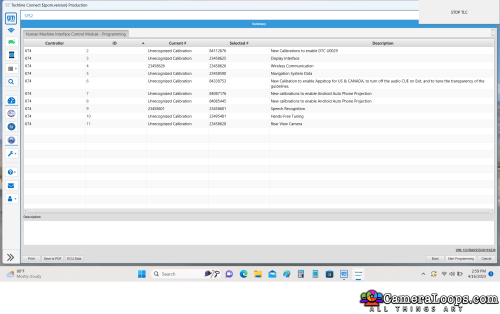
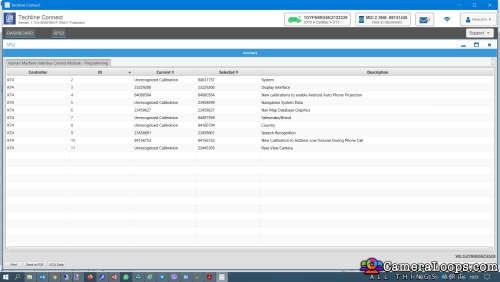
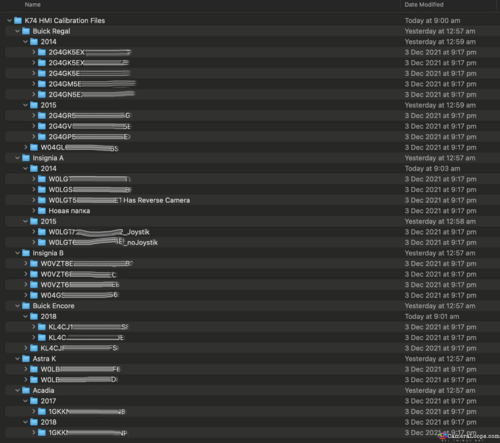
K74 HMI Calibration Files, Lots of different various HMI calibration files.
Use GM Techline connect to check the HMI files Vin number to see which RPOs are activated, examples of RPO's are reverse camera on/off, touch pad on/off
- Free
- 315 Downloads
- 3 Comments
Troy -
Important Note:
This HMI 2.5 module firmware is only compatible with GM vehicles in the European market. It is not compatible with the HMI 2.5 module in the North American market GM vehicles.
The Firmware file was retrieved for the European Insignia vehicle, but it should be compatible with all European GM vehicles that use the HMI 2.5 module.
The Firmware file for the North American market GM vehicles HMI 2.5 module can be found at this Web-Link.
Mega link for HMI 2.5 Firmware file 84156714.
You can use this firmware file to update the HMI 2.5 module via a USB stick, which will add the Apple CarPlay and Android Auto features.
This file does not remove the theft lock from the HMI module.
Click here for the HMI 2.0 and HMI 2.5 theft-lock removal DPS file for North America Satellite radio.
Click here for the HMI 2.0 and HMI 2.5 theft-lock removal DPS file for the Europe SilverBox radio.
After completing the HMI 2.5 firmware update, you will see "calibrate Device" showing on the screen. You can use one of the three options below to remove the "calibrate Device" notification and have the HMI module functioning again.
You will need to use the GM SPS service with a VIN number from a car that has the HMI 2.5 and all the necessary features activated to program your HMI module.
Program the HMI with a DPS archive made for the HMI 2.5
Use these files to program the HMI after a firmware update to Activate video in motion, RVS guide-lines and RVS always on for GM vehicles.
How to install the Firmware:
1. Extract the contents of the file onto a reputable USB stick.
2. Insert the USB stick into the vehicle's USB port.
3. Follow the onscreen instructions.
Check out this article, which demonstrates how to gain wireless Apple CarPlay and wireless Android Auto for GM vehicles that use the HMI 2.5 module.
- Free
- 472 Downloads
- 100 Comments
Troy -
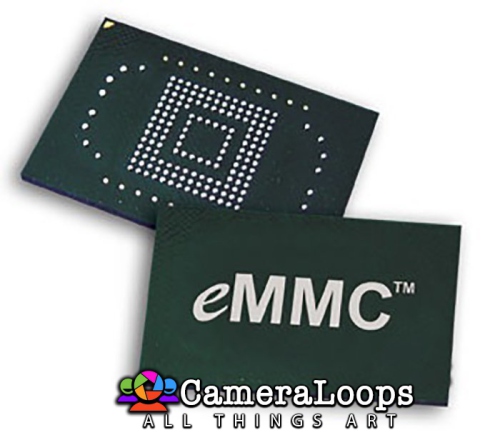
Note: This is a fully working HMI 2.5 module EMMC chip dump in ISO format from a European-market HMI 2.5 module. Thanks to @marcel_hack_guy for providing this EMMC chip dump.
Image dump file for the HMI 2.5 EMMC chip.
Compressed 14.70GB mega link
Original size is 31GB
The EMMC chip pinout is available at the link below.
- Free
- 198 Downloads
- 19 Comments
Troy -
- Free
- 92 Downloads
- 1 Comments
+wofy -
2016 Insignia Hatch HMI 2.5 module. SPS Calibration Files
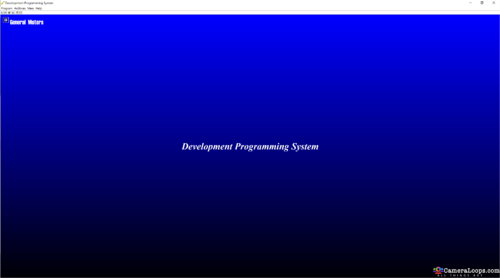
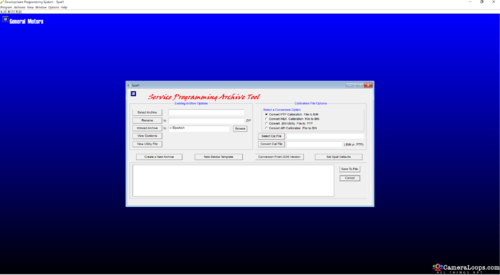
Create a DPS archive to program the HMI module.
HMI config.
No touchpad
No reverse camera.
Vauxhall logo UK car
- Free
- 127 Downloads
- 4 Comments
Troy
.thumb.jpg.9f4d13724b1c2de1592cb8d64fcb5248.jpg)

Latest File Comments
-

-
 Hello all,
This utility can replace the vin number on 2022 Chevi Tahoe BCM ? -
 Hi
Hi
Thanks -
 I run into this problem with many cars. What is the solution?
 -
 hi, thanks for share
 -
 have You or anyone else done the used one with sps successfully ?
 -
do not remember. had it done long time ago.
-

-
.thumb.png.6cba57c5e88519e419516e3ed1152e01.png) You also need to recalibrate the used eps using sps setup configuration option. Have you tried that too?
You also need to recalibrate the used eps using sps setup configuration option. Have you tried that too? -
i do not think it will work because i have tried several time on a several cars and no luck. this is a used one, not a new
-
Hi, if you only want to program the EPS with the latest calibration, you need to use the GM SPS service to do it.
-
Hello everyone, i want to reprogram the used EPS on this 2022 camaro, what is the procedure? i do not have the DPS. I am assuming i need to purchase it and then run the DPS and see if i can reprogram it. if so, then i need to purchase a file for it? can someone explain this to me? i am not knew to coding and reprogramming. it is just i have not used this tool and would like to gather more info. Thank you in advance
-

-
 you need 84156713
i dont remmember if i uploaded it in the forum -
 Could someone share an Update file for Non Navigation IO5 HMI2.5 for Opel
 -
 спасибо


