








GM Software Tools
GM Vehicle Software Tools
42 files
-
- Free
- 0 Downloads
edyjhu -
- Free
- 79 Downloads
- 4 Comments
+GM-Enthusiast -
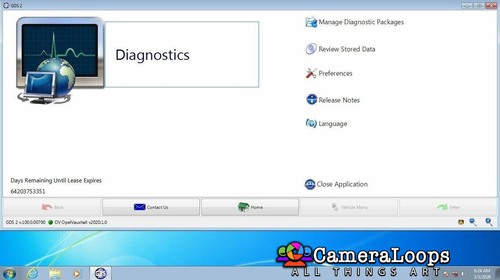
Mega download link for GM GDS2 v.22.7.01500. Thanks to @Mikluha_Maklay for providing this app.
This GDS2 version works with the crack-infinite-lease licence file.
GM GDS2 Infinite Lease File
- Free
- 126 Downloads
- 14 Comments
Troy -
2012 Sonic odometer Learning type4 file.
This file can be used to change the mileage in the Sonic 2012 vehicle.
- Free
- 23 Downloads
- 5 Comments
+Last_Captain -
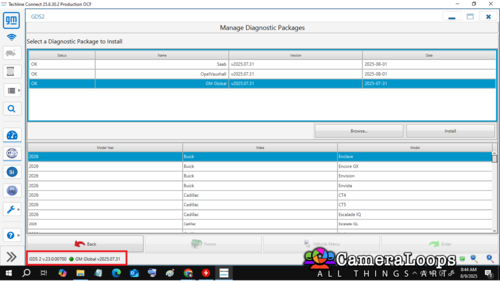
GDS2 V.23.0.00700 DELIVERABLES for ACDelco user without Gds2 subscription, (08092025)
- Free
- 86 Downloads
- 8 Comments
+GM-Enthusiast -
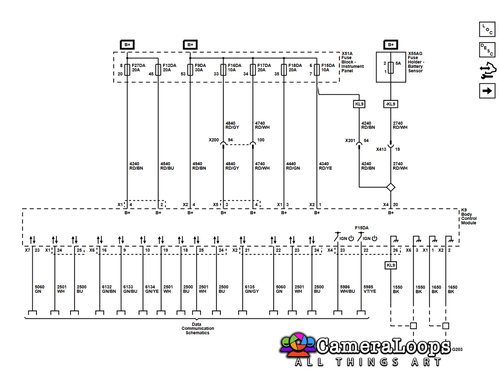
I know there are not all the schematics but i added the useful ones for you ;)
- Free
- 20 Downloads
+Adelin -
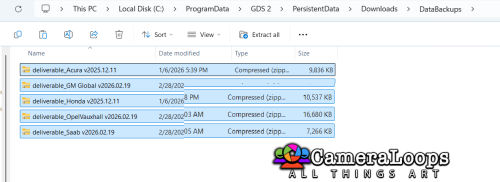
GDS 2 Deliverables April 2025
deliverable_GM China v2025.04.24.zip
deliverable_OpelVauxhall v2025.04.24.zip
deliverable_Saab v2025.04.24.zip
- Free
- 30 Downloads
- 1 Comments
+uglyoldbastard -
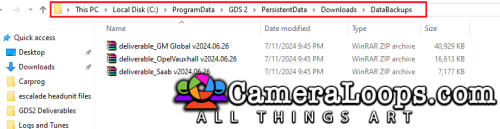
GDS 2 Deliverables March 2025
deliverable_GM China v2025.03.29.zip
deliverable_GM Global v2025.03.24.zip
deliverable_OpelVauxhall v2025.03.29.zip
deliverable_Saab v2025.03.29.zip
- Free
- 32 Downloads
- 1 Comments
+uglyoldbastard -
Apologies if you have already downloaded as there appears to be an error with the J2534 drivers and one other file.
I have corrected the error and re-uploaded the file and you will need to download and install again after uninstalling.
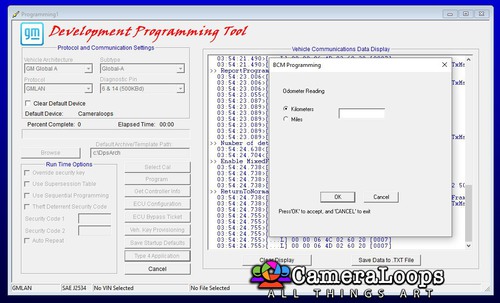
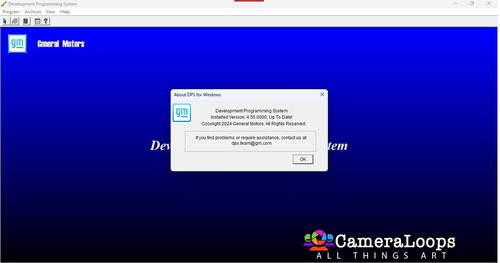
DPS 4.56.0000 Complete
Install "dps_installer_v4_56_0000_Complete.msi" to C: drive
If you install to any drive other than C: then you will need to reconfigure runasdate in the DPS folder.
Only run DPS from the desktop shortcut as that changes the internal date for the certificate to not run out.
Once you have DPS started
Go to "Program Controller" and import certificate from C:\dps\Certificate+PW-Asdfghj75
Click next until you get to the enter password screen and enter password "Asdfghj75" and do not change any settings and click next until complete.
If by any chance you run DPS with the current date and delete the expired certificate, run DPS with the changed date and reinstall the certificate as described above.
Password is Asdfghj75
The password is also in the c:\dps\Certificate+PW-Asdfghj75 folder as password.txt and it is also part of the folder name so you will never lose it.
That is it you are ready to use DPS
Note:
If you have SPS installed then the type4 button will not be greyed out but it will not work until you make a backup of the 2 files below
dllsecurity.dll
tisvcsv4.dll
from the folder
C:\Users\username\sps\nativelibs
Then you need to copy the same two files from the folder
C:\DPS\Type4 App Crash Optional Files
to the
C:\Users\username\sps\nativelibs
folder replacing the files you just backed up.
You need the backup of the two files as they will be needed if you do online SPS GDS2 as you will need to put them back
Swapping the two files around will be necessary to use the programs.
- Free
- 524 Downloads
- 60 Comments
+uglyoldbastard -
- Free
- 73 Downloads
- 10 Comments
+GM-Enthusiast -
GDS2 GM 02/2025 Deliverables that work under version 22.7.01500
GM China v2025.02.13
- Free
- 20 Downloads
+uglyoldbastard -
GDS2 GM 02/2025 Deliverables that work under version 22.7.01500
SAAB v2025.02.13
- Free
- 8 Downloads
+uglyoldbastard -
GDS2 GM 02/2025 Deliverables that work under version 22.7.01500
OpelVauxhall v2025.02.13
- Free
- 22 Downloads
- 3 Comments
+uglyoldbastard -
GDS2 GM 02/2025 Deliverables that work under version 22.7.01500
GM Global v2025.02.13
- Free
- 49 Downloads
- 3 Comments
+uglyoldbastard -
DPS 4.54.1000 Complete - New version with date fixed in desktop shortcut so no extra steps to run.
Install "dps_installer_v4_54_1000_Complete-new.msi" to C: drive
If you install to any drive other than C: then you will need to reconfigure runasdate in the DPS folder.
Only run DPS from the desktop shortcut as that changes the internal date for the certificate to not run out.
Once you have DPS started
Go to "Program Controller" and import certificate from C:\dps\Certificate+PW-Asdfghj75
Click next until you get to the enter password screen and enter password "Asdfghj75" and do not change any settings and click next until complete.
If by any chance you run DPS with the current date and delete the expired certificate, run DPS with the changed date and reinstall the certificate as described above.
Password is Asdfghj75
The password is also in the c:\dps\Certificate+PW-Asdfghj75 folder as password.txt and it is also part of the folder name so you will never lose it.
That is it you are ready to use DPS
Note:
If you have SPS installed then the type4 button will not be greyed out but it will not work until you make a backup of the 2 files below
dllsecurity.dll
tisvcsv4.dll
from the folder
C:\Users\username\sps\nativelibs
Then you need to copy the same two files from the folder
C:\DPS\Type4 App Crash Optional Files
to the
C:\Users\username\sps\nativelibs
folder replacing the files you just backed up.
You need the backup of the two files as they will be needed if you do online SPS GDS2 as you will need to put them back
Swapping the two files around will be necessary to use the programs.
- Free
- 120 Downloads
- 17 Comments
+uglyoldbastard -
- Free
- 61 Downloads
- 2 Comments
+GM-Enthusiast -
- Free
- 40 Downloads
+GM-Enthusiast -
- Free
- 52 Downloads
- 1 Comments
+GM-Enthusiast -
- Free
- 49 Downloads
- 1 Comments
+GM-Enthusiast -
- Free
- 49 Downloads
- 1 Comments
+GM-Enthusiast -
- Free
- 44 Downloads
- 3 Comments
+GM-Enthusiast -
- Free
- 19 Downloads
+GM-Enthusiast -
- Free
- 23 Downloads
+GM-Enthusiast -
- Free
- 77 Downloads
+GM-Enthusiast -
- Free
- 48 Downloads
+Last_Captain








Latest File Comments
-

-
 Hello all,
This utility can replace the vin number on 2022 Chevi Tahoe BCM ? -
 Hi
Hi
Thanks -
 I run into this problem with many cars. What is the solution?
 -
 hi, thanks for share
 -
 have You or anyone else done the used one with sps successfully ?
 -
do not remember. had it done long time ago.
-

-
.thumb.png.6cba57c5e88519e419516e3ed1152e01.png) You also need to recalibrate the used eps using sps setup configuration option. Have you tried that too?
You also need to recalibrate the used eps using sps setup configuration option. Have you tried that too? -
i do not think it will work because i have tried several time on a several cars and no luck. this is a used one, not a new
-
Hi, if you only want to program the EPS with the latest calibration, you need to use the GM SPS service to do it.
-
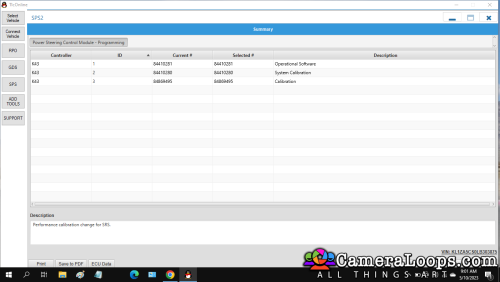
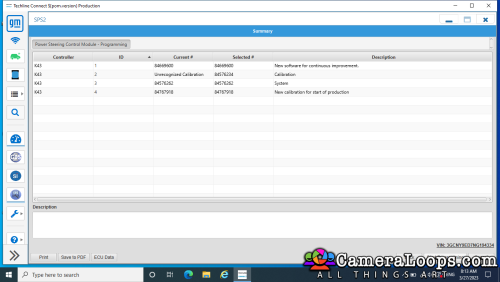
Hello everyone, i want to reprogram the used EPS on this 2022 camaro, what is the procedure? i do not have the DPS. I am assuming i need to purchase it and then run the DPS and see if i can reprogram it. if so, then i need to purchase a file for it? can someone explain this to me? i am not knew to coding and reprogramming. it is just i have not used this tool and would like to gather more info. Thank you in advance
-

-
 you need 84156713
i dont remmember if i uploaded it in the forum -
 Could someone share an Update file for Non Navigation IO5 HMI2.5 for Opel
 -
 спасибо


