












.thumb.png.6cba57c5e88519e419516e3ed1152e01.png)
By Troy
Moondog Anamorphic Lens Adopter Unboxing "The Anamorphic Craze"
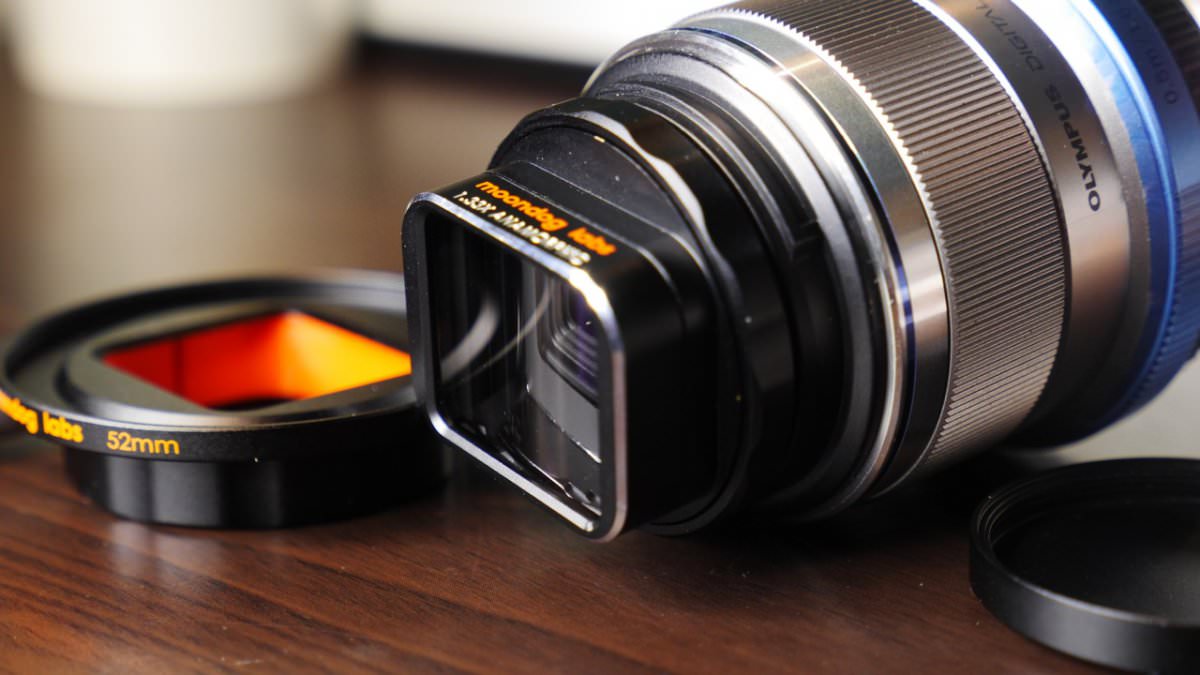
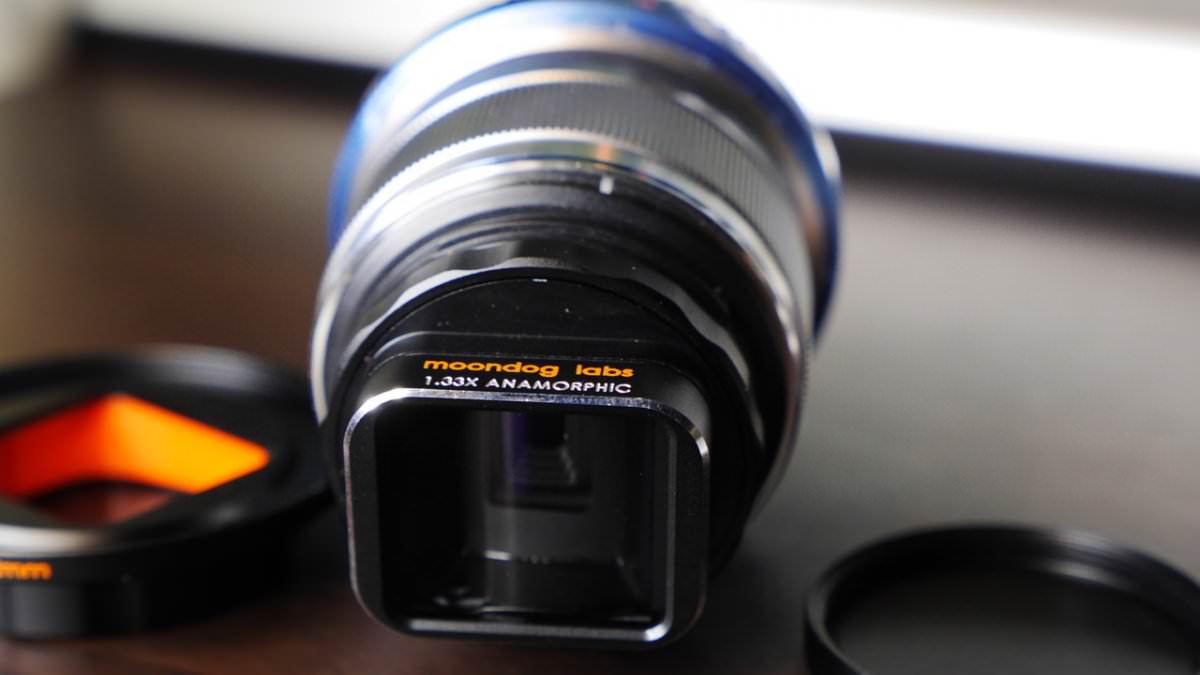
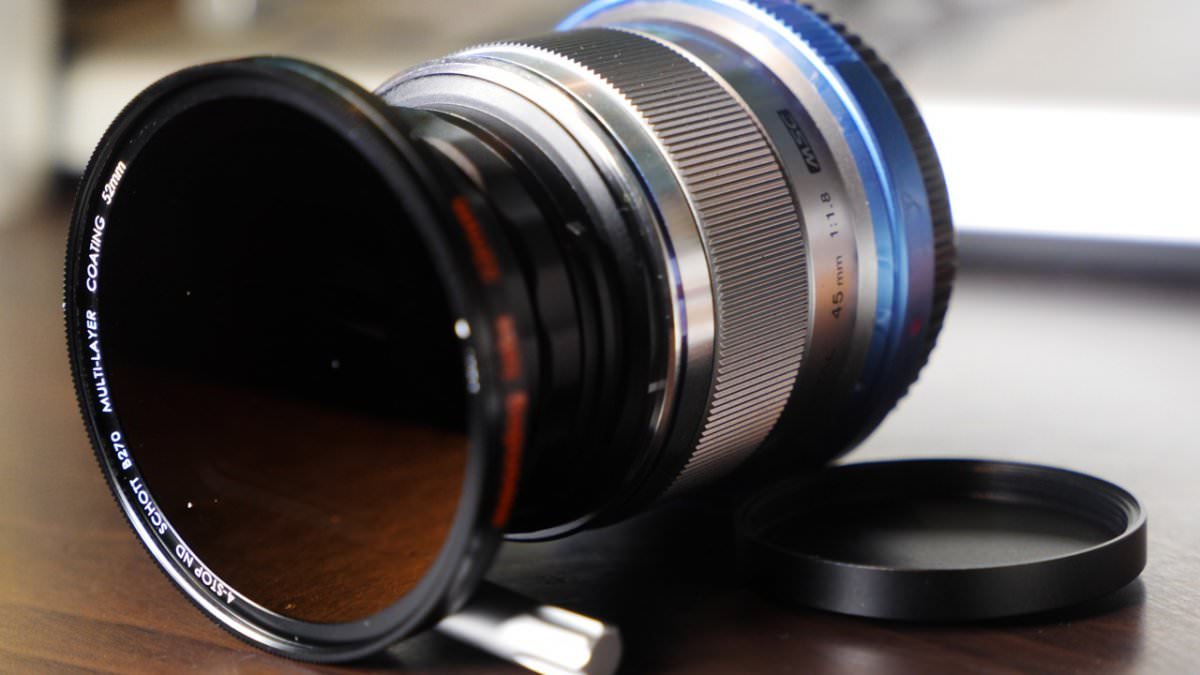
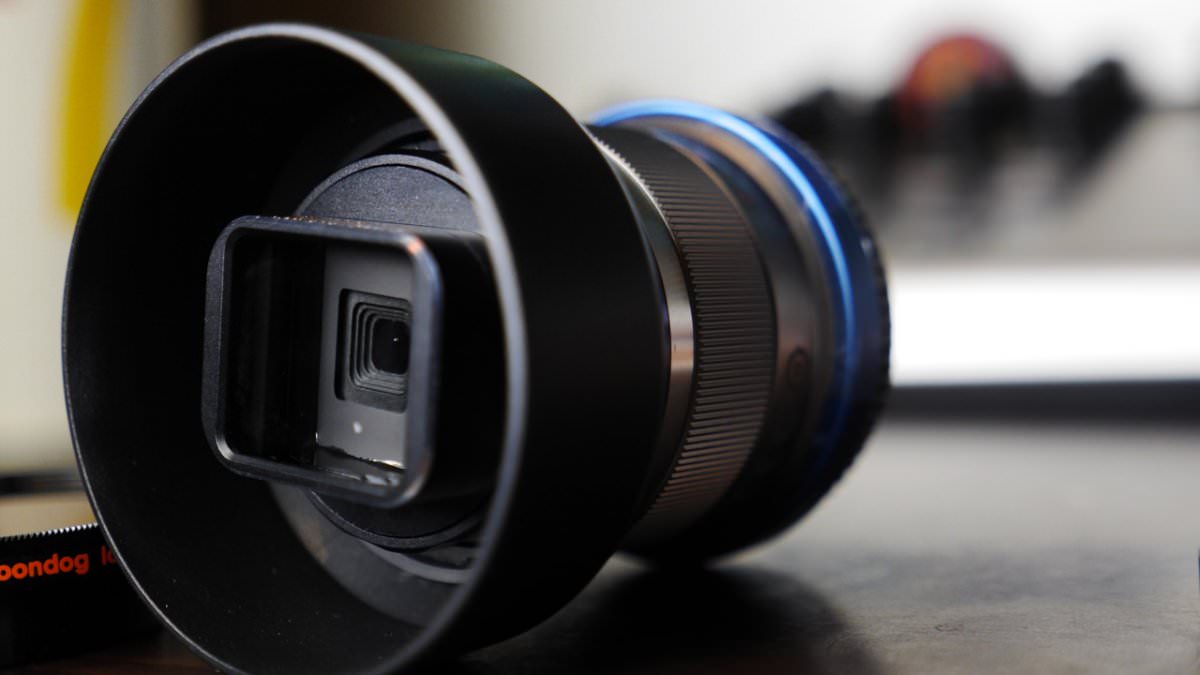
There’s an Anamorphic craze going on in the indie and hobbyist videography realm. What is Anamorphic? well’ Anamorphic is a method used by the movie-making industry, which was only available to them once upon a time in Hollywood due to the cost of the equipment. Little by little small companies are creating affordable Anamorphic lenses and lens adaptors for the growing indie and hobbyist videography market. Moondog and BeastGrip are two of them. They created Anamorphic lens adapters for mobile phones, which can help to translate standard mobile phone footage into a cinema-like look. I rode the Anamorphic wave and got the Moondog version. It’s A great bit of kit, precisely engineered and manufactured from Alloy metal. Yep, I like meee metals. I’ll be testing this Anamorphic lens adopter out in the coming days. check out my unboxing vid on the tube below..




























































.jpg.434408b0b61b4552ae25cde5c0b5a388.jpg)






.jpeg.503ad3cbf167f180662b9e06a35f1911.jpg.4256ffb79777f00833ddbf666186ef55.jpg)




-min.jpeg.e57f393a5b1034dc5ead0fdf0e5be0a7.jpg.8b0eac9dbd8dd2120749a61afa119519.jpg)




.jpeg.7788c0ed0981e43684ee21be2e0cfd0c.jpg.5fe699189bcf0d18517707ce4222e81a.jpg)


.thumb.jpg.0f819d95317e386a92453772edb75c6b.jpeg.61f2c44081948bc780313ab6fcfdc53b.jpeg)













.jpeg.c58f6a017dba02d1386e26ad62d32fe5.jpeg)




.jpg.9dd8d45a3fad0a651bb2bc39ddead936.jpg.7a19f233d3331becb9d93ee7cfc63379.jpg)




.jpg.3dfde5099751bef5f6e2d27f3d463275.jpg.edf3062b4fb37e14c71ab2caa86c1053.jpg)





















Recommended Comments
Join the conversation
You can post now and register later. If you have an account, sign in now to post with your account.