



.thumb.png.6cba57c5e88519e419516e3ed1152e01.png)
By Troy
How To Change VIN In GM TCM Using The GM DPS Tool
Recycle used secondhand automatic gearbox transmission TCM by changing the VIN using the GM DPS tool.

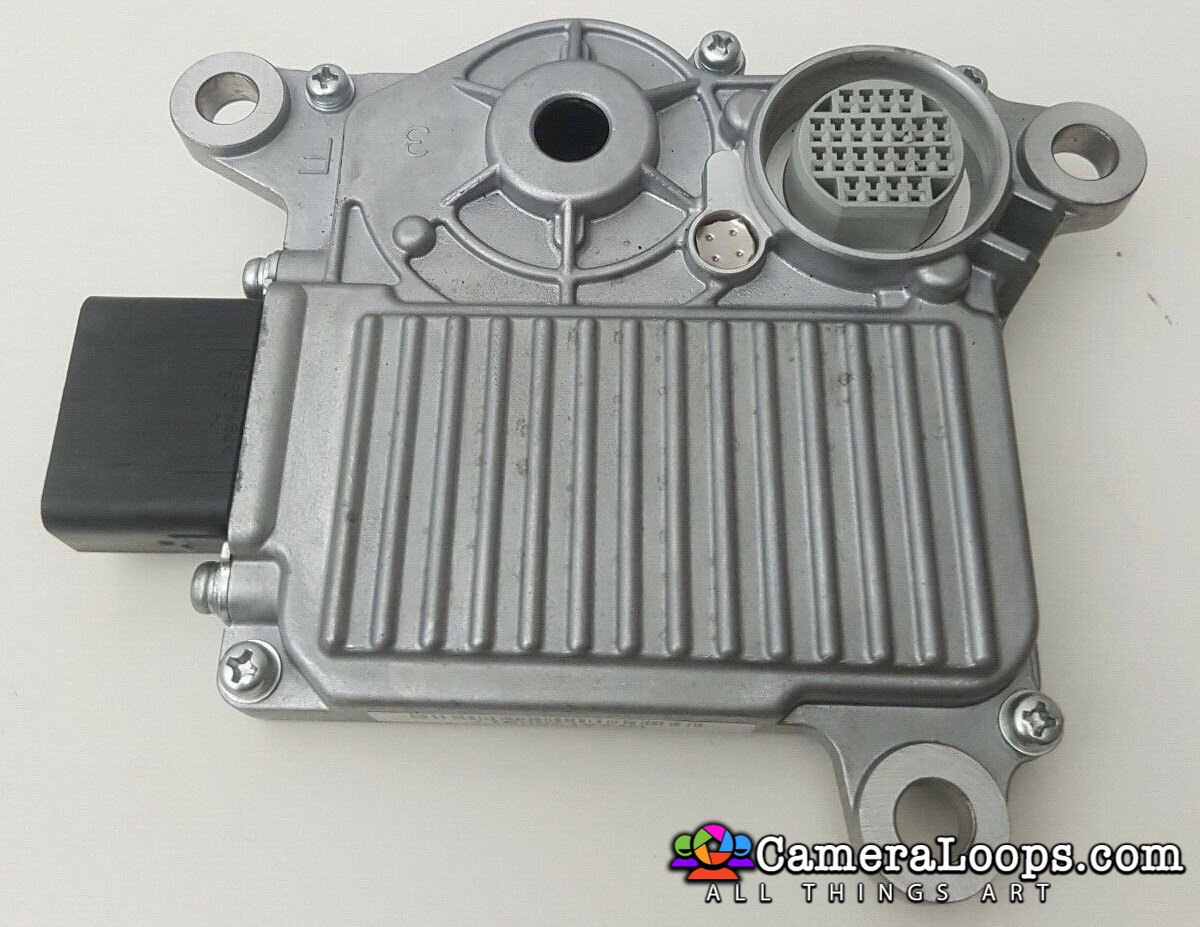
TCM VIN Change for Zafira-B 2008 (M36) AF40-6 AT 2-Byte Seed

Browse CameraLoops via the app. Learn more.
Use the CameraLoops full-screen app on your home screen with push notifications, badges and more.


By Troy
Recycle used secondhand automatic gearbox transmission TCM by changing the VIN using the GM DPS tool.












































































.jpg.434408b0b61b4552ae25cde5c0b5a388.jpg)






.jpeg.503ad3cbf167f180662b9e06a35f1911.jpg.4256ffb79777f00833ddbf666186ef55.jpg)



-min.jpeg.e57f393a5b1034dc5ead0fdf0e5be0a7.jpg.8b0eac9dbd8dd2120749a61afa119519.jpg)




.jpeg.7788c0ed0981e43684ee21be2e0cfd0c.jpg.5fe699189bcf0d18517707ce4222e81a.jpg)



.thumb.jpg.0f819d95317e386a92453772edb75c6b.jpeg.61f2c44081948bc780313ab6fcfdc53b.jpeg)













.jpeg.c58f6a017dba02d1386e26ad62d32fe5.jpeg)




.jpg.9dd8d45a3fad0a651bb2bc39ddead936.jpg.7a19f233d3331becb9d93ee7cfc63379.jpg)




.jpg.3dfde5099751bef5f6e2d27f3d463275.jpg.edf3062b4fb37e14c71ab2caa86c1053.jpg)




Recommended Comments
Join the conversation
You can post now and register later. If you have an account, sign in now to post with your account.