












.thumb.png.6cba57c5e88519e419516e3ed1152e01.png)
By Troy
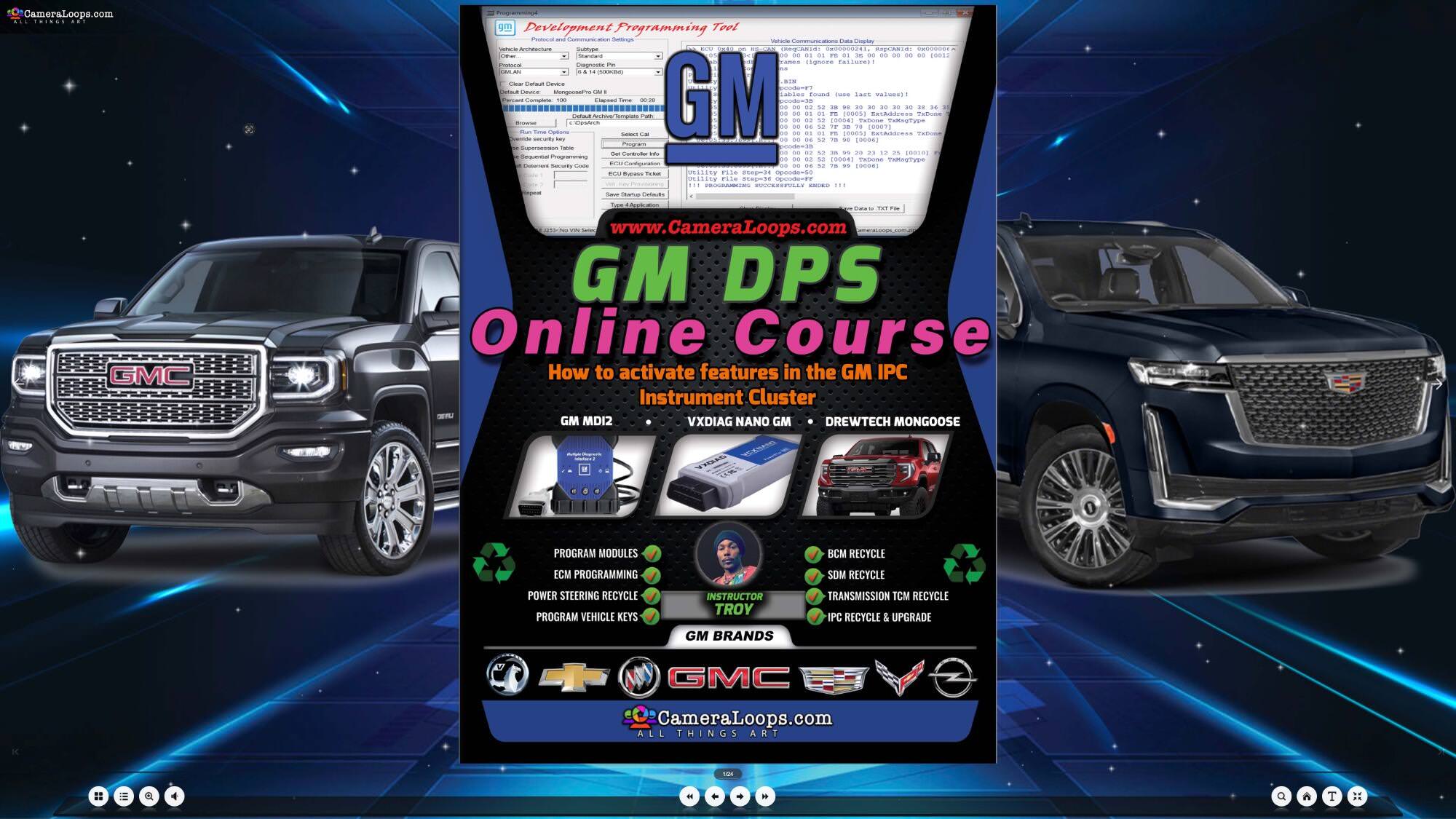
Learn how to activate features in the GM IPC Instrument Cluster using the GM DPS Tool
In this course, you will learn to manually activate or deactivate parameters/options in the IPC using the GM DPS tool.
Click the web link below to enrol in the course.
Things you will learn
Change the VIN in supported modules.
Add or remove RPO codes using the GM DPS tool.
Activate the Speed Limit icon from the Sat-Nav Map.

Deactivate error DTC, such as the Service messages displayed on the IPC screen by faulty Blind Spot side detection system modules.

Activate or deactivate the IPC Pocket Gauges.

Activate the IPC Turbo Boost PSI Pocket Gauge.
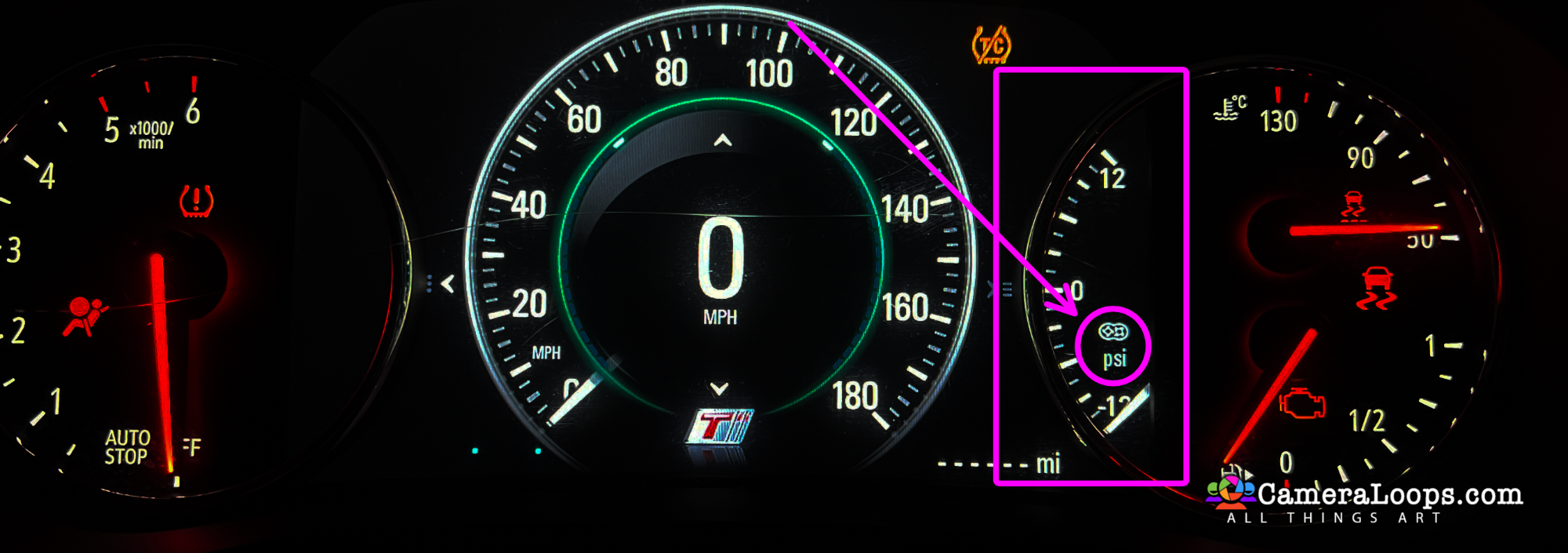
Activate the performance menus.

Course preview. A fully detailed online interactive course system, including a tutorial video.























































.jpg.434408b0b61b4552ae25cde5c0b5a388.jpg)






.jpeg.503ad3cbf167f180662b9e06a35f1911.jpg.4256ffb79777f00833ddbf666186ef55.jpg)




-min.jpeg.e57f393a5b1034dc5ead0fdf0e5be0a7.jpg.8b0eac9dbd8dd2120749a61afa119519.jpg)




.jpeg.7788c0ed0981e43684ee21be2e0cfd0c.jpg.5fe699189bcf0d18517707ce4222e81a.jpg)


.thumb.jpg.0f819d95317e386a92453772edb75c6b.jpeg.61f2c44081948bc780313ab6fcfdc53b.jpeg)













.jpeg.c58f6a017dba02d1386e26ad62d32fe5.jpeg)




.jpg.9dd8d45a3fad0a651bb2bc39ddead936.jpg.7a19f233d3331becb9d93ee7cfc63379.jpg)




.jpg.3dfde5099751bef5f6e2d27f3d463275.jpg.edf3062b4fb37e14c71ab2caa86c1053.jpg)






















Recommended Comments
Join the conversation
You can post now and register later. If you have an account, sign in now to post with your account.