Skip to content
View in the app

A better way to browse. Learn more.

www.CameraLoops.ru

A full-screen app on your home screen with push notifications, badges and more.

To install this app on iOS and iPadOS
  1. Tap the Share icon in Safari
  2. Scroll the menu and tap Add to Home Screen.
  3. Tap Add in the top-right corner.
To install this app on Android
  1. Tap the 3-dot menu (⋮) in the top-right corner of the browser.
  2. Tap Add to Home screen or Install app.
  3. Confirm by tapping Install.

Thinkware U1000 dash cam and iVolt mini battery install and mod

This is not really a review as they're already tons of reviews all over the web about the Thinkware U1000 DashCam.

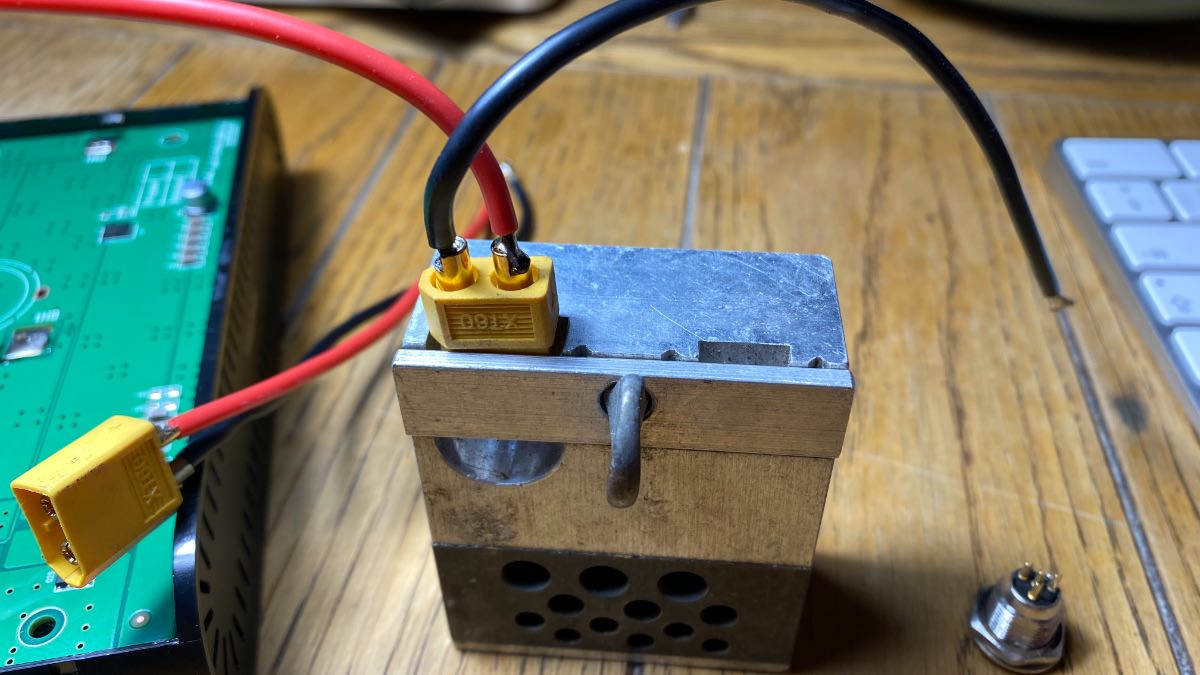
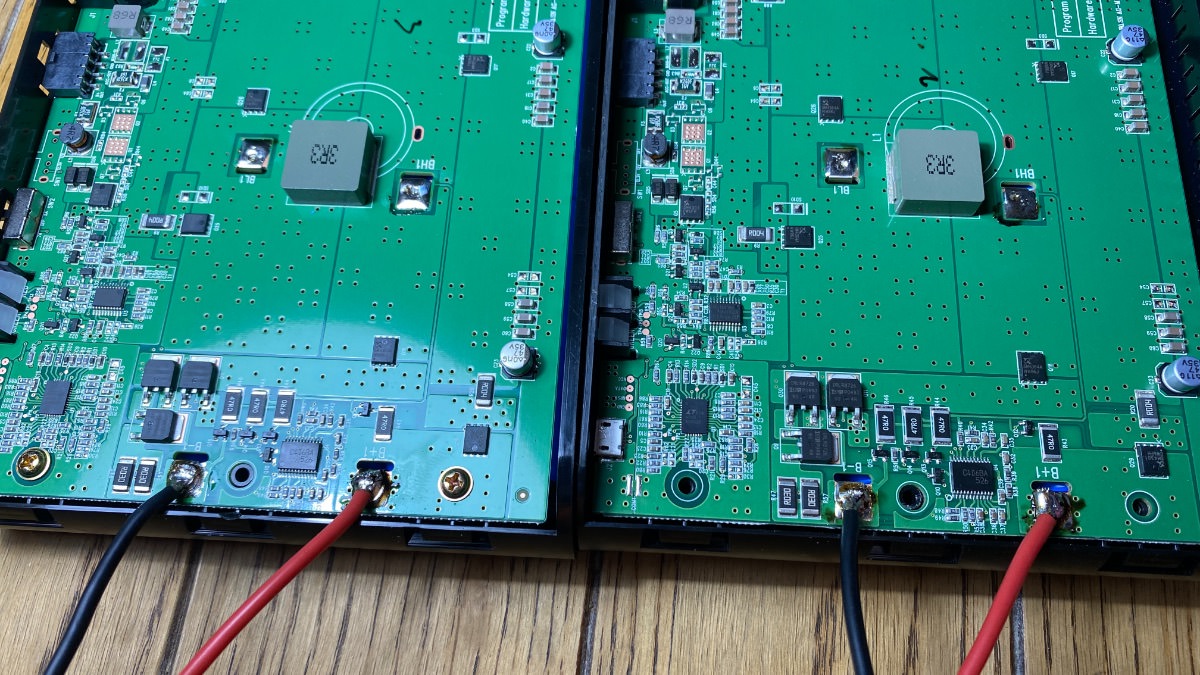
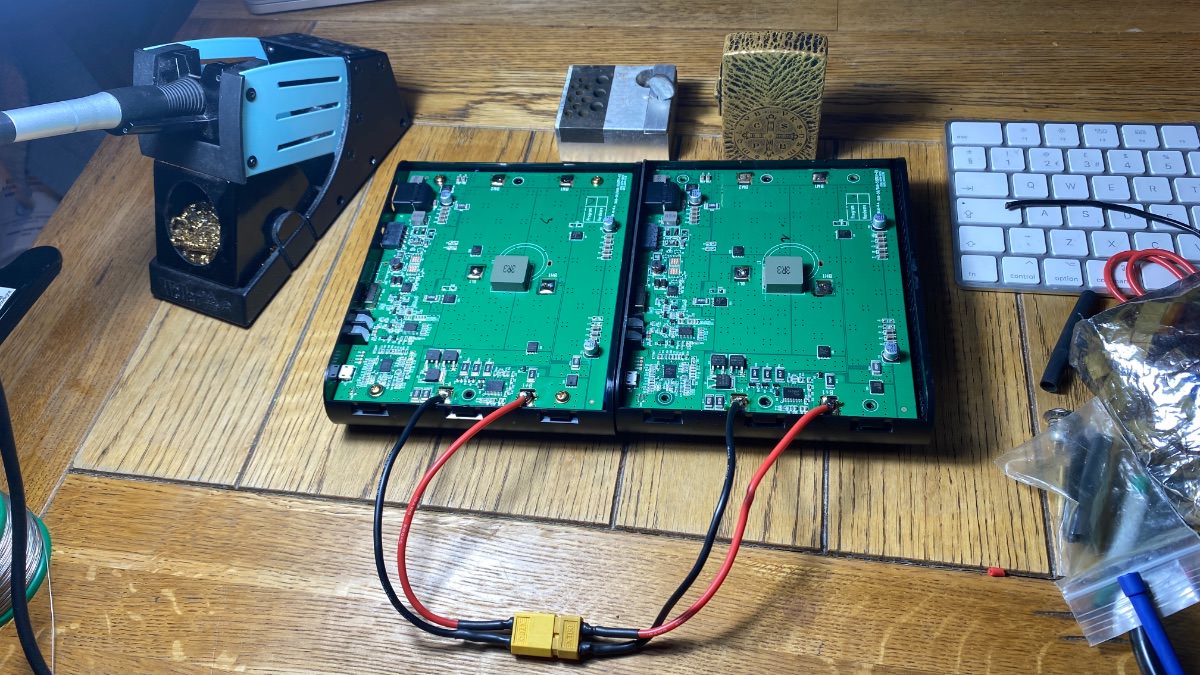
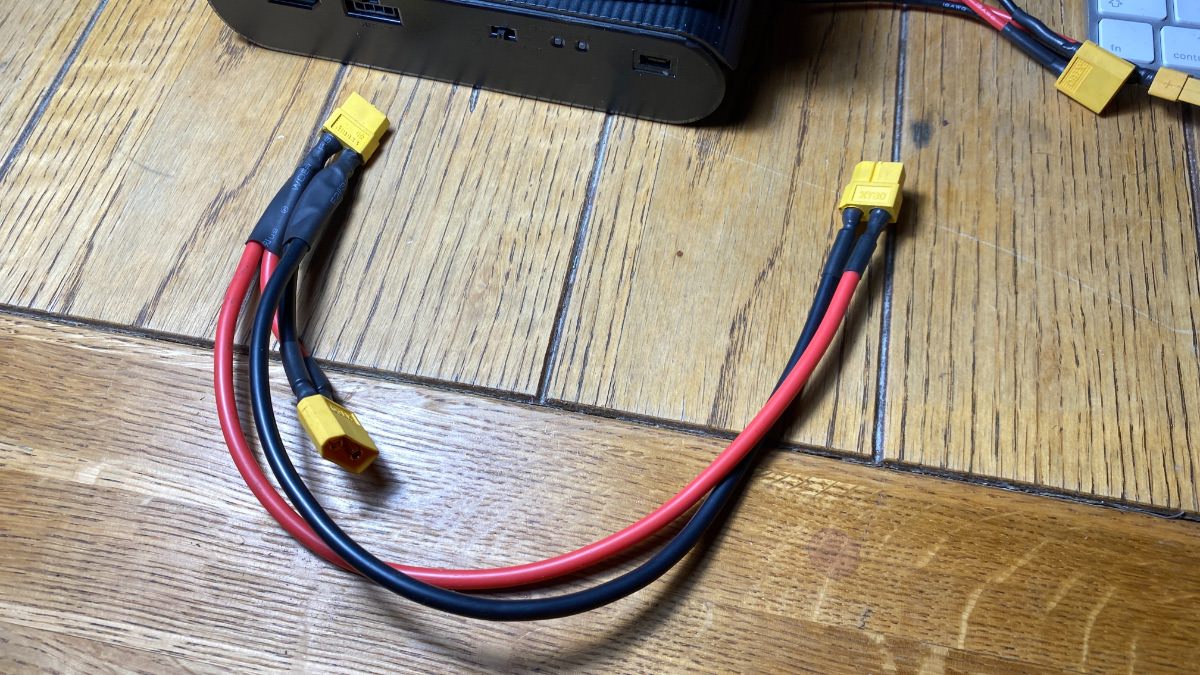
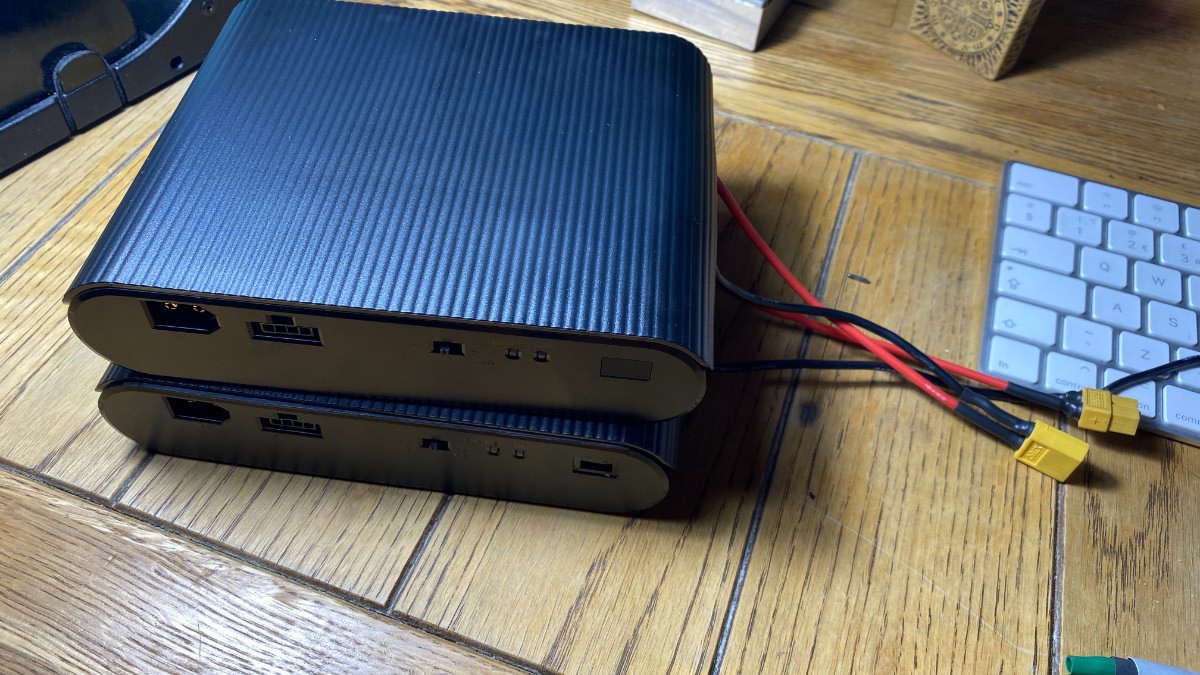
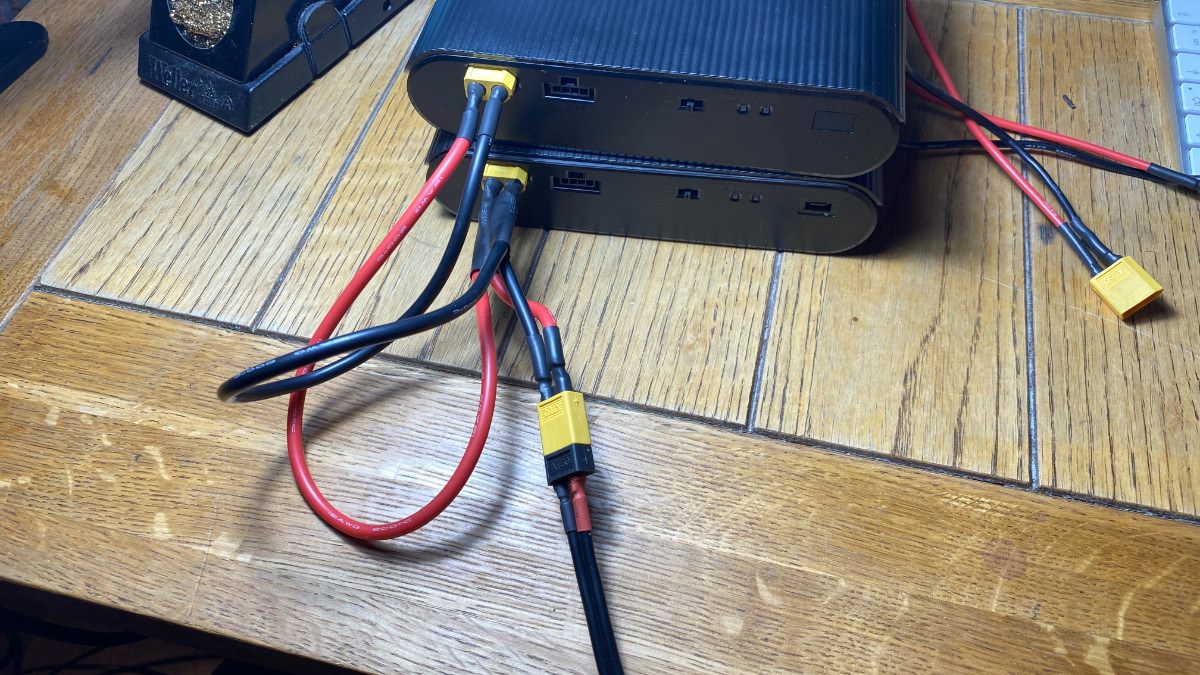
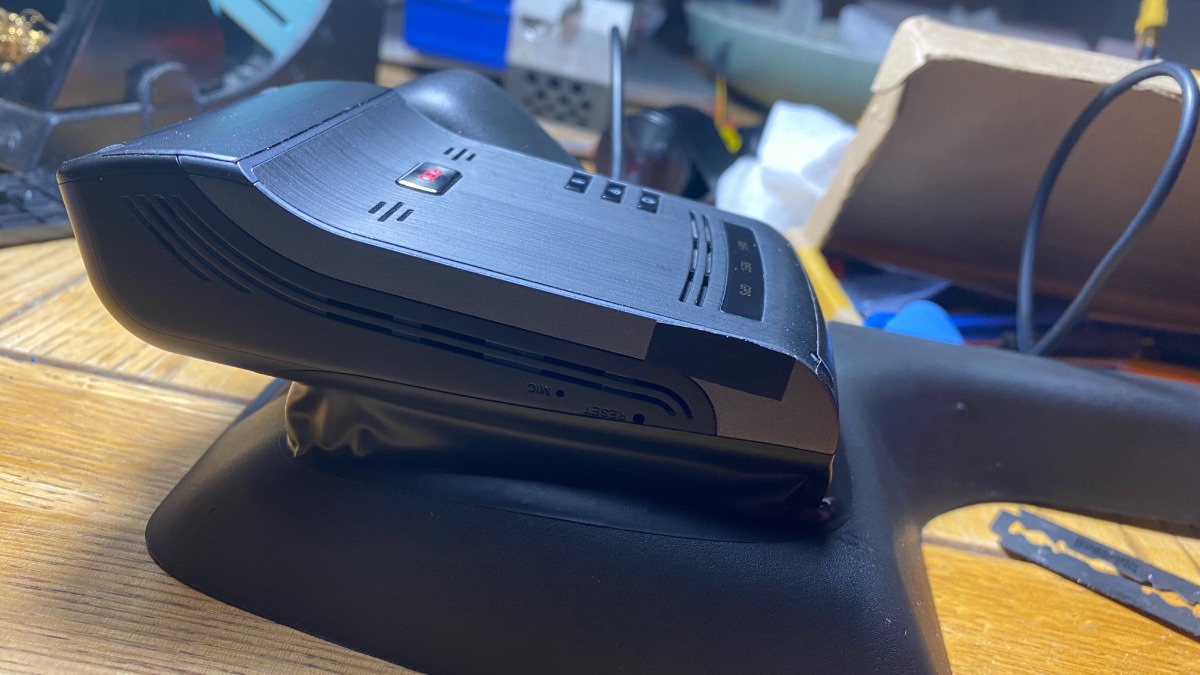
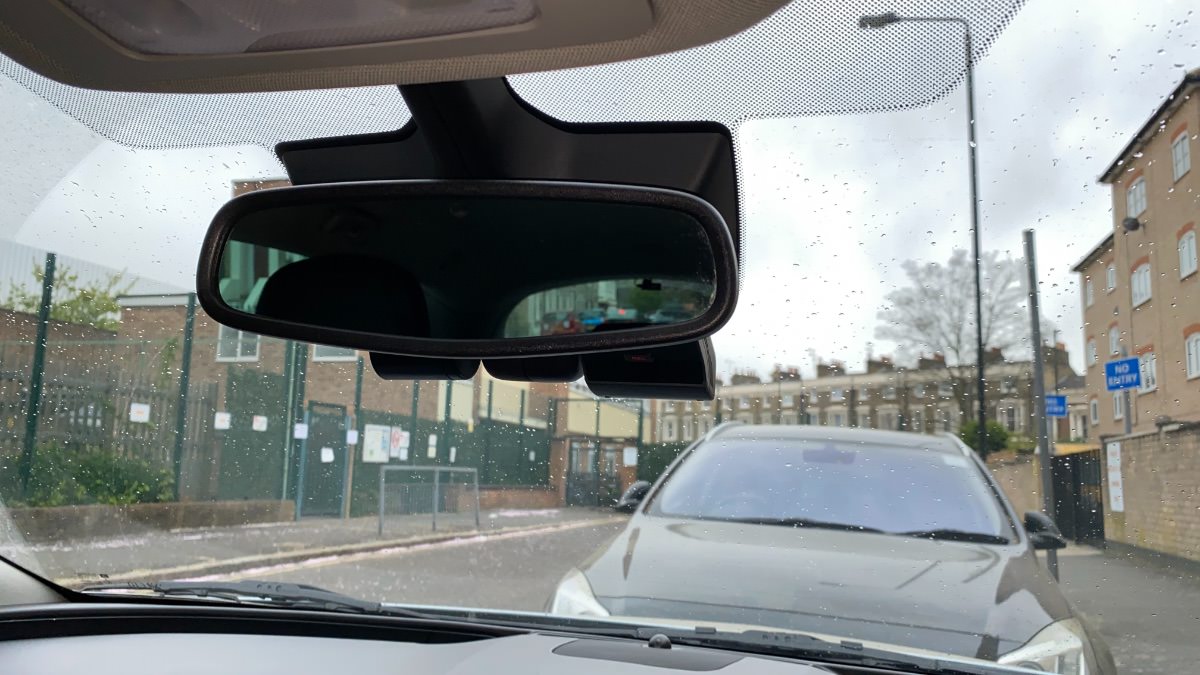
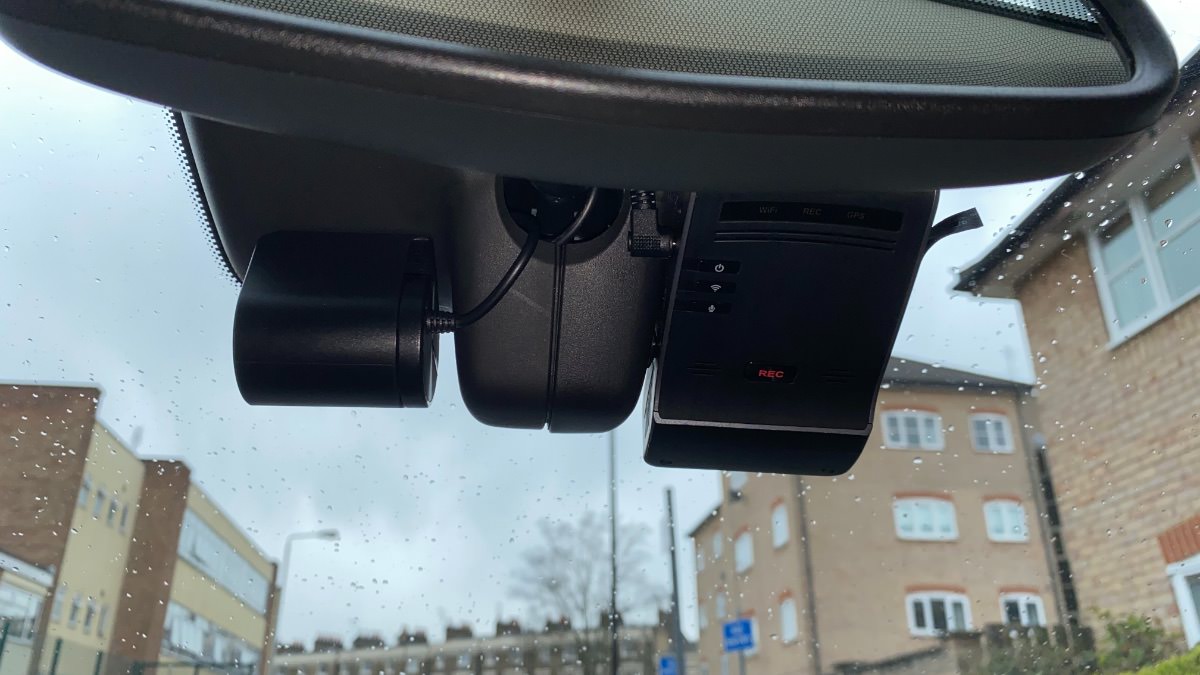
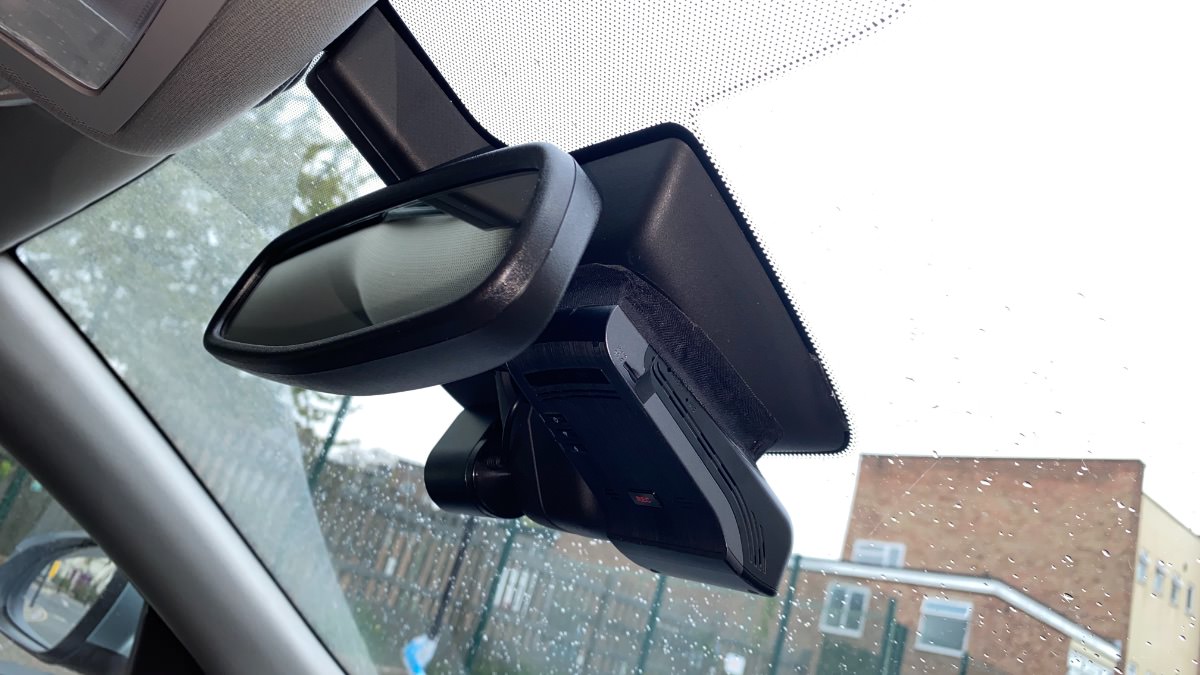
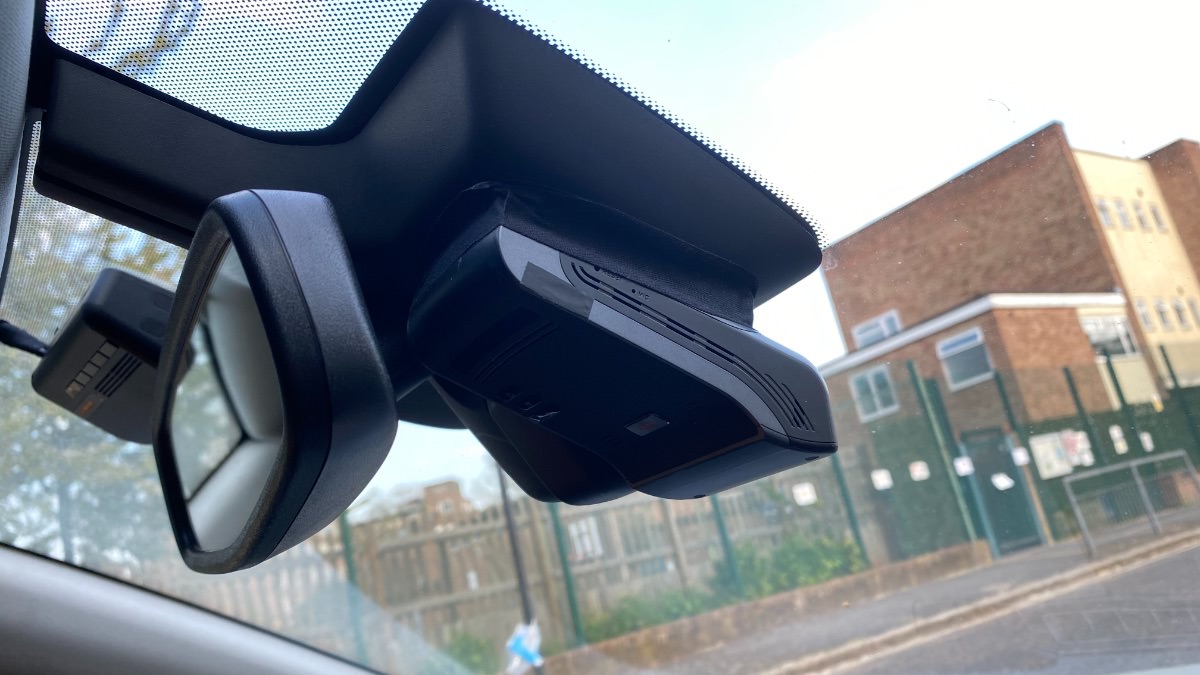
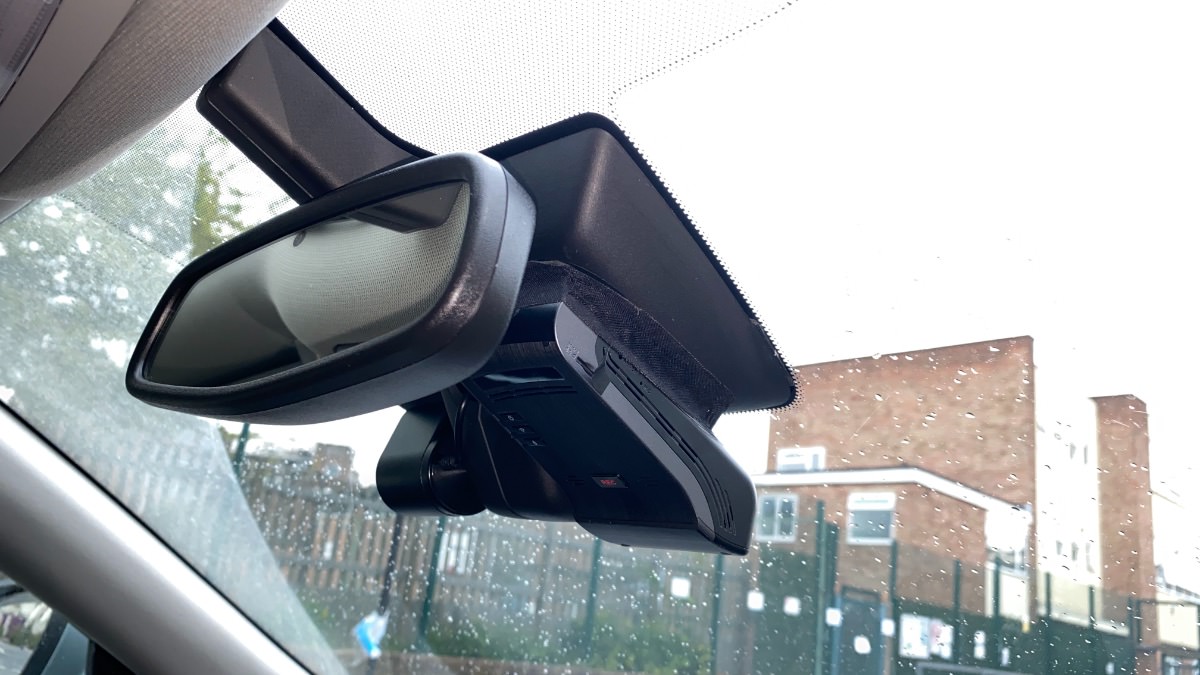
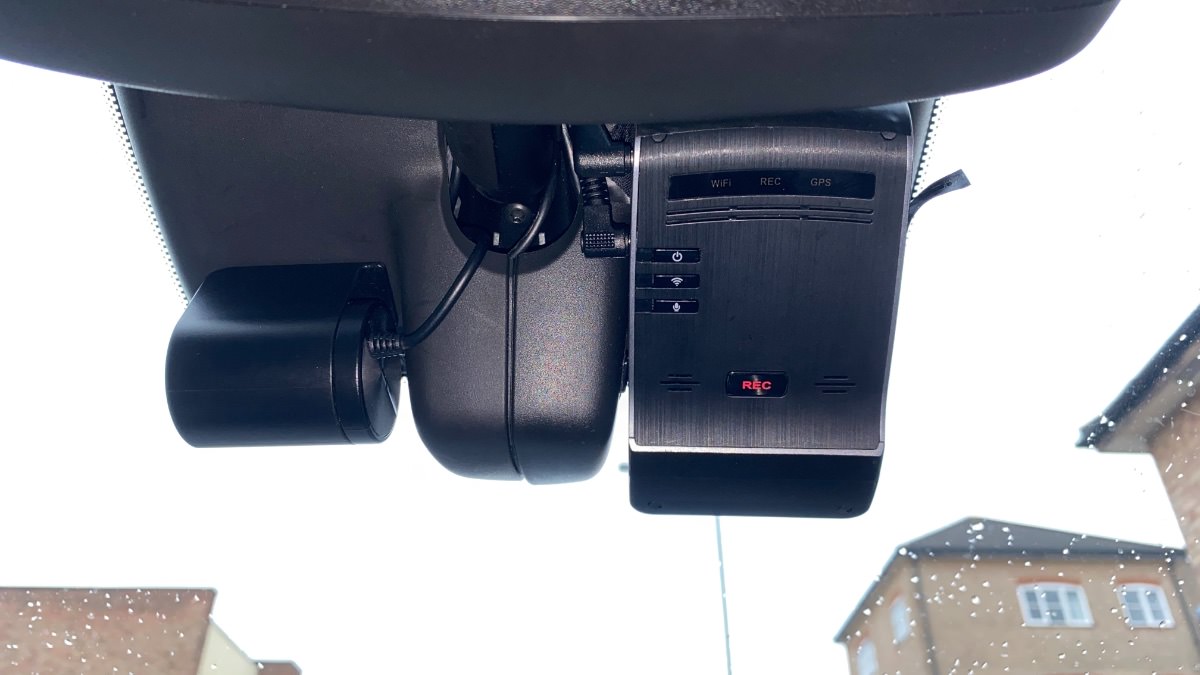
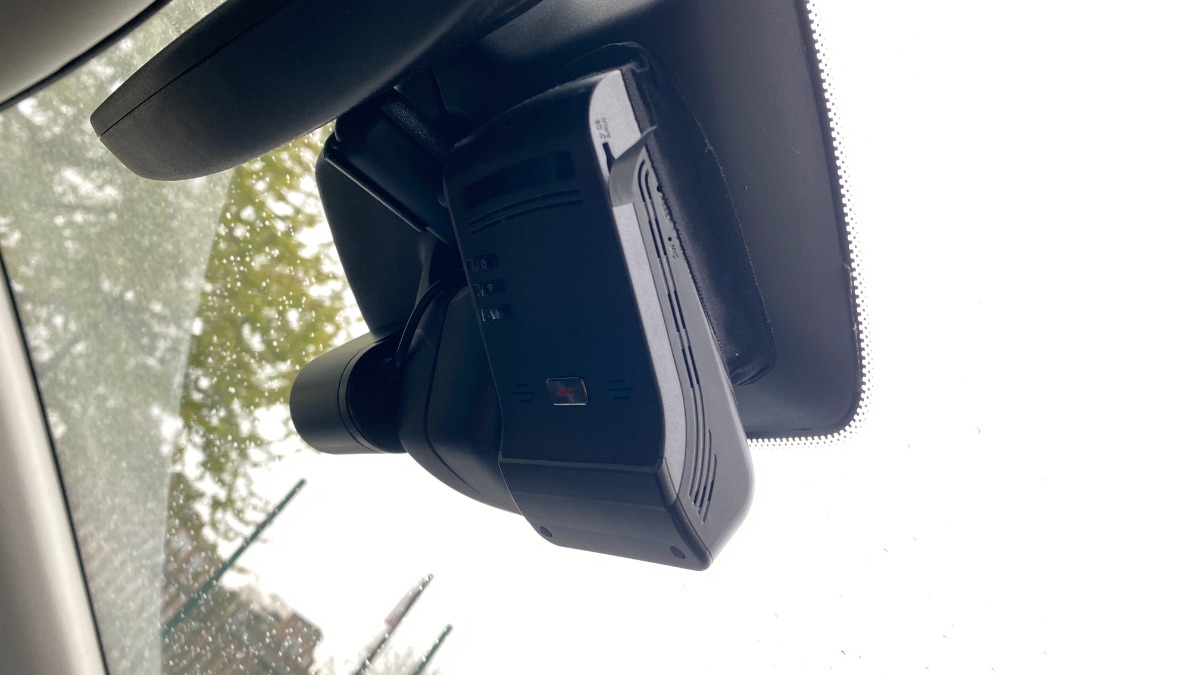
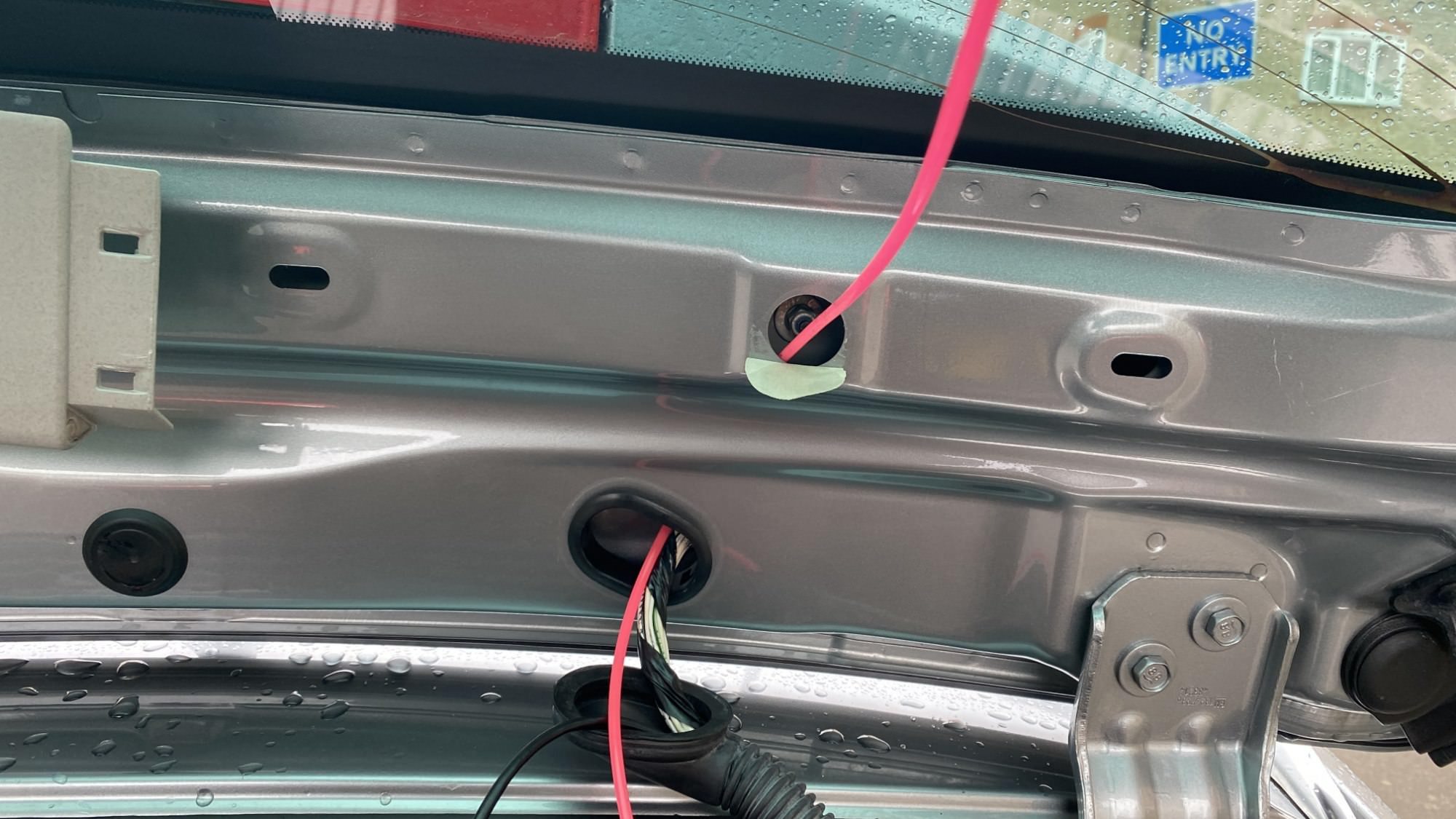
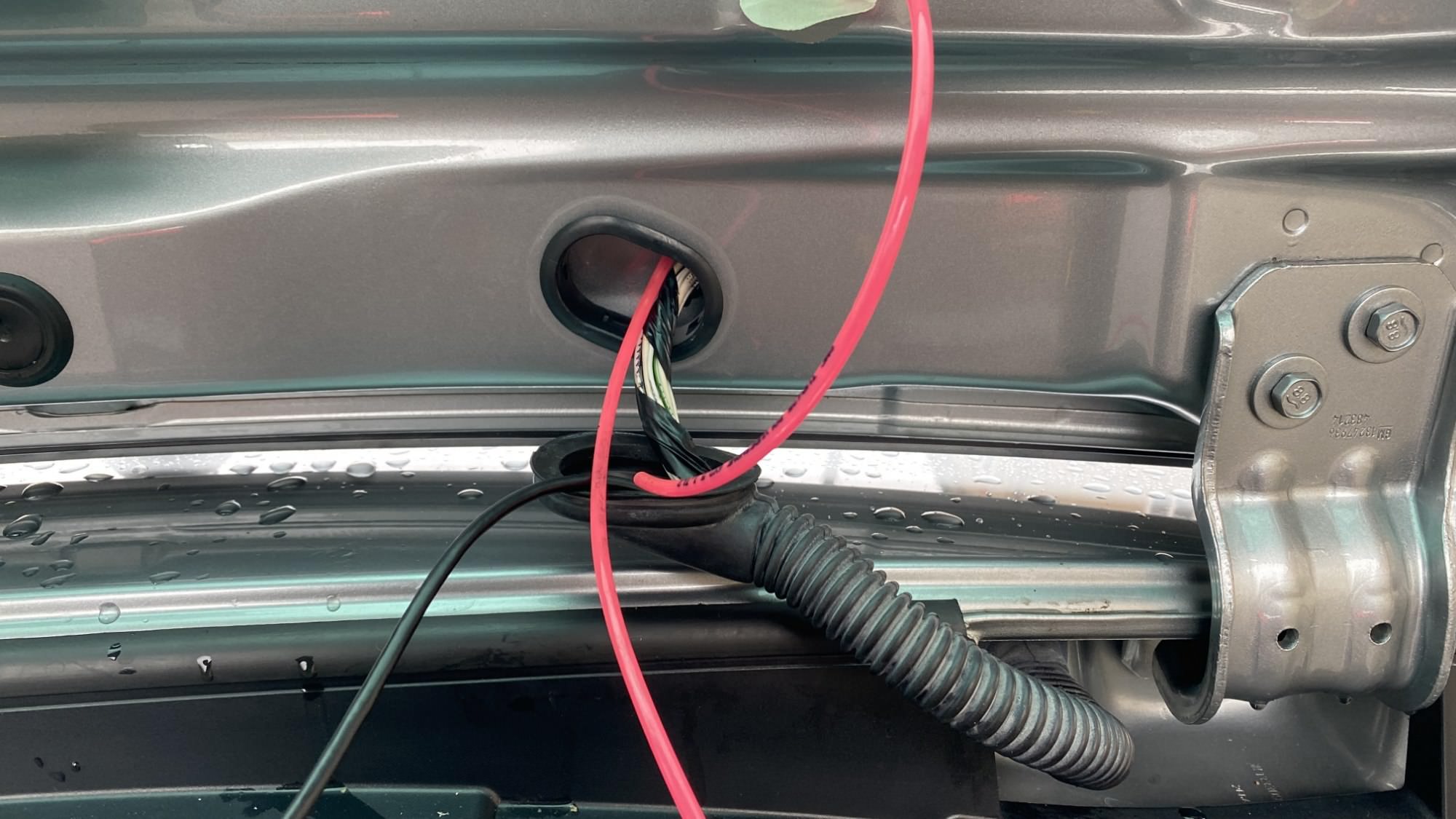
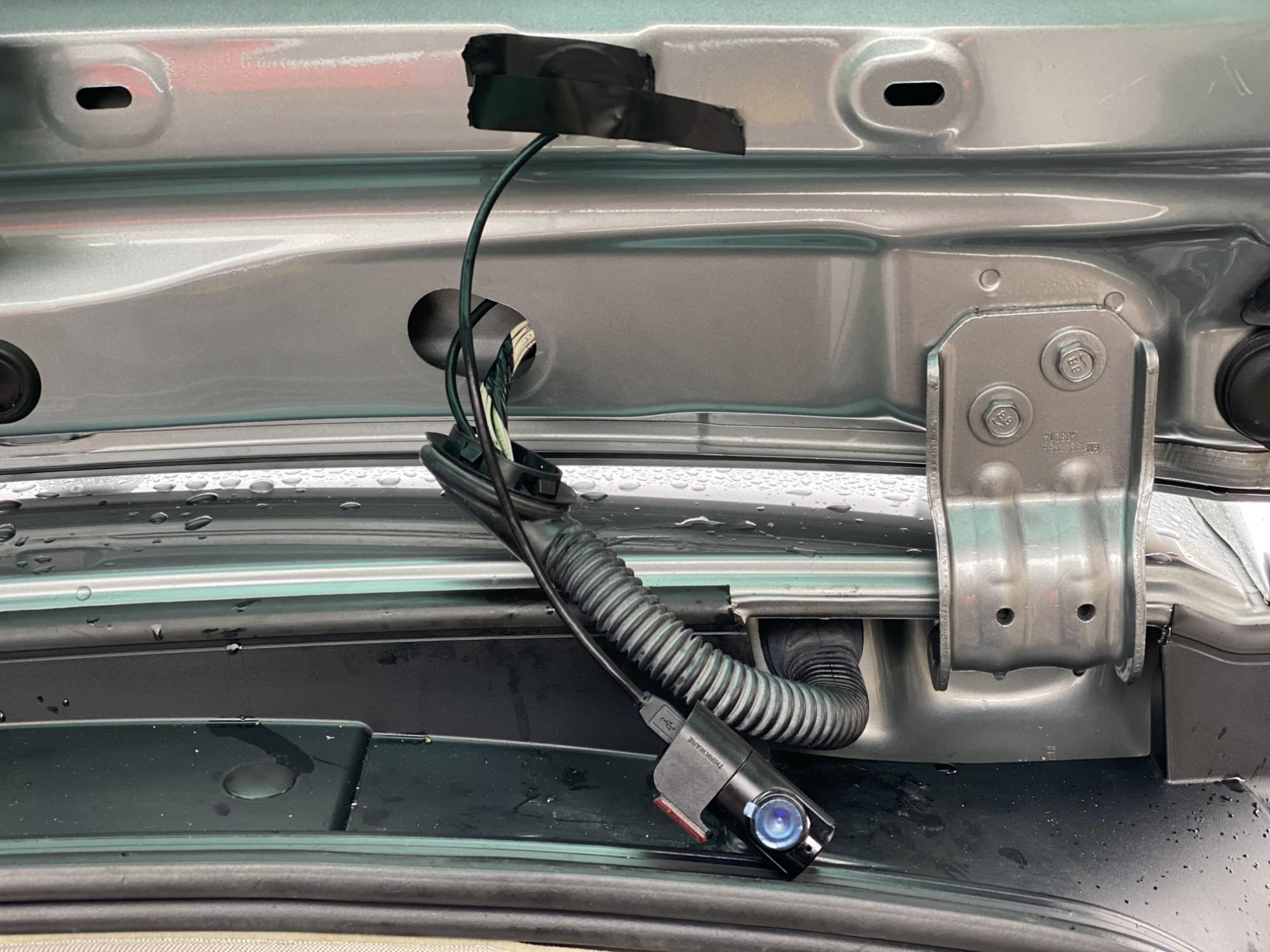
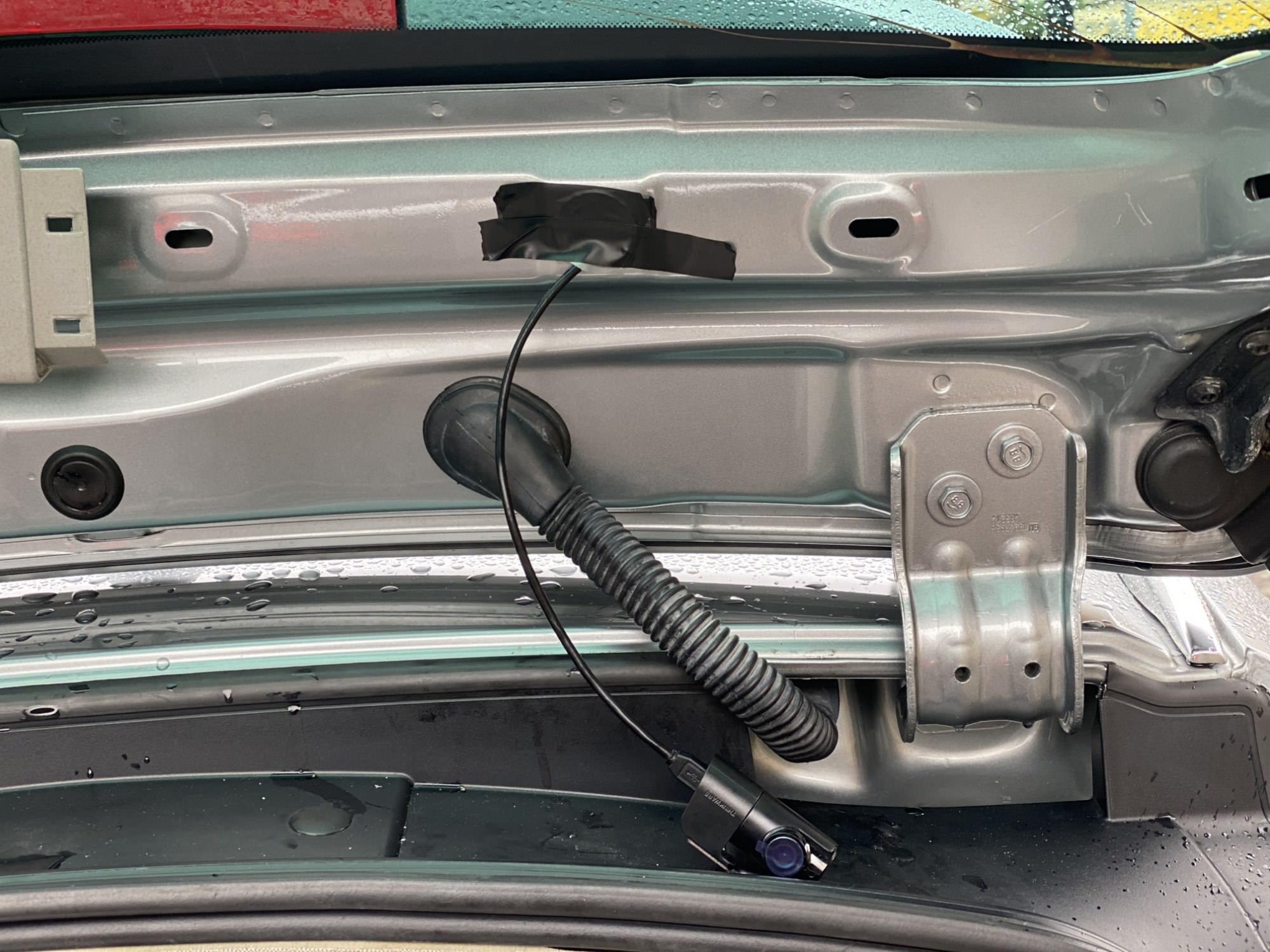
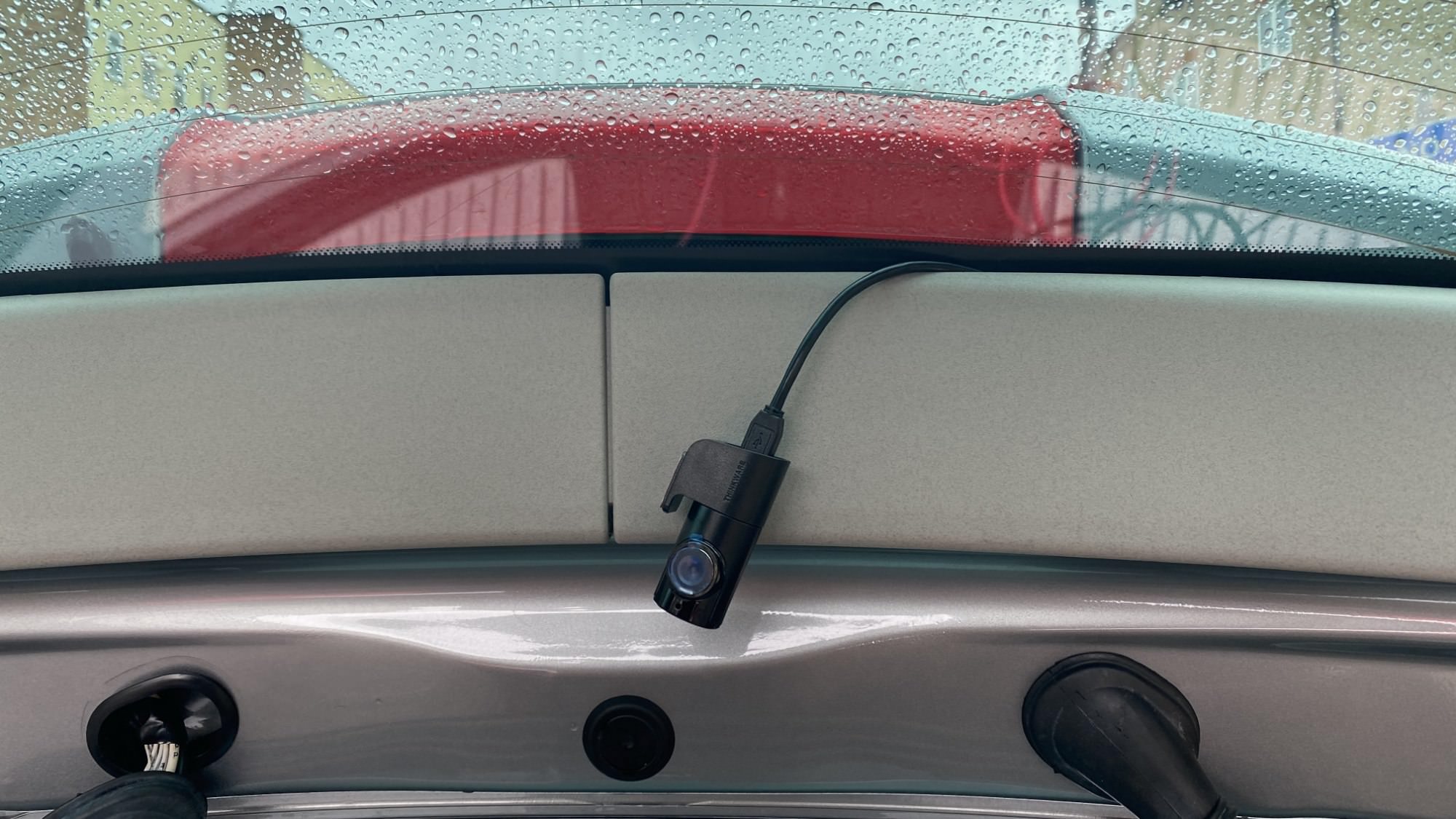
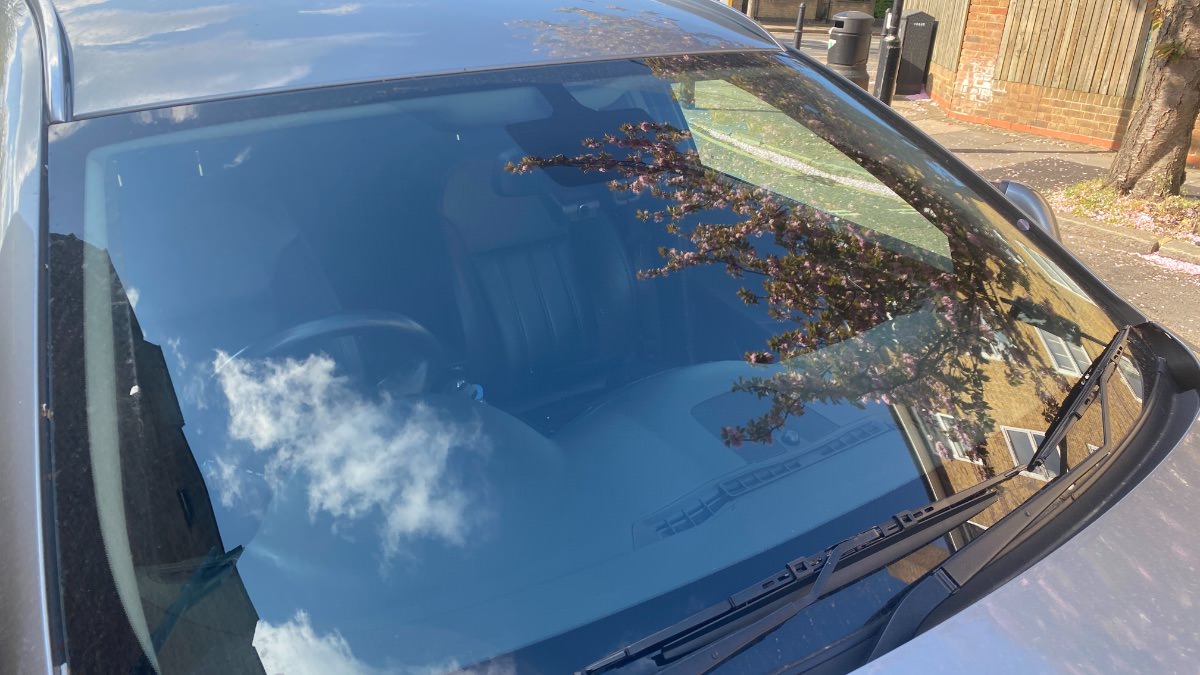
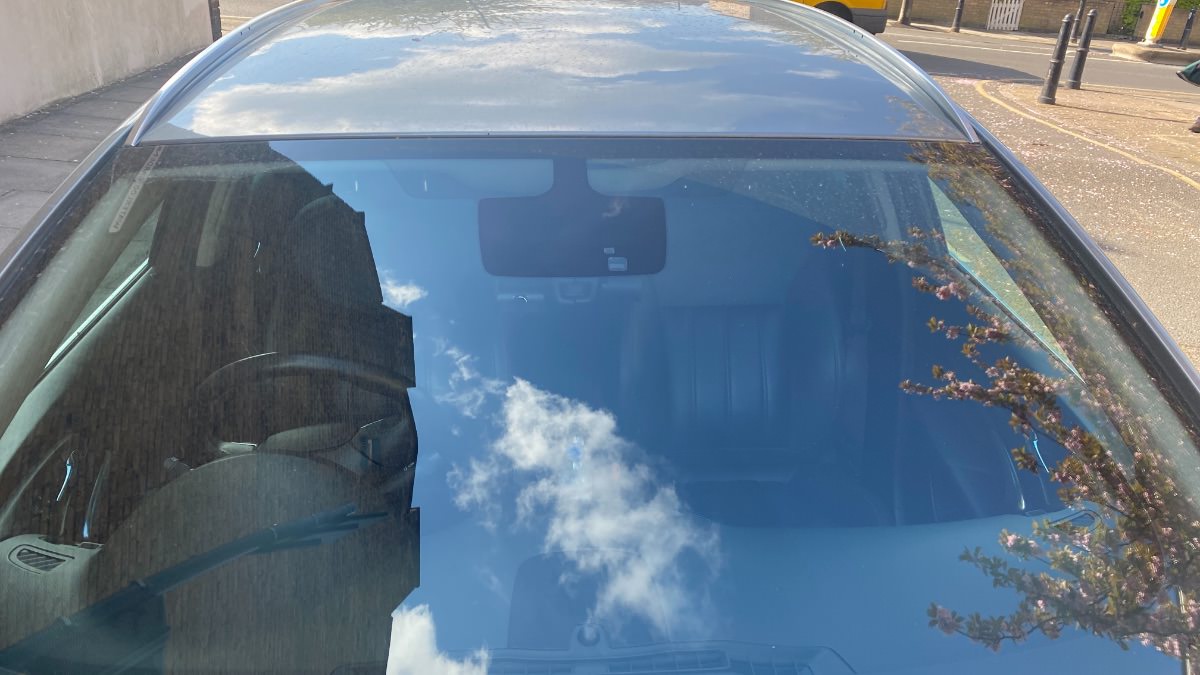
In this article I display my mods for discreetly installing the U1000 in my car and modifying two Thinkware iVolt mini battery for longer parking mode recording without using the car's battery.

It's a shame Thinkware didn't design the iVolt mini battery with a USB port and a port for extending the battery like some of the other brands.

The U1000 live view feature via the in car always on wifi.

Yep' alert notification to my mobile phone when the dashcam senses even a slight movement or thump, plus I can login to view the live footage for both front and rear cameras from anywhere in the world. It fully works and is a great feature from Thinkware dash cam.


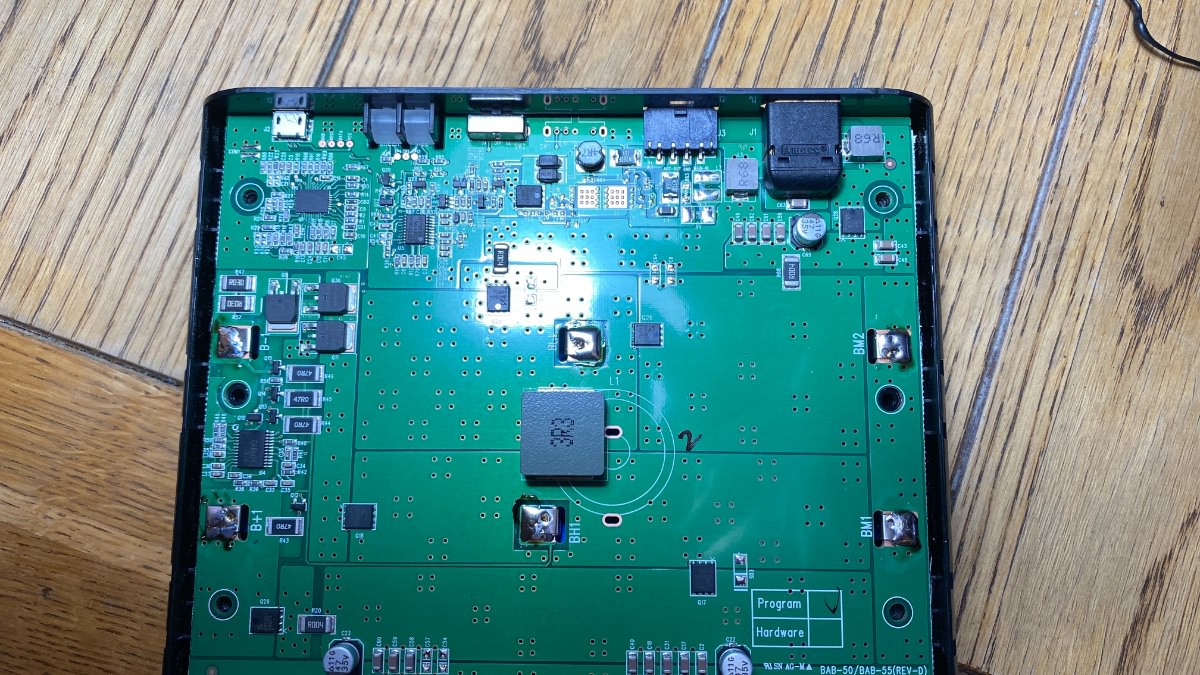
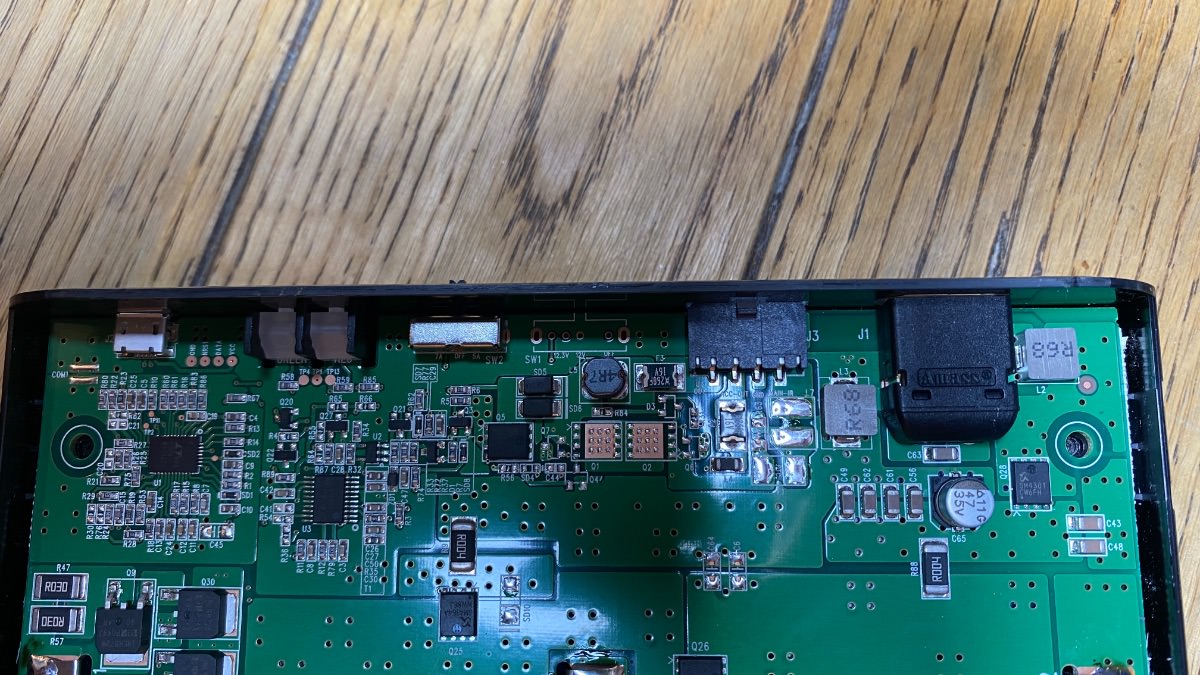
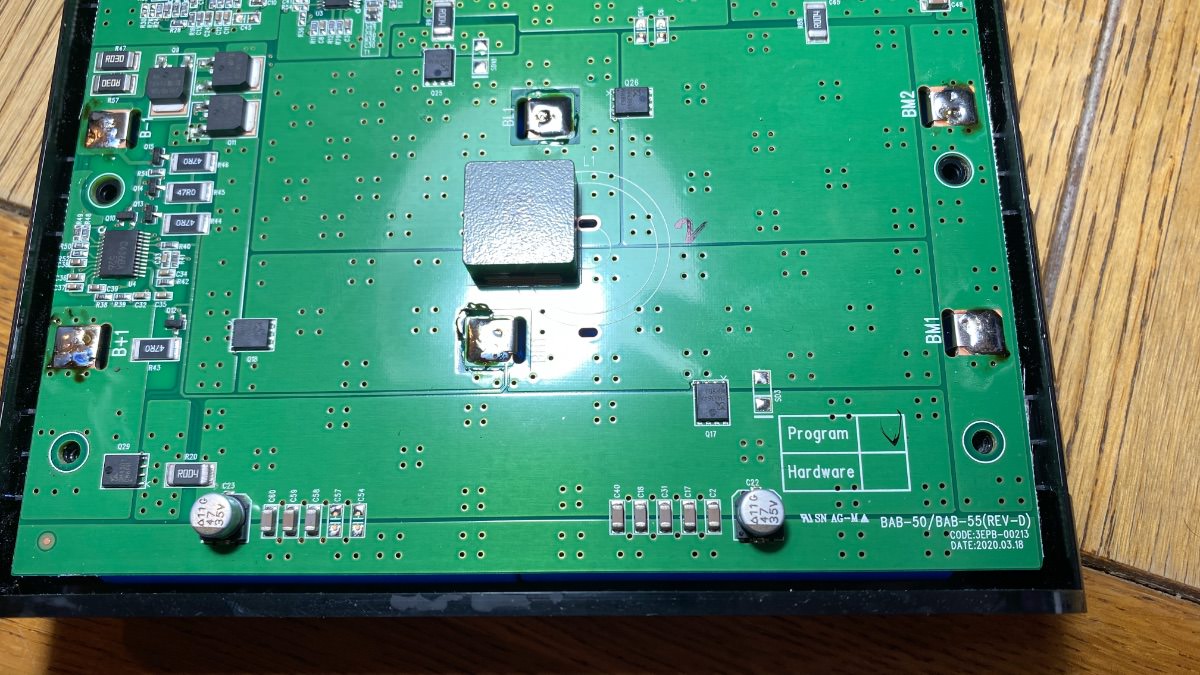
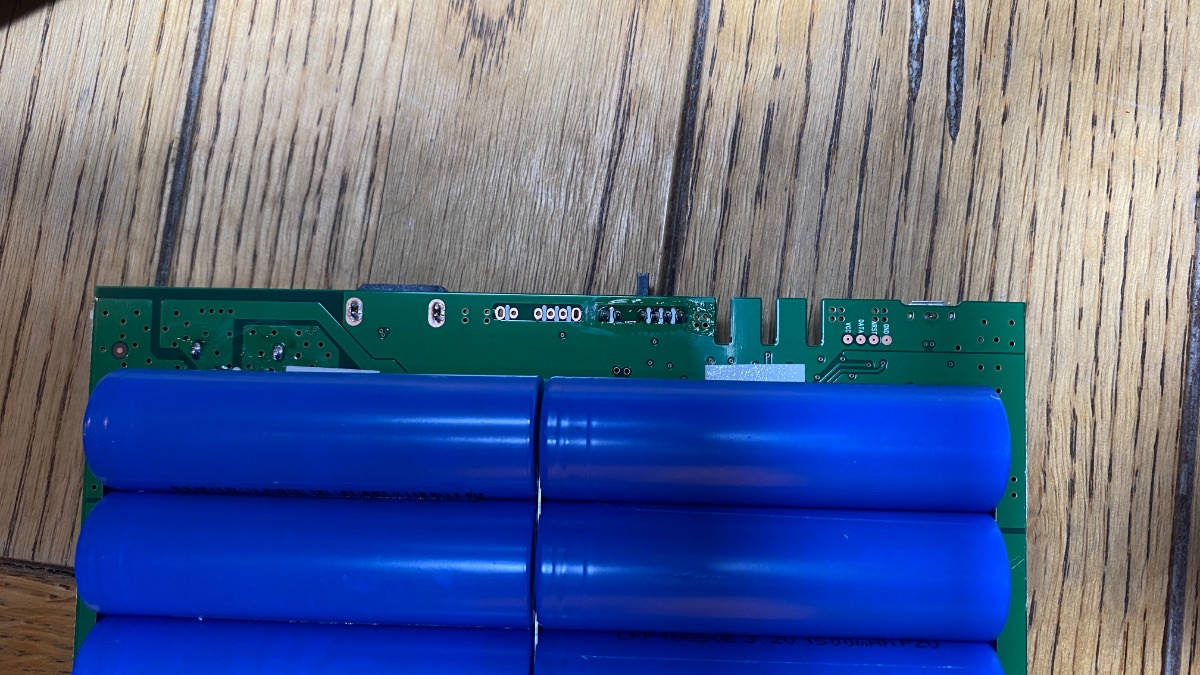
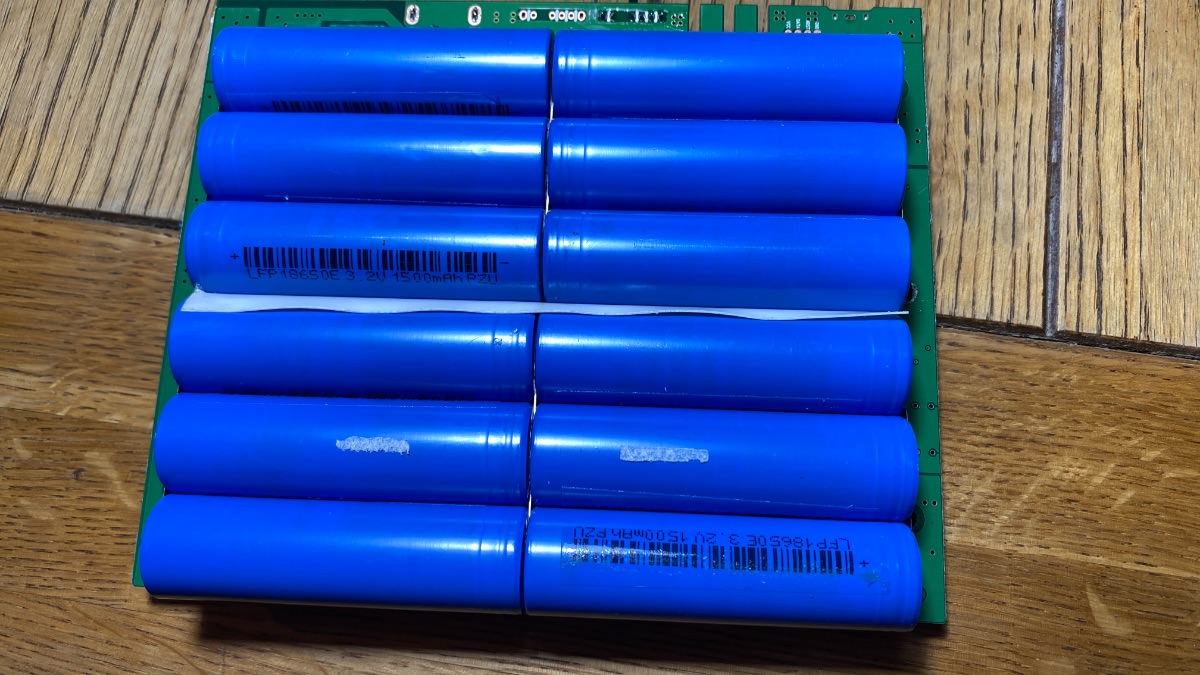
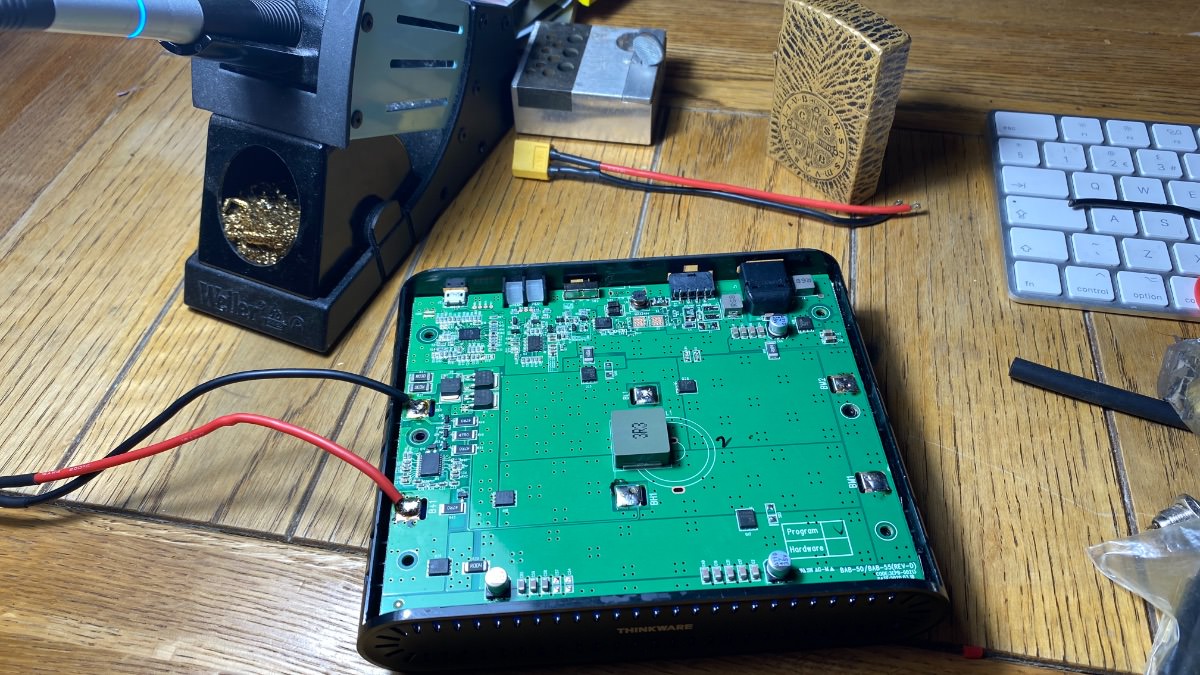
The Thinkware battery teardown
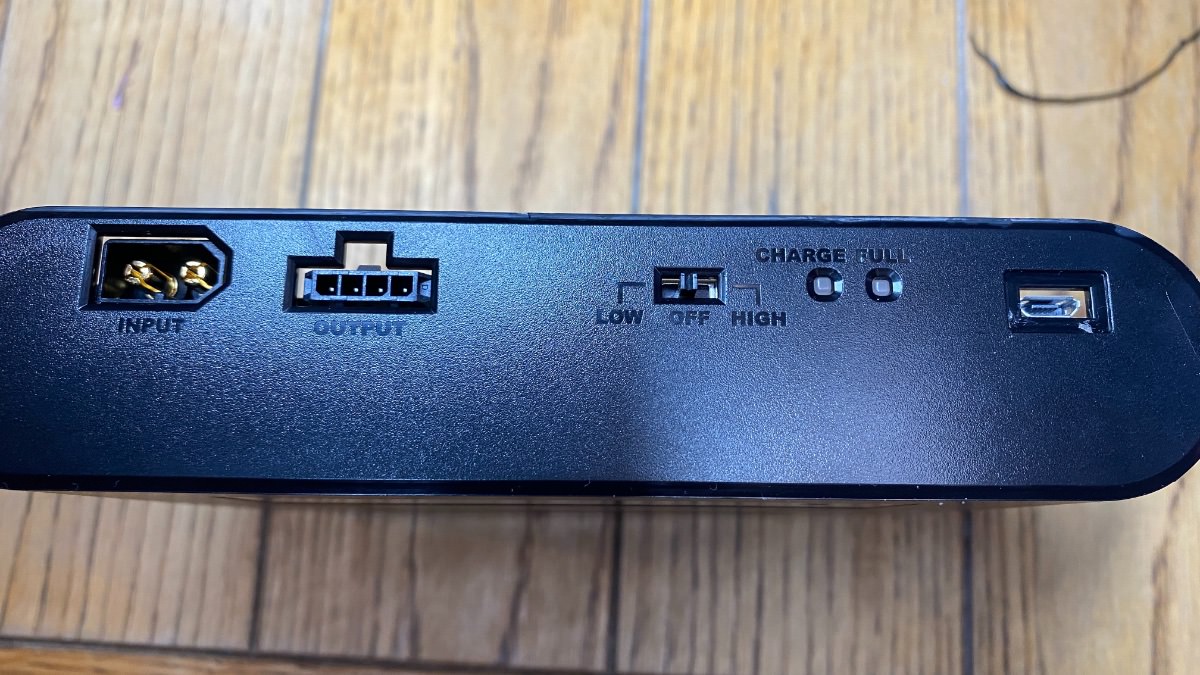
Thinkware U1000 and iVolt battery install and modThinkware U1000 and iVolt battery install and modThinkware U1000 and iVolt battery install and modThinkware U1000 and iVolt battery install and modIMG_4549.jpgThinkware U1000 and iVolt battery install and mod teardown


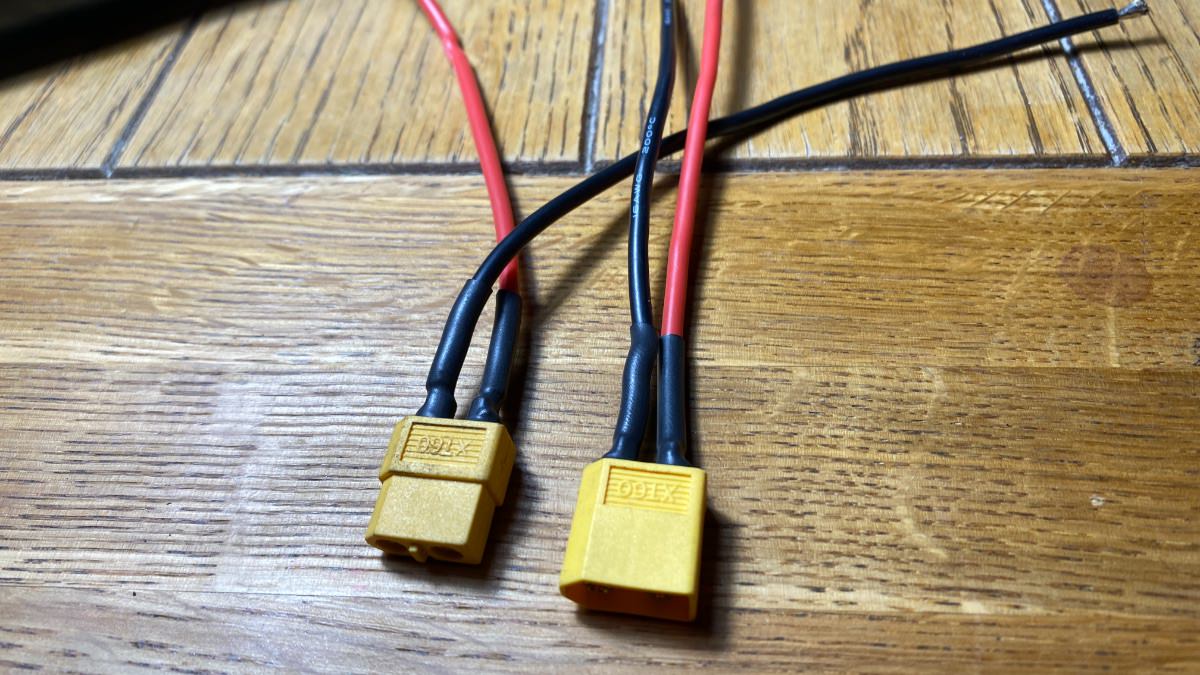
The think ware battery mod
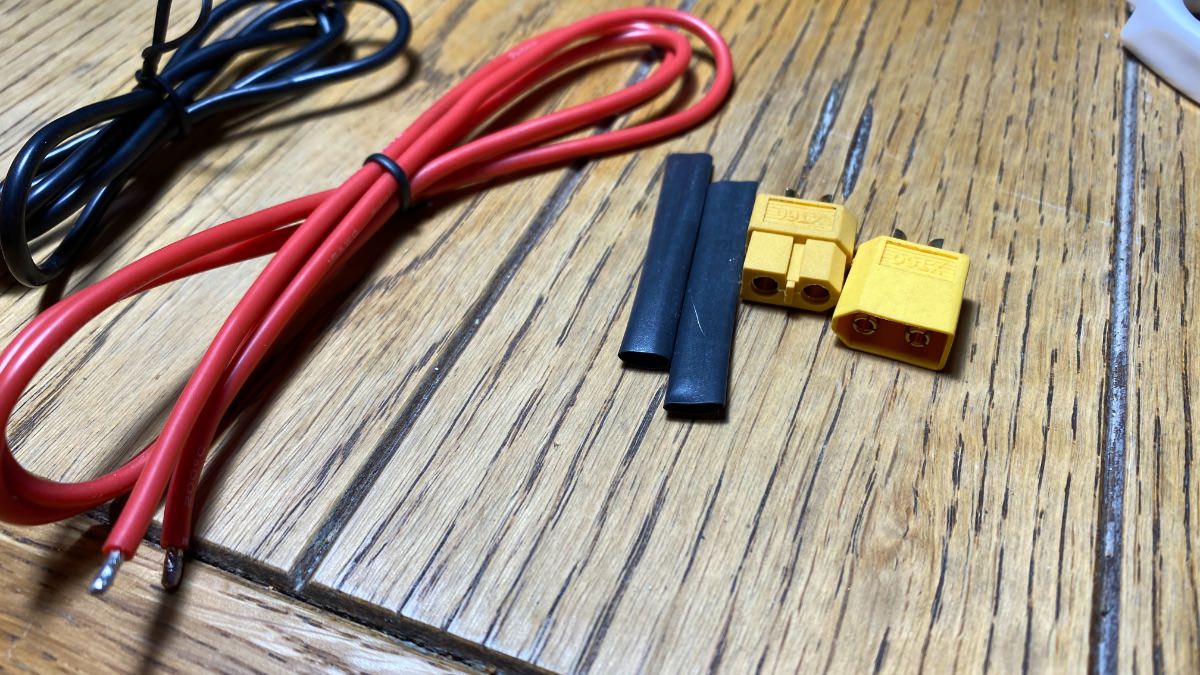
Thinkware U1000 and iVolt battery install and mod teardown Thinkware U1000 and iVolt battery install and mod teardown Thinkware U1000 and iVolt battery install and mod teardown Thinkware U1000 and iVolt battery install and mod teardown Thinkware U1000 and iVolt battery install and mod teardown Thinkware U1000 and iVolt battery install and mod teardown Thinkware U1000 and iVolt battery install and mod teardown Thinkware U1000 and iVolt battery install and mod teardown Thinkware U1000 and iVolt battery install and mod teardown Thinkware U1000 and iVolt battery install and mod teardown


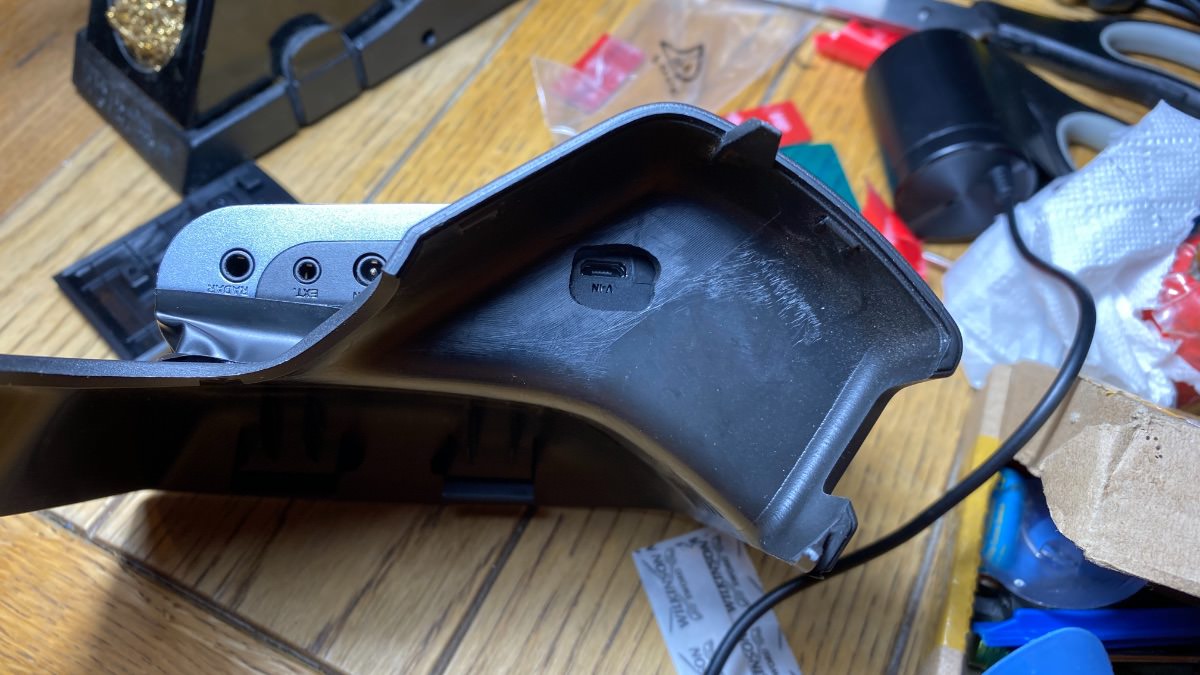
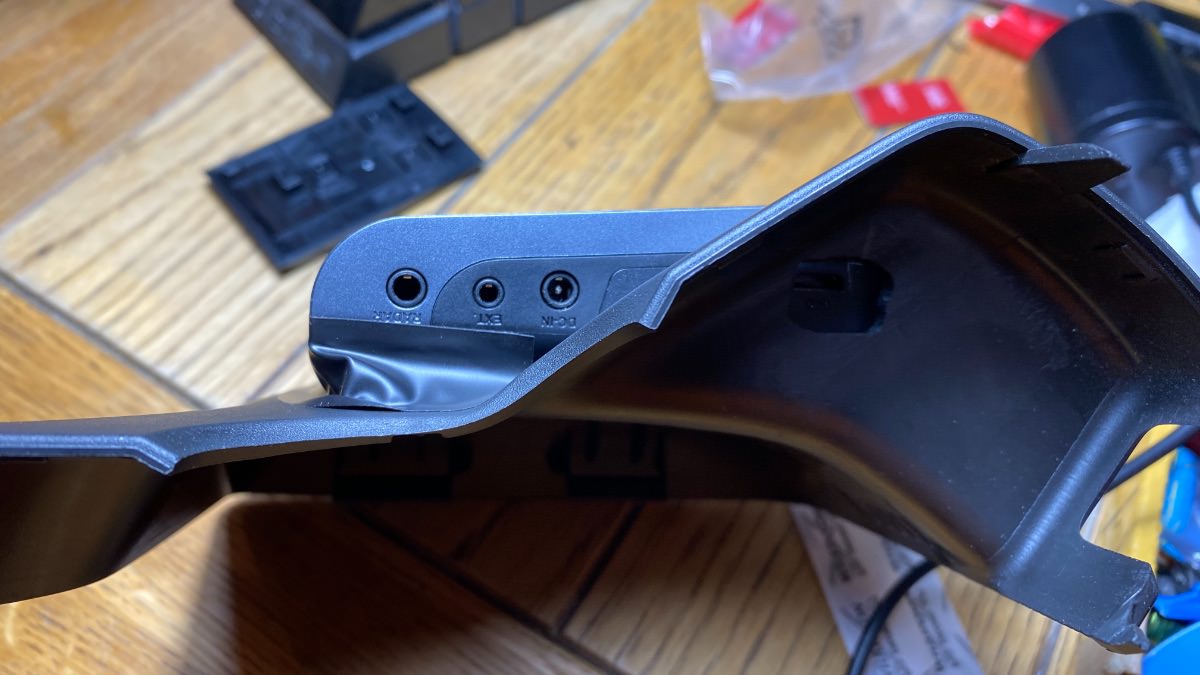
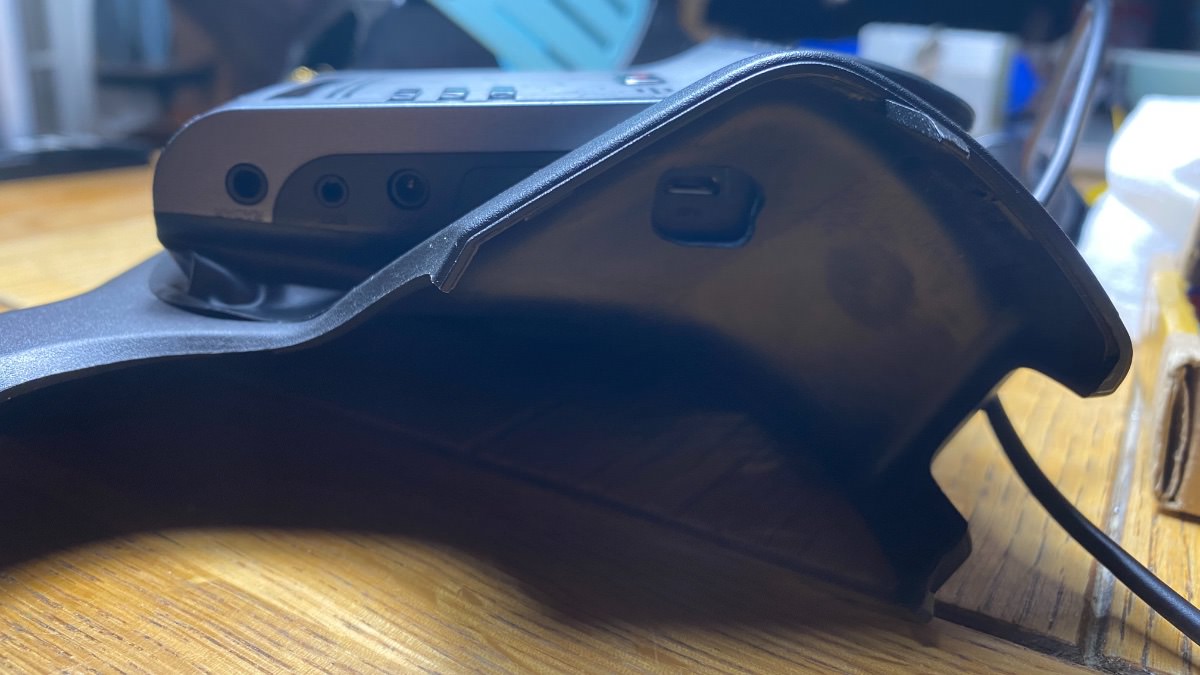
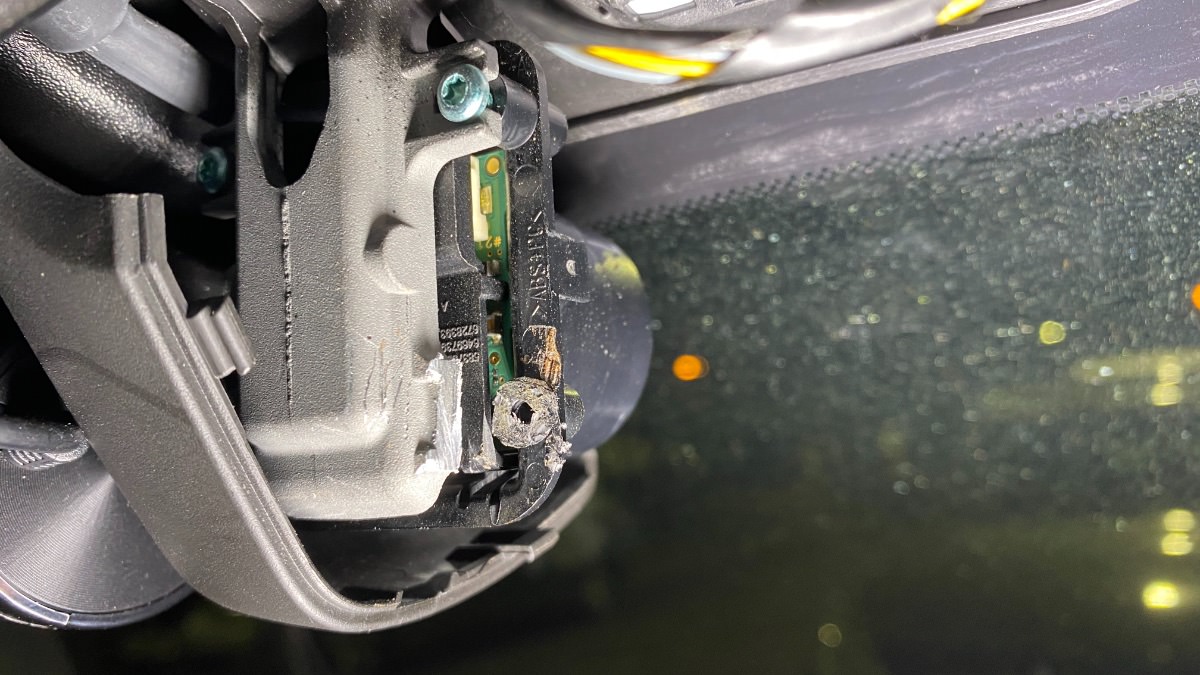
The car's mirror trim mod

Thinkware U1000 and iVolt battery install and mod teardown Thinkware U1000 and iVolt battery install and mod teardown Thinkware U1000 and iVolt battery install and mod teardown Thinkware U1000 and iVolt battery install and mod teardown


The install

Thinkware U1000 and iVolt battery install and mod teardown Thinkware U1000 and iVolt battery install and mod teardown Thinkware U1000 and iVolt battery install and mod teardown Thinkware U1000 and iVolt battery install and mod teardown Thinkware U1000 and iVolt battery install and mod teardown Thinkware U1000 and iVolt battery install and mod teardown Thinkware U1000 and iVolt battery install and mod teardown Thinkware U1000 and iVolt battery install and mod teardown IMG_4396.jpgIMG_4395.jpgIMG_4398.jpgIMG_4399.jpgIMG_4401.jpgIMG_4403.jpgThinkware U1000 and iVolt battery install and mod teardown Thinkware U1000 and iVolt battery install and mod teardown






User Feedback

Recommended Comments

Frank Drogotto Rising Star

Frank Drogotto

Member
On 5/8/2021 at 6:43 PM, Troy said:

Great post! 
1) Can you please share photo or describe how to open the iVolt case? I just bought the same kit as yours but can't seem to find screw location or a seam to pry. 
2) Please list the parts you used (link to buy would be super helpful)


Troy Grand Master

Troy

Administrator

GM Car Hacking Expert

30 minutes ago, Frank Drogotto said:


Hi Frank, thanks. 
The battery cover is held on by 4 plastic clips at the top four corners. 
use a plastic pry tool or flat head screwdriver to pry the top off. 
Check the attached photo. 

The parts I used were stuff I already had. 
I’ll check the wire size and connectors and list then later. 
1EA30E17-9737-4EA7-983C-D9B374B86D4F.jpeg

Join the conversation

You can post now and register later. If you have an account, sign in now to post with your account.

Guest
Add a comment...

All Articles

Popular Members

  1. hassan77h
    +hassan77h
    27
  2. Troy
    Troy
    22
  3. uglyoldbastard
    +uglyoldbastard
    13
  4. regloops
    +regloops
    8
  5. GM-Enthusiast
    +GM-Enthusiast
    7

New Members

  1. David Fontenot
    David Fontenot
      Member
    Joined
  2. SSAUTOZ
    SSAUTOZ
      Member
    Joined
  3. valdemarford
    valdemarford
      Member
    Joined
  4. Course faycal khalil
    Troll-Course faycal khalil
      Troll-Troll
    Joined
  5. Troll stevie nick
    Troll-Troll stevie nick
      Troll-Troll
    Joined
  6. Troll Parkerchevy
    Troll-Troll Parkerchevy
      Troll-Troll
    Joined
  7. Hayk Vardanyan
    Hayk Vardanyan
      Member
    Joined
  8. tunedbycasco
    tunedbycasco
      Member
    Joined
  9. freehugs
    freehugs
      Member
    Joined
  10. ceberon
    ceberon
      Member
    Joined

CameraLoops™
Powered by Art
All Trademarks appearing on this website are the property of their respective owners.

Account

Navigation

Configure browser push notifications

Chrome (Android)
  1. Tap the lock icon next to the address bar.
  2. Tap Permissions → Notifications.
  3. Adjust your preference.
Chrome (Desktop)
  1. Click the padlock icon in the address bar.
  2. Select Site settings.
  3. Find Notifications and adjust your preference.