












.thumb.png.6cba57c5e88519e419516e3ed1152e01.png)
By Troy
The best Macro photography flash diffuser on planet Earth.
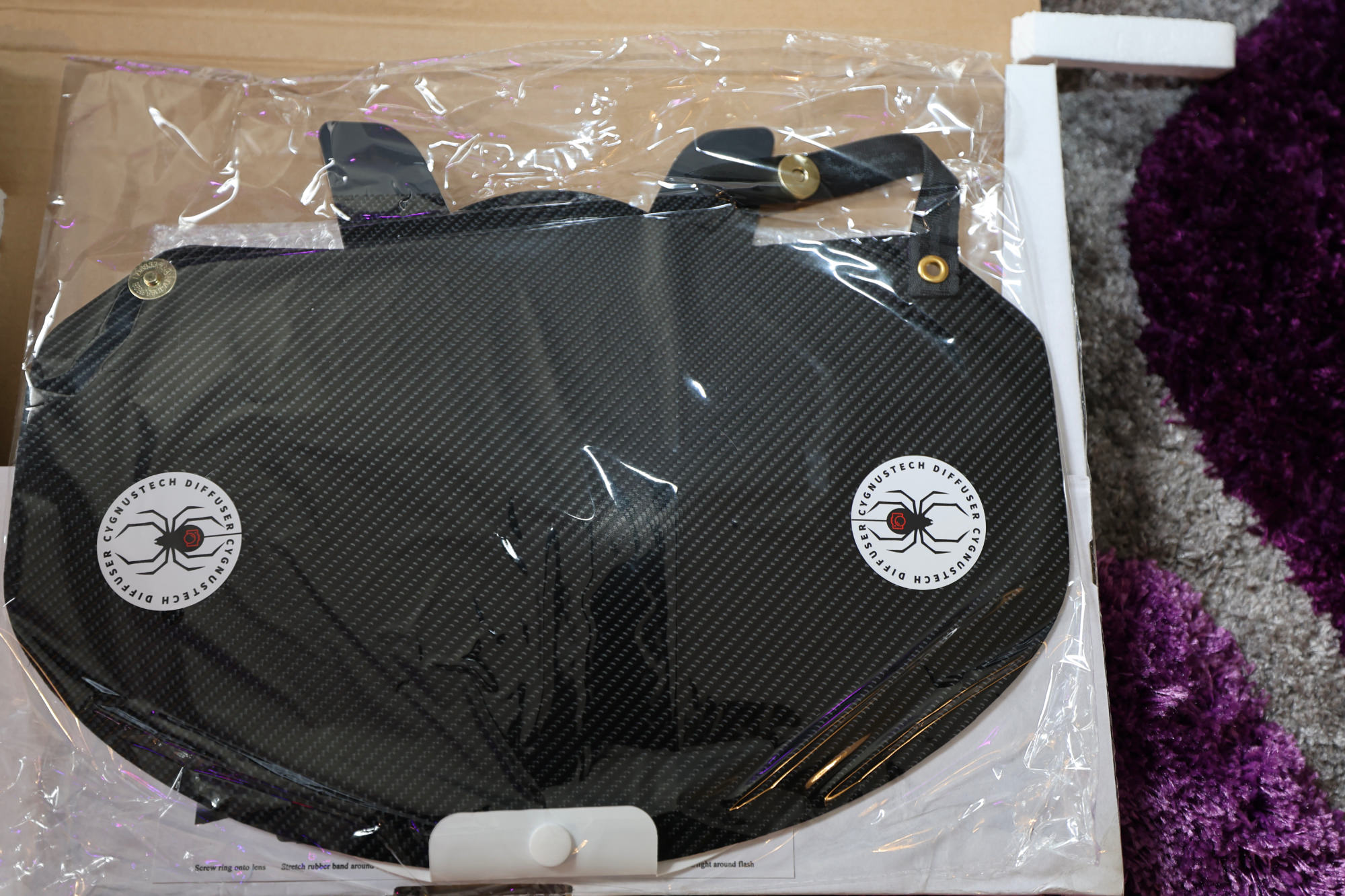
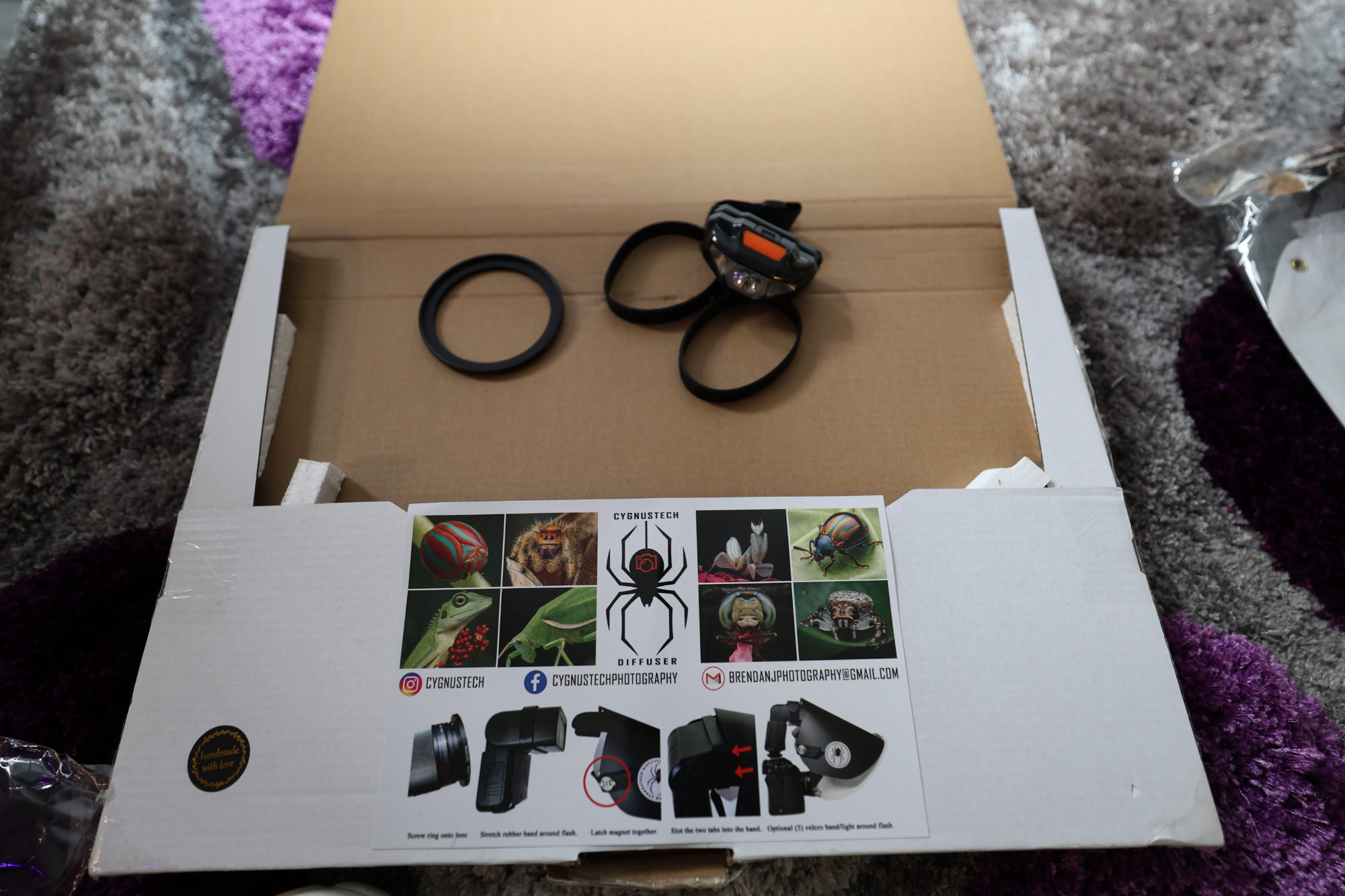
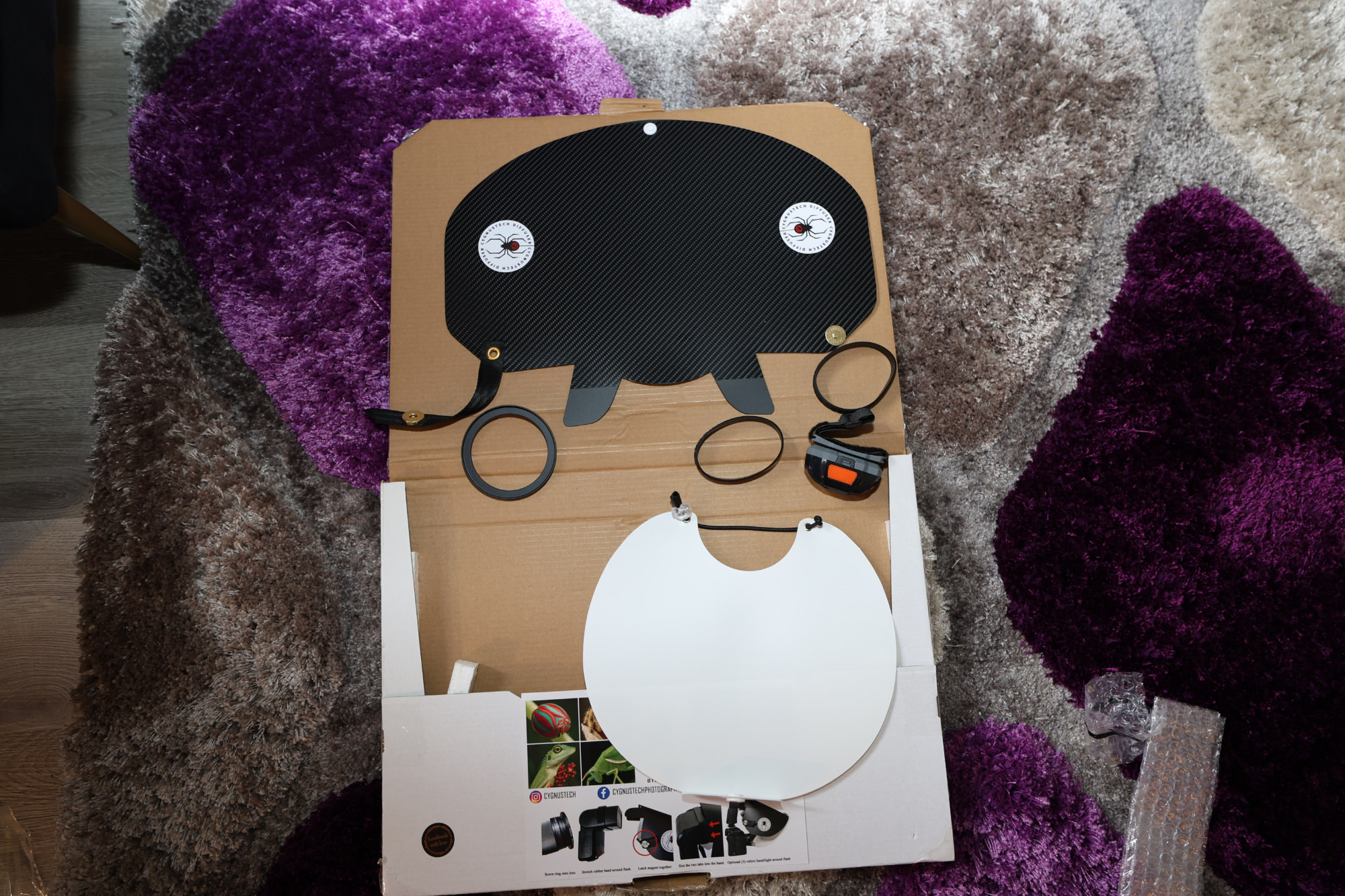
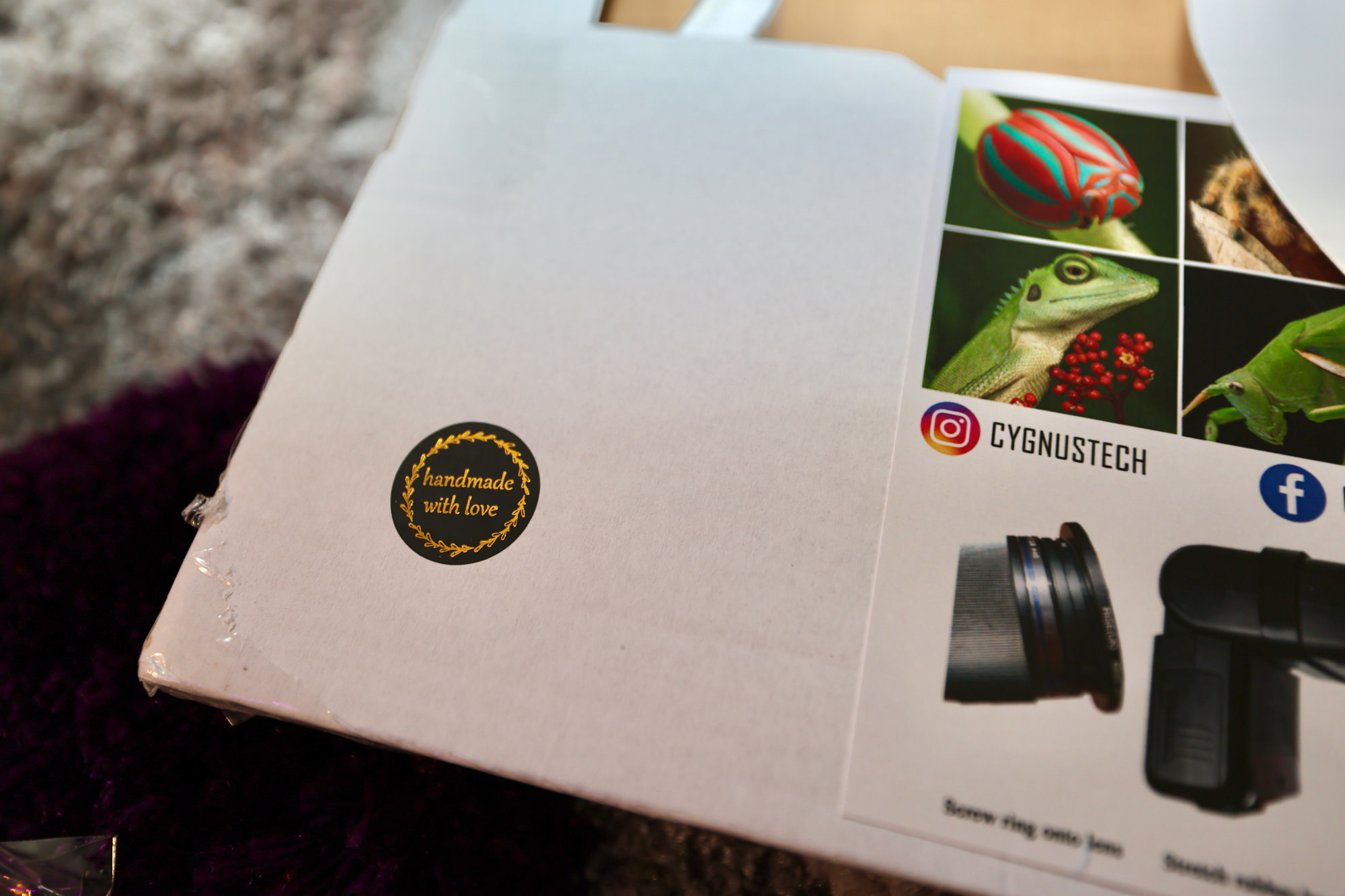
It's widely known that the Cygnustech macro flash diffuser is an excellent tool for macro photography. This article merely adds more information about its greatness and my personal experience with the device. I've been using the Godox MK12 flash with four flash heads for macro stuff for some time now, which works great indoors in a controlled environment. However, it's very cumbersome and fragile when used outdoors. On the other hand, the Cygnustech macro flash diffuser is lightweight, can easily be transported as it folds flat, and produces fantastic macro photography results. From my understanding, the Cygnustech macro flash diffuser is hand-made by Brendan in Australia, and it takes a bit of time to create and deliver.
If you're looking for a great macro flash diffuser for your camera, try the Cygnustech macro flash diffuser. I guarantee you won't regret the purchase.
You can message Brendan on his Instagram page, cygnustech, to make a purchase and see his macro photography results.


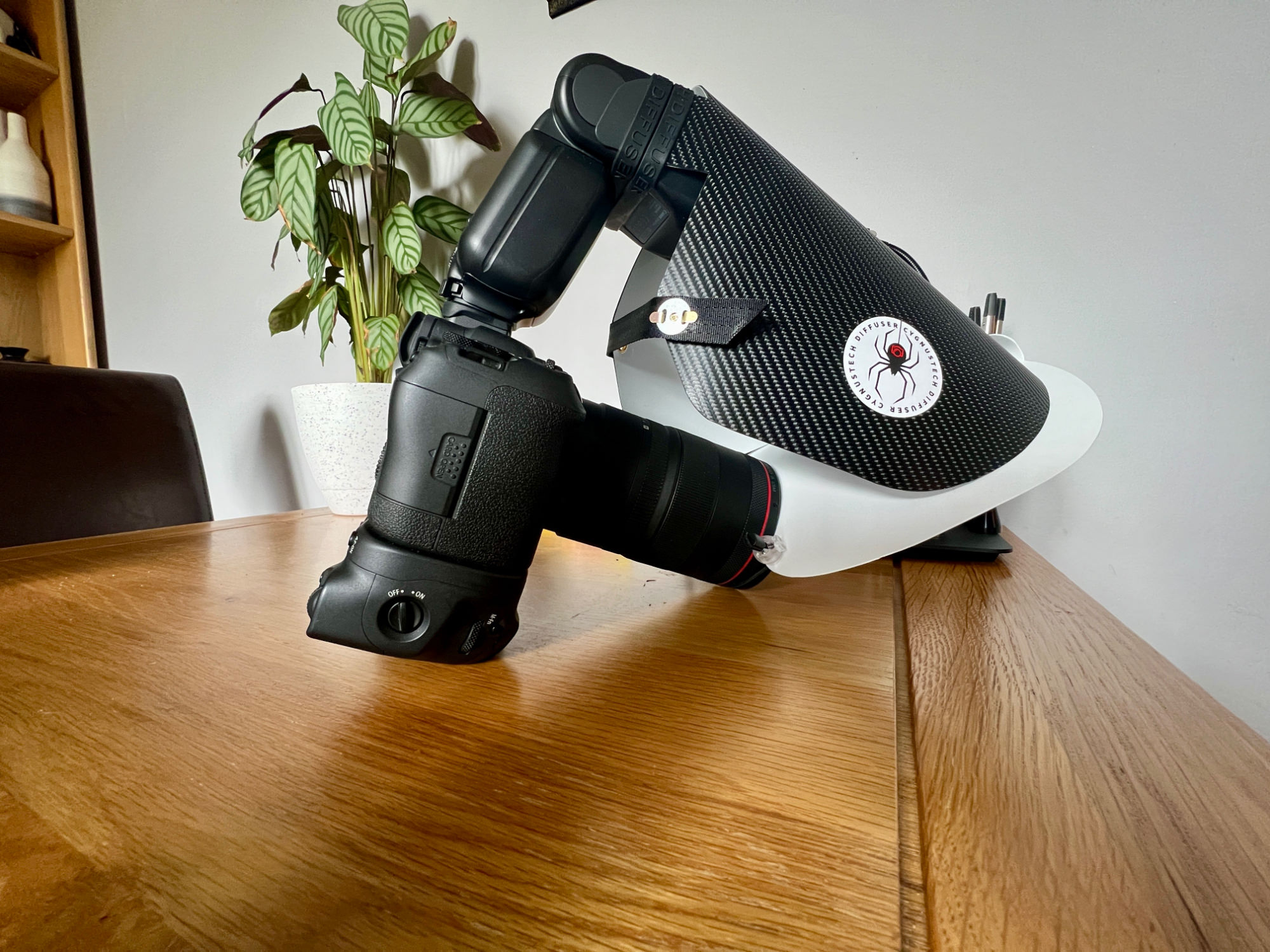

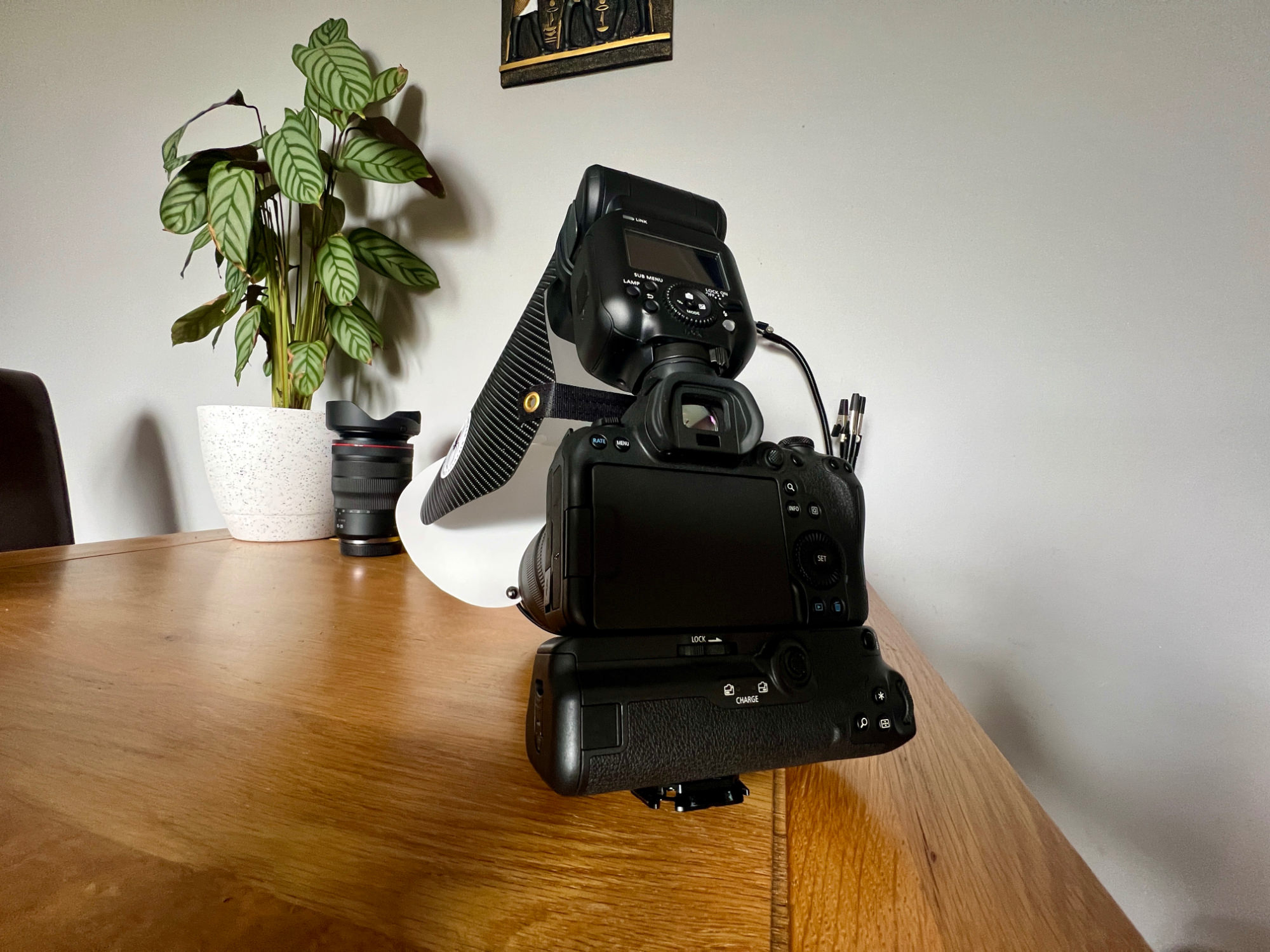
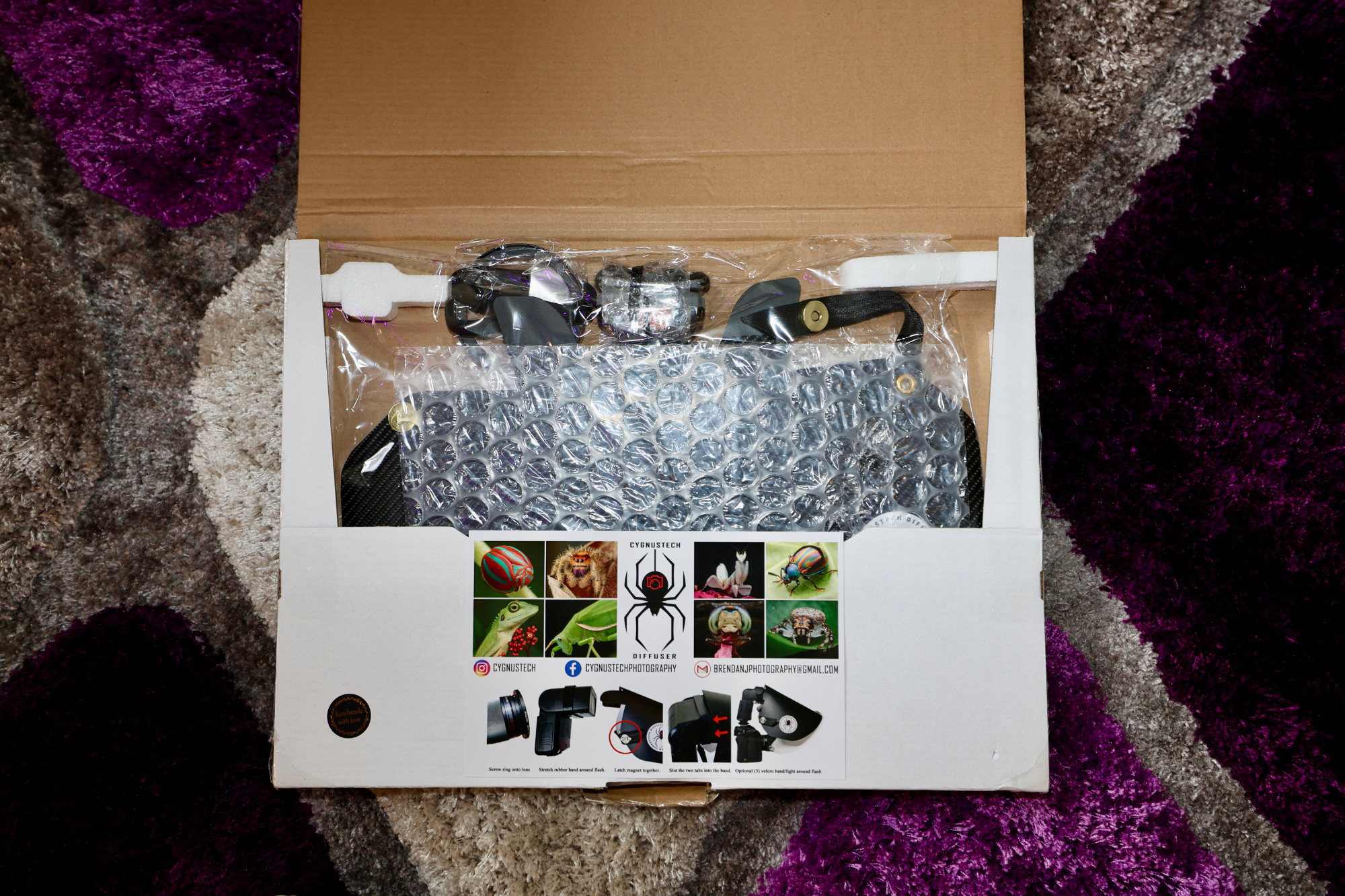
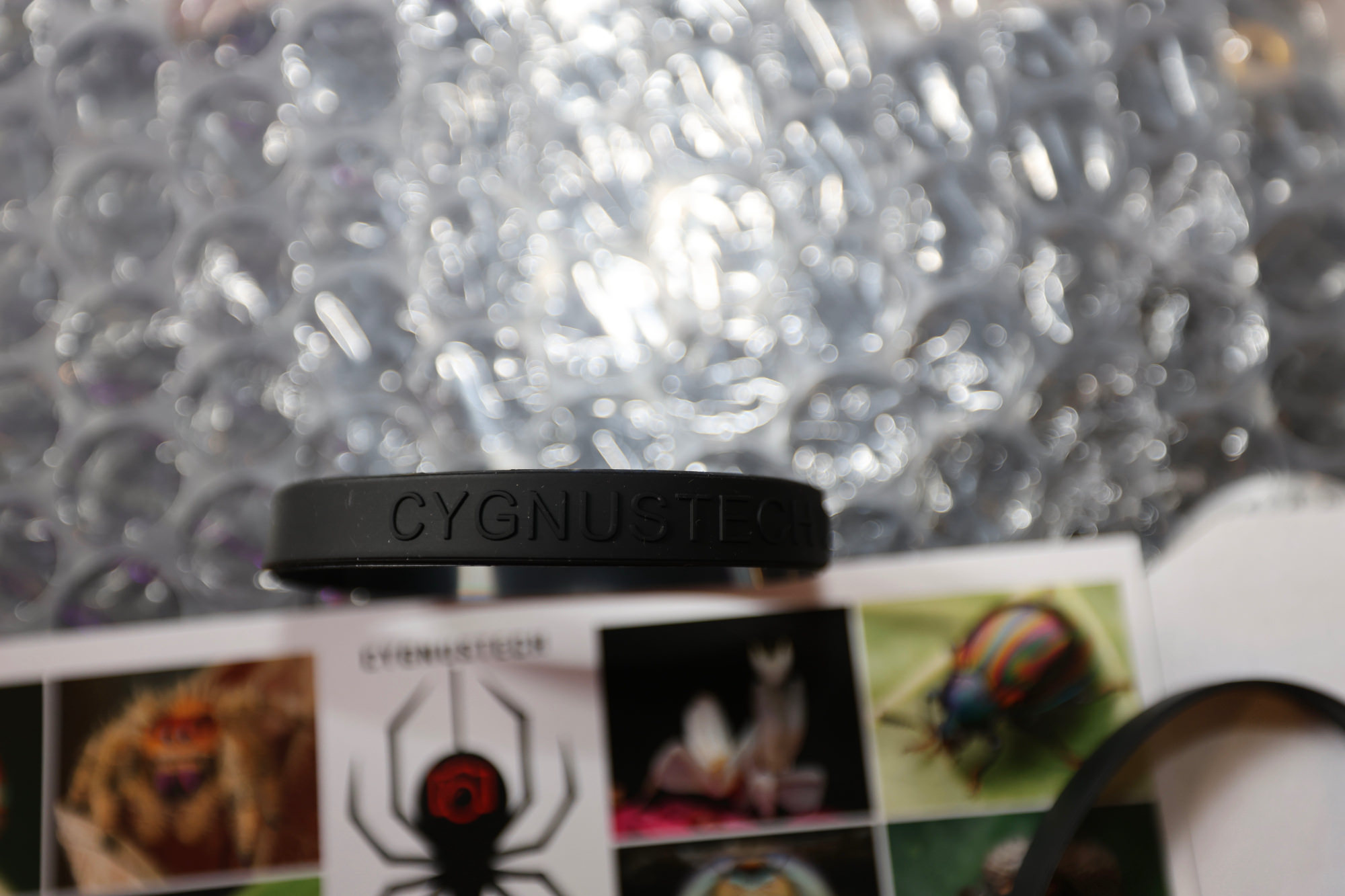
-
 1
1






















































.jpg.434408b0b61b4552ae25cde5c0b5a388.jpg)






.jpeg.503ad3cbf167f180662b9e06a35f1911.jpg.4256ffb79777f00833ddbf666186ef55.jpg)




-min.jpeg.e57f393a5b1034dc5ead0fdf0e5be0a7.jpg.8b0eac9dbd8dd2120749a61afa119519.jpg)




.jpeg.7788c0ed0981e43684ee21be2e0cfd0c.jpg.5fe699189bcf0d18517707ce4222e81a.jpg)


.thumb.jpg.0f819d95317e386a92453772edb75c6b.jpeg.61f2c44081948bc780313ab6fcfdc53b.jpeg)













.jpeg.c58f6a017dba02d1386e26ad62d32fe5.jpeg)




.jpg.9dd8d45a3fad0a651bb2bc39ddead936.jpg.7a19f233d3331becb9d93ee7cfc63379.jpg)




.jpg.3dfde5099751bef5f6e2d27f3d463275.jpg.edf3062b4fb37e14c71ab2caa86c1053.jpg)






















Recommended Comments
Join the conversation
You can post now and register later. If you have an account, sign in now to post with your account.