












.thumb.png.6cba57c5e88519e419516e3ed1152e01.png)
By Troy
HyperJuice MBP 1.5-222, USB-C Magic Box V2 faulty not working fix
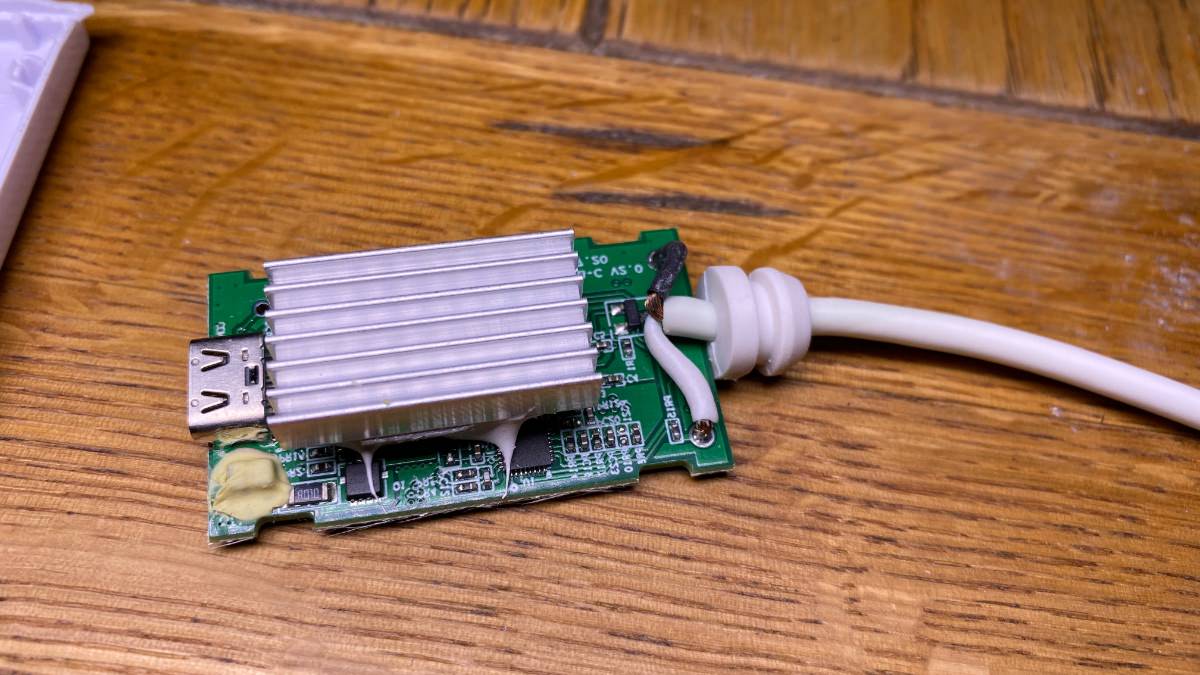
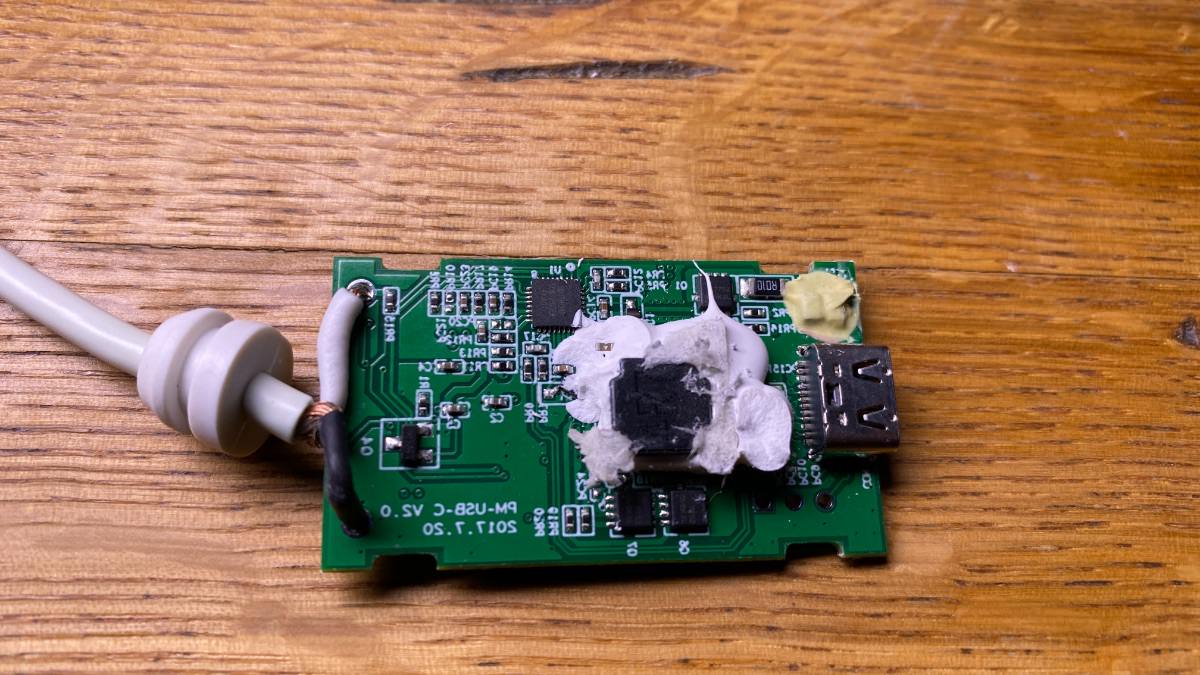
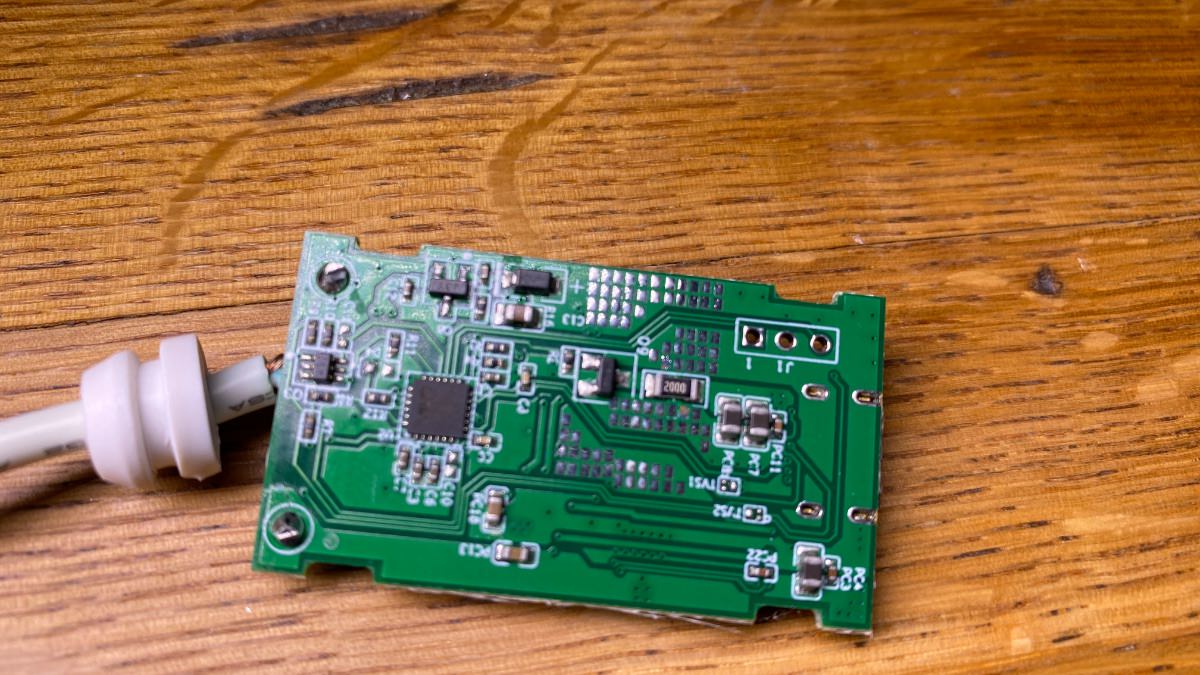
The HyperJuice MBP 1.5-222 MacBook power bank battery is OK, though the USB-C Magic Box V2 is rubbish and a waste of money.
It stopped working and was replaced under warranty twice in the same year.
Whatever electronic parts are used or circuit design is not good.
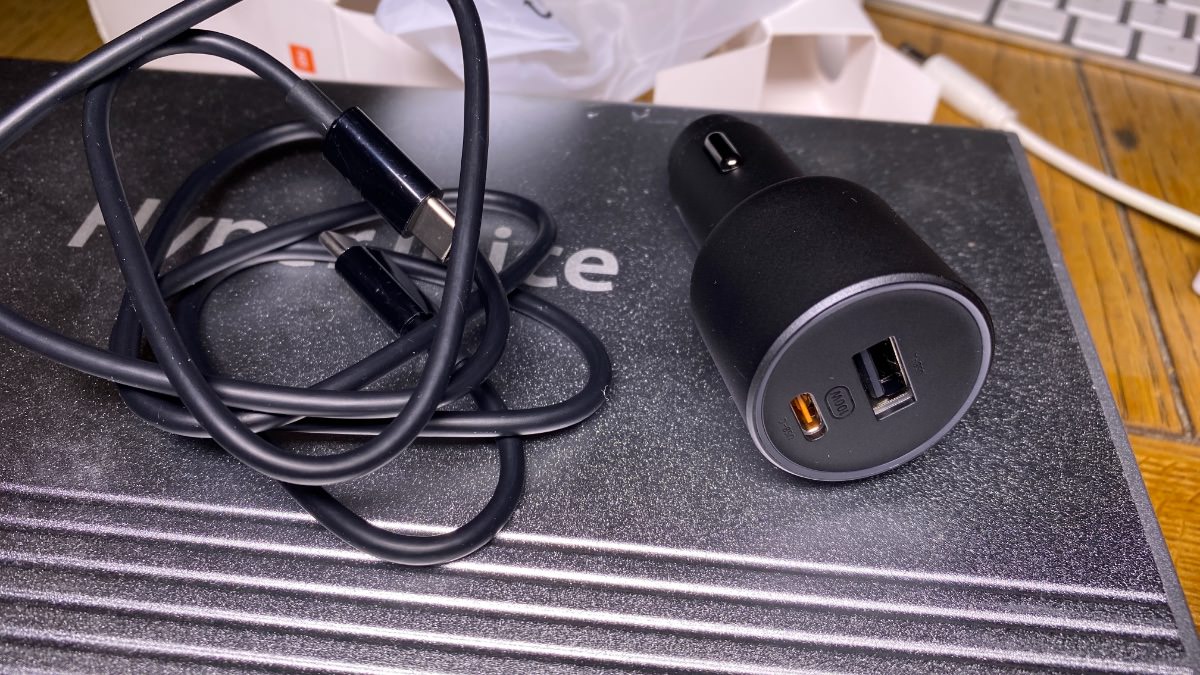
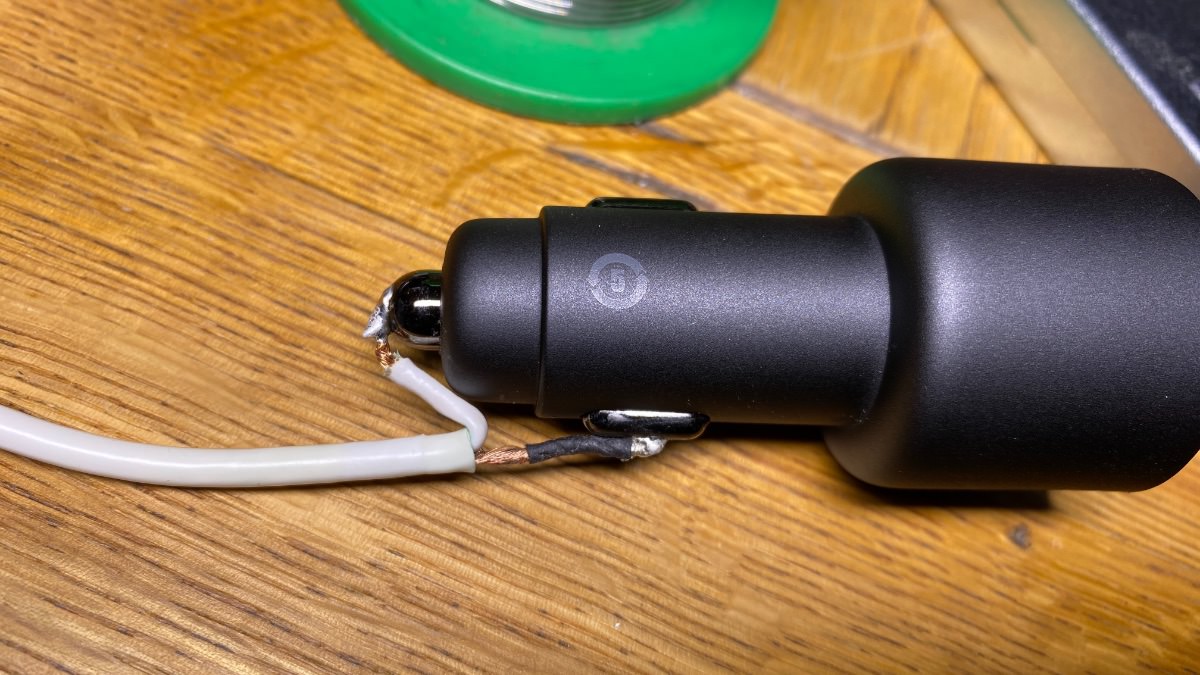
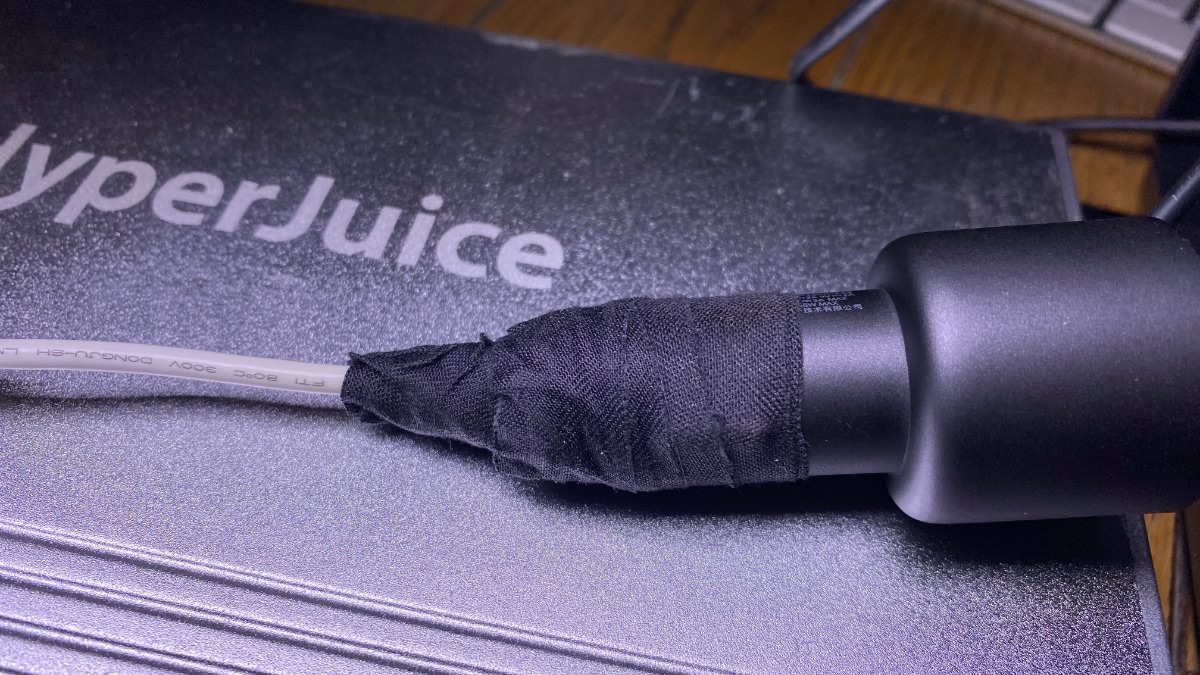
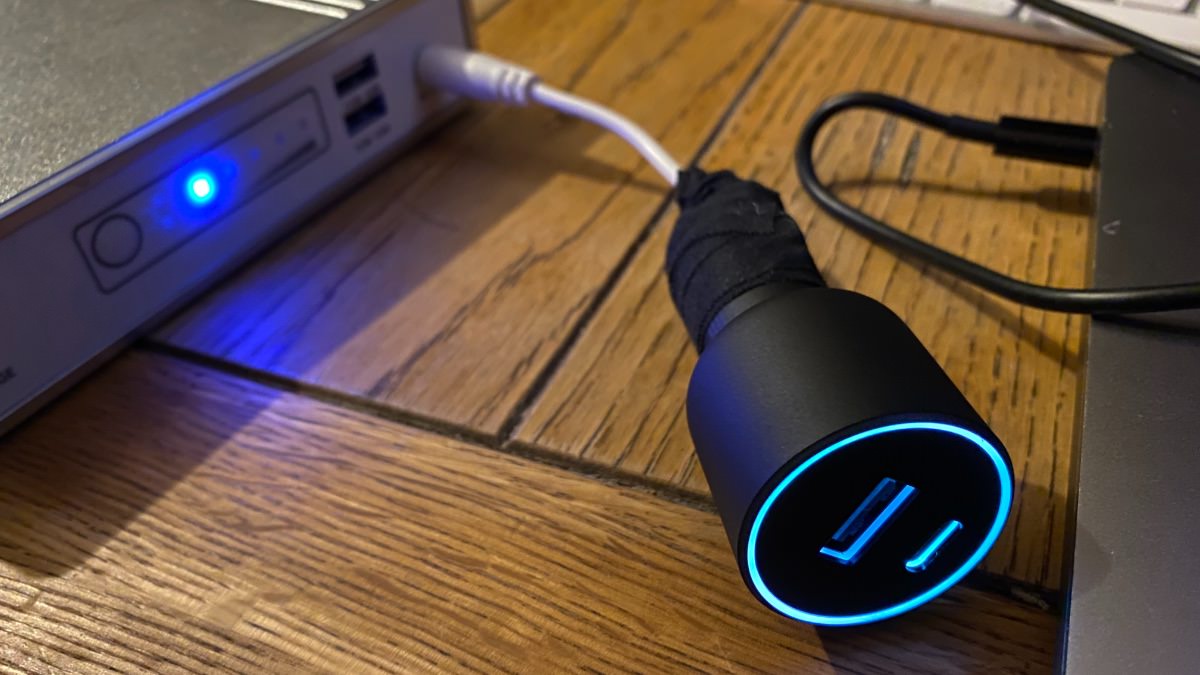
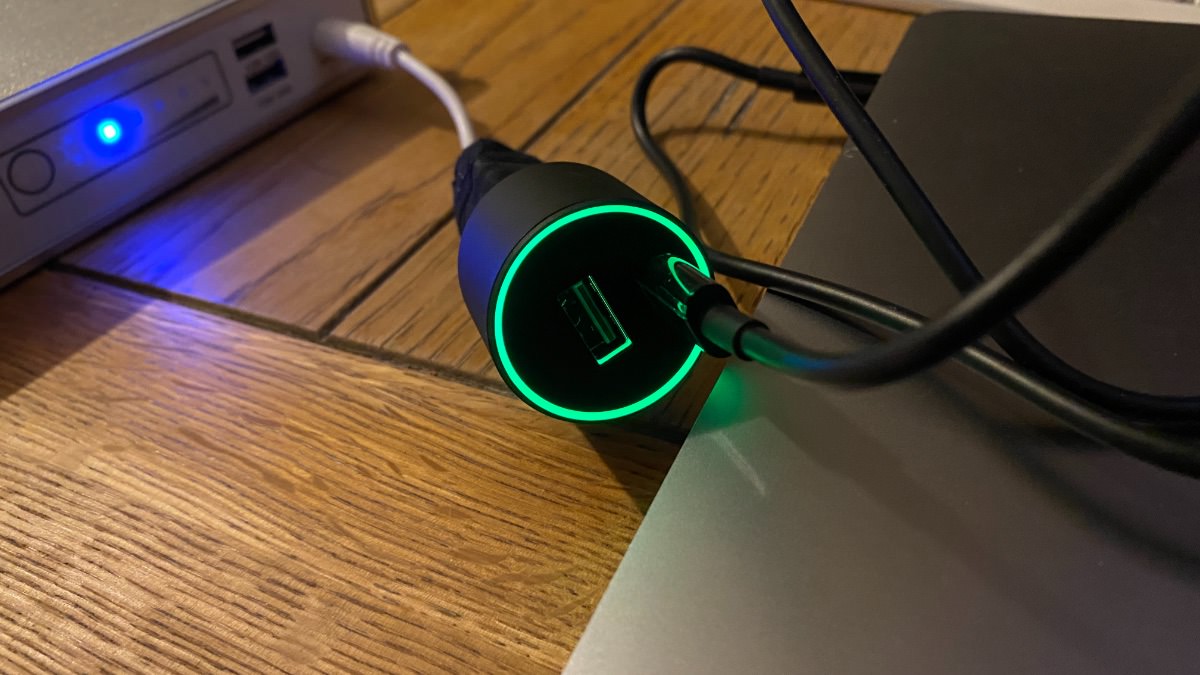
A simple fix is to use a 100W car cigarette port USB C charger to make an adaptor for my MacBook.
The 100W car cigarette port USB C charger does get a bit warm when used.
This is normal, as it does get warm when using it in the car on a 16 MB Pro
Link for the car cigarette port USB C charger. DON'T BUY. IT'S FAKE.
Update 1
After checking the watt output in my Macbook.
I now see that this Aliexpress 100-watt car USB-C charger from China is FAKE!
It outputs 45 watts and not 100 watts as advertised.
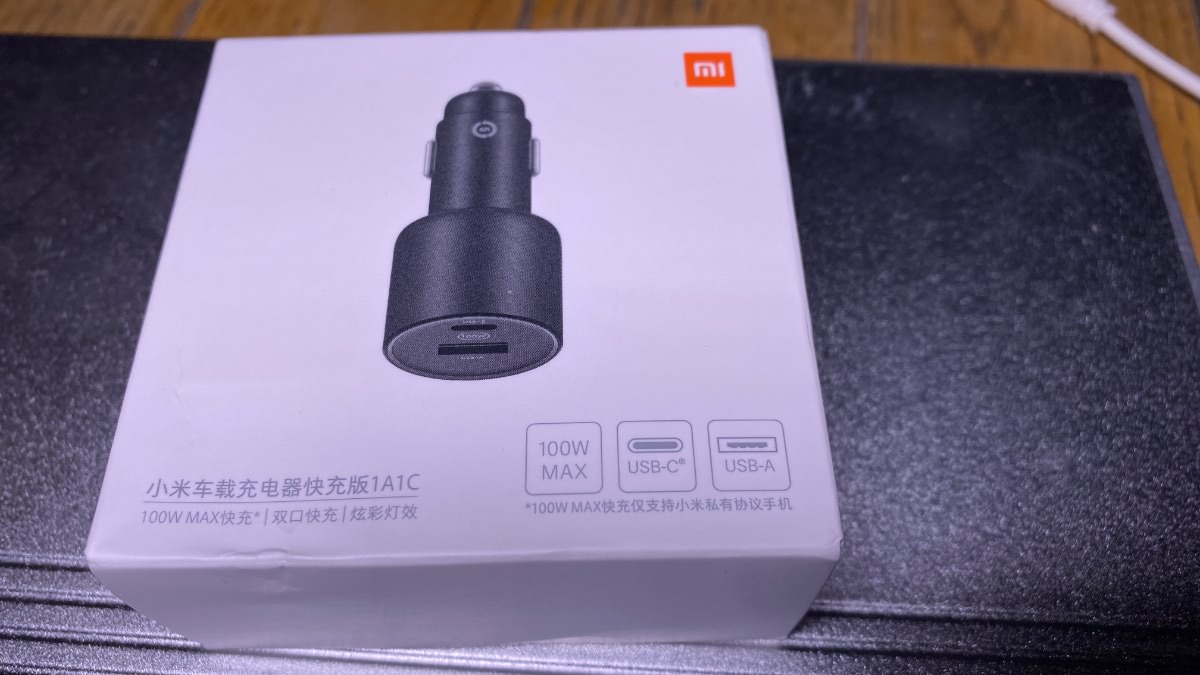
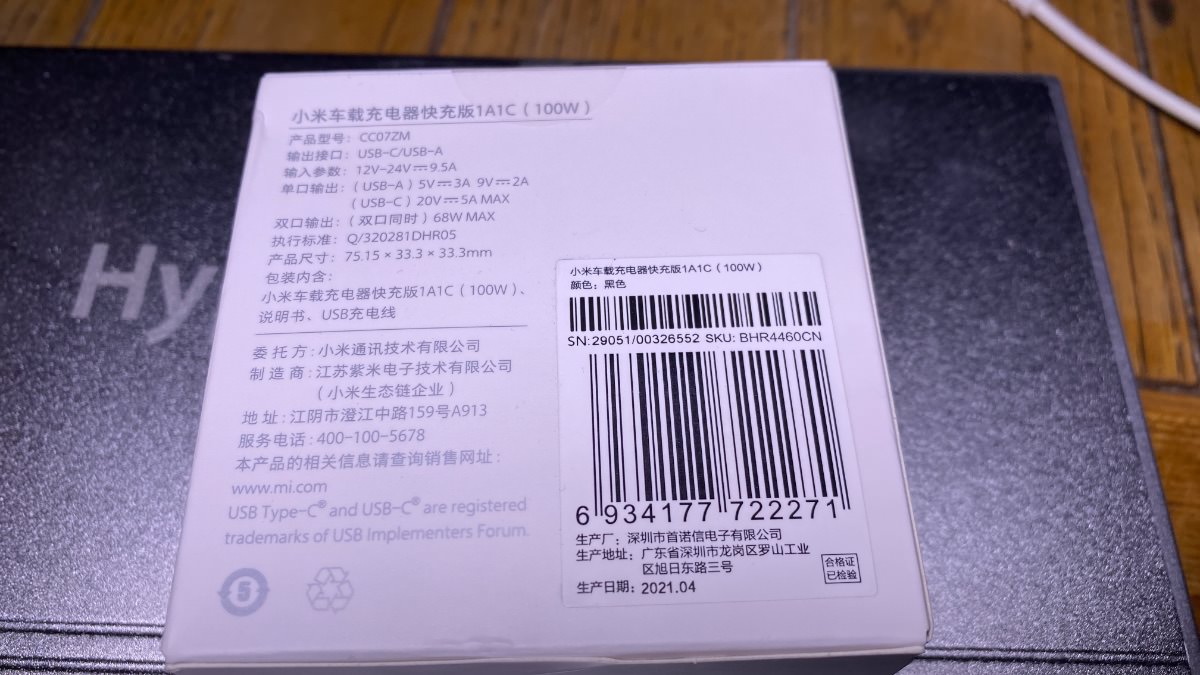
I will now try to source a genuine 100-watt car USB-C charger.
Update 2
After some research, I found a car USB-C charger that outputs 87W when charging a 16-inch MacBook Pro.
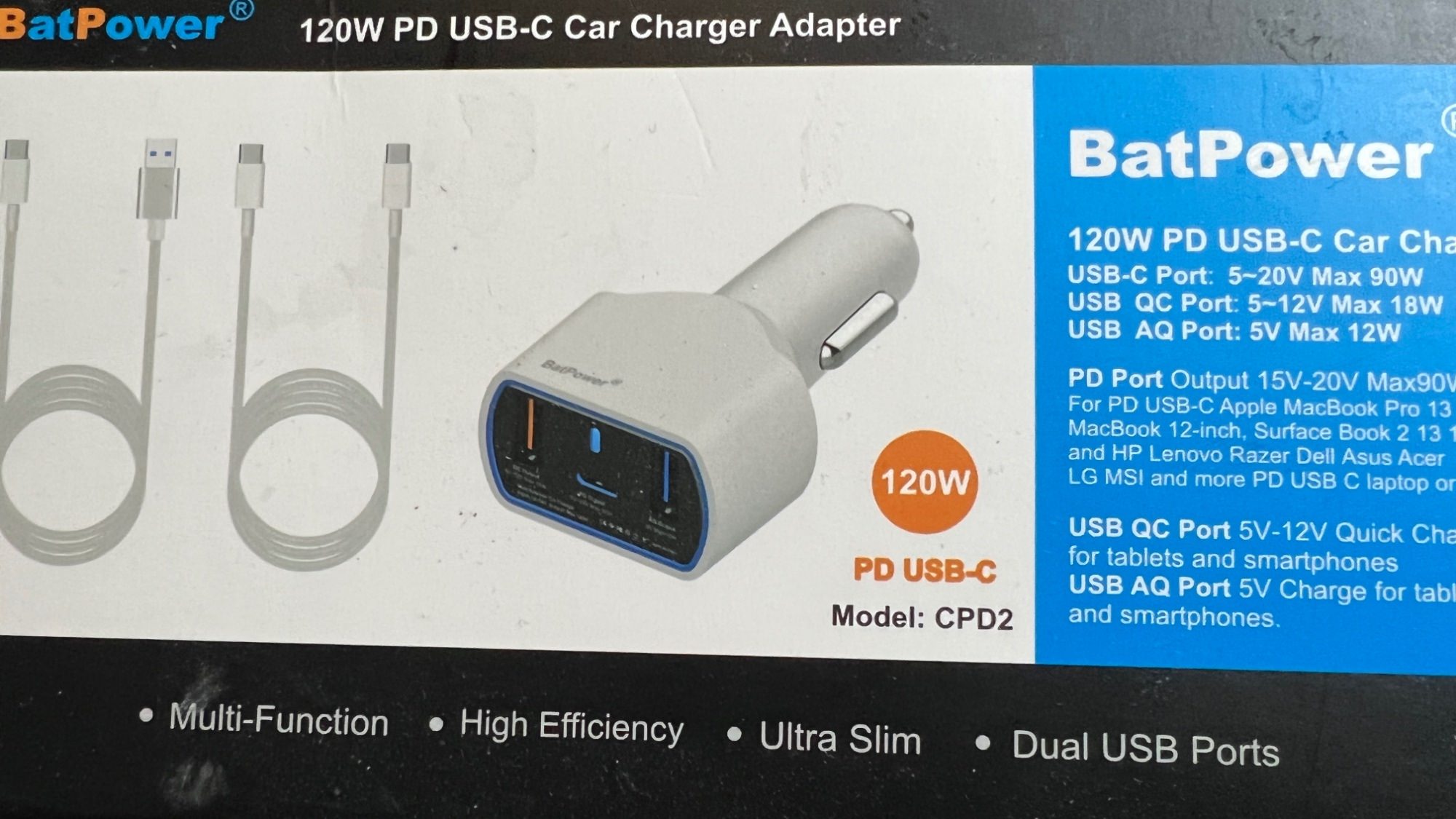
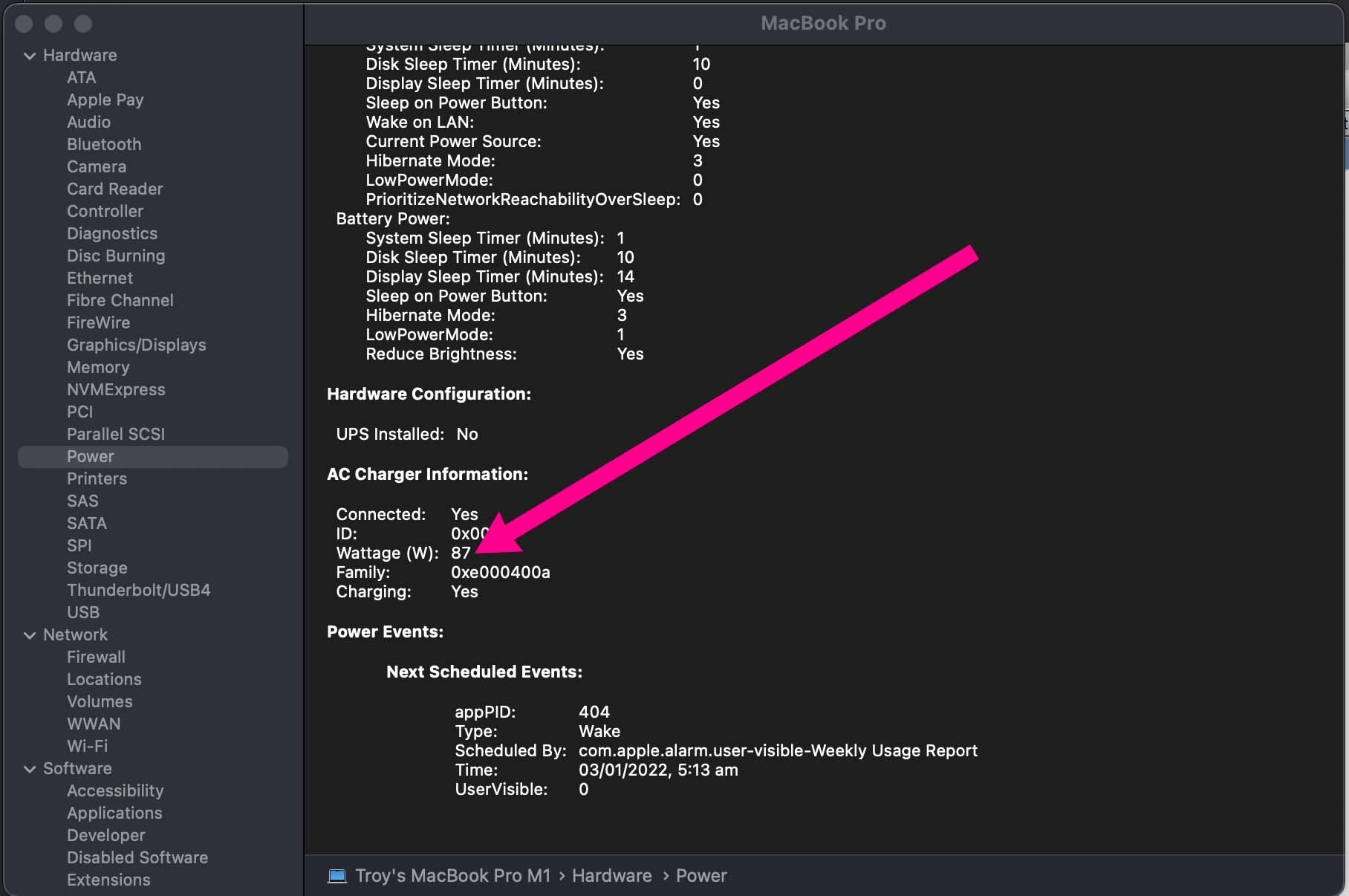
Photos of the quick fix are below.























































.jpg.434408b0b61b4552ae25cde5c0b5a388.jpg)






.jpeg.503ad3cbf167f180662b9e06a35f1911.jpg.4256ffb79777f00833ddbf666186ef55.jpg)




-min.jpeg.e57f393a5b1034dc5ead0fdf0e5be0a7.jpg.8b0eac9dbd8dd2120749a61afa119519.jpg)




.jpeg.7788c0ed0981e43684ee21be2e0cfd0c.jpg.5fe699189bcf0d18517707ce4222e81a.jpg)


.thumb.jpg.0f819d95317e386a92453772edb75c6b.jpeg.61f2c44081948bc780313ab6fcfdc53b.jpeg)












.jpeg.c58f6a017dba02d1386e26ad62d32fe5.jpeg)




.jpg.9dd8d45a3fad0a651bb2bc39ddead936.jpg.7a19f233d3331becb9d93ee7cfc63379.jpg)




.jpg.3dfde5099751bef5f6e2d27f3d463275.jpg.edf3062b4fb37e14c71ab2caa86c1053.jpg)






















Recommended Comments
Join the conversation
You can post now and register later. If you have an account, sign in now to post with your account.