












.thumb.png.6cba57c5e88519e419516e3ed1152e01.png)
By Troy
How To Repair A Mackie Big Knob Power Supply
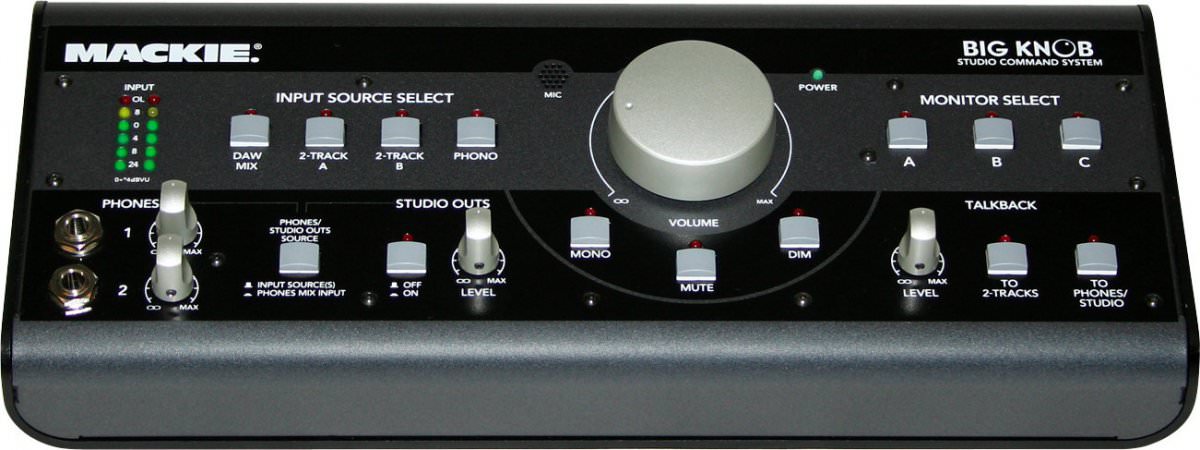
The Mackie Big Knob monitor control power supply repair.
The symptoms before my Mackie Big Knob died were, humming sound in headphones, slight vibrating noise coming from the knob. A few days after it died, no lights, nothing, no life.
This isn’t a full in-depth tutorial. It’s more like a Brain Sparker to spark the DIY element in yourself to let you know you can repair your Big Knob without the need to pay Mackie £300 to repair it for you.
All you needed to repair the unit is, a multimeter, soldering iron, soldering wire, soldering wick or soldering suction tool to remove the faulty power supply from the circuit board, some screw drivers, the replacement parts and some gentle time.
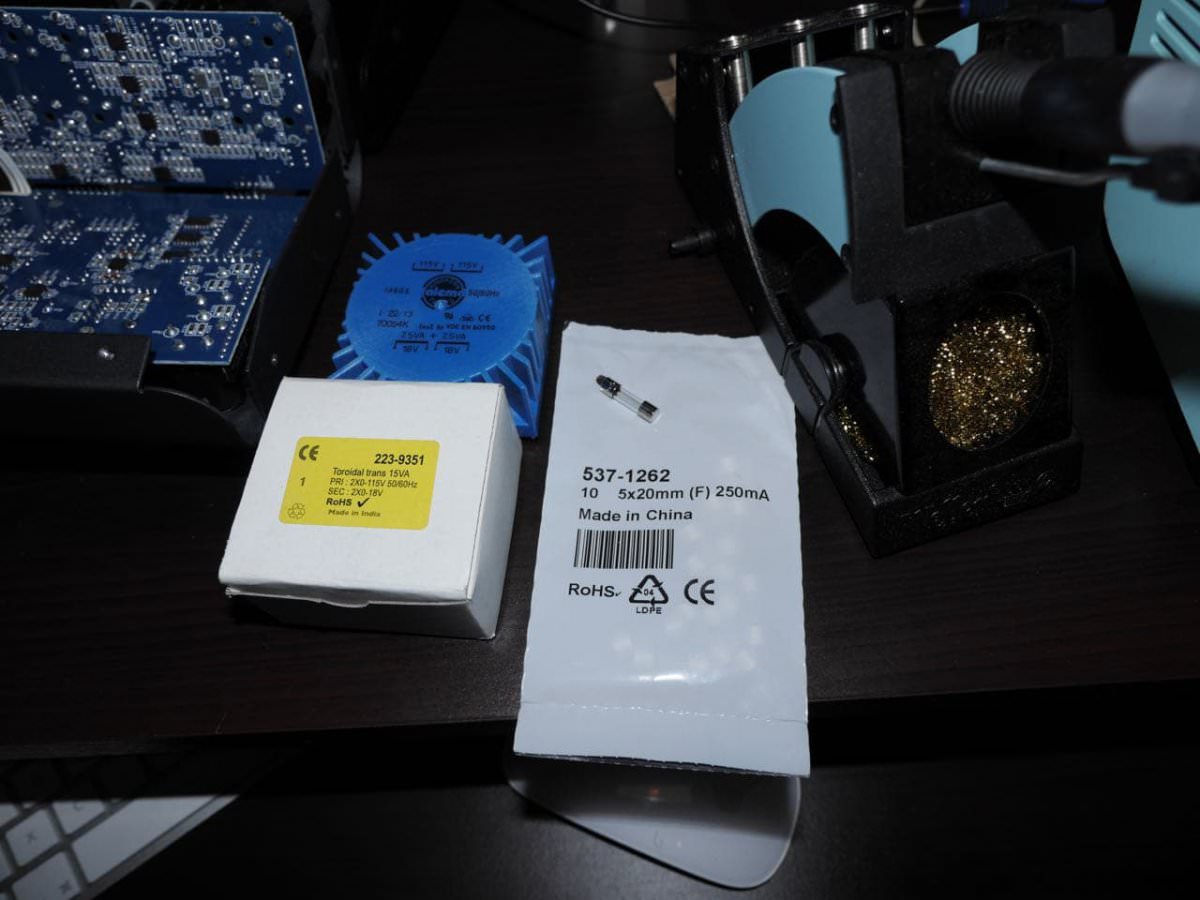
Here in the UK the replacement power supply transformer and fuse can be purchased from RS Components.
Transformer part number is: 2239351 (cost £14.69)
Fuse part number is: 537-1262 (cost £1.95)
For the rest of the world, copy the parts specification from RS Components website then search for them in your local electronics parts supplier.
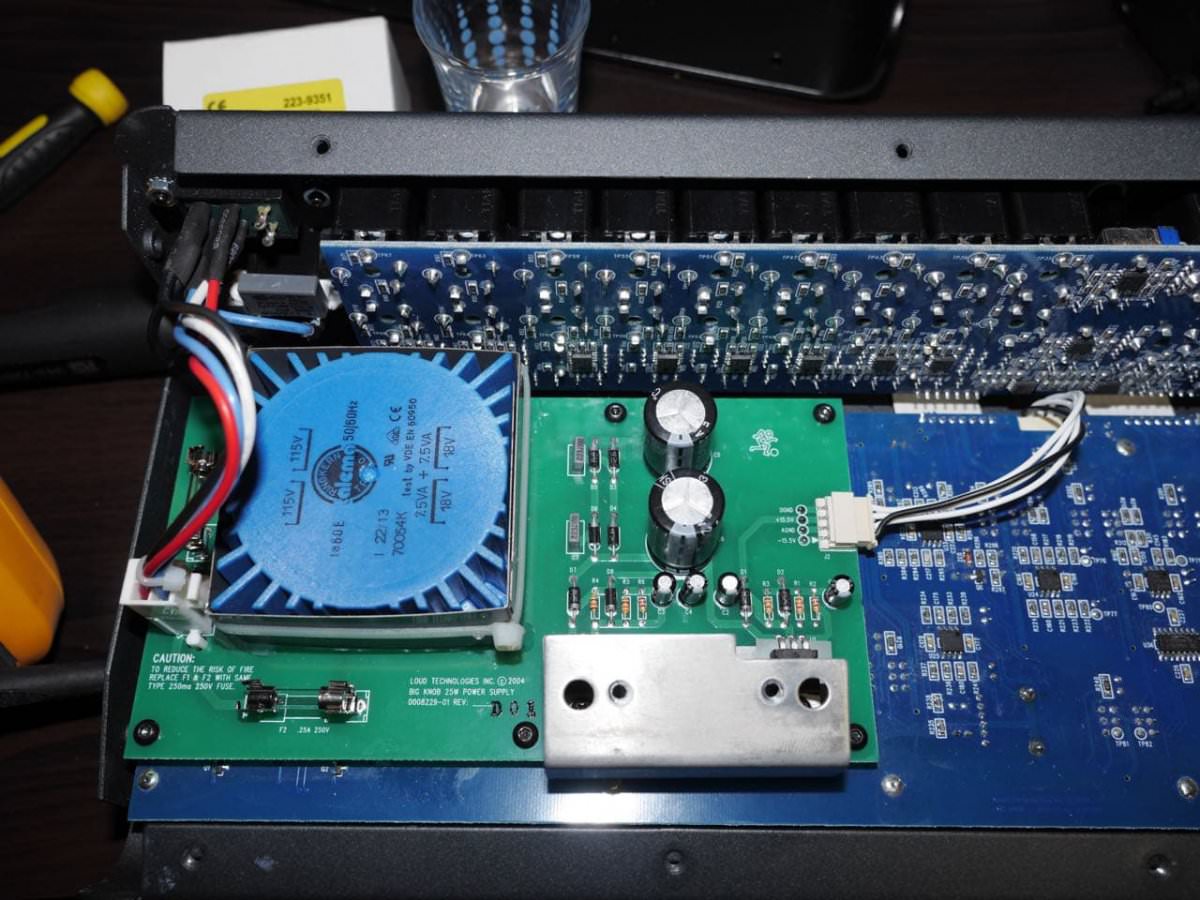
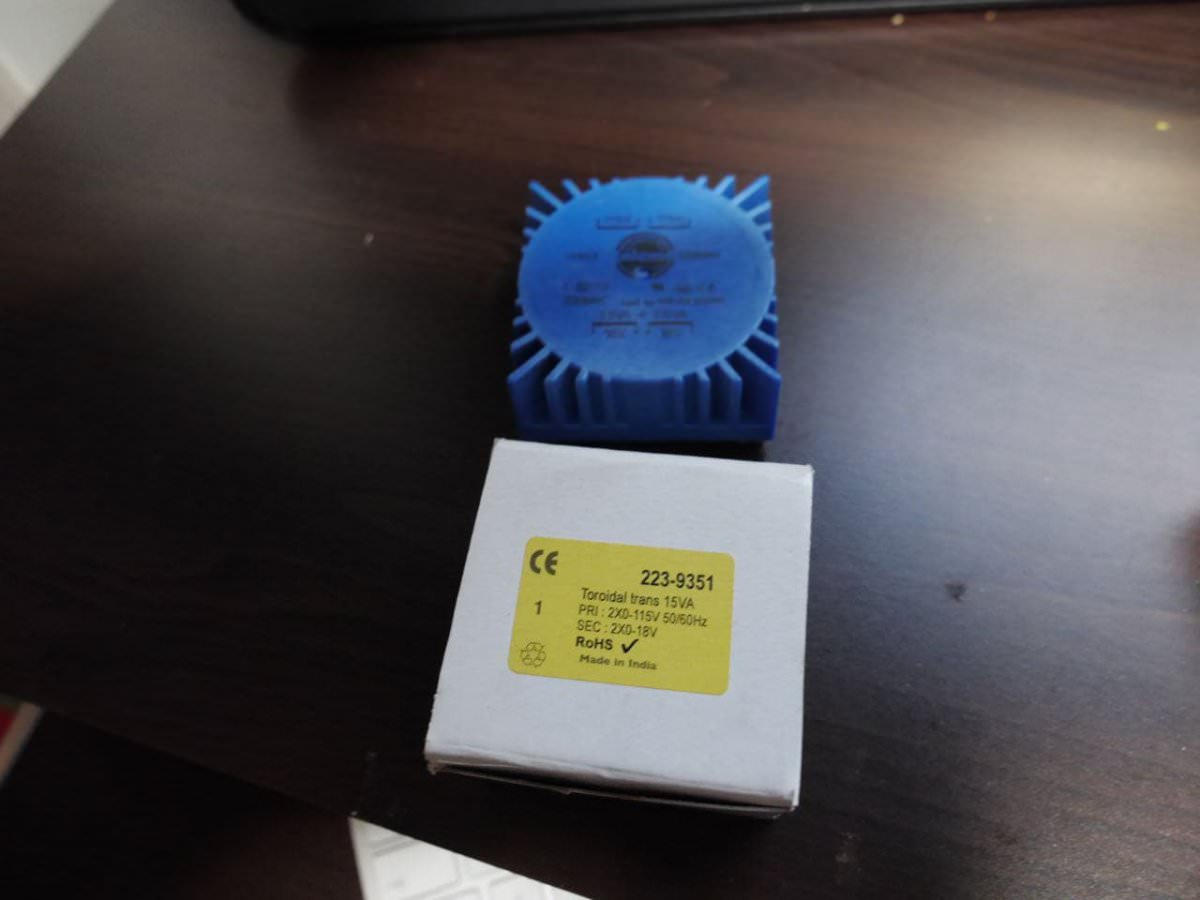
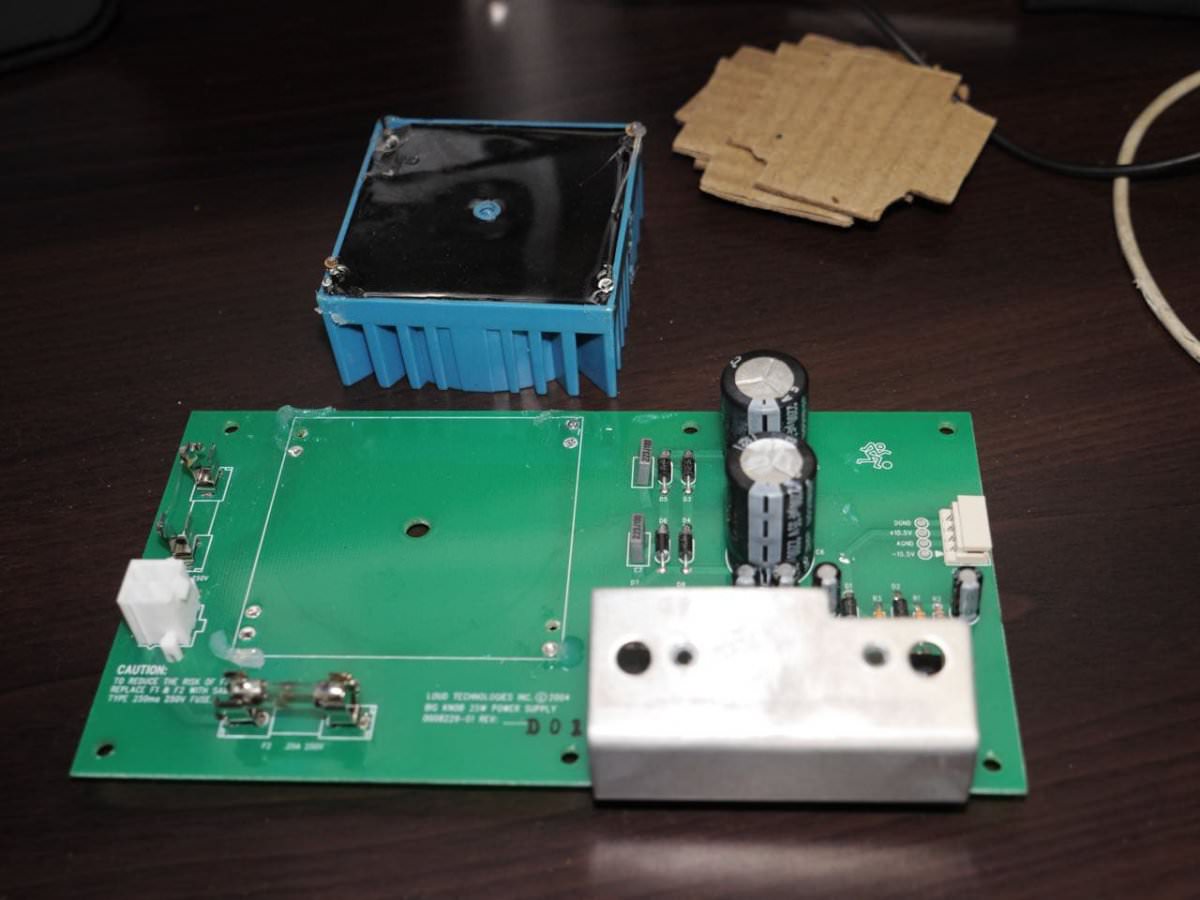
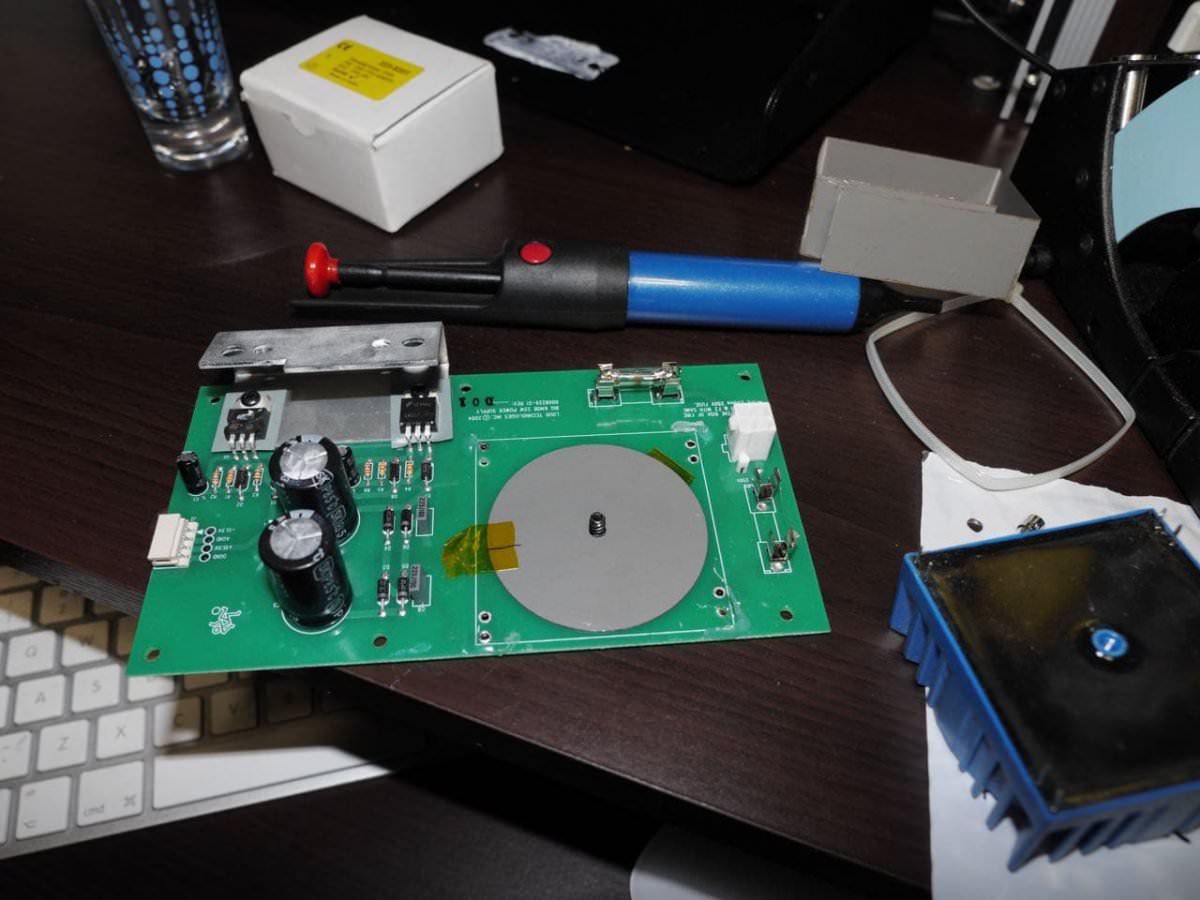
The power supply board looks cheaply made, with a green clad board. It looks very different from the rest of the other circuit board which is blue. The dead power supply transformer was made in China, while the replacement from RS Components was made in India.
The Steps
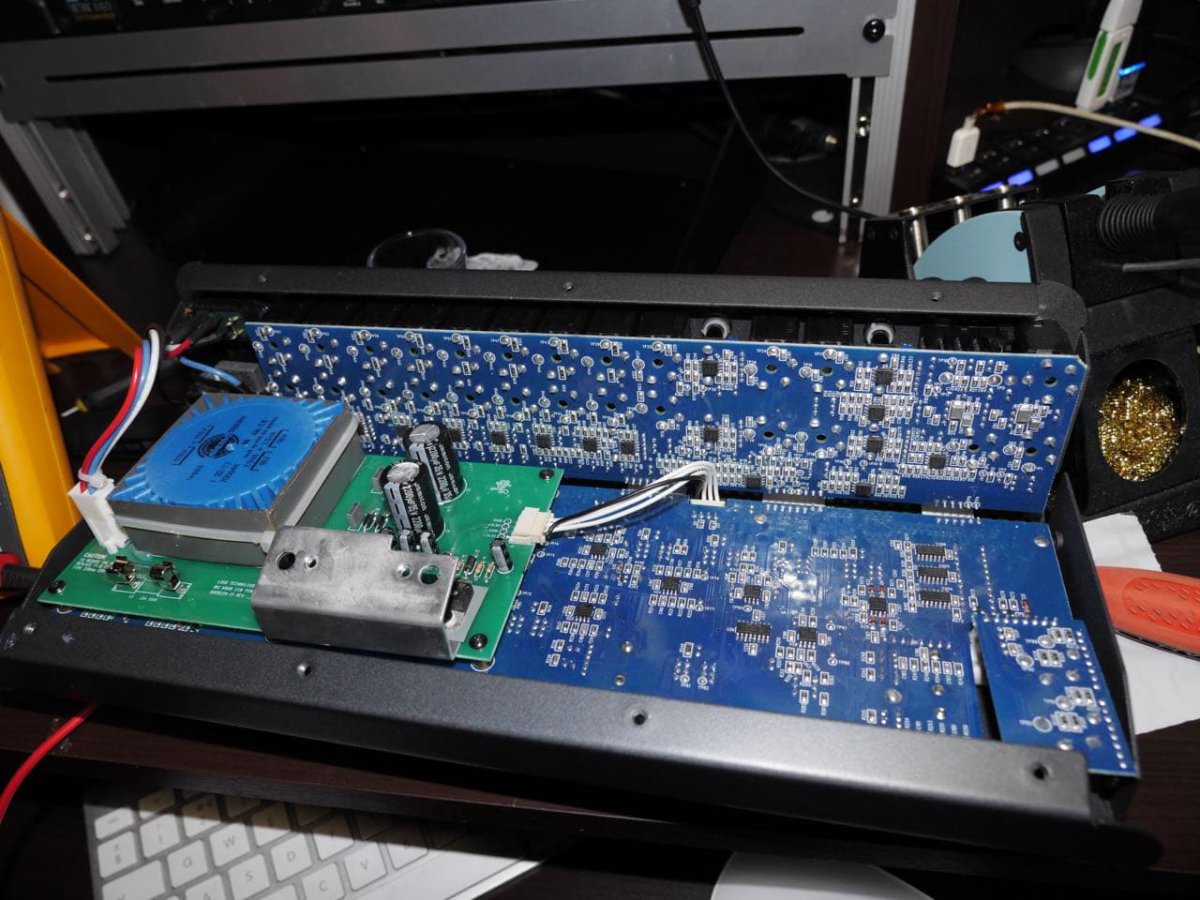
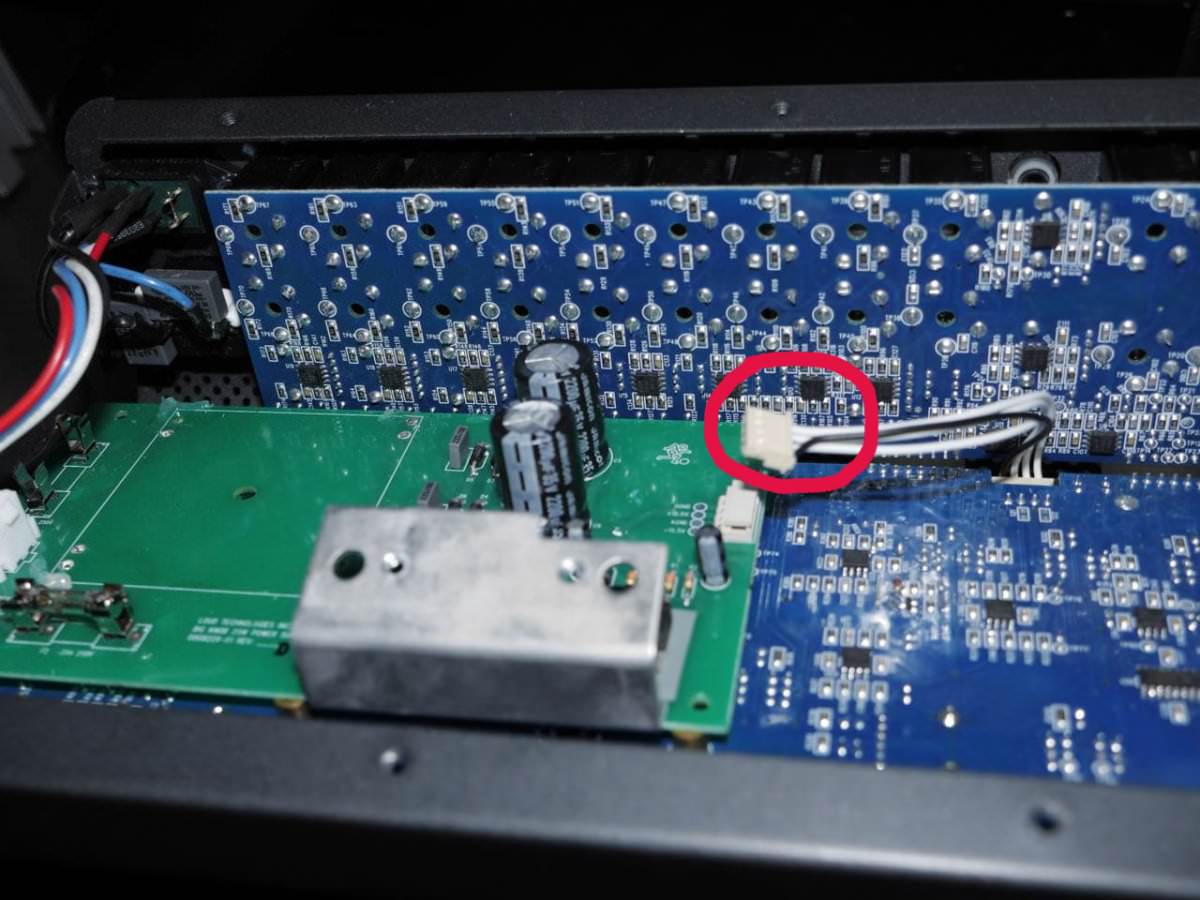
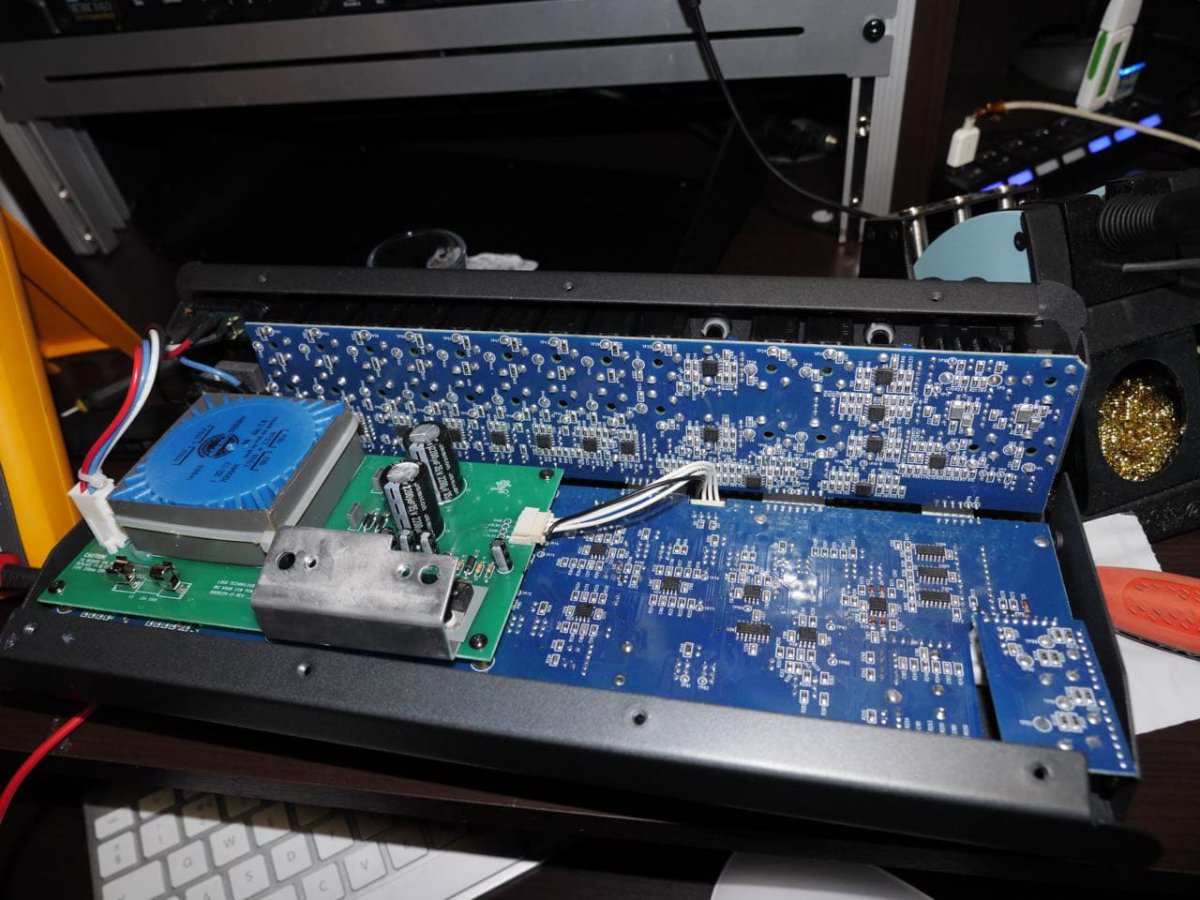
Remove the screws from the Knob/take it apart. It’s very straightforward. Unplug the power supply’s output cable (the cable which has three white wires and one black wire).
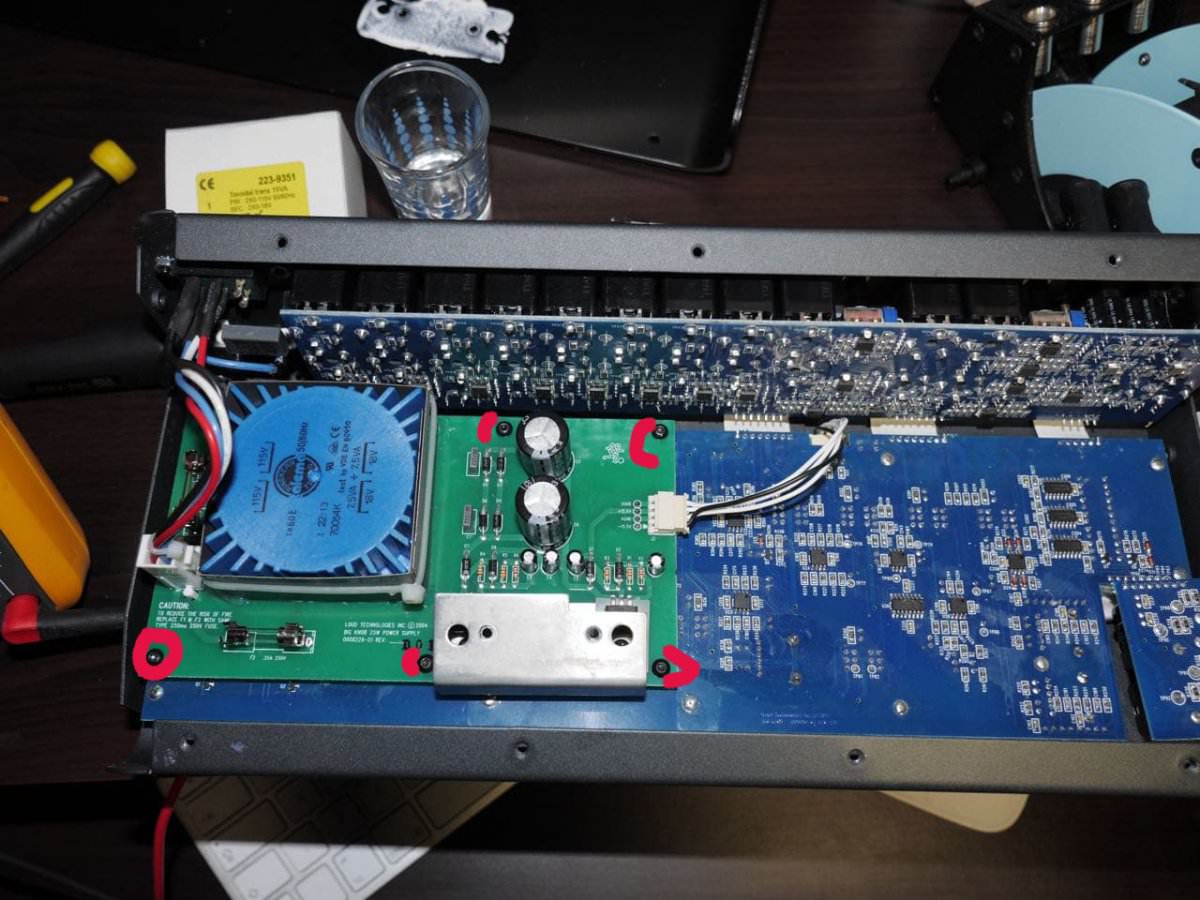
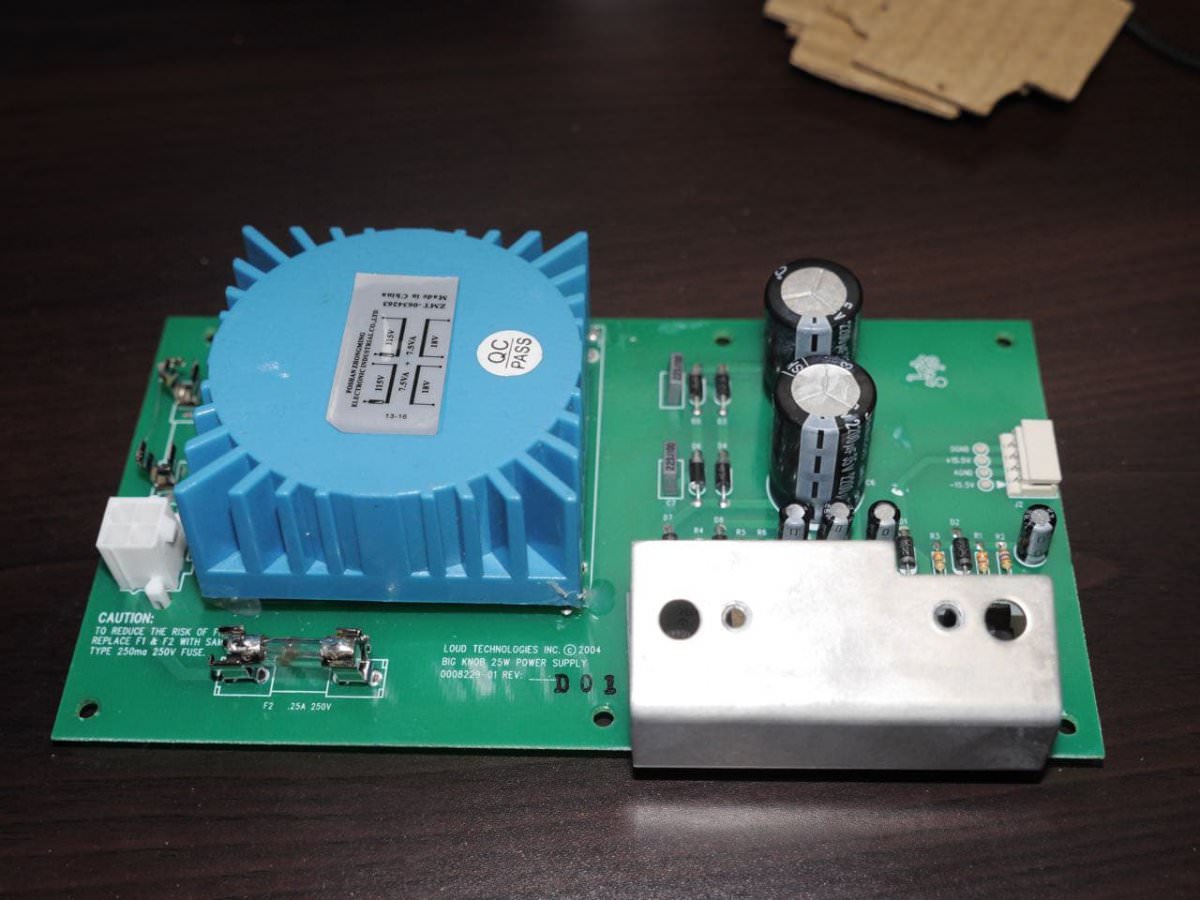
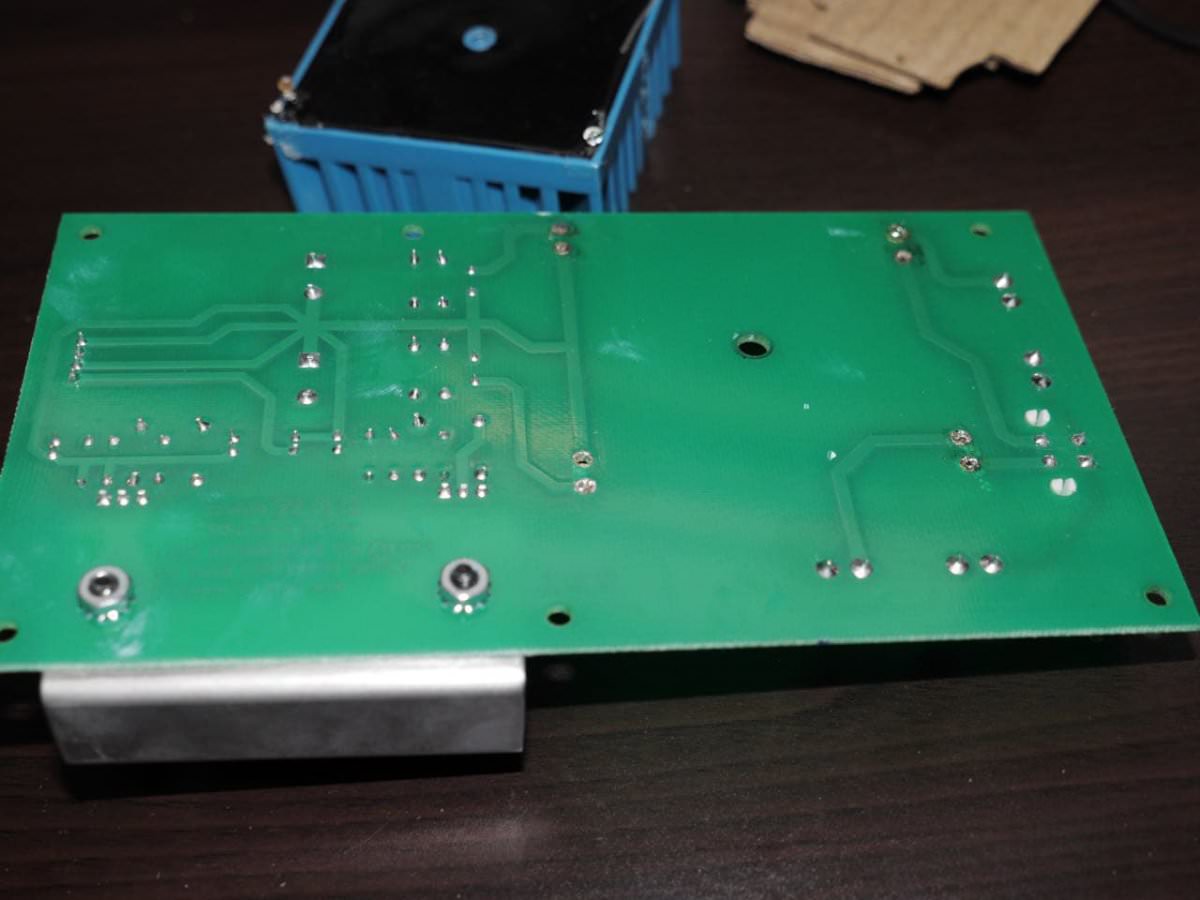
Unscrew the power supply circuit board from the Knob’s housing. Remove the dead transformer by using a solder sucker or soldering wick then place and solder the new transformer onto the circuit board.
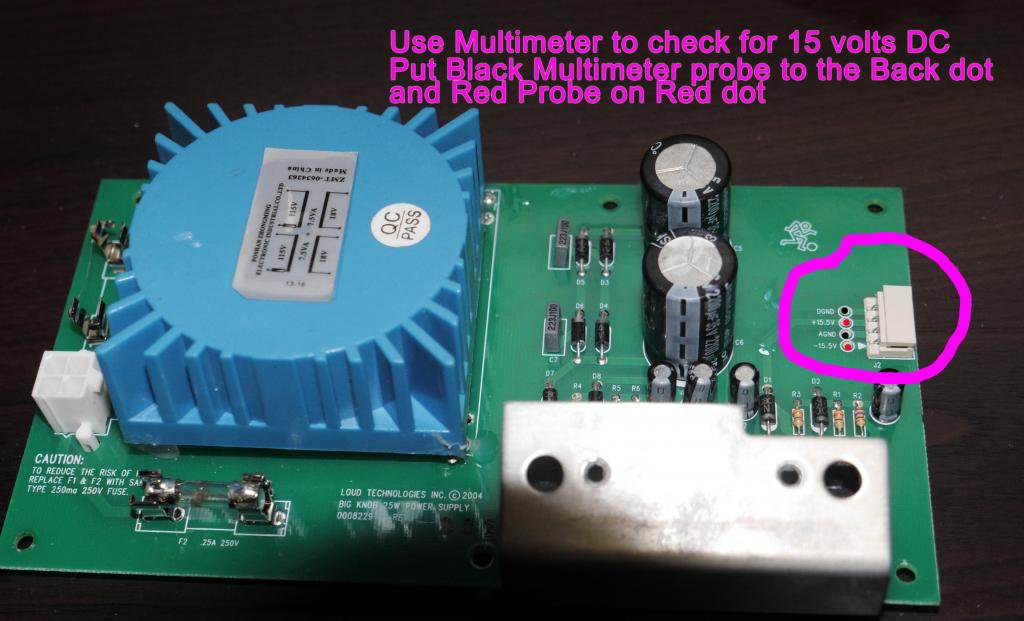

When all is done and you’re satisfied the new power supply transformer is installed correctly, with the power supply board not connected to the main board. Power up the unit by plugging the kettle lead to the unit then to your power outlet, check the power supply circuit board’s output connector with your multimeter by setting your multimeter to DC volts. Place your multimeter’s Black probe onto connector "DGND" and your Red multimeter probe onto connector "+15.5V". If your multimeter reads a voltage between 15volts and 17volts all is fine. Do the same for the other two connectors, "AGND" and "-15.5v". You can also diagnose if it’s your power supply transformer at fault by doing this multimeter check before you purchase the parts.
If all goes well as it should, screw the unit back together and enjo y your Big Know for some more years. Many folks do not like the knob, I don’t know why. Maybe it’s because the Knob is too big. Many Platinum records out there were referenced through a Mackie Big Knob. Goes to show the Knob is a very great tool if used correctly. I hope this tutorial will help you to repair your faulty Mackie Big Knob.
If your Knob is dead don’t bin it fix it.























































.jpg.434408b0b61b4552ae25cde5c0b5a388.jpg)






.jpeg.503ad3cbf167f180662b9e06a35f1911.jpg.4256ffb79777f00833ddbf666186ef55.jpg)




-min.jpeg.e57f393a5b1034dc5ead0fdf0e5be0a7.jpg.8b0eac9dbd8dd2120749a61afa119519.jpg)




.jpeg.7788c0ed0981e43684ee21be2e0cfd0c.jpg.5fe699189bcf0d18517707ce4222e81a.jpg)


.thumb.jpg.0f819d95317e386a92453772edb75c6b.jpeg.61f2c44081948bc780313ab6fcfdc53b.jpeg)













.jpeg.c58f6a017dba02d1386e26ad62d32fe5.jpeg)




.jpg.9dd8d45a3fad0a651bb2bc39ddead936.jpg.7a19f233d3331becb9d93ee7cfc63379.jpg)




.jpg.3dfde5099751bef5f6e2d27f3d463275.jpg.edf3062b4fb37e14c71ab2caa86c1053.jpg)





















Recommended Comments
Join the conversation
You can post now and register later. If you have an account, sign in now to post with your account.