











.jpeg.c58f6a017dba02d1386e26ad62d32fe5.jpeg)
.thumb.png.6cba57c5e88519e419516e3ed1152e01.png)
By Troy
Beats Studio 3 Vs Audeze LCDX headphones
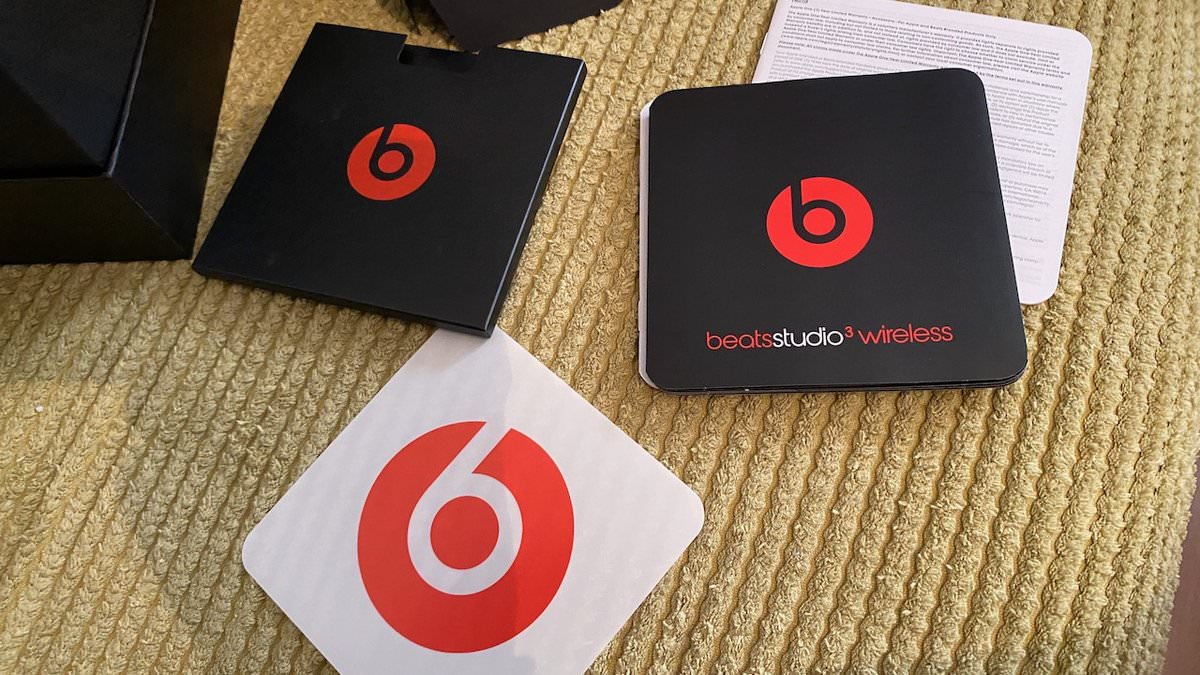
I got a beats Studio 3 for Christmas.
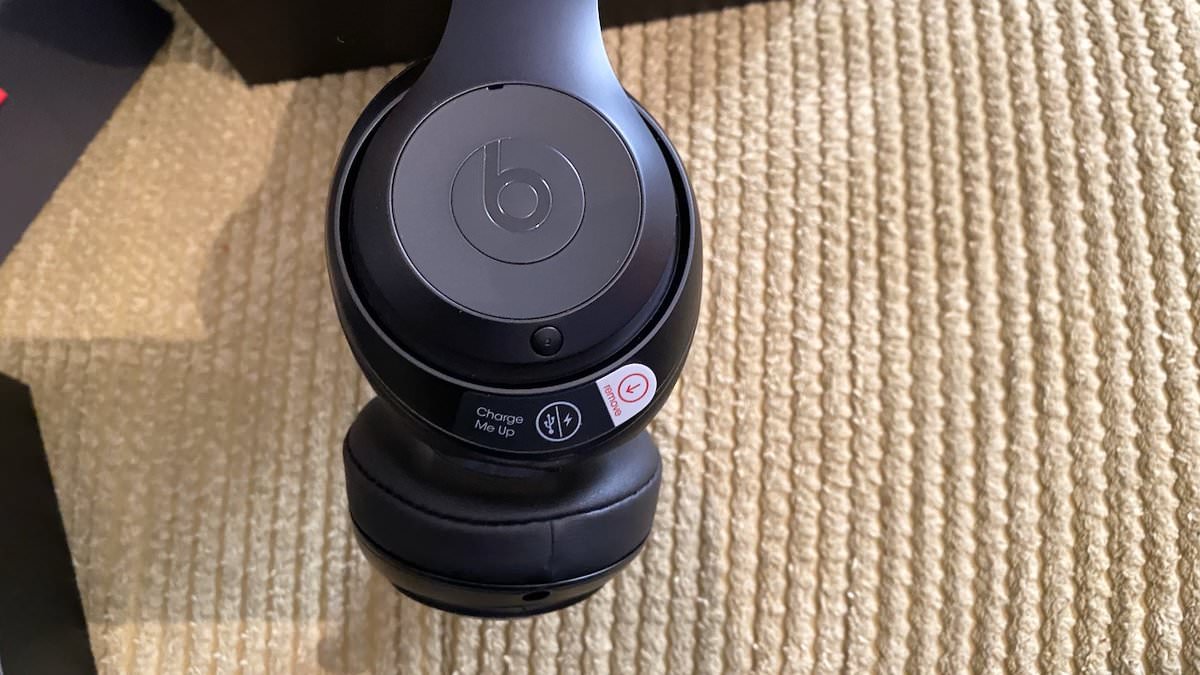
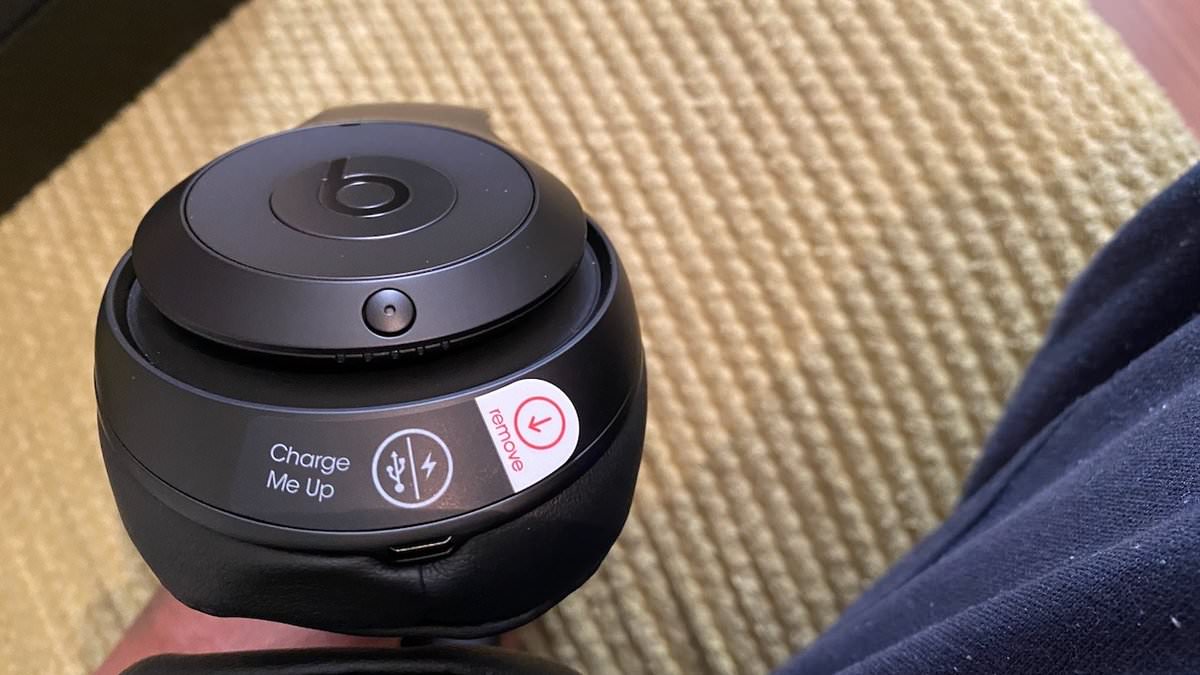
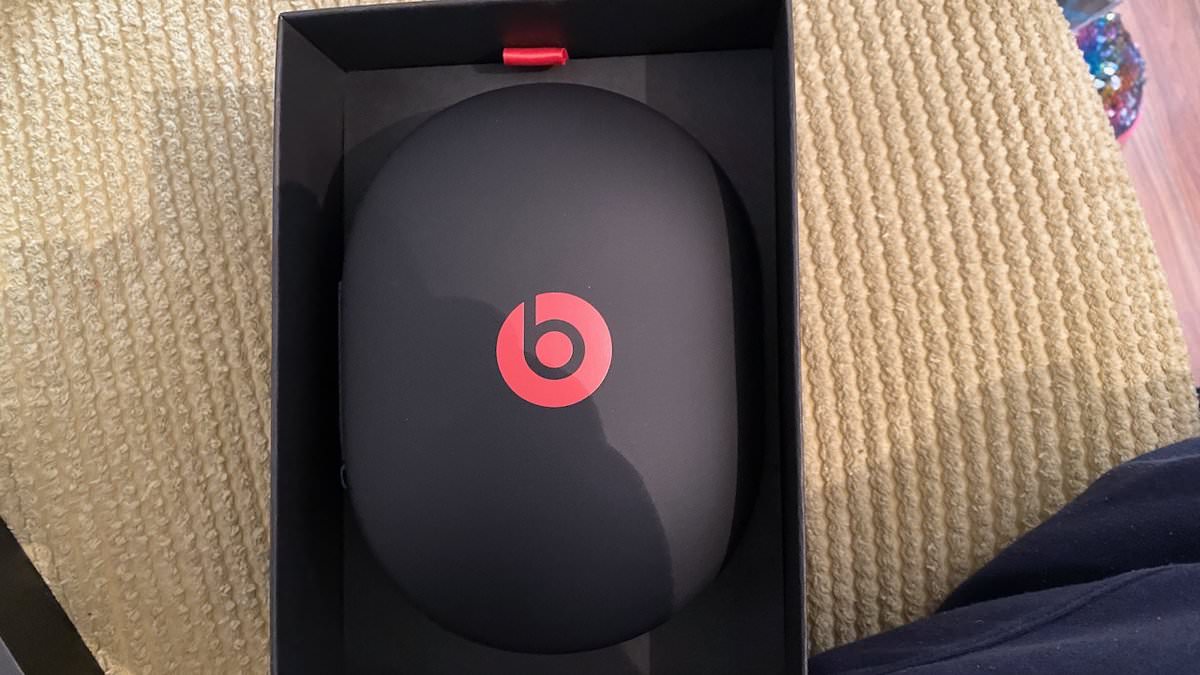
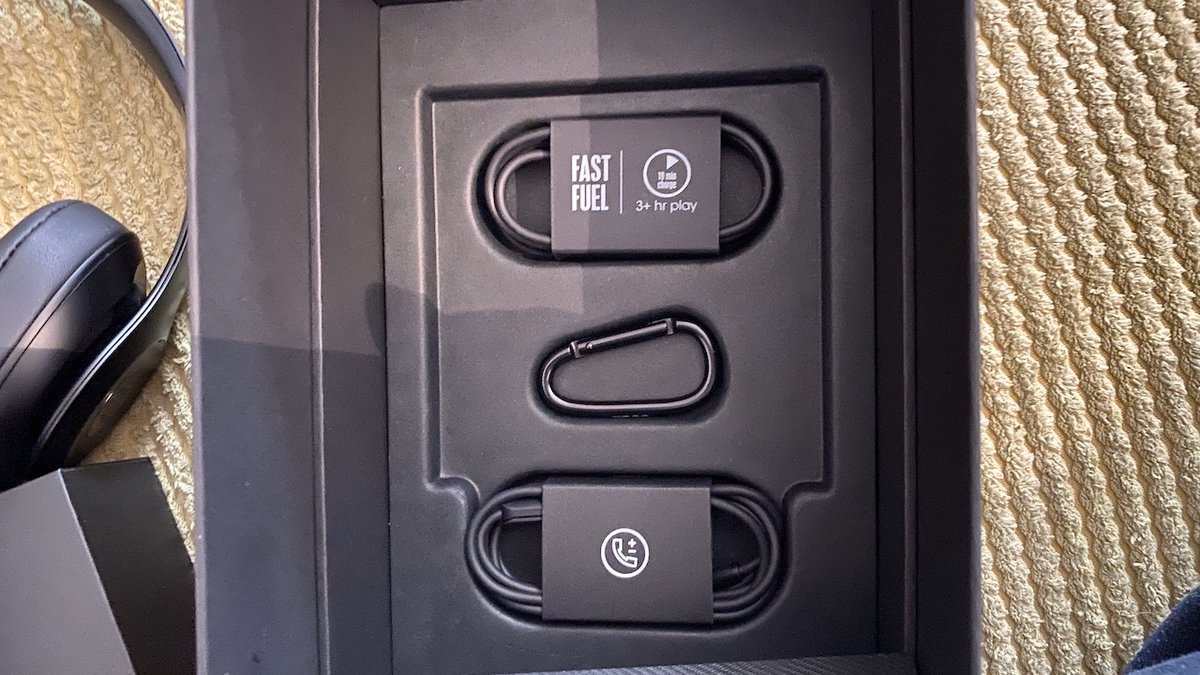
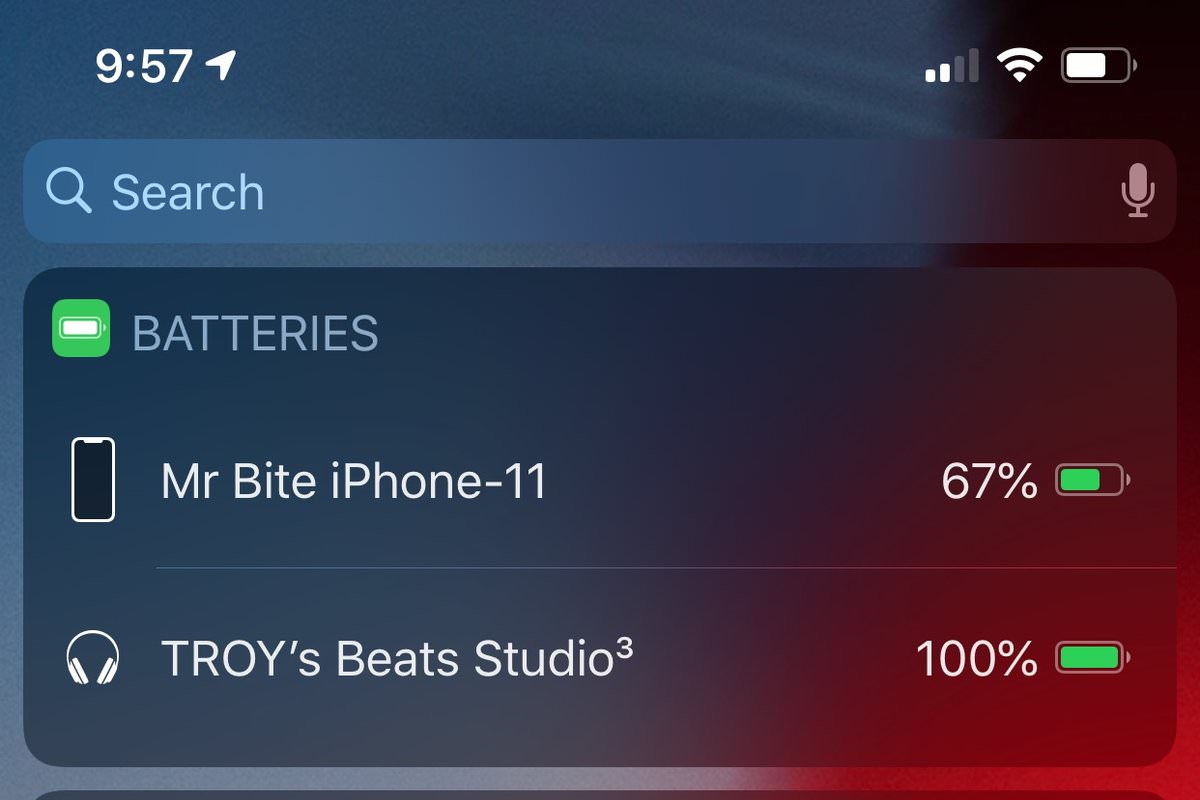
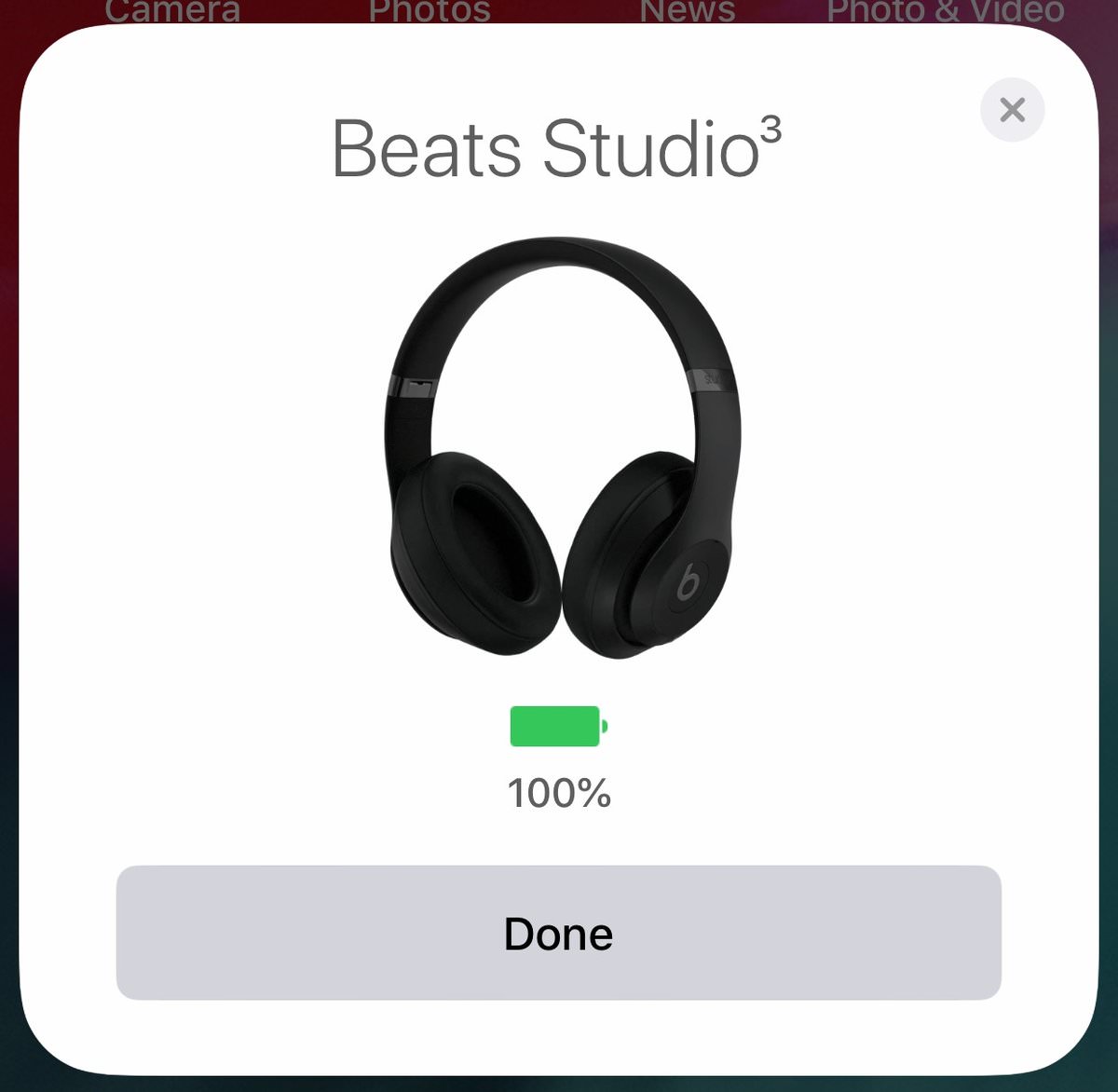
I received a Dr Dre Beets Studio Three as one of my Christmas gifts this year.
I had the first Beats studio, which got lost or stolen some time ago.
I replaced that lost Beats Studio with an Audeze LCDX.
The LCDX is an excellent headphone. It's the best-sounding headphones I have ever heard. The cons of the LCDX are that it's enormous and not wireless.
After using the LCDX with my iPhone's modified mic headphone cable for over two years, I got fed up with the headphone cable dangling and sometimes getting hitched on things. I need a wireless setup for when I'm out and about.
Lucky me, Santa Claus dropped by this year with a nice new Beats Studio 3.
From my memory, the Beats Studio 3 sounds as good as the first Beats Studio, bassy and clear. It's no Audeze LCDX in terms of sound quality, but it's good enough for my moderate listening needs, which are listening to music when I'm out and listening to my laptop and Apple TV if needed.
From using both headphones, I'll list the pros and cons from my perspective.
The Beats Studio 3
Pros:
Wireless
Remote control for song play-pause, skip forward, backwards, mic for phone calls, and Siri ready.
Light in weight.
20 hours runtime.
Noise-cancelling
Ok sounding.
Cons:
Not as comfy as LCDX.
Not great sounding as the LCDX.
Audeze LCDX
pros:
excelent sound.
Very comfortable
Cons:
Heavy and large
Not wireless.
All in all, owning both these sets of headphones is a good balance.
























































.jpg.434408b0b61b4552ae25cde5c0b5a388.jpg)






.jpeg.503ad3cbf167f180662b9e06a35f1911.jpg.4256ffb79777f00833ddbf666186ef55.jpg)




-min.jpeg.e57f393a5b1034dc5ead0fdf0e5be0a7.jpg.8b0eac9dbd8dd2120749a61afa119519.jpg)




.jpeg.7788c0ed0981e43684ee21be2e0cfd0c.jpg.5fe699189bcf0d18517707ce4222e81a.jpg)


.thumb.jpg.0f819d95317e386a92453772edb75c6b.jpeg.61f2c44081948bc780313ab6fcfdc53b.jpeg)

















.jpg.9dd8d45a3fad0a651bb2bc39ddead936.jpg.7a19f233d3331becb9d93ee7cfc63379.jpg)




.jpg.3dfde5099751bef5f6e2d27f3d463275.jpg.edf3062b4fb37e14c71ab2caa86c1053.jpg)






















Recommended Comments
Join the conversation
You can post now and register later. If you have an account, sign in now to post with your account.