Skip to content
Install the CameraLoops App

Browse CameraLoops via the app. Learn more.

www.CameraLoops.ru

Use the CameraLoops full-screen app on your home screen with push notifications, badges and more.

To install the CameraLoops app on iOS and iPadOS
  1. Tap the Share icon in Safari
  2. Scroll the menu and tap Add to Home Screen.
  3. Tap Add in the top-right corner.
To install the CameraLoops app on Android
  1. Tap the 3-dot menu (⋮) in the top-right corner of the browser.
  2. Tap Add to Home screen or Install app.
  3. Confirm by tapping Install.

Chevrolet Volt 2017 HMI 2.5 Stock Default Calibration Files In DPS Format

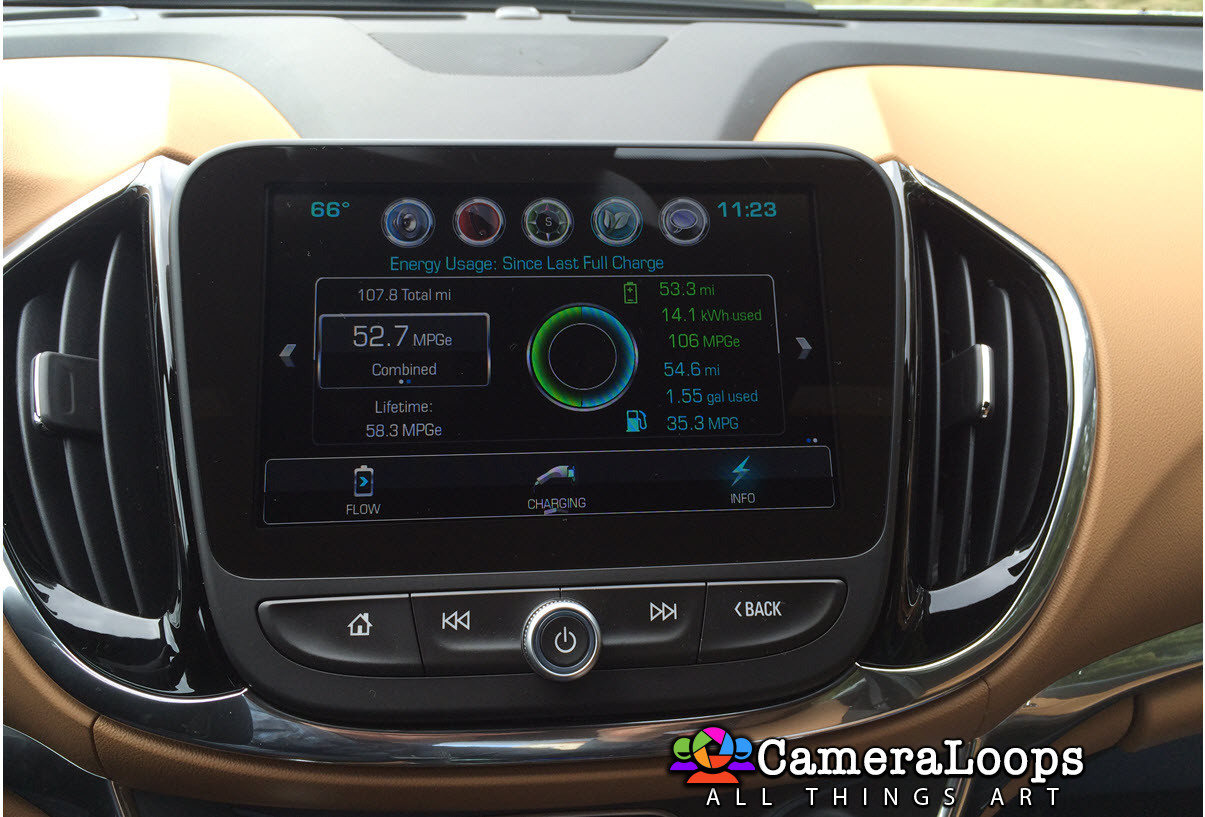
1 Screenshot

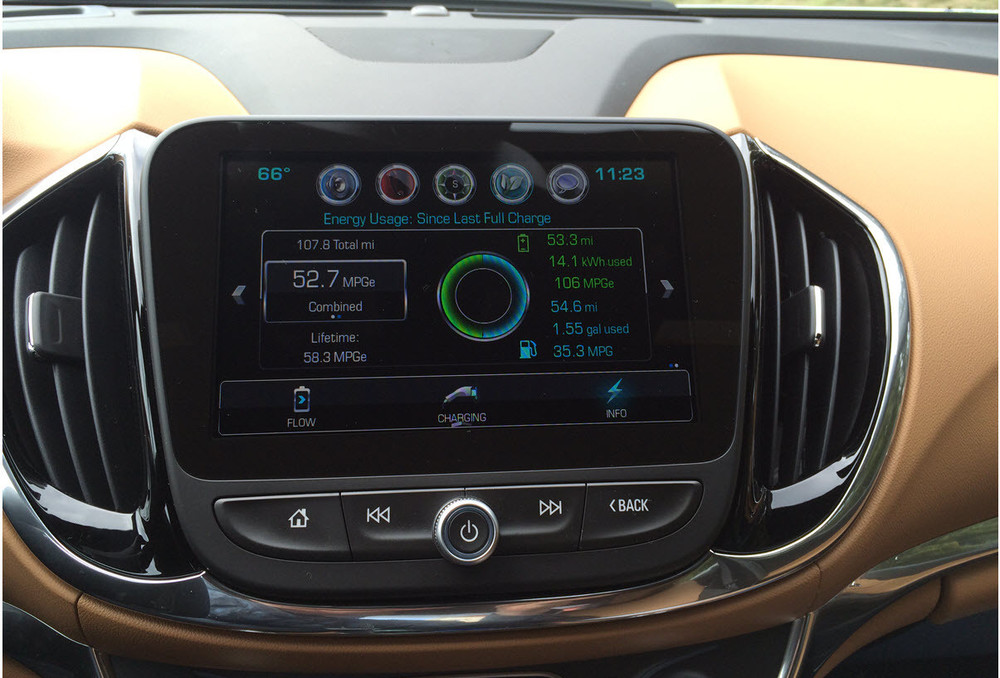
Chevrolet Volt 2017 HMI 2.5 Stock Default Calibration Files In DPS Format. This file can be used with the GM DPS software to program the default settings onto the HMI module.
Chevy Volt.jpg

DPS file for activating the Video In Motion feature for the HMI 2.5 Chevrolet Volt MyLink entertainment system.

VIM: The video still plays when the vehicle is driving in drive mode.

User Feedback

Recommended Comments

Alik Rising Star

Alik

Member

ok

512-12.gif

Alik Rising Star

Alik

Member

👌

Alik Rising Star

Alik

Member

💯

Alik Rising Star

Alik

Member

👋

Alik Rising Star

Alik

Member

🤟

Alain Apprentice

Alain

Member

Chevrolet Volt 2017 HMI 2.5 Stock Default Calibration Files In DPS Format. This file can be used with the GM DPS software to program the default settings onto the HMI module.

Does that calibration file include the GPS stand alone? Does it will work on my chevrolet equinox 2018 ?

Thank you


Join the conversation

You can post now and register later. If you have an account, sign in now to post with your account.

Guest
Add a comment...

Other files from Troy


CameraLoops™
Powered by Art
All Trademarks appearing on this website are the property of their respective owners.

Account

Navigation

Configure browser push notifications

Chrome (Android)
  1. Tap the lock icon next to the address bar.
  2. Tap Permissions → Notifications.
  3. Adjust your preference.
Chrome (Desktop)
  1. Click the padlock icon in the address bar.
  2. Select Site settings.
  3. Find Notifications and adjust your preference.
CameraLoops members who viewed this content
Vasiliy U chicking Adelin a_wild_noah thxx marcel_hack_guy spadesbrian alatka asd Yuser Yuserov Alain Thamer Mo Robi_X pupu14 course gman Poarnemen Pavel Nikola alaa_bastaki Enterlan samer