Skip to content
Install the CameraLoops App

Browse CameraLoops via the app. Learn more.

www.CameraLoops.ru

Use the CameraLoops full-screen app on your home screen with push notifications, badges and more.

To install the CameraLoops app on iOS and iPadOS
  1. Tap the Share icon in Safari
  2. Scroll the menu and tap Add to Home Screen.
  3. Tap Add in the top-right corner.
To install the CameraLoops app on Android
  1. Tap the 3-dot menu (⋮) in the top-right corner of the browser.
  2. Tap Add to Home screen or Install app.
  3. Confirm by tapping Install.

Opel HMI 2.5 video in motion, SAT-NAV in motion, Track-Pad. OPEL Logo DPS file.

$200

1 Screenshot

You can use this HMI 2.5 DPS calibration archive file to activate video in motion, SAT-NAV in motion, Track-Pad, rear camera, rear camera always on and climate control. OPEL Logo DPS file.


Option features 

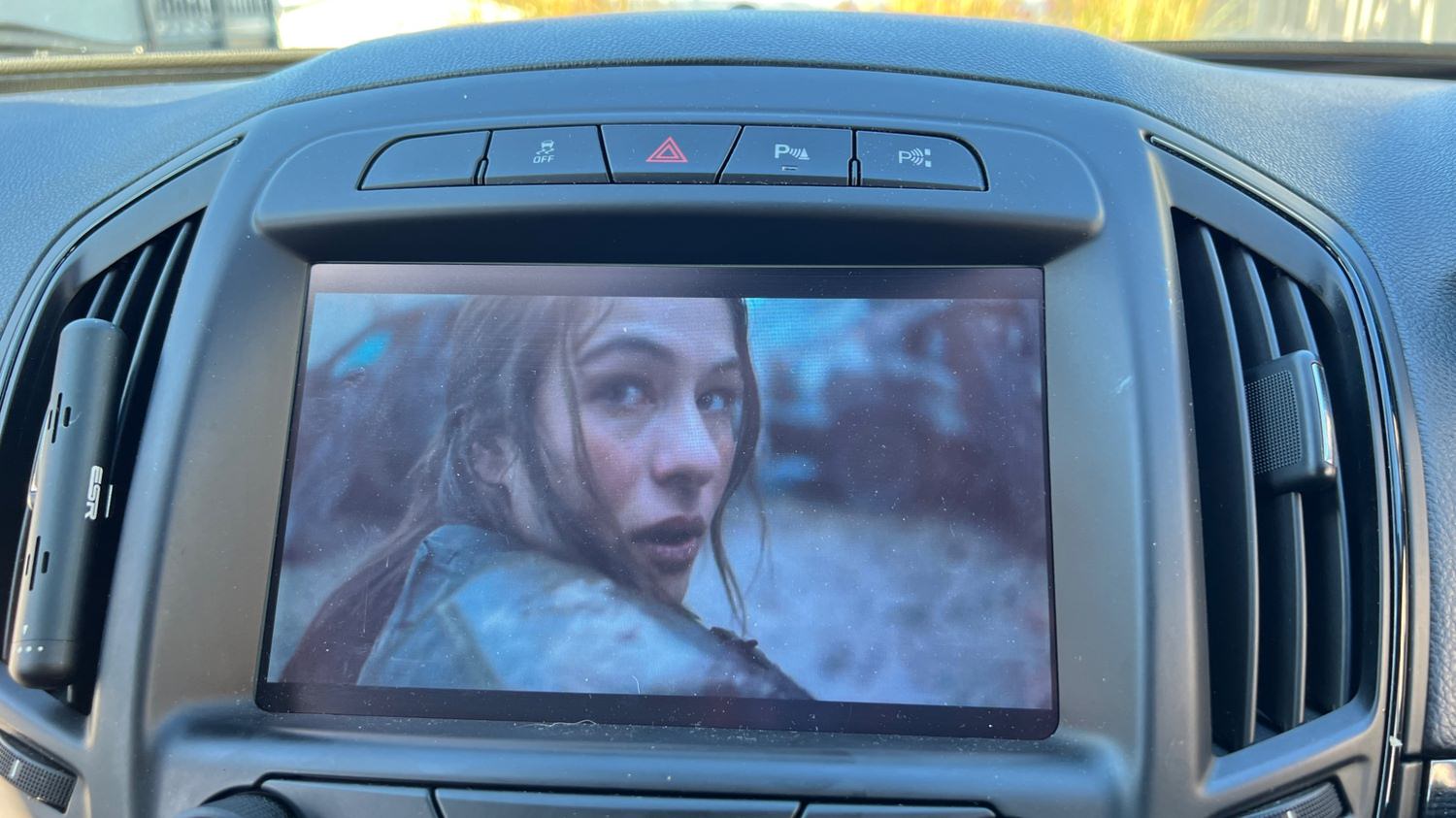
 Video in motion: Watch videos while the car is driving 

 SAT-NAV in motion: Type address in the SAT-NAV while the car is driving.

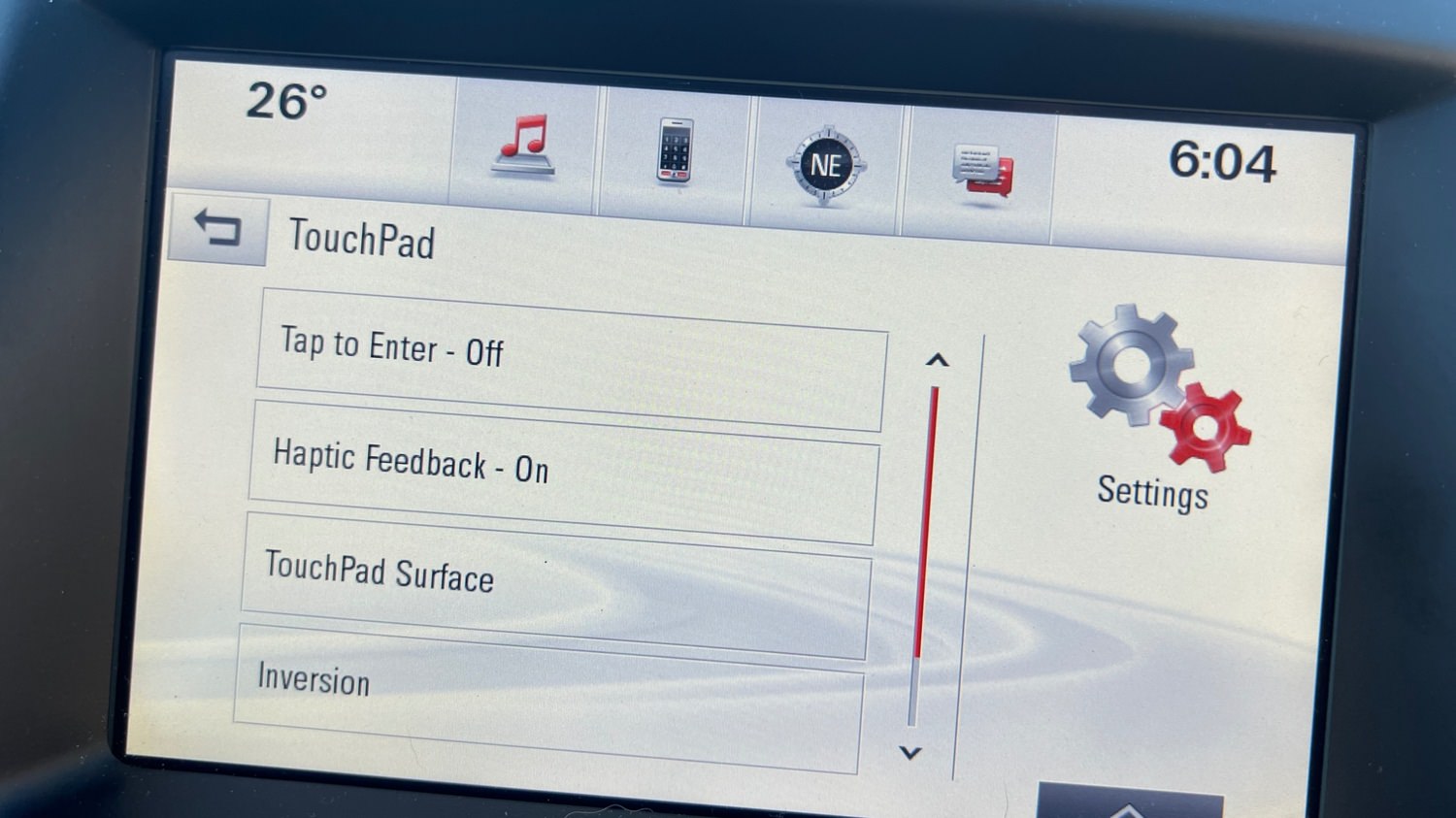
 Track-Pad: Track-pad activated.

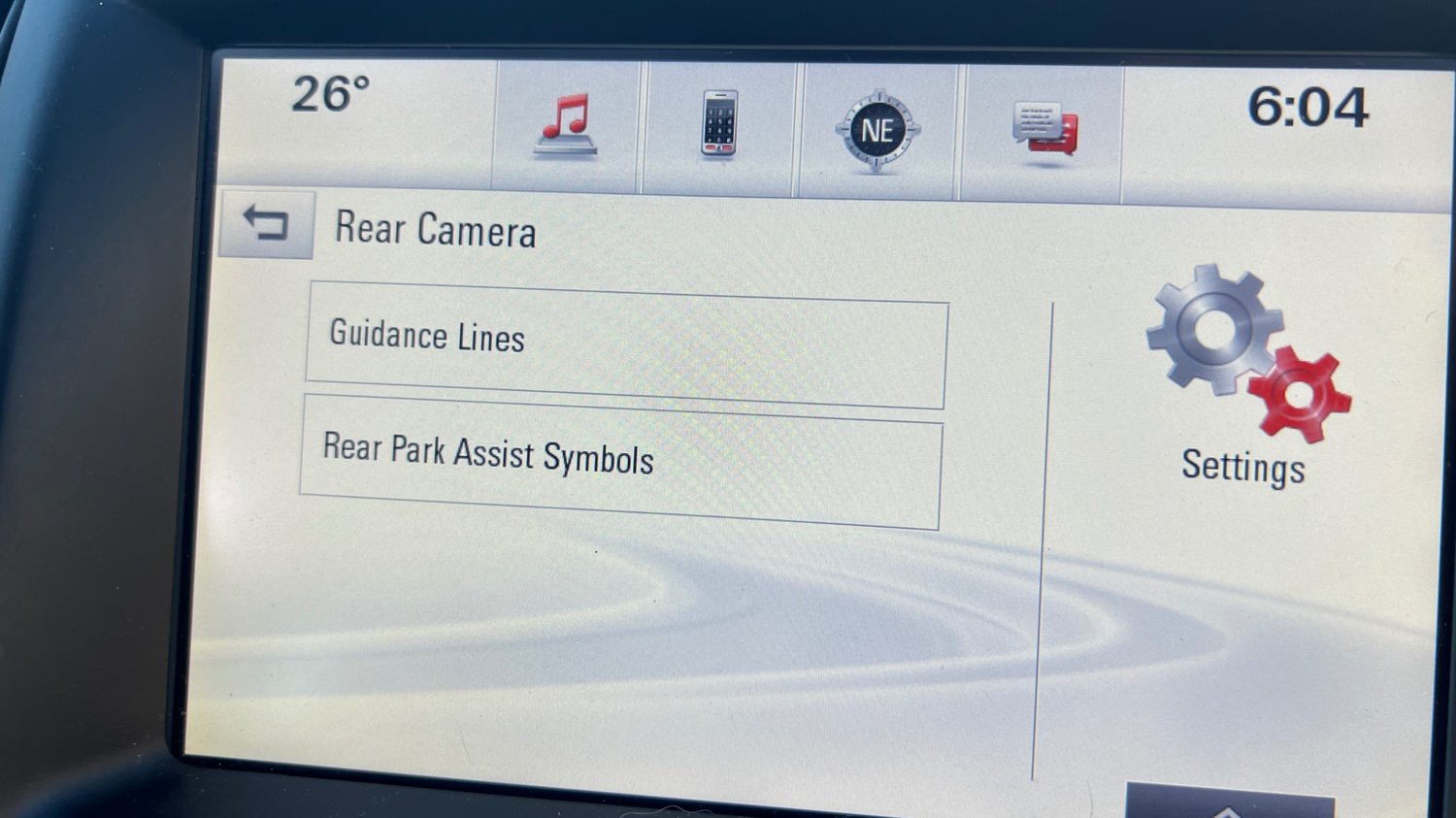
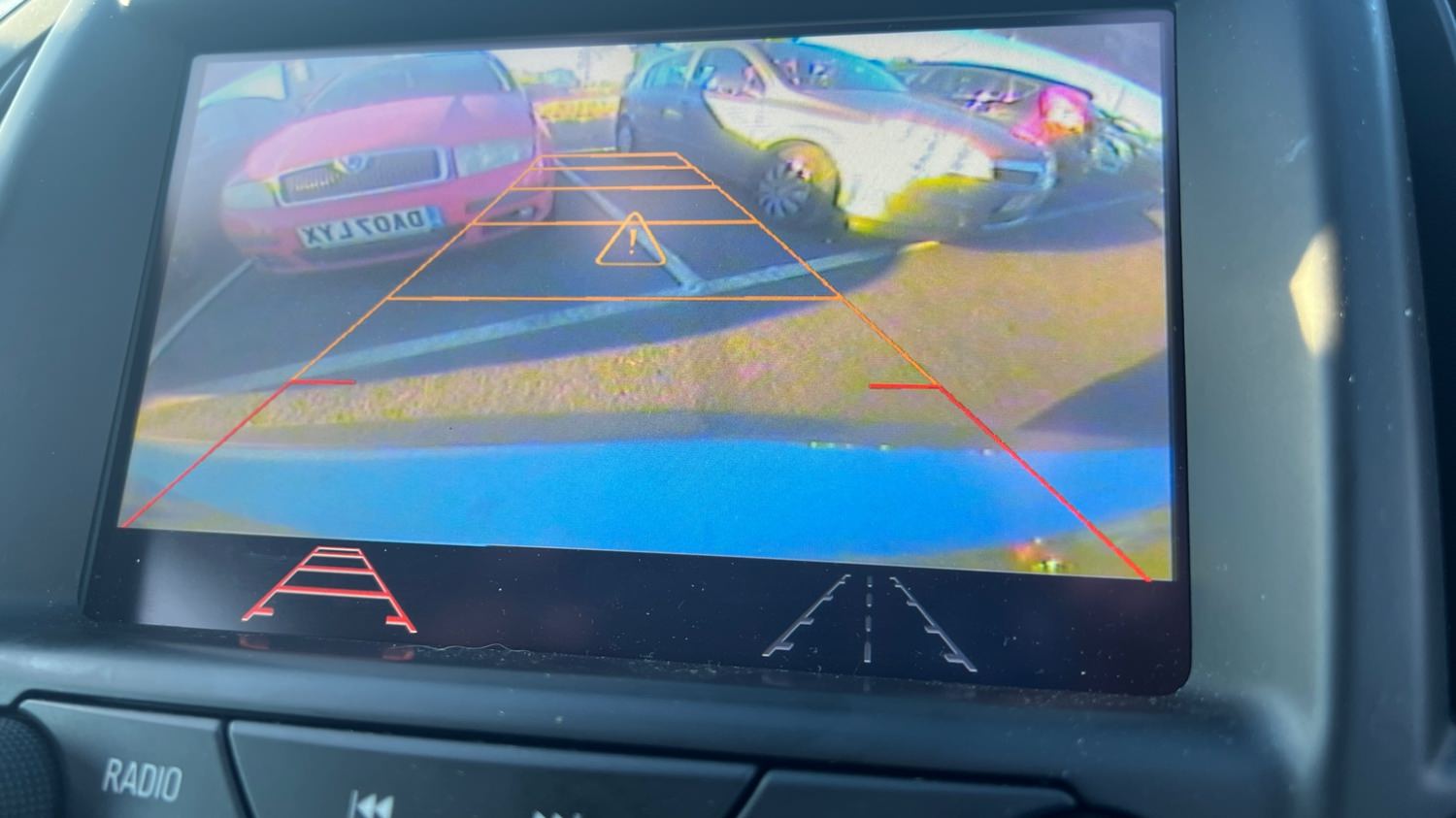
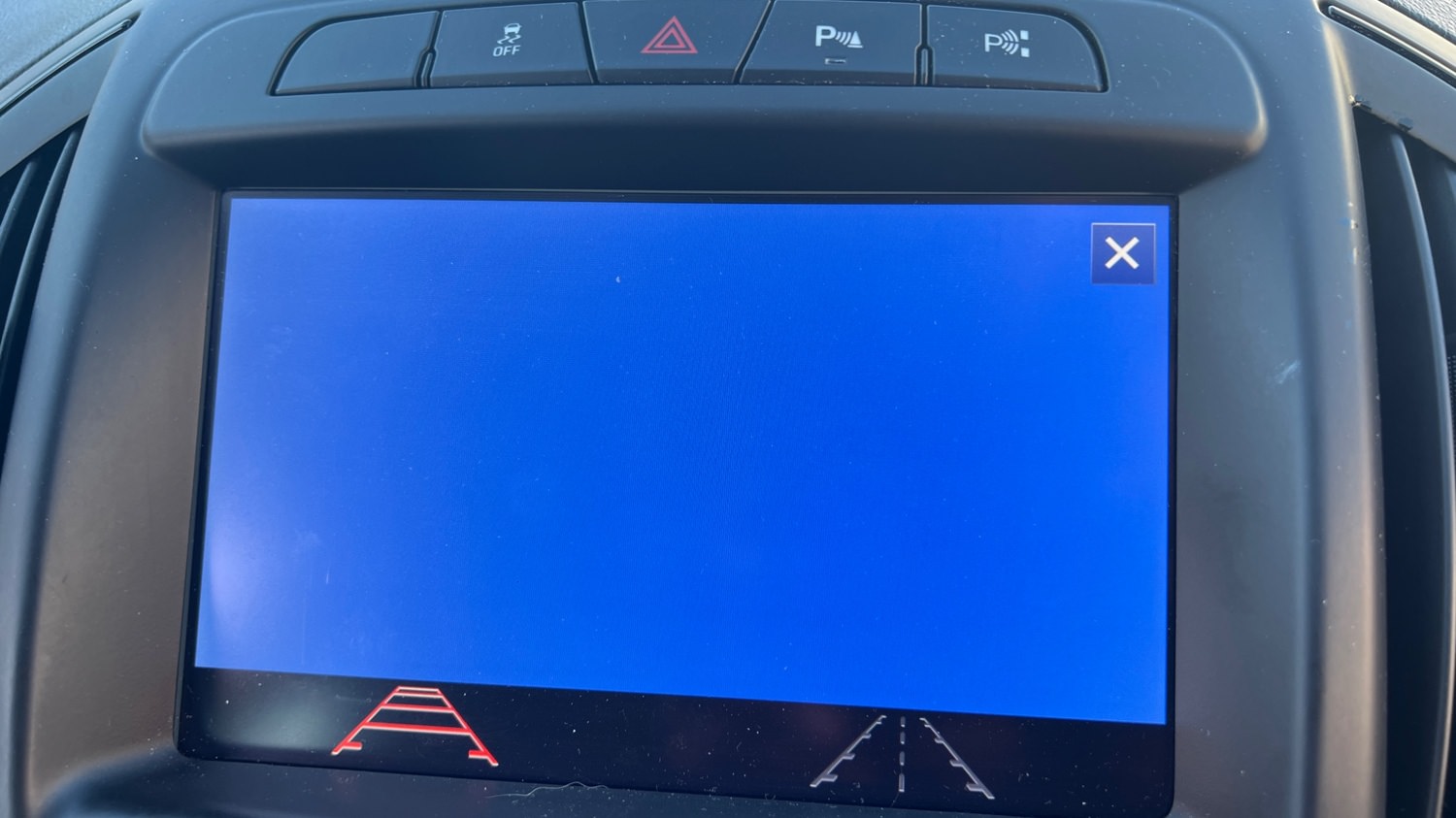
 Rear camera: Reverse camera with guidance lines and park assist symbols.

 Rear camera always on: Touchscreen icon to activate rear camera always on. (A special modification will need to be carried out for this option to work, which I need to figure out soon)

 Climate control: Control climate from the touch screen.

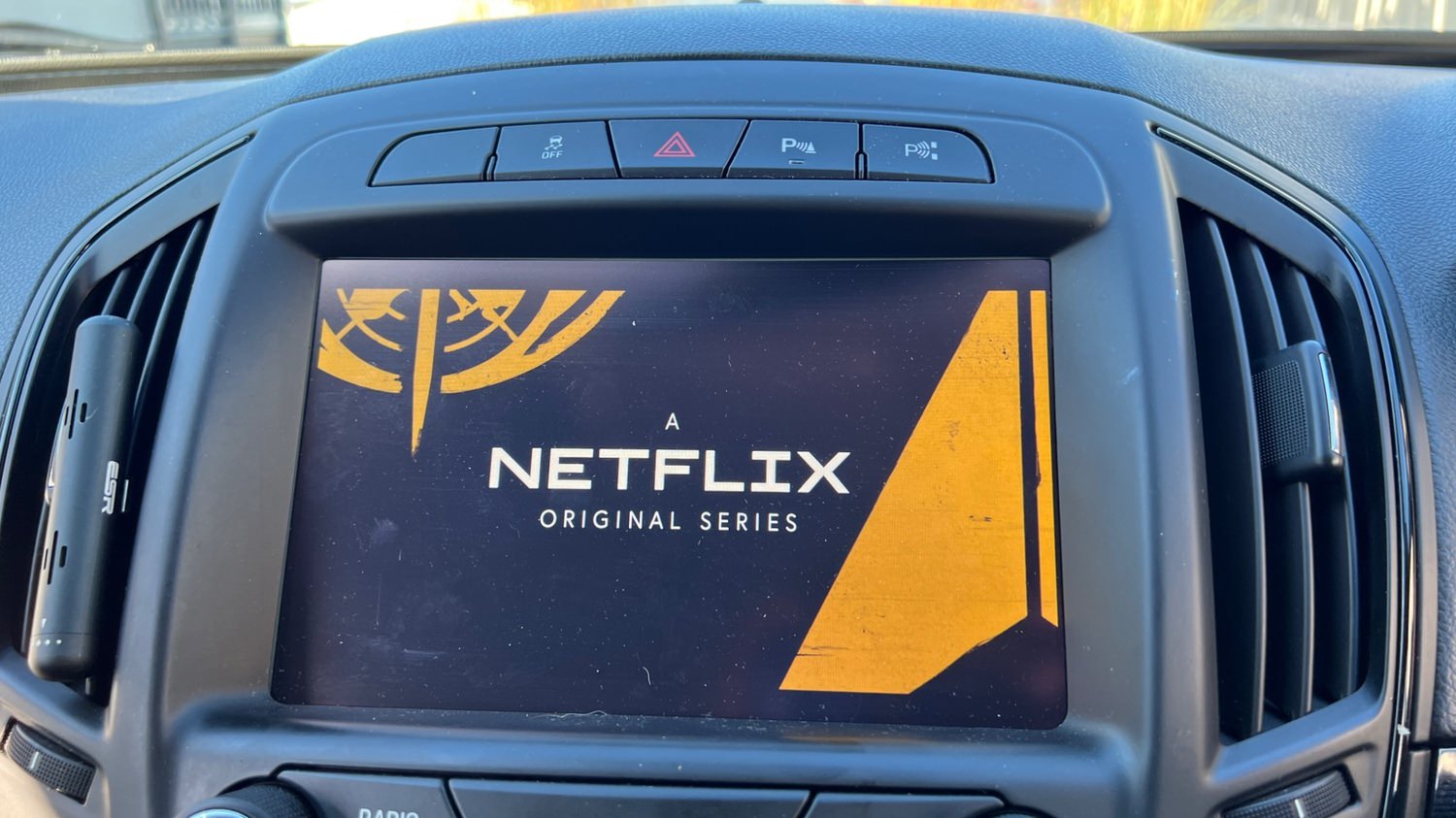
 Opel screen boot up logo.

 Bonus file: This package also includes a DPS archive with the rear camera turned off.


image.jpeg

image.jpeg

image.jpeg

image.jpeg

image.jpeg

image.jpeg

image.jpeg

image.jpeg

What's New in Version 2.0

Released

Add a code fix for IPC error "DPF DPF FULL CONTINUES DRIVE" , for cars that uses the B20 engine.

User Feedback

Recommended Comments

pupu14 Community Regular

+pupu14

+Contributor

  • Contributor
11 hours ago, OP said:

Is the Version 2.0 also good for other engines or just for B20

Only very early production models of facelifted cars came with HMI 2.0. Besides that, there were petrol models too at the same time and last gen of A20 units, and also with 1.6d models..
Anyway, HMI is not engine dependent.

OP Apprentice

+OP

+Contributor

  • Contributor
7 minutes ago, pupu14 said:

Only very early production models of facelifted cars came with HMI 2.0. Besides that, there were petrol models too at the same time and last gen of A20 units, and also with 1.6d models..
Anyway, HMI is not engine dependent.

What about this "

What's New in Version 2.0   

Released August 13, 2022

Add a code fix for IPC error "DPF DPF FULL CONTINUES DRIVE" , for cars that uses the B20 engine."??

pupu14 Community Regular

+pupu14

+Contributor

  • Contributor
On 10/1/2024 at 10:41 PM, OP said:

What about this "


Okay, we were talking about different things..

BullMech Enthusiast

+BullMech

+Contributor

  • Contributor

Could you add Ukrainian language to this?

notovi Apprentice

+notovi

+Contributor

  • Contributor

Hi,

why are these icons yellow after update? Another car is perfectly fine.

icon1.jpg

icon2.jpg

571189259_25162184803418634_1177987228965739377_n.jpg

571275017_25162184480085333_5912767741133092321_n.jpg

notovi Apprentice

+notovi

+Contributor

  • Contributor
15 hours ago, notovi said:

Hi,

why are these icons yellow after update? Another car is perfectly fine.

icon1.jpg

icon2.jpg

571189259_25162184803418634_1177987228965739377_n.jpg

571275017_25162184480085333_5912767741133092321_n.jpg

"if not have Android Auto, need uptate the HMI and this icons appears"

Join the conversation

You can post now and register later. If you have an account, sign in now to post with your account.

Guest
Add a comment...

Other files from Troy


CameraLoops™
Powered by Art
All Trademarks appearing on this website are the property of their respective owners.

Account

Navigation

Configure browser push notifications

Chrome (Android)
  1. Tap the lock icon next to the address bar.
  2. Tap Permissions → Notifications.
  3. Adjust your preference.
Chrome (Desktop)
  1. Click the padlock icon in the address bar.
  2. Select Site settings.
  3. Find Notifications and adjust your preference.
CameraLoops members who viewed this content
cipher chicking andrey tolmachev stensin Robi_X Boolee Alpha-Leader a b kitsaras Miragui marius ilie momonasr89 FabioS bekatsilosani tdrachi Techpiotr ΓΡΗΓΟΡΗΣ γκοτσικασ Gregor Ignition Enterlan