Skip to content
Install the CameraLoops App

Browse CameraLoops via the app. Learn more.

www.CameraLoops.ru

Use the CameraLoops full-screen app on your home screen with push notifications, badges and more.

To install the CameraLoops app on iOS and iPadOS
  1. Tap the Share icon in Safari
  2. Scroll the menu and tap Add to Home Screen.
  3. Tap Add in the top-right corner.
To install the CameraLoops app on Android
  1. Tap the 3-dot menu (⋮) in the top-right corner of the browser.
  2. Tap Add to Home screen or Install app.
  3. Confirm by tapping Install.

Opel HMI 2.5 video in motion, SAT-NAV in motion, Track-Pad. OPEL Logo DPS file.

$200

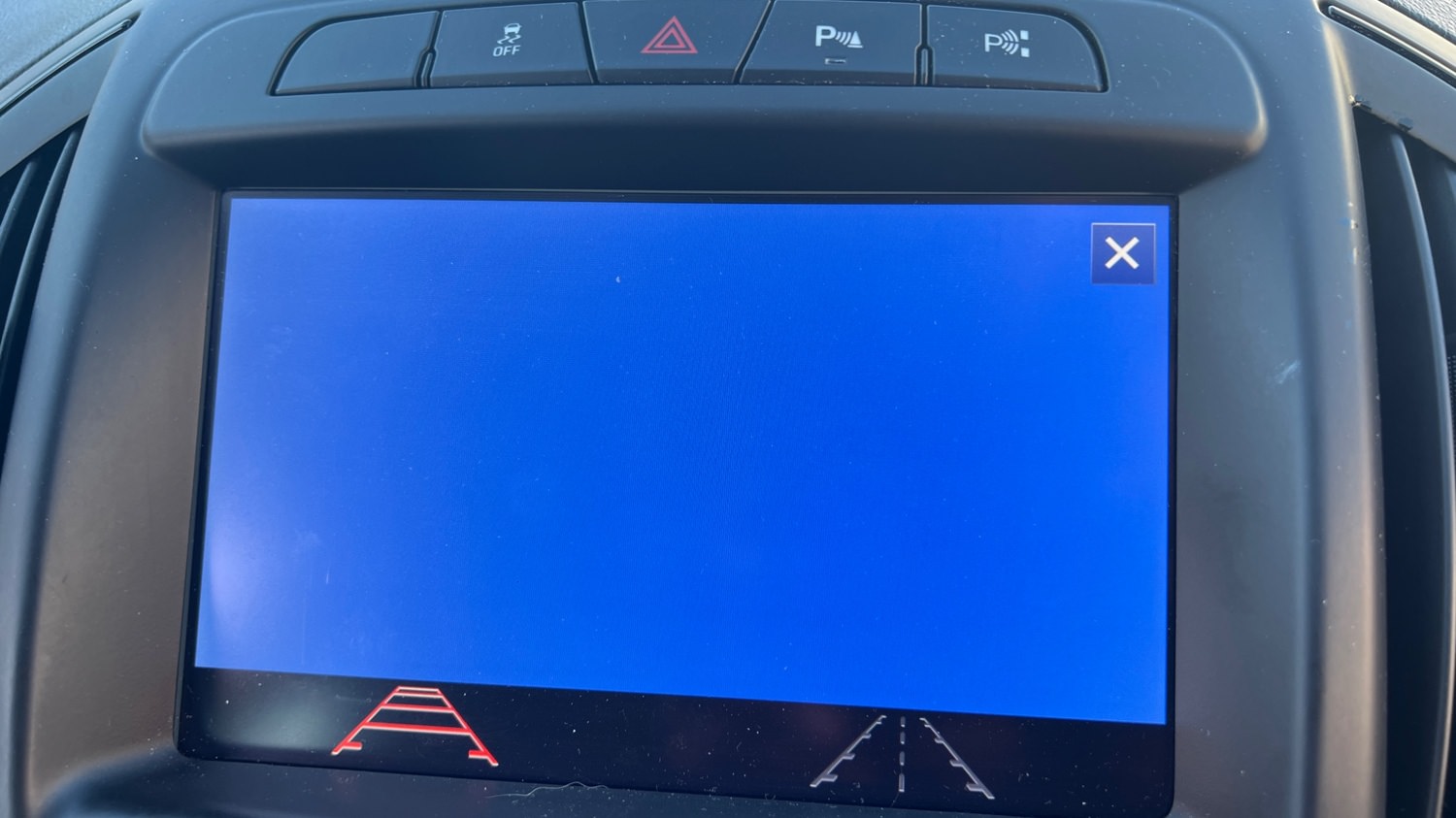
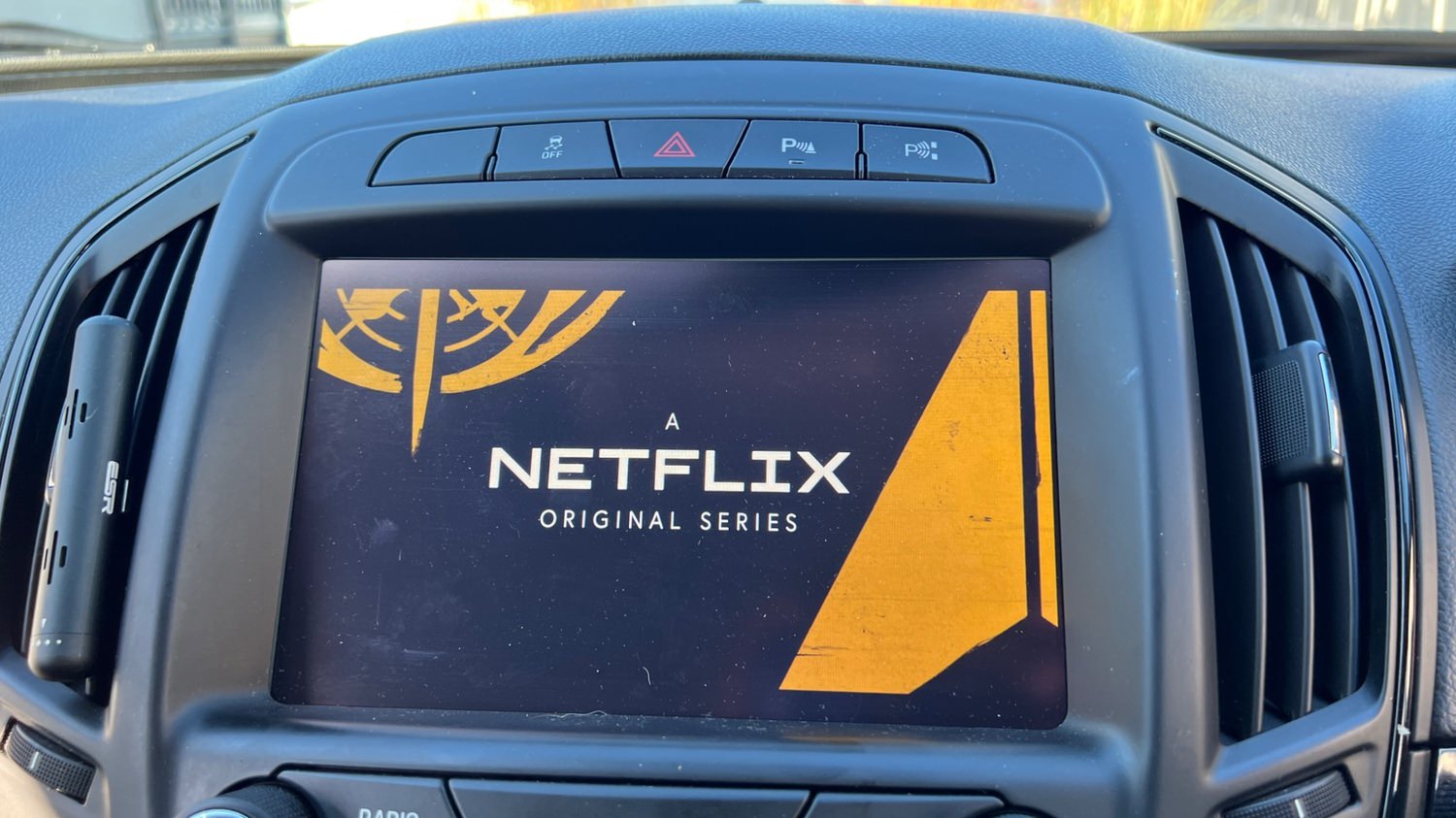
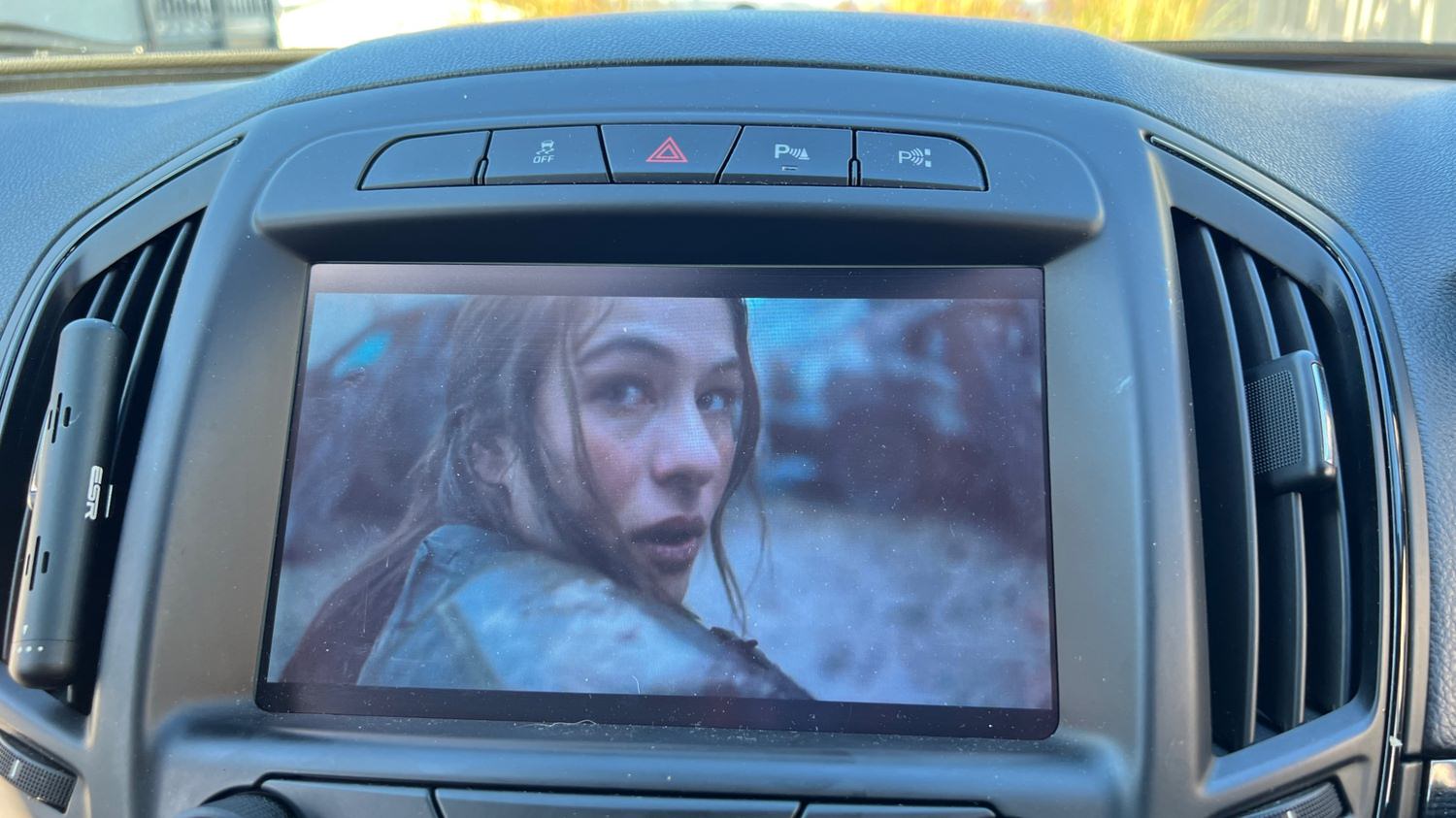
1 Screenshot

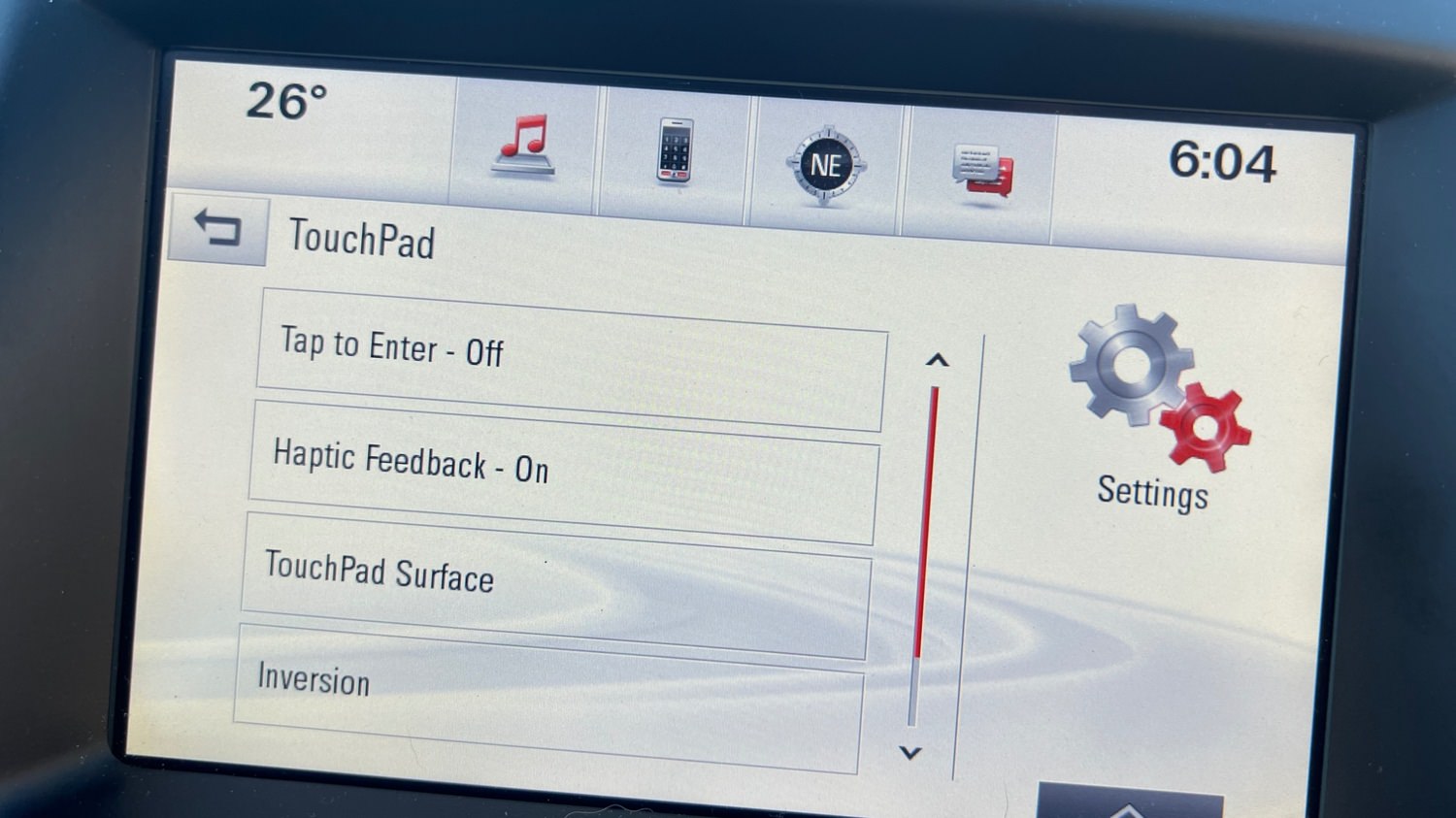
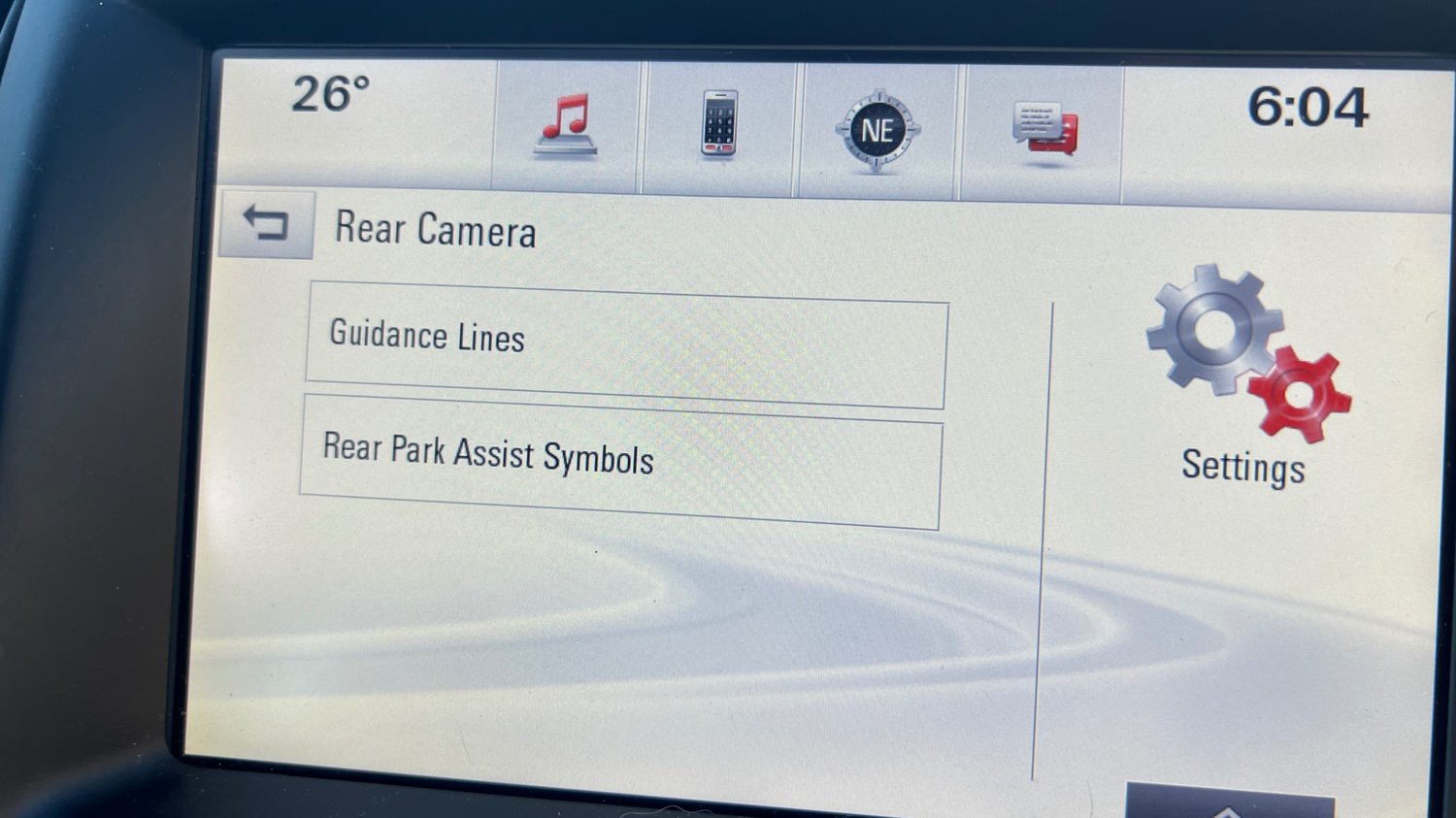
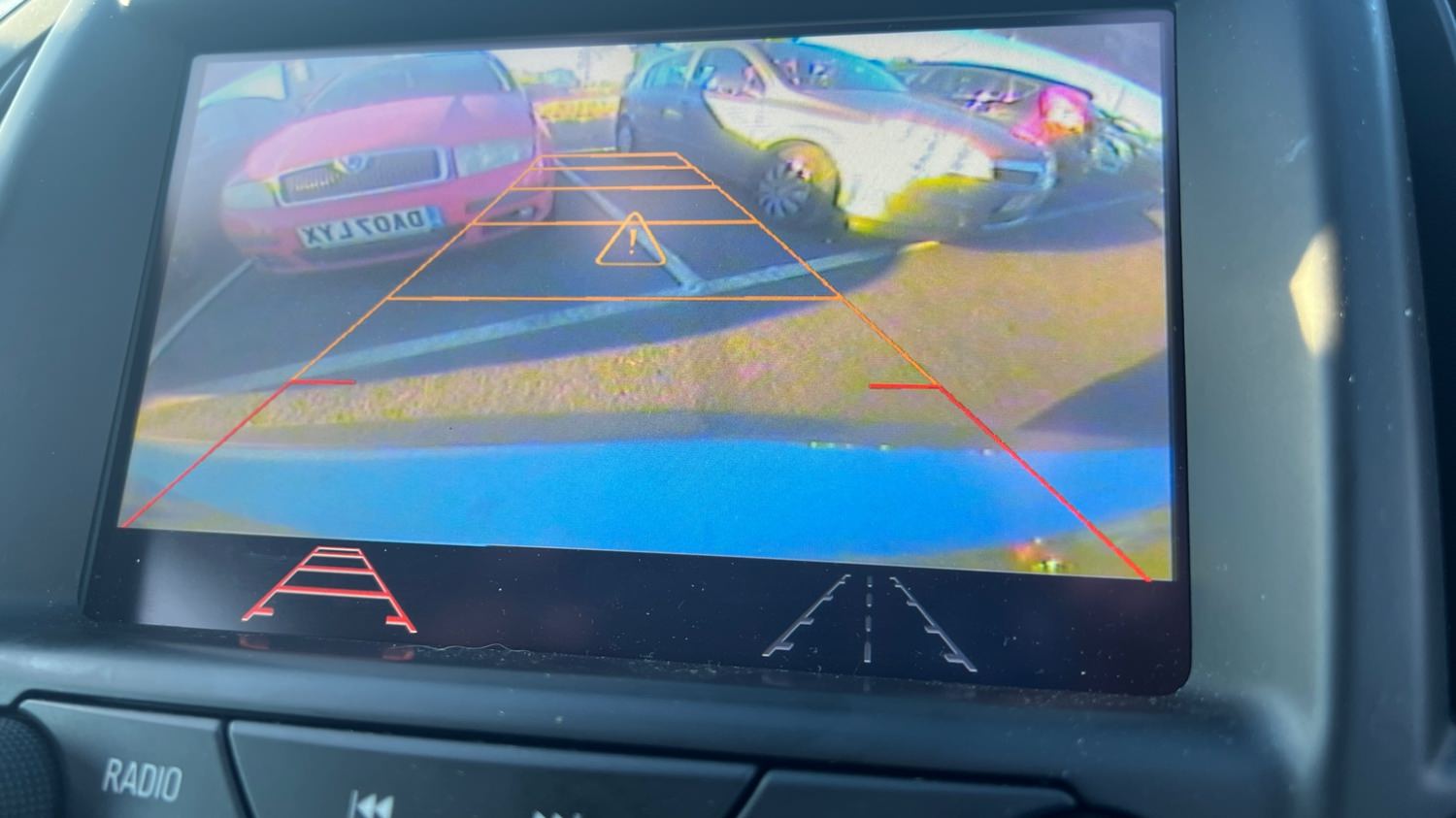
You can use this HMI 2.5 DPS calibration archive file to activate video in motion, SAT-NAV in motion, Track-Pad, rear camera, rear camera always on and climate control. OPEL Logo DPS file.


Option features 

 Video in motion: Watch videos while the car is driving 

 SAT-NAV in motion: Type address in the SAT-NAV while the car is driving.

 Track-Pad: Track-pad activated.

 Rear camera: Reverse camera with guidance lines and park assist symbols.

 Rear camera always on: Touchscreen icon to activate rear camera always on. (A special modification will need to be carried out for this option to work, which I need to figure out soon)

 Climate control: Control climate from the touch screen.

 Opel screen boot up logo.

 Bonus file: This package also includes a DPS archive with the rear camera turned off.


image.jpeg

image.jpeg

image.jpeg

image.jpeg

image.jpeg

image.jpeg

image.jpeg

image.jpeg

What's New in Version 1.0

Released

No changelog available for this version.

User Feedback

Recommended Comments

Opel_driver Apprentice

+Opel_driver

+Contributor

  • Contributor

I bought the file. VIM and trackpad in my 2014 Insignia now works with the upgraded HMI 2.5 using your file. 👏

dmyo Enthusiast

+dmyo

+Purchaser

Whats the trackpad?

Troy Grand Master

13 minutes ago, dmyo said:

Whats the trackpad?


Mouse trackpad that’s in some insignia A. 
A9D80D09-30B0-4A80-9F8F-361E373AB61B.webp

OpelGuy Top Member

+OpelGuy

+Contributor

  • Contributor

does this work with Astra K?

Troy Grand Master

4 minutes ago, OpelGuy said:

does this work with Astra K?

If the Astra K uses the HMI 2.5 module, yes it will work. 

kosta Rising Star

+kosta

+Purchaser

hi 

i need change hmi 2.5 for Mokka, my old ecu is broken. i bye  from used car and hi write me blocked. i reed from this ecu flash  and no see a chassis number,  or pin code, to change . maybe you now , and help me , wich file need change to unlock HMI 2.5 module  

Troy Grand Master

1 hour ago, kosta said:

hi 

i need change hmi 2.5 for Mokka, my old ecu is broken. i bye  from used car and hi write me blocked. i reed from this ecu flash  and no see a chassis number,  or pin code, to change . maybe you now , and help me , wich file need change to unlock HMI 2.5 module  


This DPS file will remove the theft lock from the hmi 2.5. You will need dps and a gm compatible obd diagnostics interface to use the file.


ahmed Explorer

+ahmed

+Purchaser

Is it compatible with HMI 2

Troy Grand Master

4 hours ago, ahmed said:

Is it compatible with HMI 2


Hi, no, only for HMI 2.5.

ahmed Explorer

+ahmed

+Purchaser

Have you any software to make a catalyst off for astra j ( 1.6 lde ) and insignia A( 1.6 lwc)

Troy Grand Master

5 minutes ago, ahmed said:

Have you any software to make a catalyst off for astra j ( 1.6 lde ) and insignia A( 1.6 lwc)

No, don't have any solution for that.

Robi_X Collaborator

+Robi_X

+Contributor

  • Contributor

This File has some Problems with Astra K MJ16:

Air conditioning display does not work (Probably too old climate software).

image.jpeg.01ae04f3b9efa69b547255d1577ee4ab.jpeg

(HMI from 2019) And navigation constantly drives the opposite of where i drive and jumps

correctly again when gps comes. (Probably because the Astra HMI is installed differently than the Insignia, Wrong Gyro Value).

image.png.ecc5024f0b3c41fe002c46580f9a70fd.png


Troy Grand Master

Send me the Astra uncompressed original HMI 2.5 calibration files.

GM-Enthusiast Mentor

+GM-Enthusiast

+Contributor

  • Contributor
On 11/28/2022 at 2:17 PM, ahmed said:

Have you any software to make a catalyst off for astra j ( 1.6 lde ) and insignia A( 1.6 lwc)

2015 Insignia 1.6
2013 Astra GTC 2.0
2013 Astra 1.4

by hptuner


Car Hacking Services I Provide For General Motors Vehicles.

  • GM Remote Diagnosing and Troubleshooting
  • All GM Modules Programming
  • GM ECM/TCM Tuning
  • Auto Mechanic Workshop
PimaOpel Rising Star

PimaOpel

Member

Does it work for Opel Astra K (2016 - Navi 900)? 

Doest it Include Android Auto update?

What kind of device do you use to do the update ? a VXDiag Nano ?


Thanks a lot ! 🙂 

Robi_X Collaborator

+Robi_X

+Contributor

  • Contributor
41 minutes ago, PimaOpel said:

Does it work for Opel Astra K (2016 - Navi 900)?

Not without modification

42 minutes ago, PimaOpel said:

Doest it Include Android Auto update?

No, here -> 


43 minutes ago, PimaOpel said:

What kind of device do you use to do the update

VX Diag works.

BullMech Enthusiast

+BullMech

+Contributor

  • Contributor

can VIM be activated on Insignia B, too?

Keep learning Top Member

+Keep learning

+Contributor

  • Contributor
2 hours ago, BraynV said:

can VIM be activated on Insignia B, too?

It can indeed, works on mine

BullMech Enthusiast

+BullMech

+Contributor

  • Contributor

would you please give me a hint to find relevant article/file to gain the knowledge, how to do it? Thanks a lot.

Keep learning Top Member

+Keep learning

+Contributor

  • Contributor
5 hours ago, BraynV said:

would you please give me a hint to find relevant article/file to gain the knowledge, how to do it? Thanks a lot.

There are a few articles on here explaining what you need to do to activate various features in the HMI. You'll need to have your calibrations and be able to modify and correct the file and write it to your hmi. Hard part is working out which part of which file to modify and I can't remember off the top of my head which but needs modification, sorry. 

When I get time I'll see if I can work it out

BullMech Enthusiast

+BullMech

+Contributor

  • Contributor
8 hours ago, Keep learning said:

There are a few articles on here explaining what you need to do to activate various features in the HMI. You'll need to have your calibrations and be able to modify and correct the file and write it to your hmi. Hard part is working out which part of which file to modify and I can't remember off the top of my head which but needs modification, sorry. 

When I get time I'll see if I can work it out

Thank you. I know all those files about HMI 2.5, but I think it is applicable just for Insignia A, but not for B. That's why I'm still confused. 

Opel_driver Apprentice

+Opel_driver

+Contributor

  • Contributor

The file is compatible with vehicles equipped with the HMI 2.5 module. If your Insignia B has the HMI 2.5 module, it will work. Some Insignia Bs come with the HMI 2.5 module, while others have the Harman radio.

Keep learning Top Member

+Keep learning

+Contributor

  • Contributor
6 minutes ago, Opel_driver said:

The file is compatible with vehicles equipped with the HMI 2.5 module. If your Insignia B has the HMI 2.5 module, it will work. Some Insignia Bs come with the HMI 2.5 module, while others have the Harman radio.

Good point, works on my hmi 2.5 but will depend what stereo etc the OP has. Base models it won't work I expect and not sure about the later ones with HMI 3

BullMech Enthusiast

+BullMech

+Contributor

  • Contributor

is there any solution to activate VIM on 2.0?

OP Apprentice

+OP

+Contributor

  • Contributor

Is the Version 2.0 also good for other engines or just for B20

Join the conversation

You can post now and register later. If you have an account, sign in now to post with your account.

Guest
Add a comment...

Other files from Troy


CameraLoops™
Powered by Art
All Trademarks appearing on this website are the property of their respective owners.

Account

Navigation

Configure browser push notifications

Chrome (Android)
  1. Tap the lock icon next to the address bar.
  2. Tap Permissions → Notifications.
  3. Adjust your preference.
Chrome (Desktop)
  1. Click the padlock icon in the address bar.
  2. Select Site settings.
  3. Find Notifications and adjust your preference.
CameraLoops members who viewed this content
cipher chicking andrey tolmachev stensin Robi_X Boolee Alpha-Leader a b kitsaras Miragui marius ilie momonasr89 FabioS bekatsilosani tdrachi Techpiotr ΓΡΗΓΟΡΗΣ γκοτσικασ Gregor Ignition Enterlan