Skip to content
Install the CameraLoops App

Browse CameraLoops via the app. Learn more.

www.CameraLoops.ru

Use the CameraLoops full-screen app on your home screen with push notifications, badges and more.

To install the CameraLoops app on iOS and iPadOS
  1. Tap the Share icon in Safari
  2. Scroll the menu and tap Add to Home Screen.
  3. Tap Add in the top-right corner.
To install the CameraLoops app on Android
  1. Tap the 3-dot menu (⋮) in the top-right corner of the browser.
  2. Tap Add to Home screen or Install app.
  3. Confirm by tapping Install.

Video In Motion HMI 2.5 Chevrolet Tahoe MyLink

$200

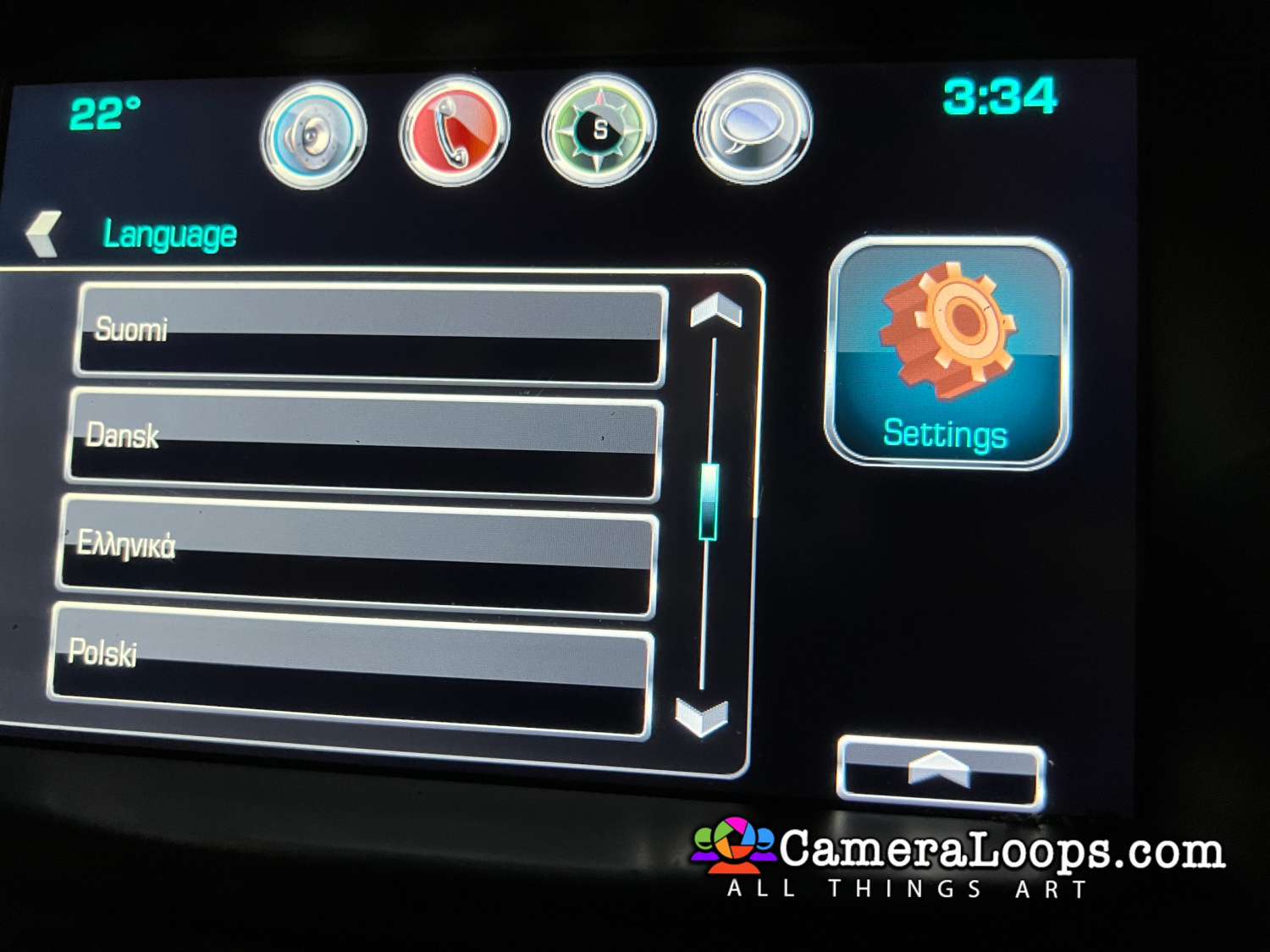
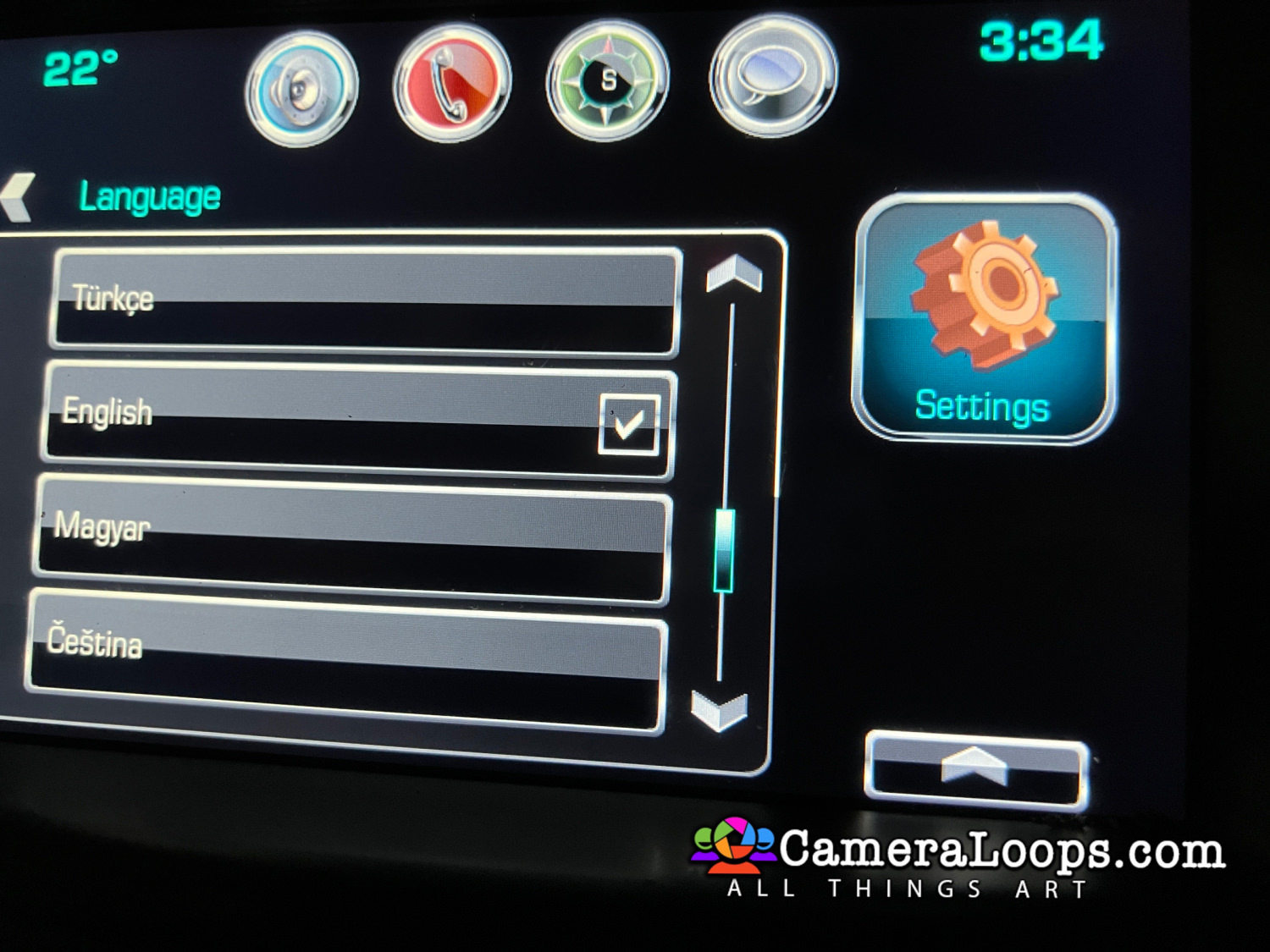
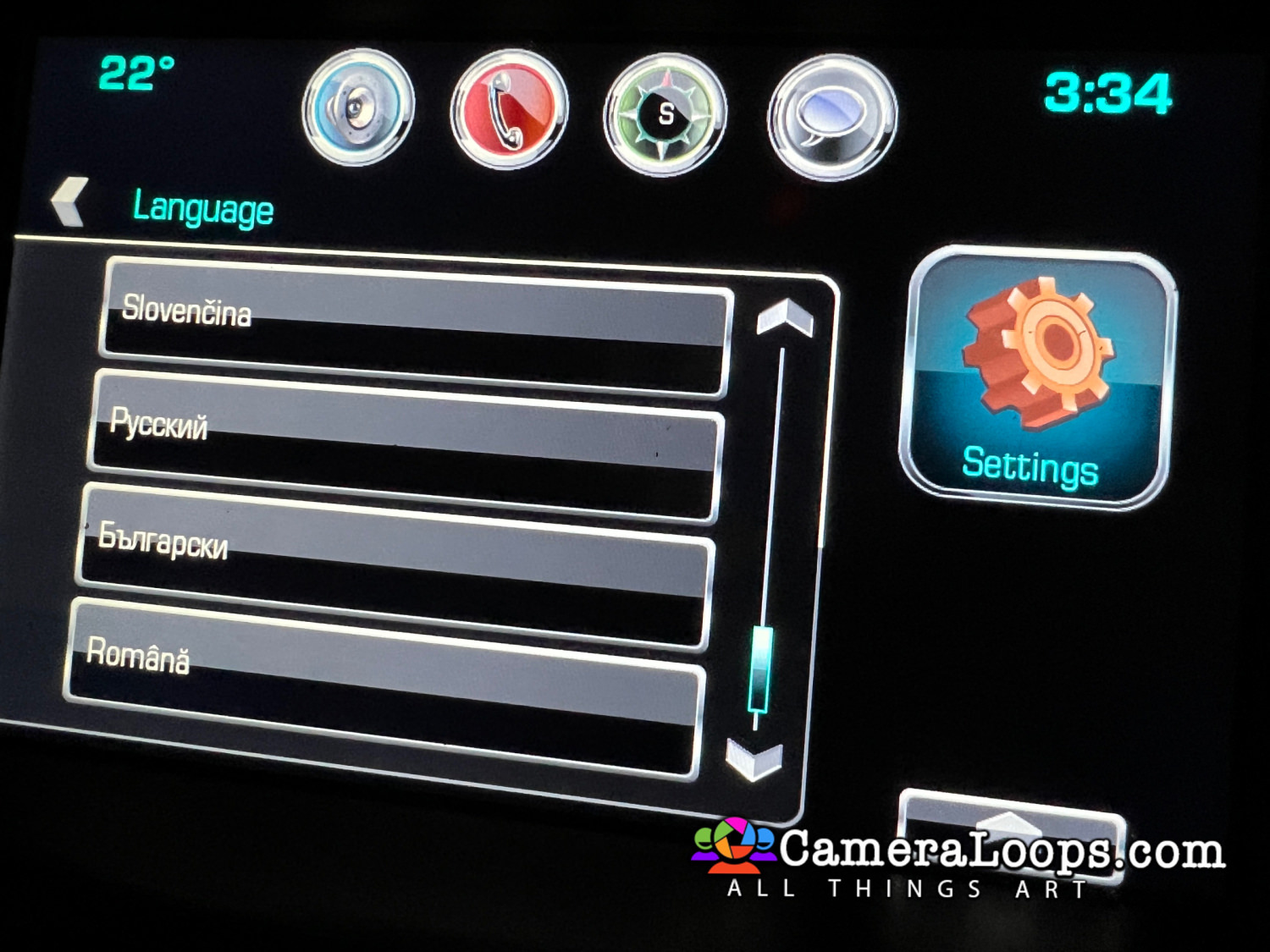
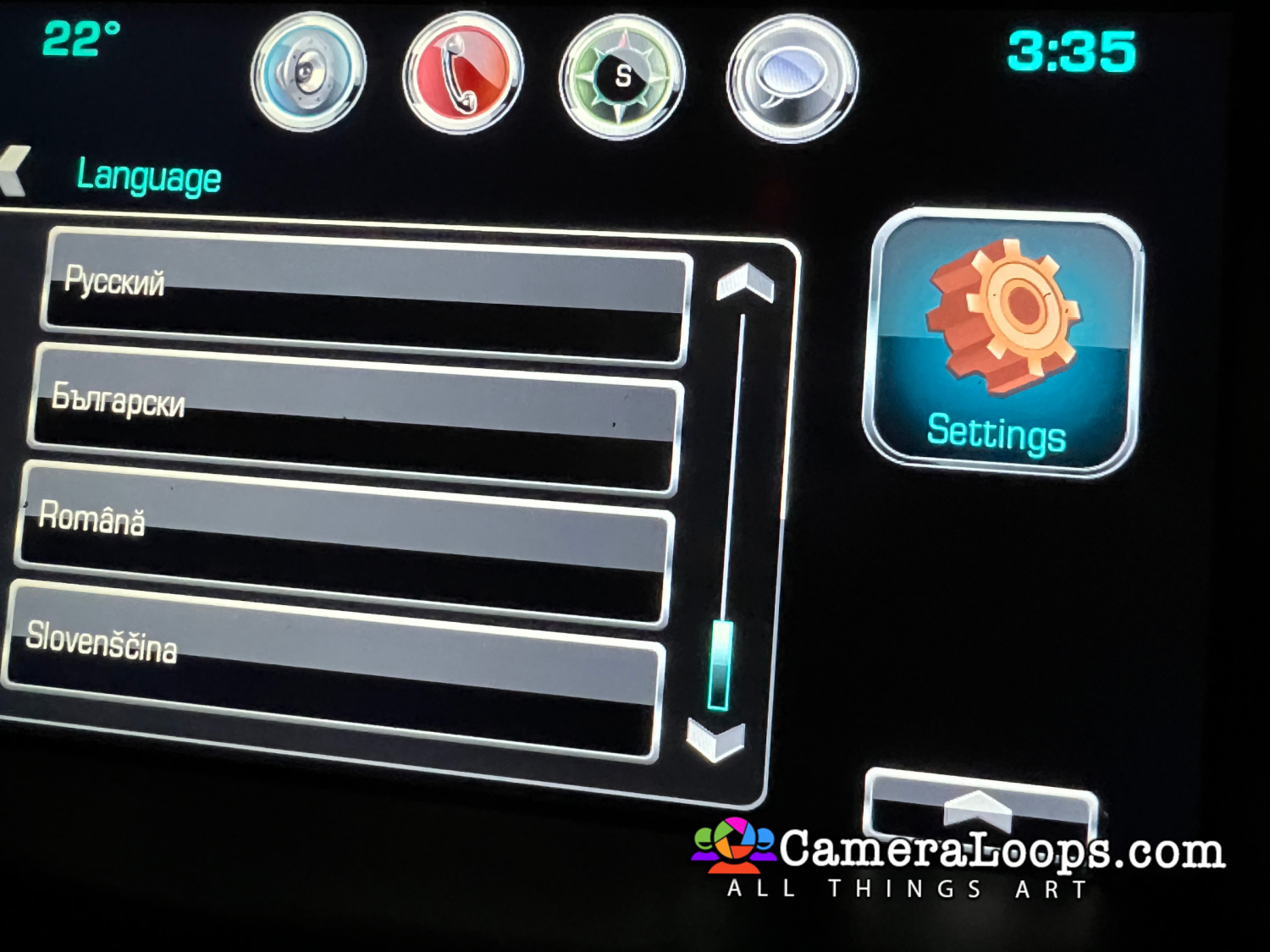
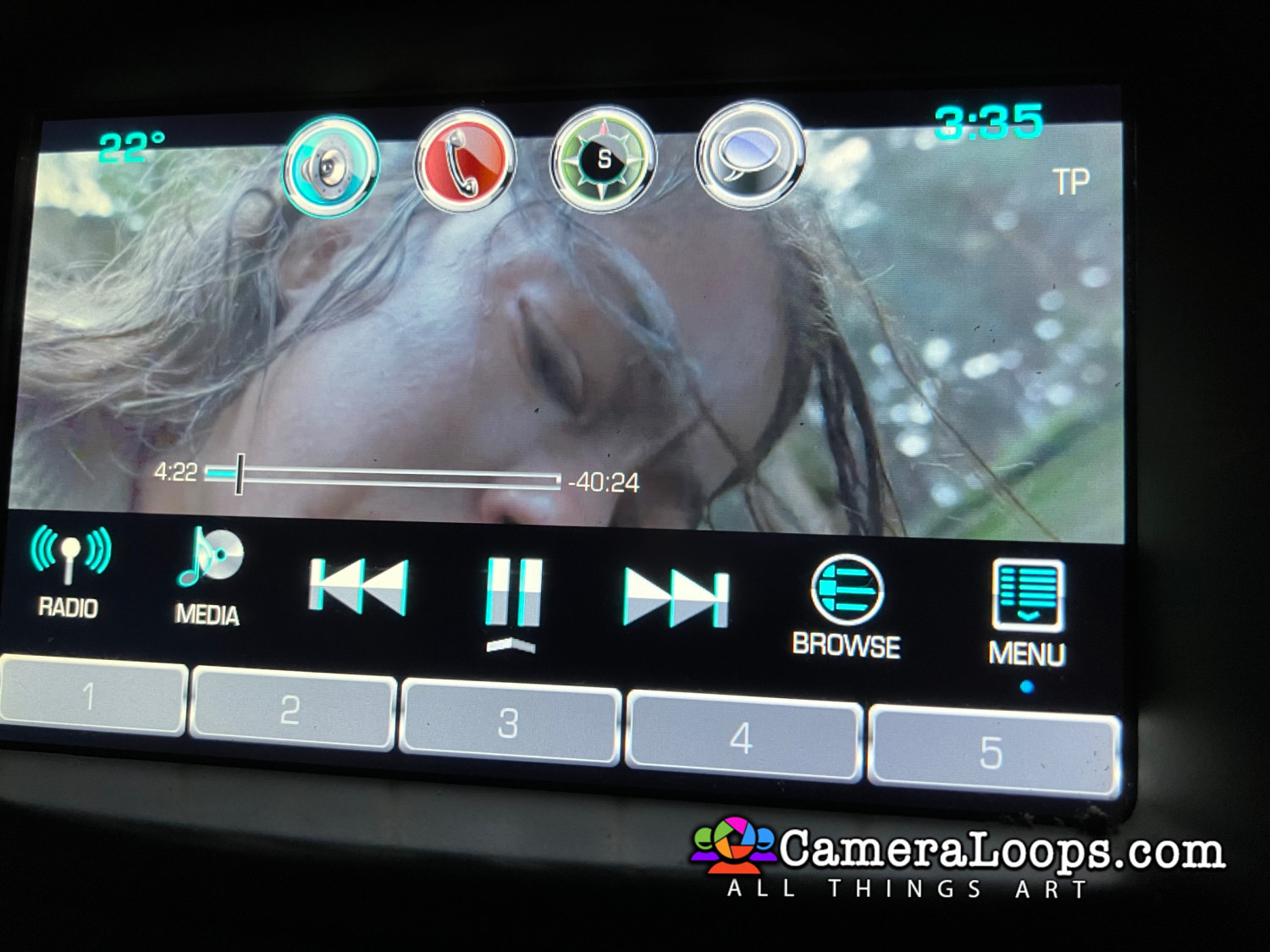
1 Screenshot

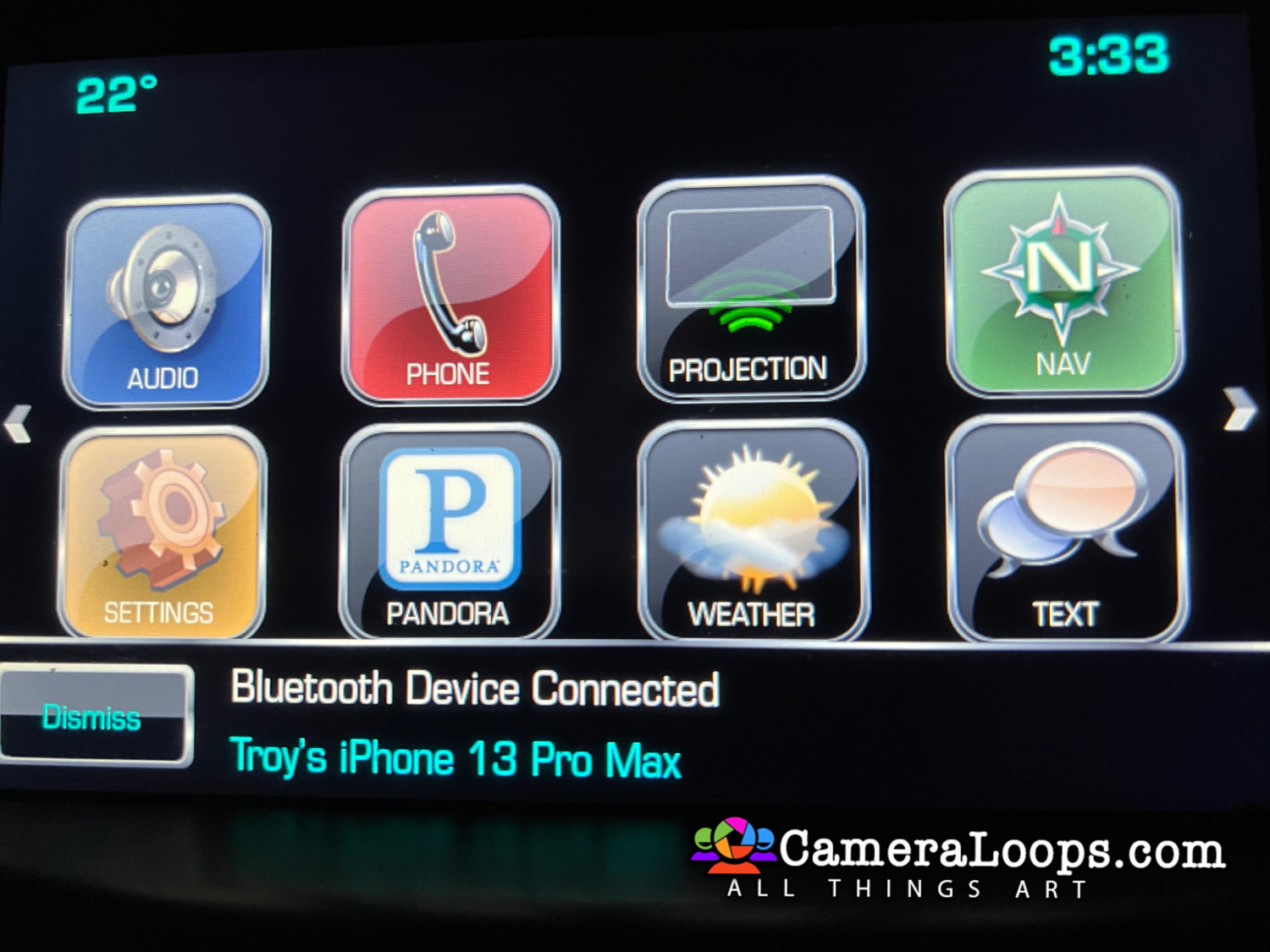
Video In Motion HMI 2.5 Chevrolet Tahoe MyLink.

The video still plays when the vehicle is driving in drive mode.


This file can be used with the GM DPS tool to: 

Activate Video in Motion.

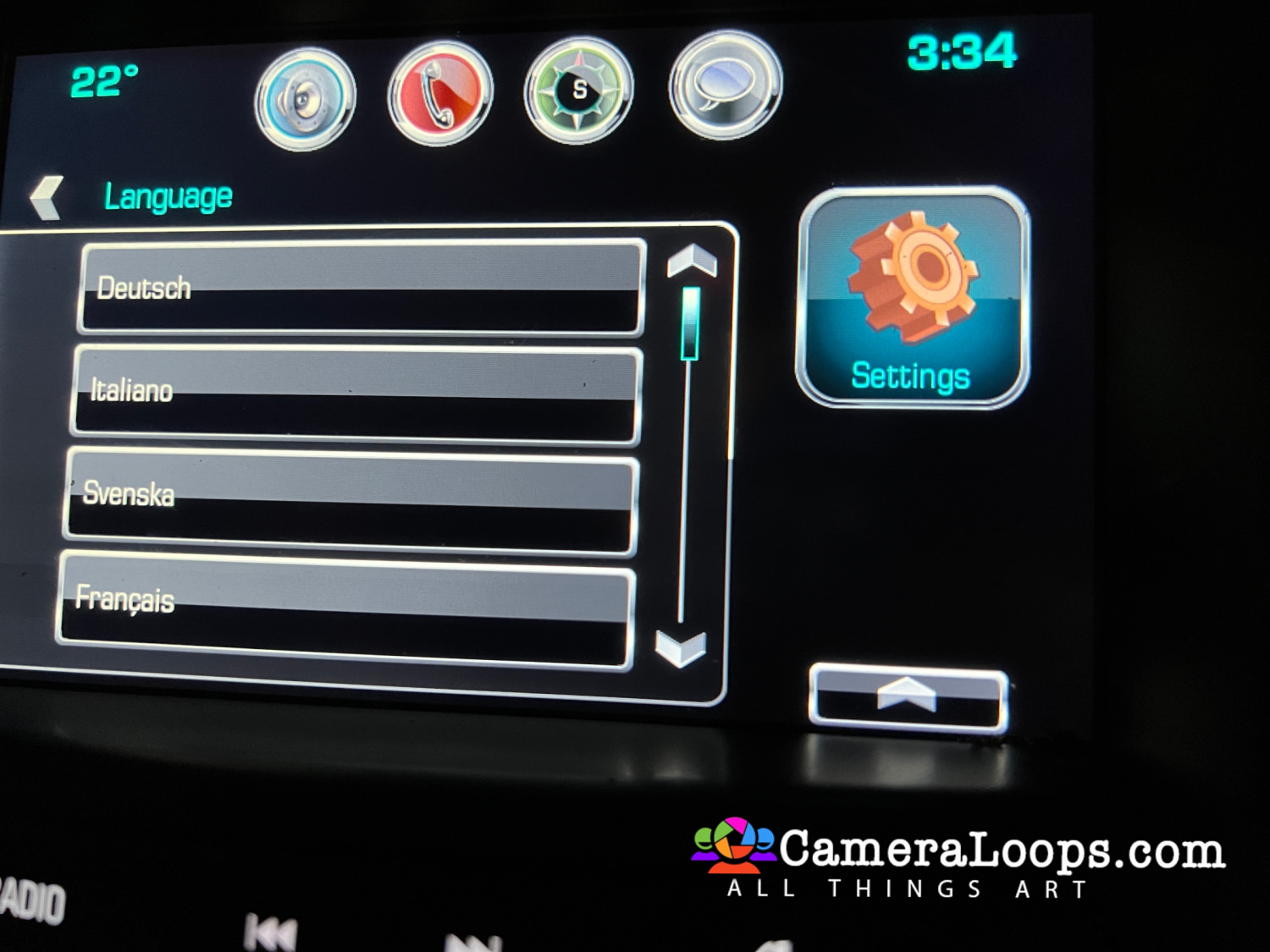
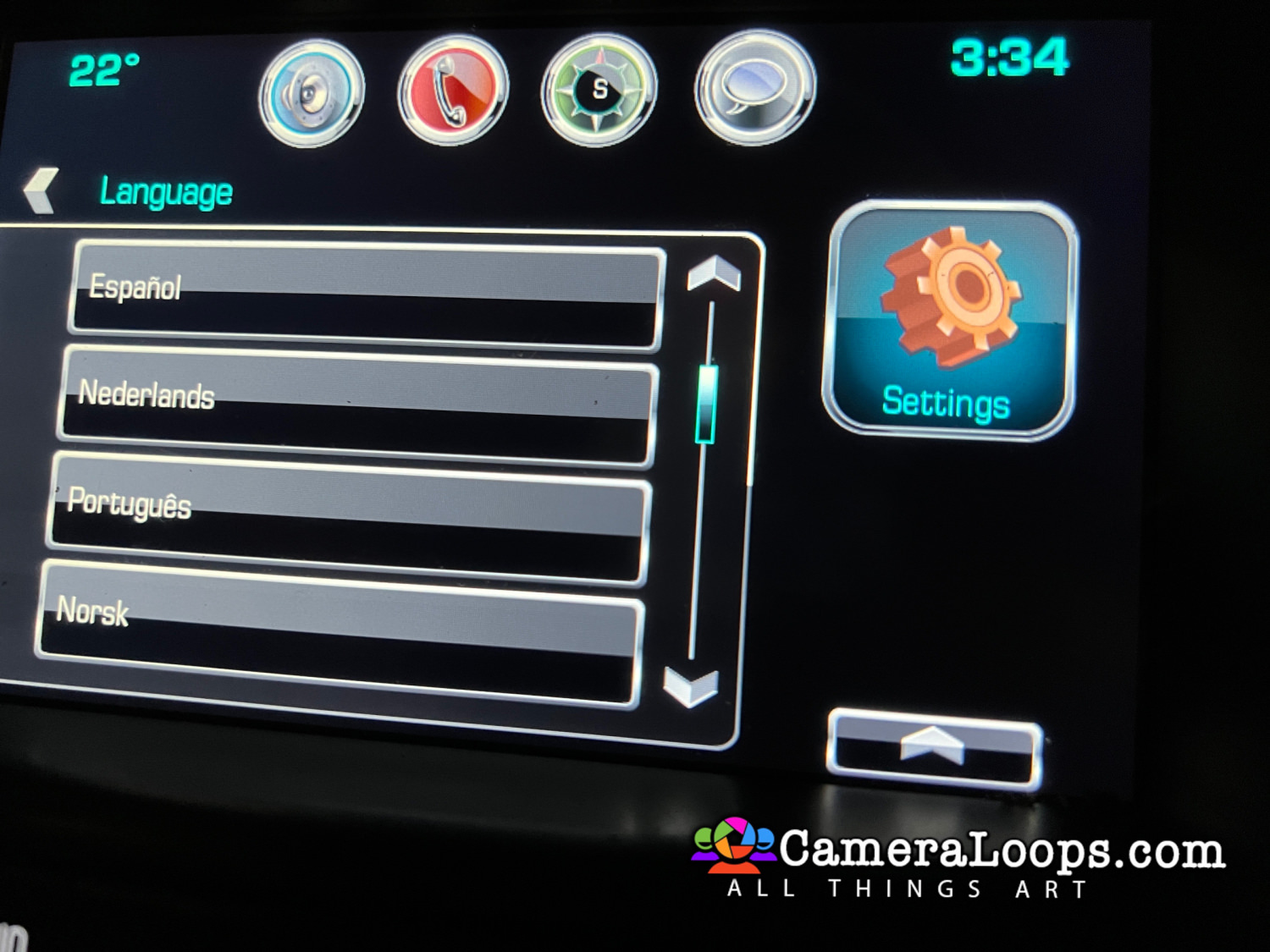
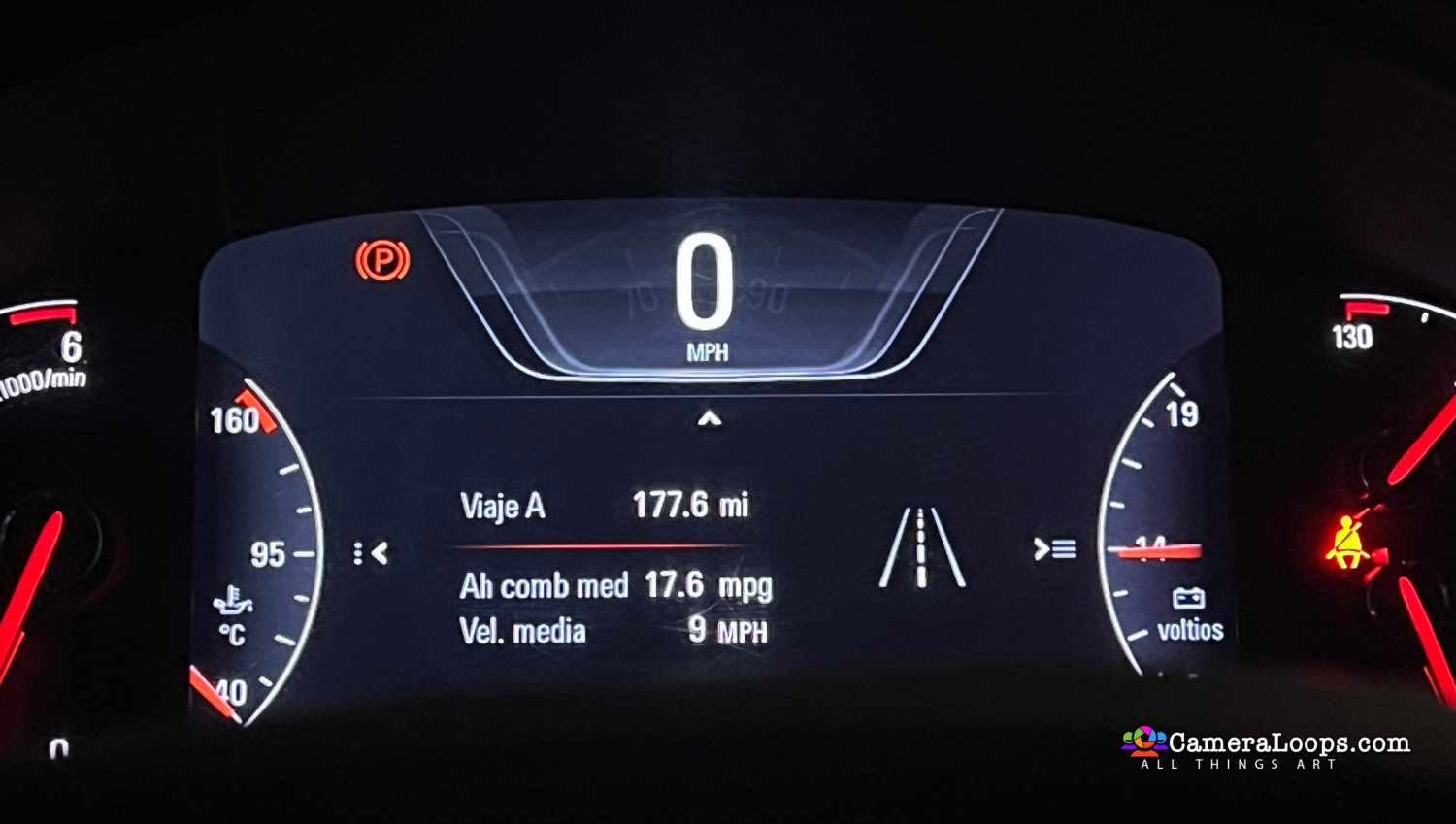
Activate Both North American and European languages on the infotainment and IPC screens. (The language selected in infotainment settings is set in the IPC).

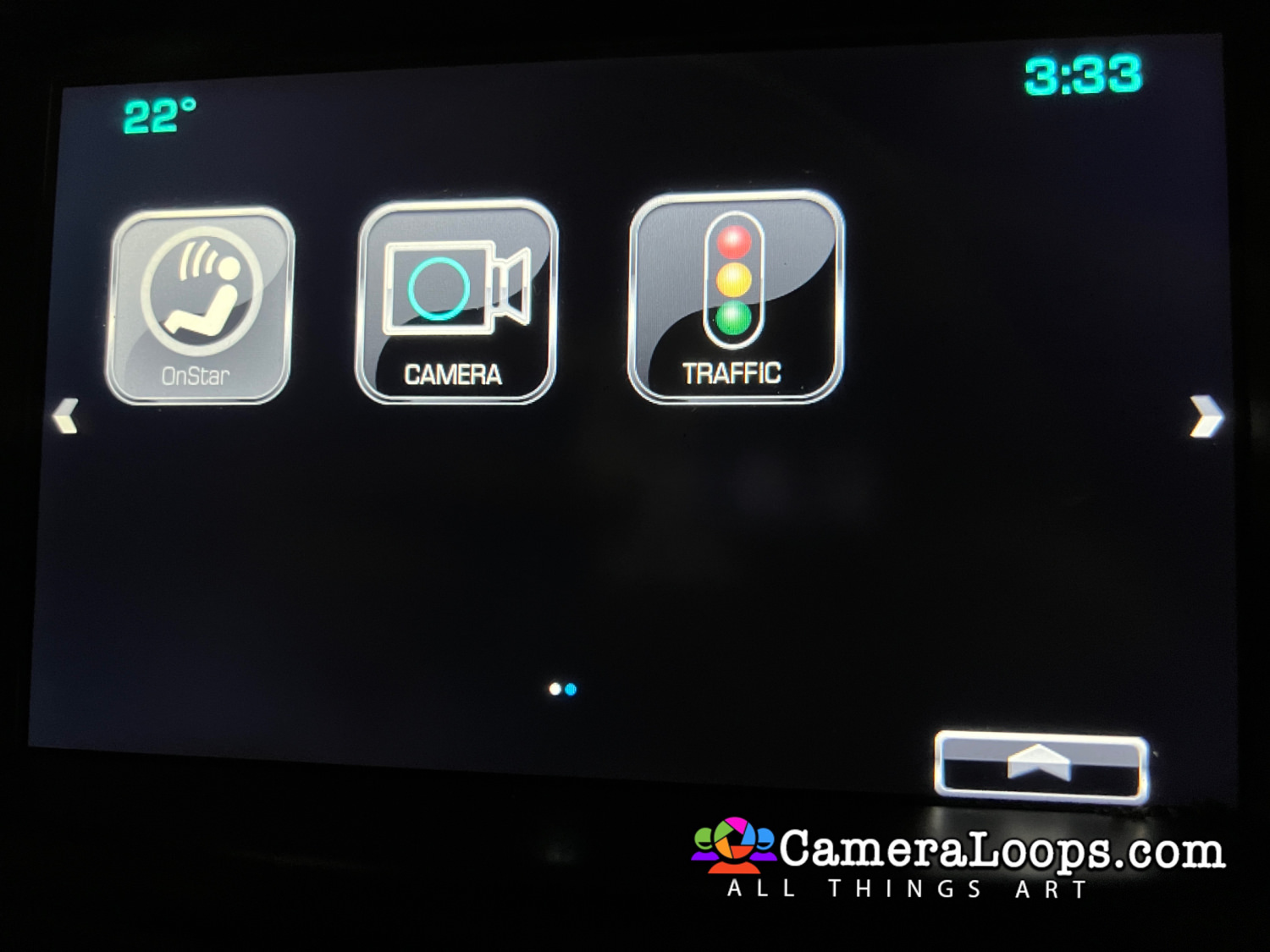
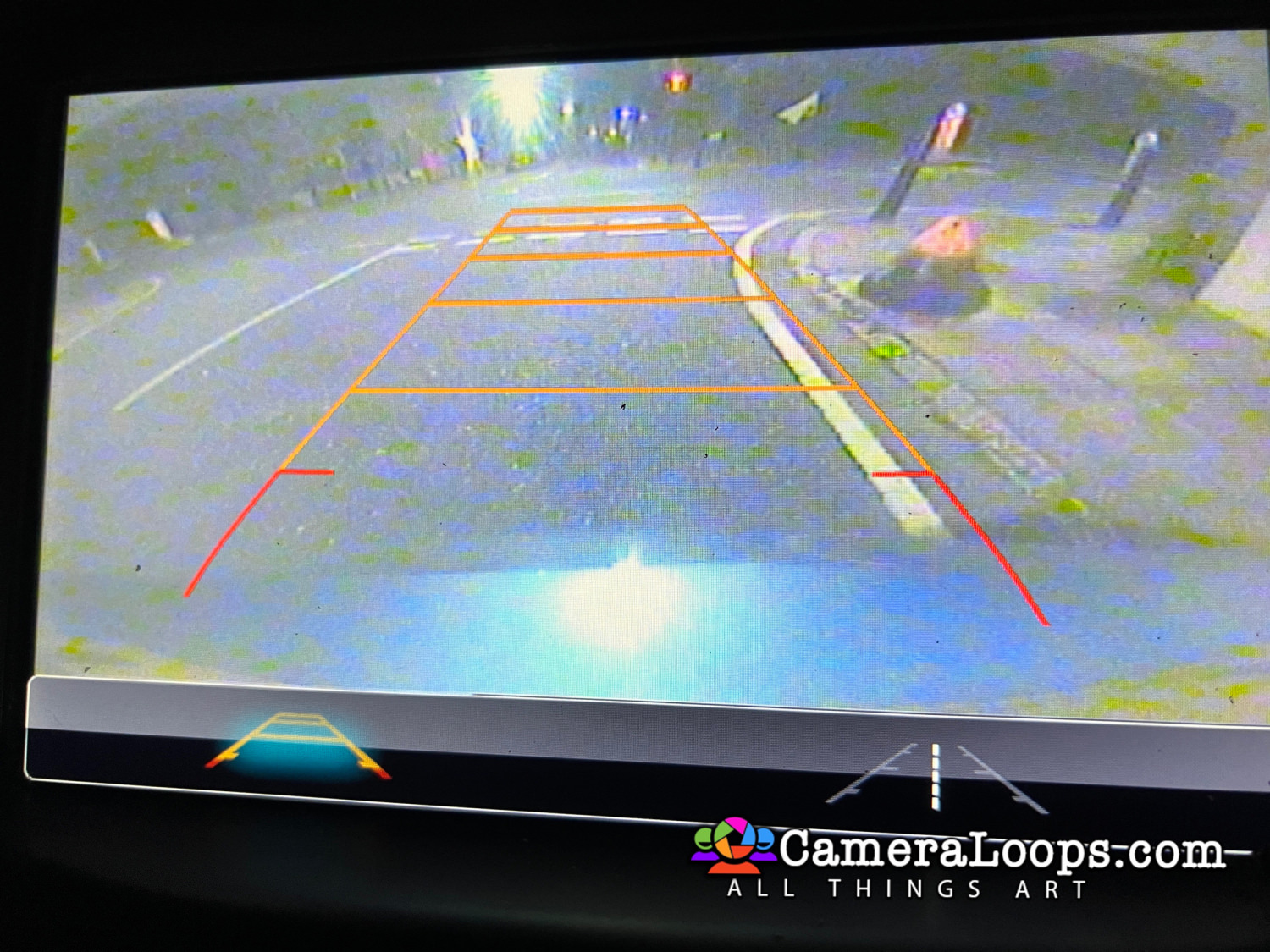
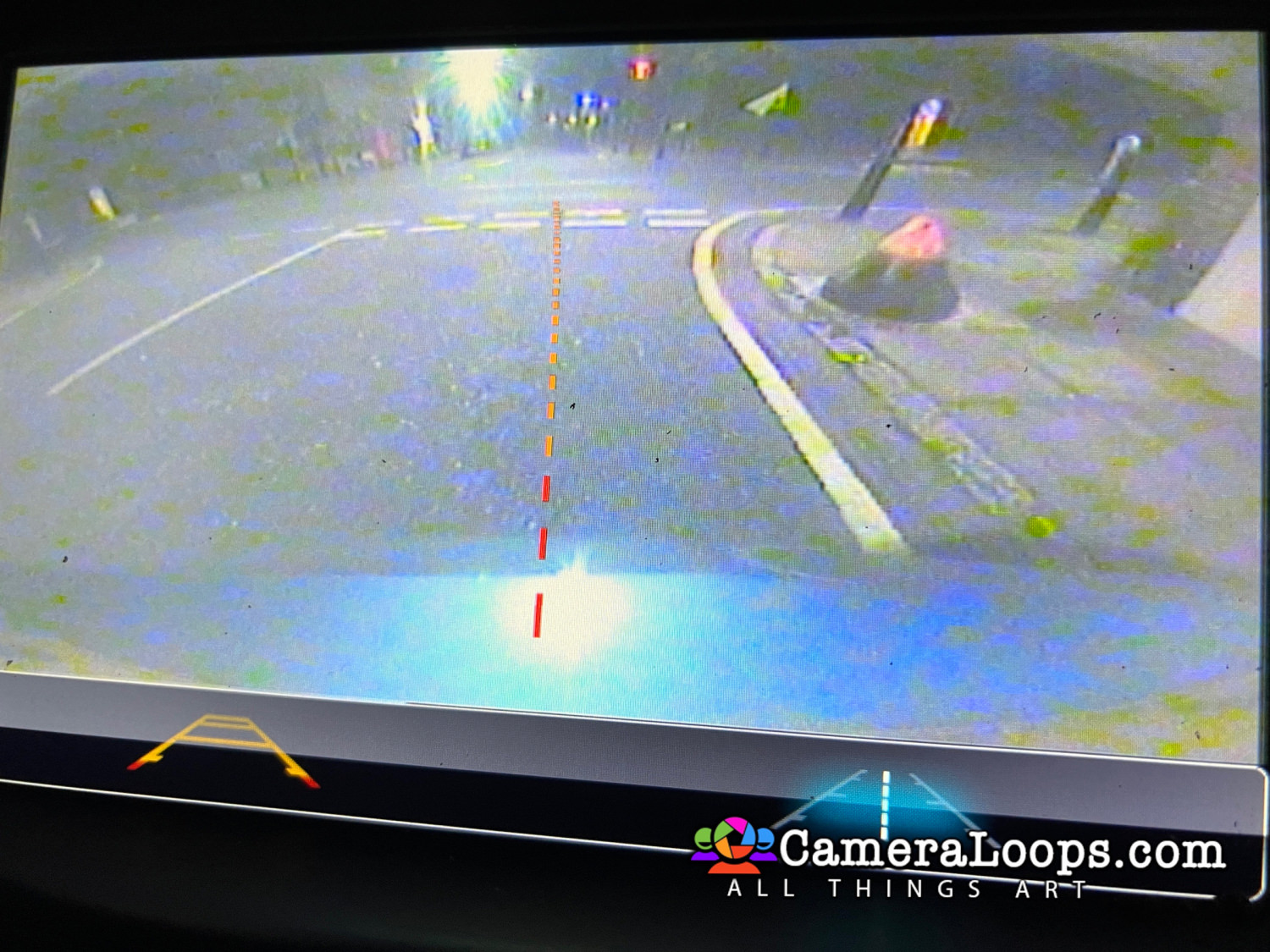
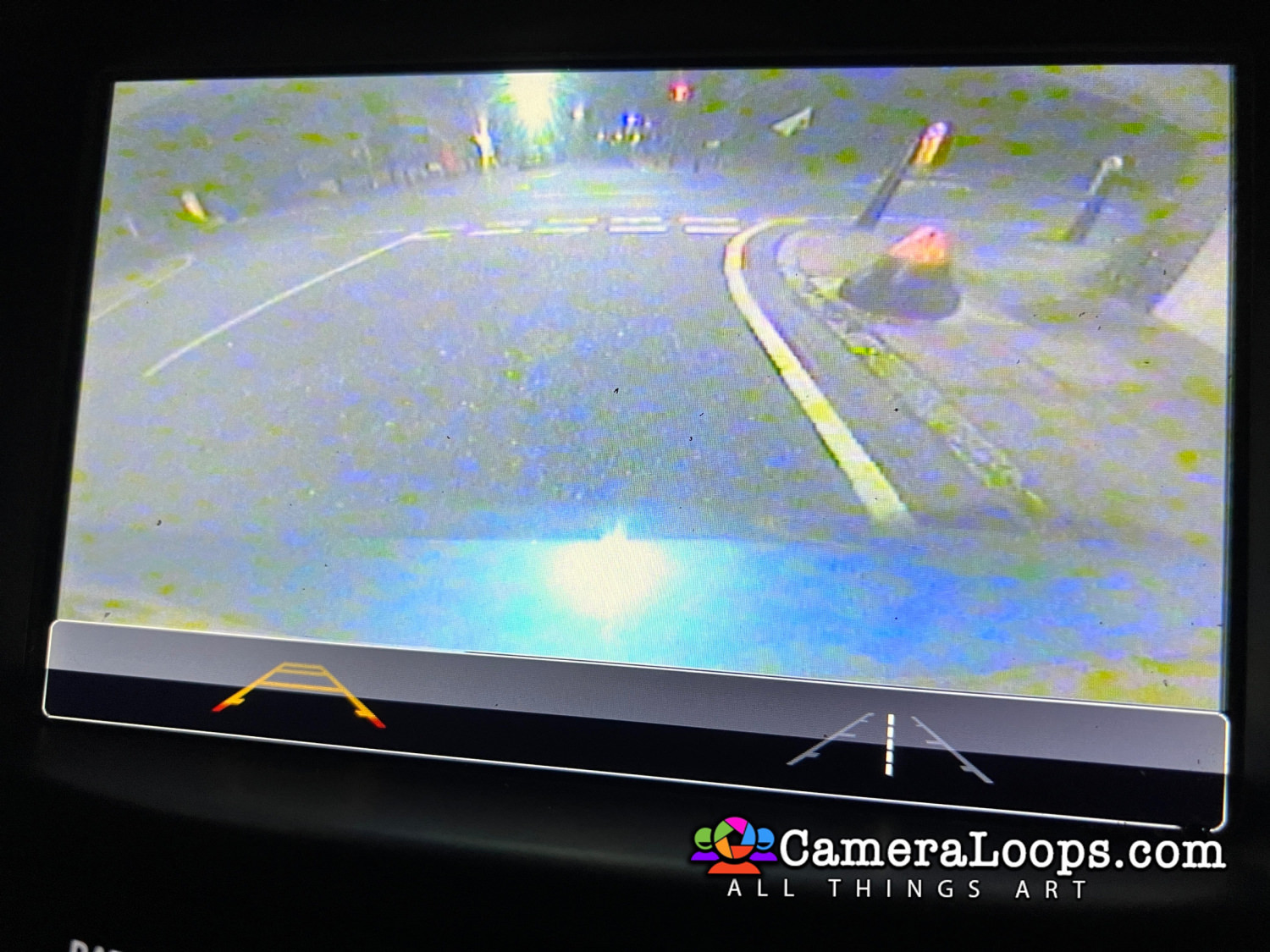
Activate reverse camera guide-lines.

Activate the reverse camera always on. (Note, an extra attachment or mod is needed to activate the reverse camera always-on feature).


Watch the below video to see the process.


IMG_7407.JPG


IMG_7409.JPG


IMG_7410.JPG


IMG_7411.JPG


IMG_7412.JPG


IMG_7413.JPG


IMG_7415.JPG


IMG_7416.JPG


IMG_7417.JPG


IMG_7418.JPG


IMG_7419.JPG


IMG_7420.JPG


(The language selected in infotainment settings is also set in the IPC).
16 IPC.jpg


IMG_7421.JPG


User Feedback

Recommended Comments

nostra Top Member

+nostra

+Purchaser

Hello, Troy i have an equinox 2018 without the Mylink  if i change the screen and put a HMI 2.5 is that program will install completely the Mylink program with the GPS , the android Auto and the camera like picture?  thank you

Troy Grand Master

2 hours ago, nostra said:

Hello, Troy i have an equinox 2018 without the Mylink  if i change the screen and put a HMI 2.5 is that program will install completely the Mylink program with the GPS , the android Auto and the camera like picture?  thank you


If some of the equinox comes with the HMI 2.5 I can source the correct HMI calibration files and activate those features. 

Do you know if some equinox comes with the HMI 2.5?

nostra Top Member

+nostra

+Purchaser

HI, i dont think so  because i do not have the HMI 2.5 maybe the HMI2.0 w/o gps and my screen is the lower version but , i have in my possession an HMI 2.5 with GPS and the bigger screen for the equinox .So if i update these part in the car and using a Mylink complet software or firmware with all option maybe that could work? I can work on a bench before to test it . And i have the relearn vin that i buy from you and some programs too.

nostra Top Member

+nostra

+Purchaser

I think the HMI 2.5 was in the premium version ,i have the LS version

Troy Grand Master

1 hour ago, nostra said:

I think the HMI 2.5 was in the premium version ,i have the LS version


Yes, this file will work.

nostra Top Member

+nostra

+Purchaser

Thank you for the info

Sergio Romero Apprentice

+Sergio Romero

+Contributor

  • Contributor

Excellent work my friend, I have a question this file works for a 2016 chevrolet suburban

Troy Grand Master

I will try to get the HMI files for the suburban and then activate those features. That way, the file has the correct settings for the suburban. 

Sergio Romero Apprentice

+Sergio Romero

+Contributor

  • Contributor

Perfect thanks, what files do you need, the calibration or xml files? 

Troy Grand Master

37 minutes ago, Sergio Romero said:

Perfect thanks, what files do you need, the calibration or xml files? 


Here is VIM for Chevy Suburban.


Join the conversation

You can post now and register later. If you have an account, sign in now to post with your account.

Guest
Add a comment...

Other files from Troy


CameraLoops™
Powered by Art
All Trademarks appearing on this website are the property of their respective owners.

Account

Navigation

Configure browser push notifications

Chrome (Android)
  1. Tap the lock icon next to the address bar.
  2. Tap Permissions → Notifications.
  3. Adjust your preference.
Chrome (Desktop)
  1. Click the padlock icon in the address bar.
  2. Select Site settings.
  3. Find Notifications and adjust your preference.
CameraLoops members who viewed this content
Elias Haddad chicking Alpha Alain bekatsilosani A61bk SHPSHP mmbrothers Enterlan Course-Angelo-Oliveira Troll HEAVY KILL Pasha AL RAED FASNASSRI gsmik smitchell wguibas GucioNineNine Fhvc Chdh Rickardo