










.thumb.png.6cba57c5e88519e419516e3ed1152e01.png)
You can use this HMI 2.5 DPS calibration archive file to activate video in motion, SAT-NAV in motion, Track-Pad, rear camera, rear camera always on and climate control. OPEL Logo Middle-East_Version DPS file.
For Middle East cars only
Option features
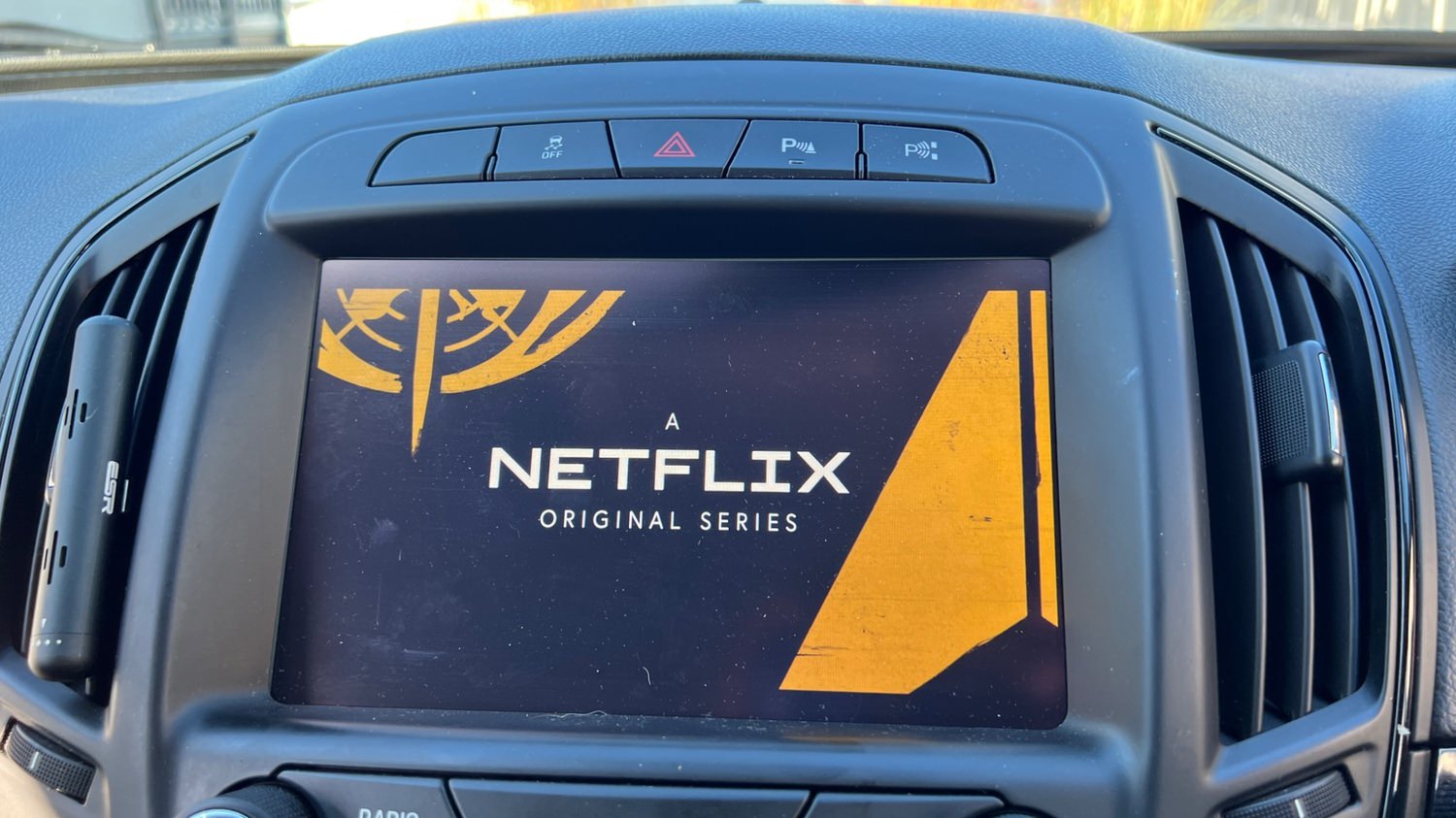
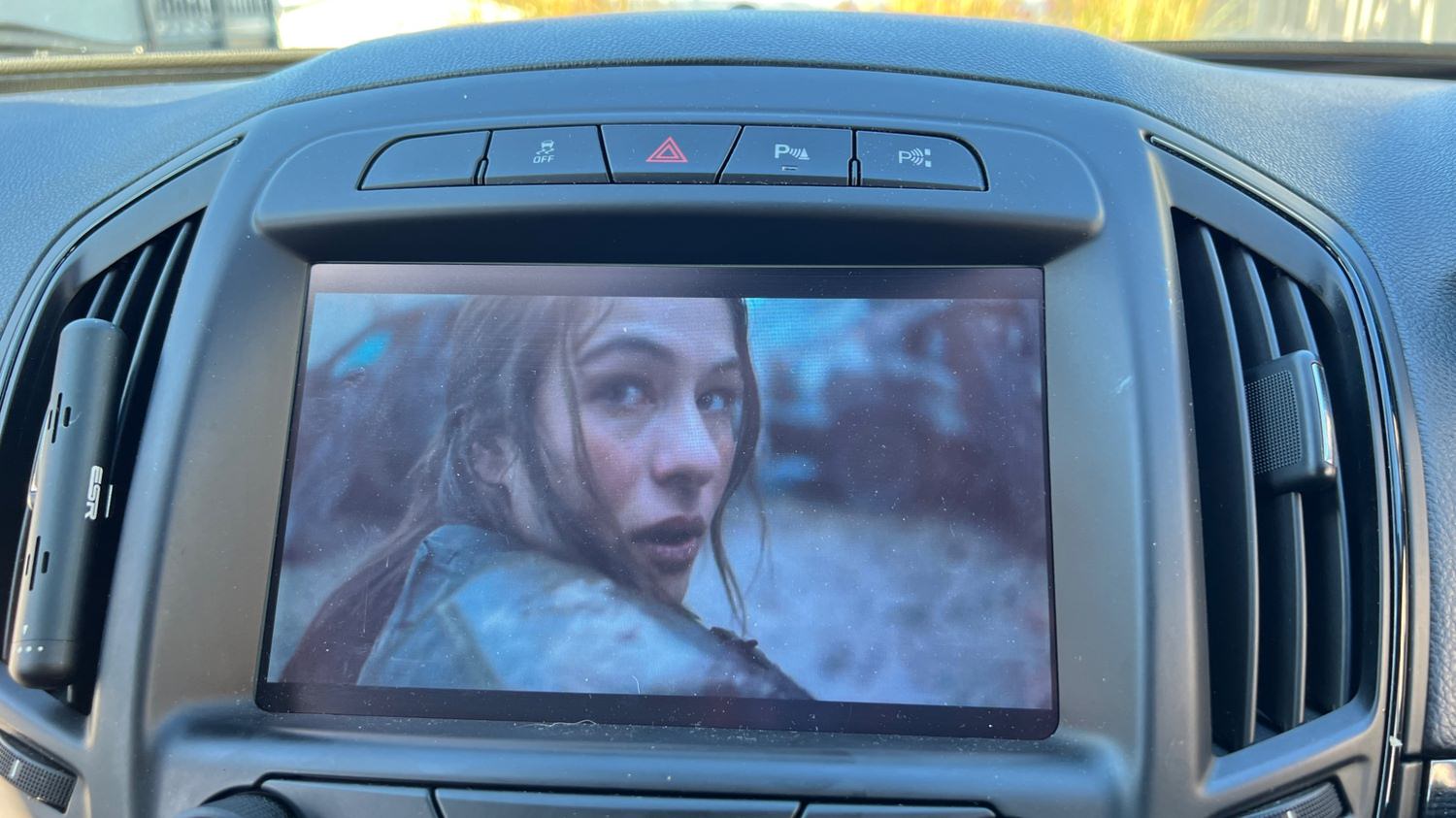
✅ Video in motion: Watch videos while the car is driving
✅ SAT-NAV in motion: Type the address in the SAT-NAV while the car is driving.
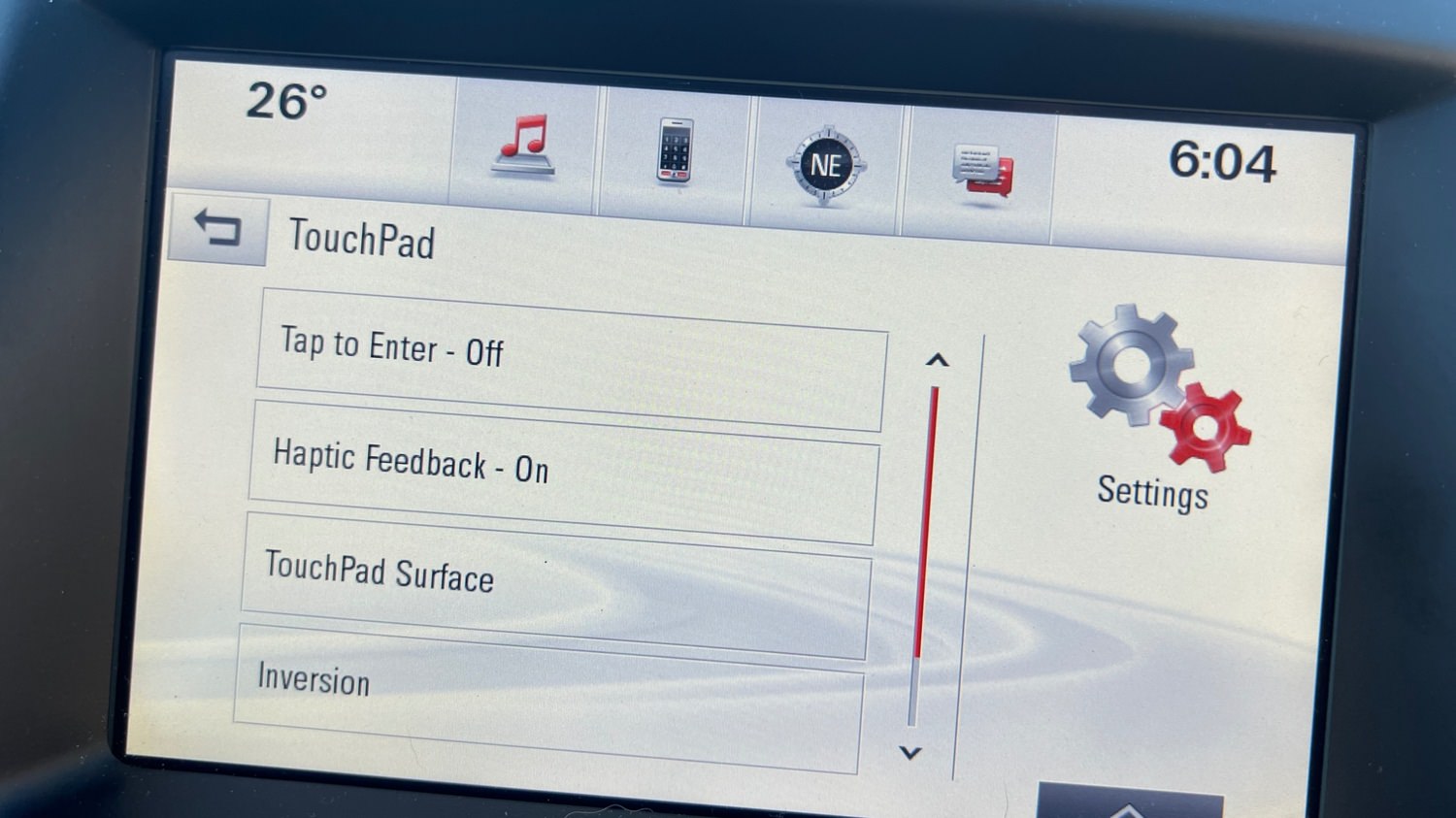
✅ Track-Pad: Track-pad activated.
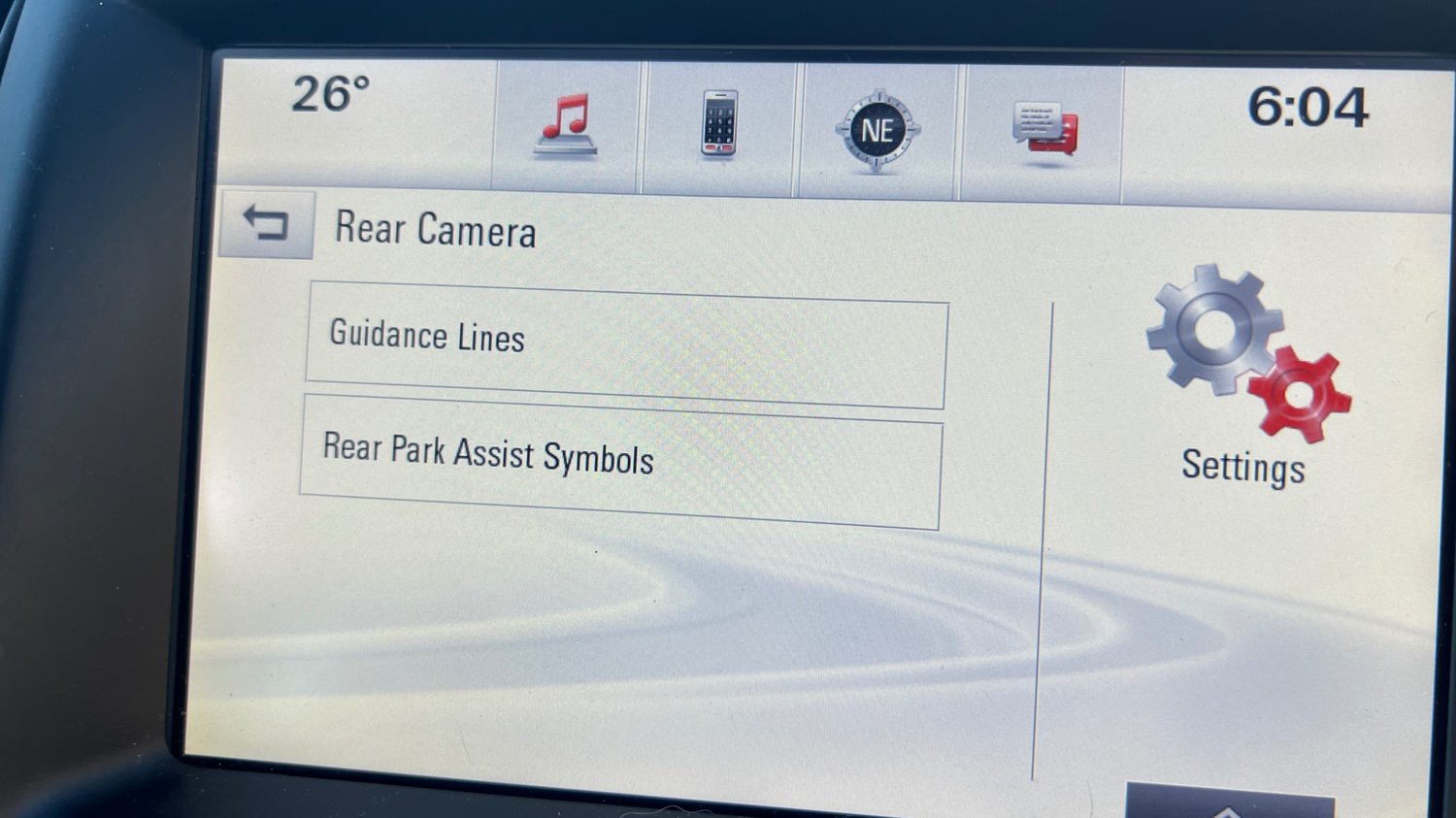
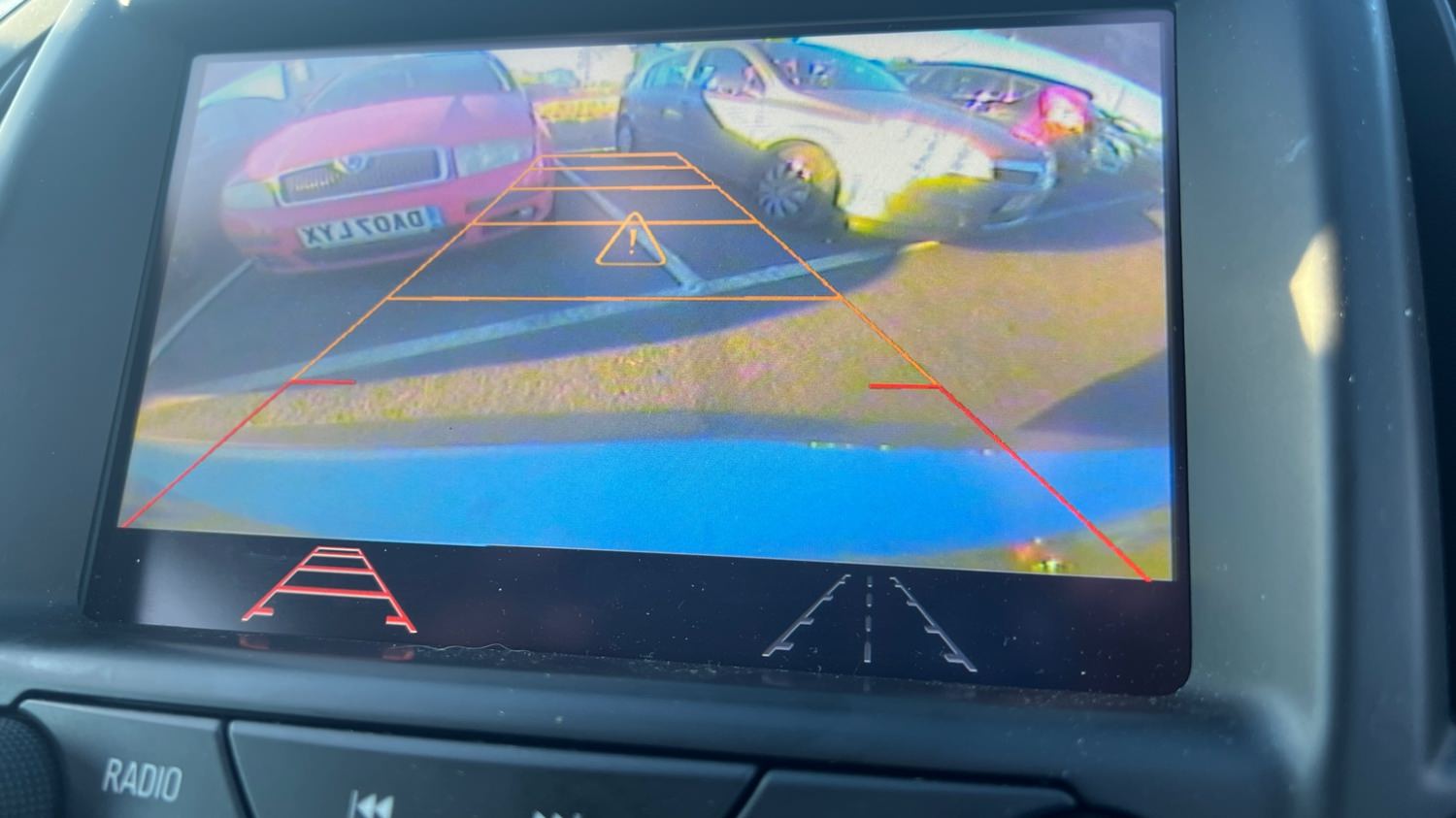
✅ Rear camera: Reverse camera with guidance lines and park assist symbols.
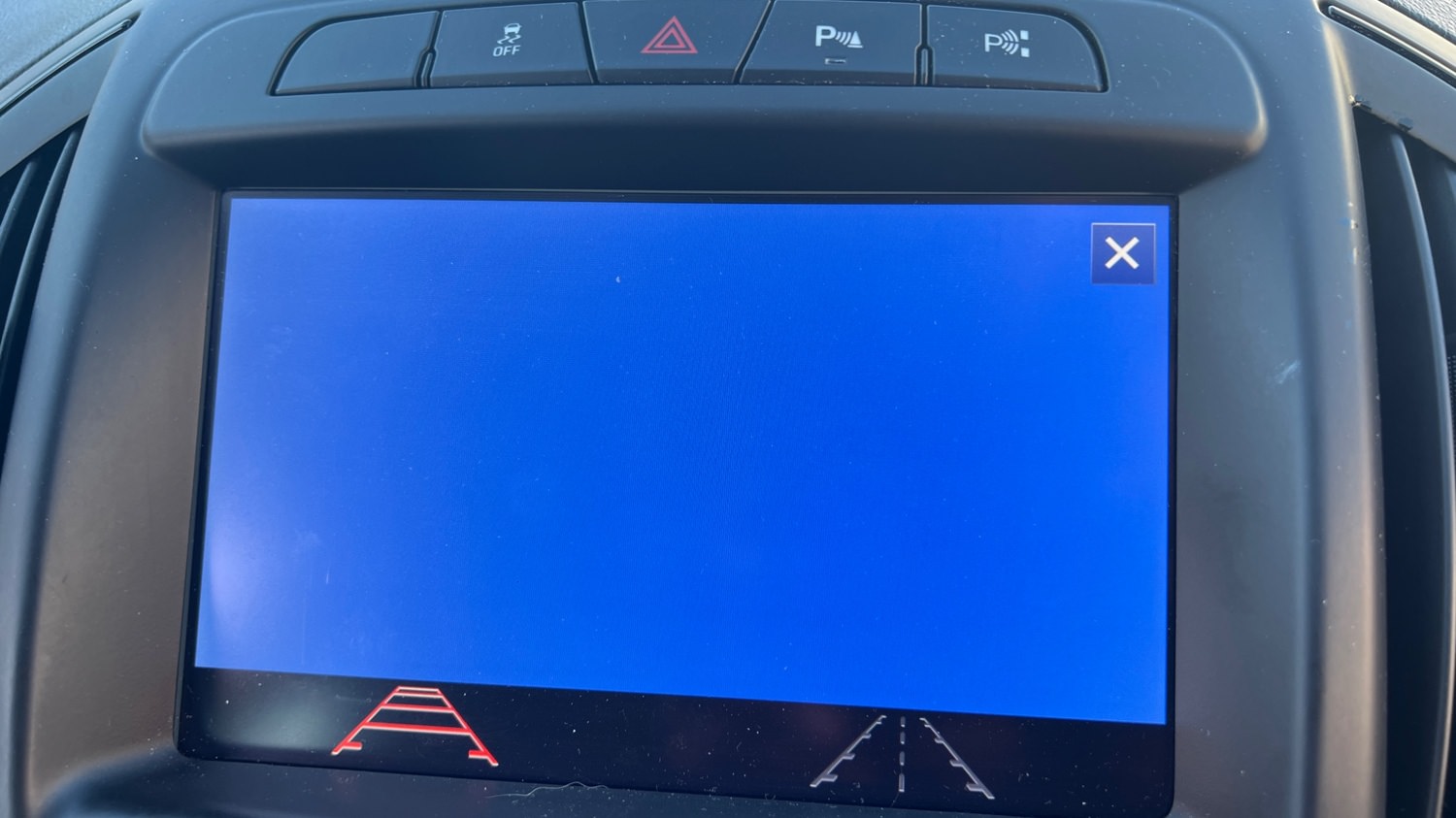
✅ Rear camera always on: Touchscreen icon to activate rear camera always on. (A special modification will need to be carried out for this option to work, which I need to figure out soon)
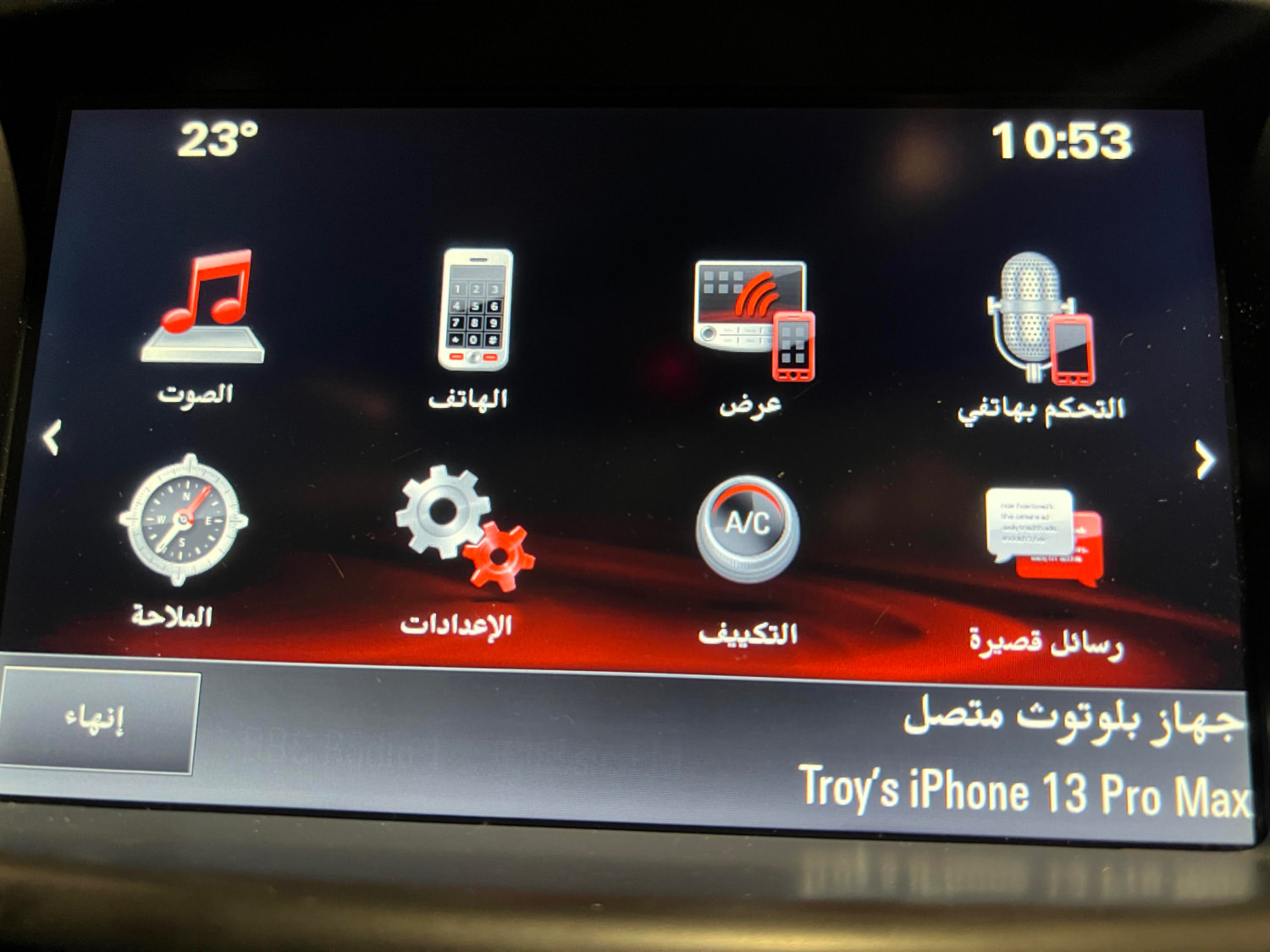
✅ Climate control: Control climate from the touch screen.
✅ Opel screen boot-up logo.











.thumb.jpg.9f4d13724b1c2de1592cb8d64fcb5248.jpg)




























Recommended Comments
Join the conversation
You can post now and register later. If you have an account, sign in now to post with your account.