Skip to content
Install the CameraLoops App

Browse CameraLoops via the app. Learn more.

www.CameraLoops.ru

Use the CameraLoops full-screen app on your home screen with push notifications, badges and more.

To install the CameraLoops app on iOS and iPadOS
  1. Tap the Share icon in Safari
  2. Scroll the menu and tap Add to Home Screen.
  3. Tap Add in the top-right corner.
To install the CameraLoops app on Android
  1. Tap the 3-dot menu (⋮) in the top-right corner of the browser.
  2. Tap Add to Home screen or Install app.
  3. Confirm by tapping Install.

Silver-Box Radio module firmware update for Apple CarPlay-AndroidAuto

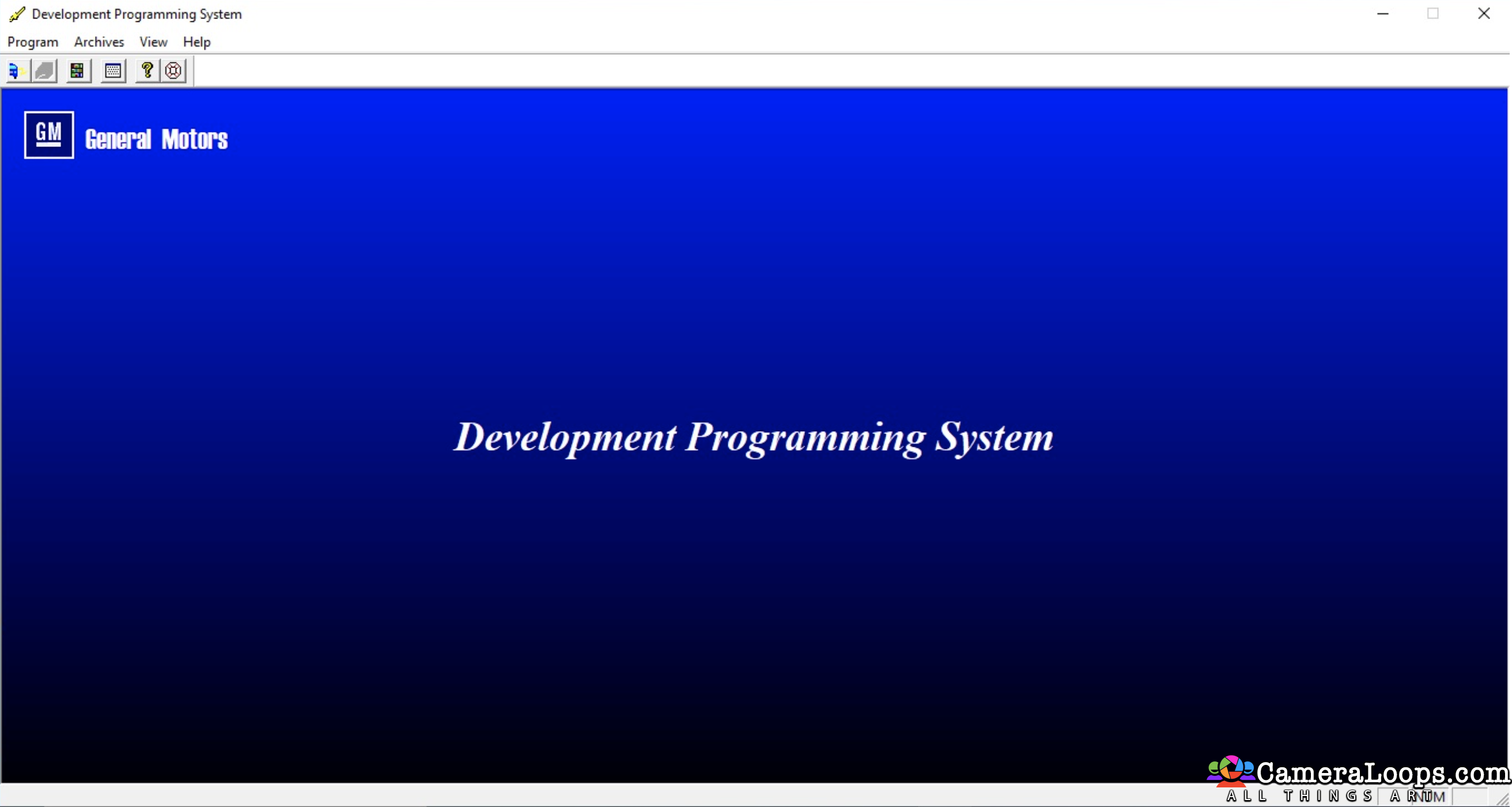
1 Screenshot

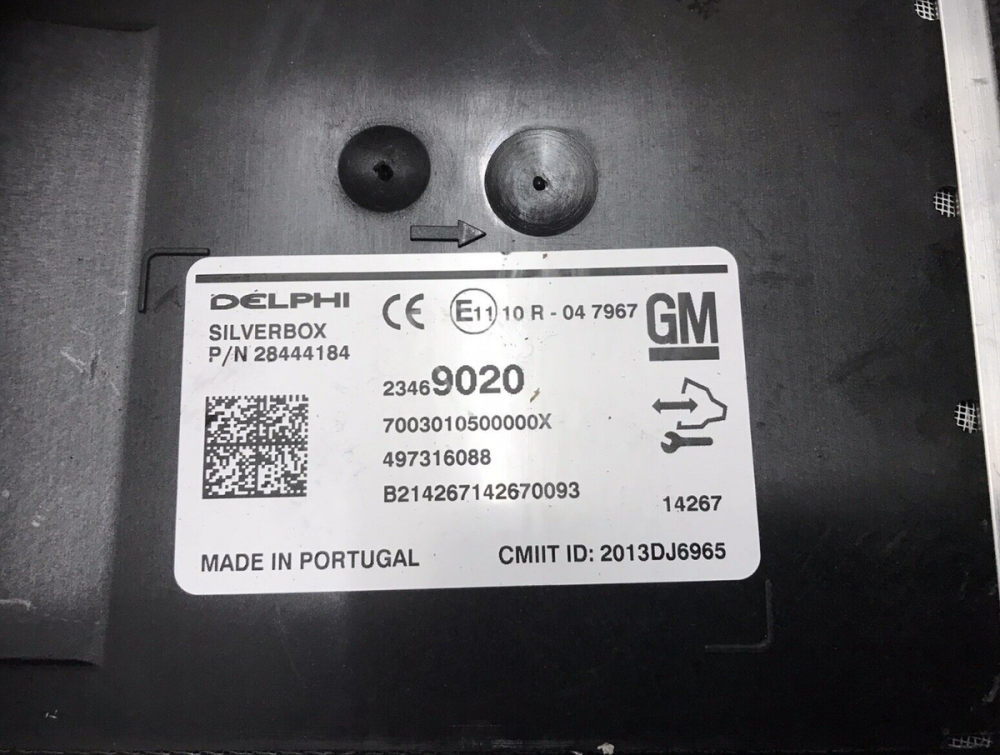
Silver-Box Radio module firmware update for Apple CarPlay-Android Auto

Use this file to update your HMI-2 SilverBox to HMI-2.5 specs.

Instead of changing the SilverBox, you can update the firmware.

Without a firmware update, you will have issues when receiving phone calls in the vehicle.

This firmware is only compatible with the European SilverBox radio module. I will not work with the North American satellite radio.


Extract the firmware files onto a reputable USB memory stick, insert it into the vehicle's USB port, and follow the on-screen instructions.
s-l1200.png

s-l1600 (3).webp

User Feedback

Recommended Comments

Troy Grand Master

1 minute ago, sumerer said:

hello troy. Will this update fix the problem of the voice button(for Siri) on the steering wheel? (problem: When the button is pressed, it gives the warning "Bluetooth conversation is not available" and Siri does not work) So, does this update also activate the keys when using Apple Carplay?

It depends. This file will only fix issues if you have upgraded your HMI-2 to HMI-2.5.

Did you upgrade your HMI-2 to HMI-2.5?

sumerer Explorer

sumerer

Member

yes I am. I also upgraded the silverbox. but the problem is that

sumerer Explorer

sumerer

Member

3 minutes ago, sumerer said:

yes I am. I also upgraded the silverbox. but the problem is that


28 minutes ago, Troy said:

It depends. This file will only fix issues if you have upgraded your HMI-2 to HMI-2.5.

Did you upgrade your HMI-2 to HMI-2.5?

yes I am. and I also upgraded silverbox. but that is problem. 

Troy Grand Master


3 minutes ago, sumerer said:


yes I am. and I also upgraded silverbox. but that is problem. 


You could try the firmware. I don't know if it will solve your issues.

sumerer Explorer

sumerer

Member

5 minutes ago, Troy said:


You could try the firmware. I don't know if it will solve your issues.

So how do I do the update? Which tool should I use? What is the method?

Troy Grand Master

As mentioned in the file description.

Extract the firmware files onto a reputable USB memory stick and place it into the vehicle's USB port, then follow the onscreen instructions.


codebuilder Community Regular

+codebuilder

+Contributor

  • Contributor
3 hours ago, sumerer said:

yes I am. I also upgraded the silverbox. but the problem is that

Do you have navigation on that HMI?  If so, if you go in to type an address and press the voice icon, do you also get bluetooth is not available?

sumerer Explorer

sumerer

Member

1 minute ago, codebuilder said:

Do you have navigation on that HMI?  If so, if you go in to type an address and press the voice icon, do you also get bluetooth is not available?

no I have not. 

codebuilder Community Regular

+codebuilder

+Contributor

  • Contributor
Just now, sumerer said:

no I have not. 

I'm trying to think of another spot you can test.  I had this issue with an HMI that came from Europe and had a different USB installation than US.

sumerer Explorer

sumerer

Member

Just now, codebuilder said:

I'm trying to think of another spot you can test.  I had this issue with an HMI that came from Europe and had a different USB installation than US.

I have HMI that from Türkiye but I am from Türkiye. Do u have this file Mr?

codebuilder Community Regular

+codebuilder

+Contributor

  • Contributor
4 minutes ago, sumerer said:

I have HMI that from Türkiye but I am from Türkiye. Do u have this file Mr?

It's a HMI 2.5?  Can you send me your HMI part #?  I'll see if I can DL it.

sumerer Explorer

sumerer

Member

Just now, codebuilder said:

It's a HMI 2.5?  Can you send me your HMI part #?  I'll see if I can DL it.

No Mr. I asked Silverbox Firmware Update file. I don't know if the update file will solve my problem. That's why I don't want to buy a $60 monthly membership.( my HMI number 8408 8999, I think HMI p/n is 453116246)

sumerer Explorer

sumerer

Member

12 minutes ago, codebuilder said:

It's a HMI 2.5?  Can you send me your HMI part #?  I'll see if I can DL it.

my HMI is that

0B4C9547-F7AD-4BEA-B2FE-800E1837919E.jpeg

Shakir Apprentice

Shakir

Member

my HMI  84364936

Ike da man Rising Star

Ike da man

Member

hi im new to this. i bought the 2.5 hmi. im trying update my radio without replacing it. it there a video i can watch? lol

Troy Grand Master

1 hour ago, Ike da man said:

hi im new to this. i bought the 2.5 hmi. im trying update my radio without replacing it. it there a video i can watch? lol


You don't need a video. Extract the radio firmware files onto a USB stick, insert the USB stick into the vehicle's USB port, and then follow the onscreen instructions. Make sure the vehicle's battery is good and fully charged.

Ike da man Rising Star

Ike da man

Member

Okay, do I need to have the 2.5 him plug in? Or leave the 2.0 in? 
Once I extract the files do I just copy and paste onto the usb? Or create folder then paste? I know this sounds stupid but I’ve tried this.

Ike da man Rising Star

Ike da man

Member

Also can you direct me to the files for 2015 Silverado.

Armando Martinez Rising Star

+Armando Martinez

+Purchaser

What if nothing appears when you plug in the usb?

TipsYke Rising Star

+TipsYke

+Contributor

  • Contributor

I've already Updated my OPC 2015 and it works just fine 🙏 But the DAB+ not working or just barely, is there a solution for that ? 

karolputowski Top Member

+karolputowski

+Contributor

  • Contributor
On 2/15/2024 at 2:07 AM, Armando Martinez said:

What if nothing appears when you plug in the usb?

Check your stick's partitioning scheme and file system. Must be MBR and FAT32

OP Apprentice

+OP

+Contributor

  • Contributor

Is this file ok for update the silverbox when I have U4D DAB+, and UQA Infinity sound?

And is there a need of calibration after like in HMI update ?

wolf Rising Star

wolf

Member

I know this is an old thread but I was wondering if there is a way for myself to program an hmi 2.5 to my vin instead of sending the module out

Troy Grand Master

2 minutes ago, wolf said:

I know this is an old thread but I was wondering if there is a way for myself to program an hmi 2.5 to my vin instead of sending the module out

Hi, this file can be used with the DPS software to change the VIN yourself in the HMI 2.5. You can also use the same file in the future to change the VIN in the HMI or radio module in your friend's or client's vehicles.

wolf Rising Star

wolf

Member

Ok thank you now I just need to find an hmi 2.5 for our 2015 gmc Acadia denali

Join the conversation

You can post now and register later. If you have an account, sign in now to post with your account.

Guest
Add a comment...

Other files from Troy


CameraLoops™
Powered by Art
All Trademarks appearing on this website are the property of their respective owners.

Account

Navigation

Configure browser push notifications

Chrome (Android)
  1. Tap the lock icon next to the address bar.
  2. Tap Permissions → Notifications.
  3. Adjust your preference.
Chrome (Desktop)
  1. Click the padlock icon in the address bar.
  2. Select Site settings.
  3. Find Notifications and adjust your preference.
CameraLoops members who viewed this content
OP Course faycal khalil Bekashoo AL RAED jingwei Savip_ brennyn21 Opelinsignia1985 alaa_bastaki Opelfan Elias Haddad Dalton J Thamer Mo Adelin ABOMAZEN acff DumitrescuGabriel Chriscarguy Siarhei Beliashchuk Alpha