
Skip to content
Install the CameraLoops App

Browse CameraLoops via the app. Learn more.

www.CameraLoops.ru

Use the CameraLoops full-screen app on your home screen with push notifications, badges and more.

To install the CameraLoops app on iOS and iPadOS
  1. Tap the Share icon in Safari
  2. Scroll the menu and tap Add to Home Screen.
  3. Tap Add in the top-right corner.
To install the CameraLoops app on Android
  1. Tap the 3-dot menu (⋮) in the top-right corner of the browser.
  2. Tap Add to Home screen or Install app.
  3. Confirm by tapping Install.
NEVER STOP LEARNING

Welcome To CameraLoops

Take a moment to join and become a member

  • Open Club
  • 151 members
  • Free

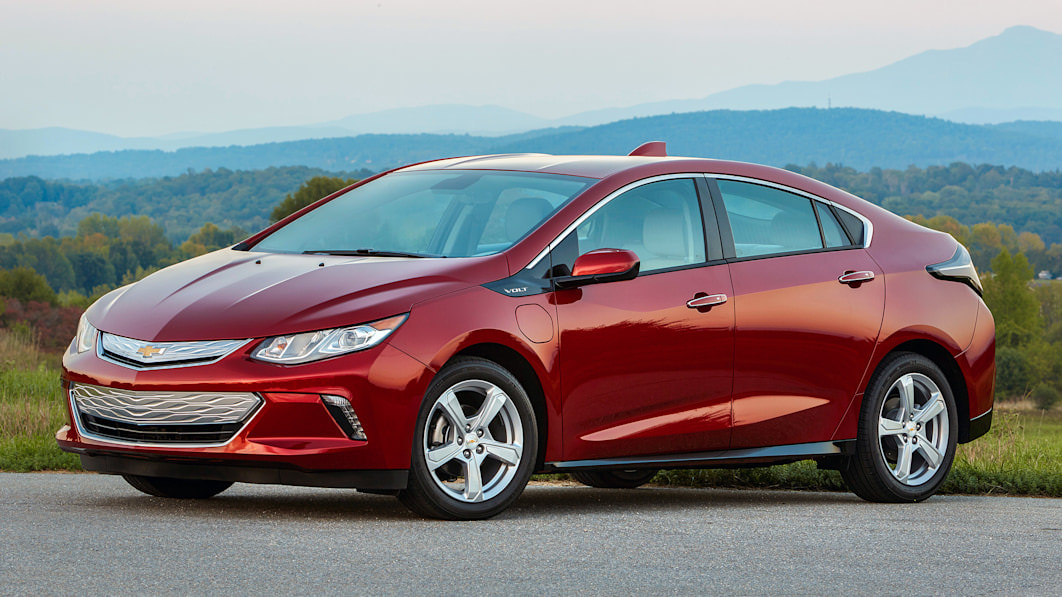
ECU Address ID's for BECM/ HPCM2

Featured Replies

  • Contributor

Hello,

Do anybody know what ECU address ID # is for programming BECM, and HPCM2?


  • 1 year later...
  • Replies 1
  • Views 818
  • Created
  • Last Reply

Top Posters In This Topic

  • Contributor

I may be late to the party but

BECM - 7E7 / 7EF - "CD"
HPCM2 - 7E4 / 7EC - "CB"

Popular Members

  1. Troy
    Troy
    29
  2. uglyoldbastard
    +uglyoldbastard
    14
  3. Arbe_gtc
    +Arbe_gtc
    13
  4. Adelin
    +Adelin
    10
  5. GM-Enthusiast
    +GM-Enthusiast
    9

CameraLoops™
Powered by Art
All Trademarks appearing on this website are the property of their respective owners.

Account

Navigation

Configure browser push notifications

Chrome (Android)
  1. Tap the lock icon next to the address bar.
  2. Tap Permissions → Notifications.
  3. Adjust your preference.
Chrome (Desktop)
  1. Click the padlock icon in the address bar.
  2. Select Site settings.
  3. Find Notifications and adjust your preference.
CameraLoops members who viewed this content
PaulyVoltMan russtix hassan77h SHPSHP Irwing ortiz Lyubomir Krastanov artur minasyan Ahmadjon Rahimjanov GARPRO wolfianet bekatsilosani benkej ΓΡΗΓΟΡΗΣ γκοτσικασ chicking ecusdiaz quick on site Lorenzo Barrientos pupu14 thxx exc11