Skip to content
Install the CameraLoops App

Browse CameraLoops via the app. Learn more.

www.CameraLoops.ru

Use the CameraLoops full-screen app on your home screen with push notifications, badges and more.

To install the CameraLoops app on iOS and iPadOS
  1. Tap the Share icon in Safari
  2. Scroll the menu and tap Add to Home Screen.
  3. Tap Add in the top-right corner.
To install the CameraLoops app on Android
  1. Tap the 3-dot menu (⋮) in the top-right corner of the browser.
  2. Tap Add to Home screen or Install app.
  3. Confirm by tapping Install.

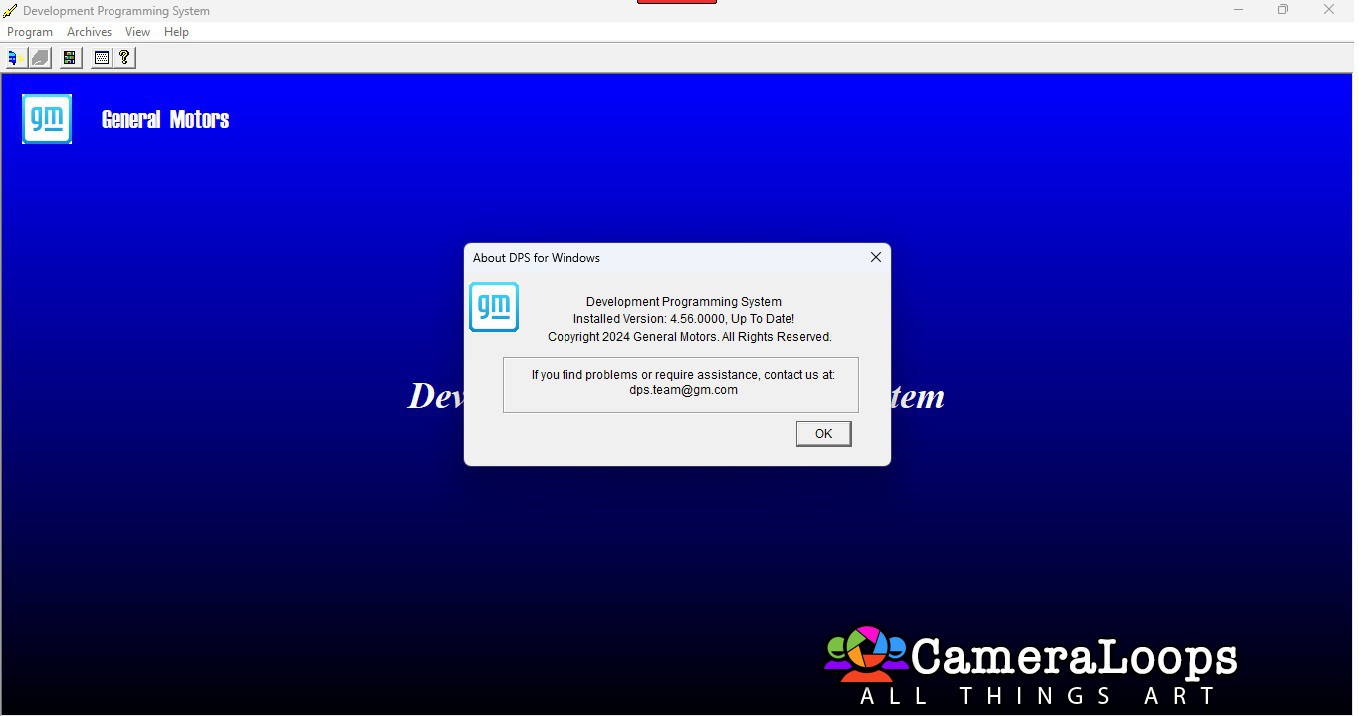
GM DPS 4.56.0000 Complete MSI Installer

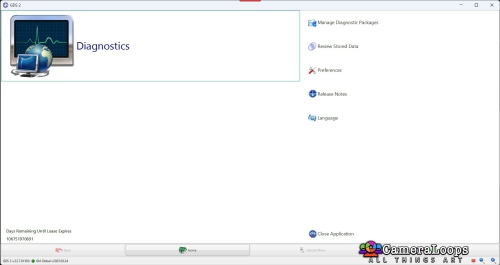
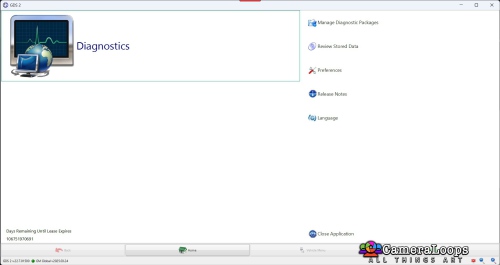
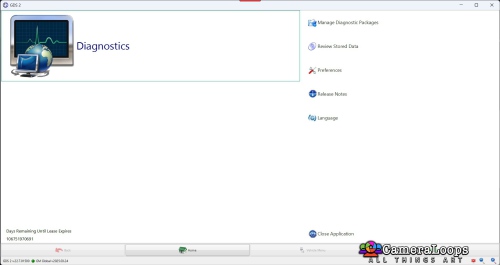
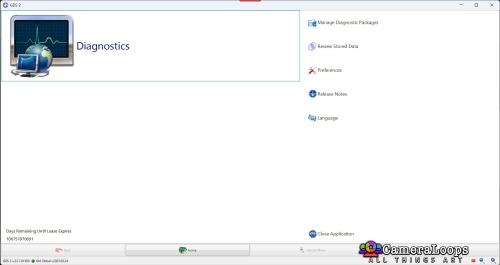
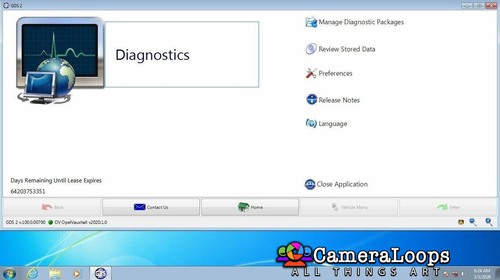
1 Screenshot

Apologies if you have already downloaded as there appears to be an error with the J2534 drivers and one other file.
I have corrected the error and re-uploaded the file and you will need to download and install again after uninstalling.

DPS 4.56.0000 Complete

Install "dps_installer_v4_56_0000_Complete.msi" to C: drive

If you install to any drive other than C: then you will need to reconfigure runasdate in the DPS folder.

Only run DPS from the desktop shortcut as that changes the internal date for the certificate to not run out.

Once you have DPS started

Go to "Program Controller" and import certificate from C:\dps\Certificate+PW-Asdfghj75

Click next until you get to the enter password screen and enter password "Asdfghj75" and do not change any settings and click next until complete.

If by any chance you run DPS with the current date and delete the expired certificate, run DPS with the changed date and reinstall the certificate as described above.

Password is Asdfghj75

The password is also in the c:\dps\Certificate+PW-Asdfghj75 folder as password.txt and it is also part of the folder name so you will never lose it.

That is it you are ready to use DPS

Note:

If you have SPS installed then the type4 button will not be greyed out but it will not work until you make a backup of the 2 files below

dllsecurity.dll

tisvcsv4.dll

from the folder

C:\Users\username\sps\nativelibs

Then you need to copy the same two files from the folder

C:\DPS\Type4 App Crash Optional Files

to the

C:\Users\username\sps\nativelibs

folder replacing the files you just backed up.

You need the backup of the two files as they will be needed if you do online SPS GDS2 as you will need to put them back

Swapping the two files around will be necessary to use the programs.

User Feedback

Recommended Comments

uglyoldbastard Community Regular

+uglyoldbastard

+Contributor

  • Contributor

I have never seen that screen so I had no idea it existed LOL

diggey Rising Star

diggey

Member

Thank you for the upload

rodri silera Rising Star

rodri silera

Member

Hello and thanks for the file.

dsxcore Rising Star

dsxcore

Member

Sweet. Thank you!!

Achie Rising Star

Achie

Member

Hi als ik bestand wil downloaden lukt het niet,komt dat omdat ik hier nieuw ben?

manarmotors Rising Star

+manarmotors

+Contributor

  • Contributor

Thank you

Bandi Rising Star

Bandi

Member

Thank you

Andresz Rising Star

Andresz

Member

hola como puedo descargar la ultima version de dps ?

uglyoldbastard Community Regular

+uglyoldbastard

+Contributor

  • Contributor

Look for it and pay for it is about all I can suggest but chances of getting it for free are about ZERO

BabyLonLand Rising Star

BabyLonLand

Member

Thanx a lot

Zachariah Rising Star

Zachariah

Member

Hello and thanks for the file.

Programmer Rising Star

+Programmer

+Contributor

  • Contributor

Installation was dead simple. Thanks for doing that.

JELE Rising Star

JELE

Member

👍

MFix Rising Star

+MFix

+Contributor

  • Contributor

Thanks so much!

DennisH Rising Star

+DennisH

+Purchaser

👍

luisdimas Rising Star

luisdimas

Member

Hi, what is the last DPS software version available here? Thank you

pupu14 Community Regular

+pupu14

+Contributor

  • Contributor
5 hours ago, luisdimas said:

Hi, what is the last DPS software version available here? Thank you

This one..

Ramin Rising Star

+Ramin

+Contributor

  • Contributor

I installed it successfully but it doesn't have the Global B and Type4 option.

WhatsApp Image 2026-05-30 at 1.12.42 PM.jpeg

Troy Grand Master

24 minutes ago, Ramin said:

I installed it successfully but it doesn't have the Global B and Type4 option.

WhatsApp Image 2026-05-30 at 1.12.42 PM.jpeg

Select this for Global-B

Screenshot 2026-05-30 at 12.02.37 pm.png


Go here for the files and tutorial to activate the Type4 option.

Ramin Rising Star

+Ramin

+Contributor

  • Contributor
11 minutes ago, Troy said:

Select this for Global-B

Screenshot 2026-05-30 at 12.02.37 pm.png


Go here for the files and tutorial to activate the Type4 option.

Dear friend, thank you very much for your help and guidance

But when I go to this address C:\Users\Ramin\sps\nativelibs

I don't have the folder sps\nativelibs.

And this picture comes up

Best regards

Screenshot 2026-05-30 142024.png

pupu14 Community Regular

+pupu14

+Contributor

  • Contributor
22 minutes ago, Ramin said:

Dear friend, thank you very much for your help and guidance

But when I go to this address C:\Users\Ramin\sps\nativelibs

I don't have the folder sps\nativelibs.

And this picture comes up

Best regards

Screenshot 2026-05-30 142024.png

Can't you create missing folders and put files inside???

Ramin Rising Star

+Ramin

+Contributor

  • Contributor
32 minutes ago, pupu14 said:

Can't you create missing folders and put files inside???

Hello dear friend

With your guidance, I created a folder and placed the file in it, then opened the software.

Fortunately, the Type 4 option has now been added.

A question: Is Global B the same option that I sent in the picture? Or does it have to be written Global B?

Best regards

1.jpeg

2.png

Screenshot 2026-05-30 151610.png

Arbe_gtc Rookie

+Arbe_gtc

+Contributor

  • Contributor

sps-nativelibs.jar

Open with 7zip and place it onto nativelibs folder

Ramin Rising Star

+Ramin

+Contributor

  • Contributor
12 hours ago, Arbe_gtc said:

sps-nativelibs.jar

Open with 7zip and place it onto nativelibs folder

Thanks dear

Join the conversation

You can post now and register later. If you have an account, sign in now to post with your account.

Guest
Add a comment...

Other files from uglyoldbastard


CameraLoops™
Powered by Art
All Trademarks appearing on this website are the property of their respective owners.

Account

Navigation

Configure browser push notifications

Chrome (Android)
  1. Tap the lock icon next to the address bar.
  2. Tap Permissions → Notifications.
  3. Adjust your preference.
Chrome (Desktop)
  1. Click the padlock icon in the address bar.
  2. Select Site settings.
  3. Find Notifications and adjust your preference.
CameraLoops members who viewed this content
pablorenault Course faycal khalil BRANDON BURDEAUX madman dlasher Bekashoo tunedbycasco Miguel Cruces Grease Monkey ceberon dfyznu edysson auto_ecm_experts cipher junwan exc11 chicking Print Saloon NNSkale dick_head