Skip to content
Install the CameraLoops App

Browse CameraLoops via the app. Learn more.

www.CameraLoops.ru

Use the CameraLoops full-screen app on your home screen with push notifications, badges and more.

To install the CameraLoops app on iOS and iPadOS
  1. Tap the Share icon in Safari
  2. Scroll the menu and tap Add to Home Screen.
  3. Tap Add in the top-right corner.
To install the CameraLoops app on Android
  1. Tap the 3-dot menu (⋮) in the top-right corner of the browser.
  2. Tap Add to Home screen or Install app.
  3. Confirm by tapping Install.

Insignia-A Buick Regal 2017 IPC firmware update files

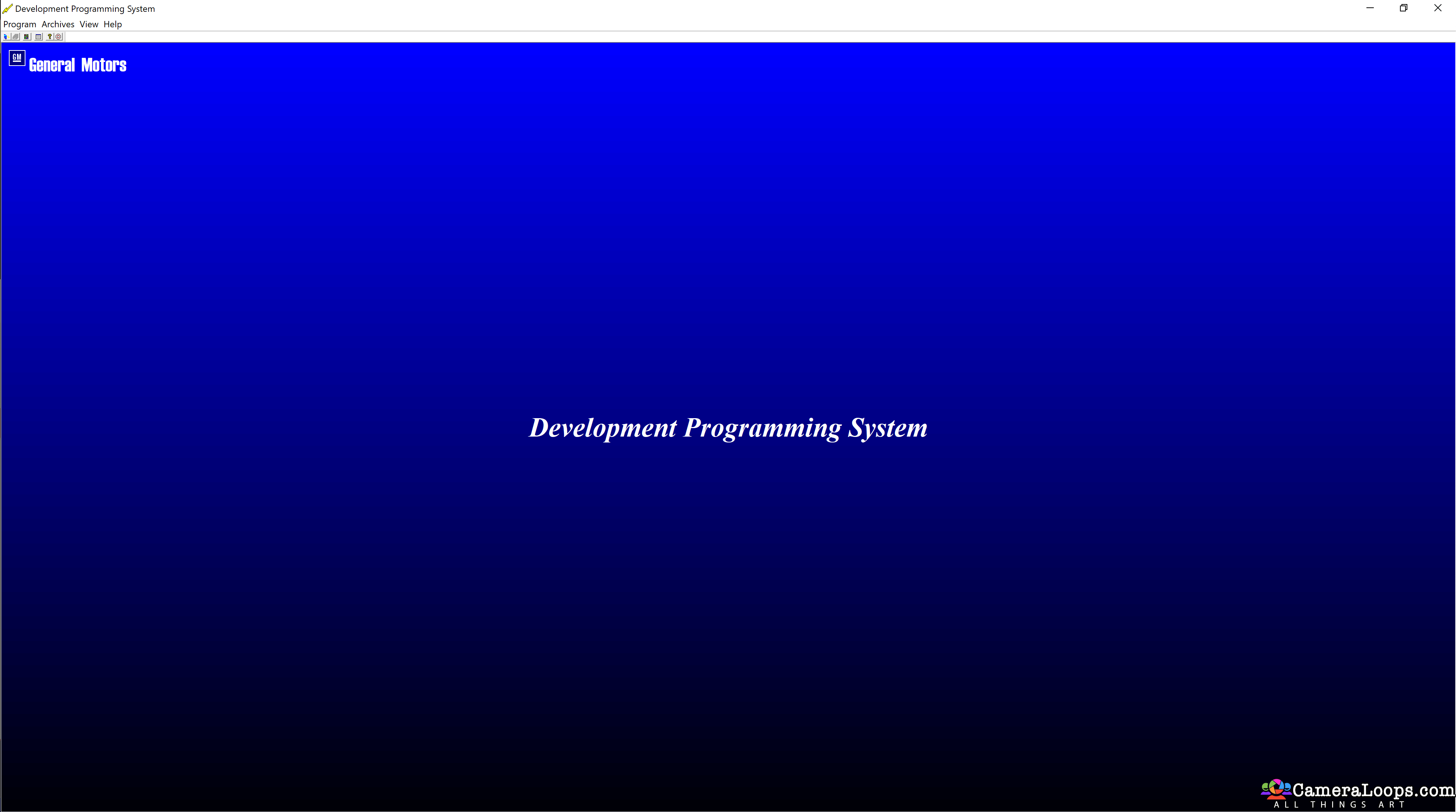
1 Screenshot

User Feedback

Recommended Comments

rusalnas Rising Star

+rusalnas

+Contributor

  • Contributor

Hi! I can't unarchive this file. I tried different unarchiver but with no success. Unexpected end of archive
Physical Size = 52494529. I tried re-download it four times, but no success. Looks like the file is somehow broken. Any advices?

Troy Grand Master

There is an issue downloading this file, I'll sort it out when I get some time. I PMed you the files.

stachu22 Explorer

+stachu22

+Purchaser

Hello Troy, you are doing great job 🙂 I have Insignia 2014 with small cluster display. I retroffited it for 8" cluster. I programmed all, cluster works fine but i don't have 2 options: Line assist and collision warning. Can i add this to my cluster with DPS via just  file or need to program new firmware, like this? I also can't download this file, just 50mb and downloading stop. Thank you in advance!

Troy Grand Master

6 hours ago, stachu22 said:

Hello Troy, you are doing great job 🙂 I have Insignia 2014 with small cluster display. I retroffited it for 8" cluster. I programmed all, cluster works fine but i don't have 2 options: Line assist and collision warning. Can i add this to my cluster with DPS via just .XML file or need to program new firmware, like this? I also can't download this file, just 50mb and downloading stop. Thank you in advance!


Hi, yes you can add all those options to the IPC, however, you will need to know the RPO code for Line assist and collision warning then add those codes to the IPC XML file.

Smash Top Member

Smash

Member

Hello, Troy. Great Job. There is a feature. Some menus cannot be opened. For example ECO menus is not added to the model 0GX00 even by editing the XML file, although they are all available for the model EGA00.

Troy Grand Master

5 minutes ago, Smash said:

Hello, Troy. Great Job. There is a feature. Some menus cannot be opened. For example ECO menus is not added to the model 0GX00 even by editing the XML file, although they are all available for the model EGA00.


I don't know how to do it.

And no one tells how to do it.

You have to try and figure it out.

BullMech Enthusiast

+BullMech

+Contributor

  • Contributor

is there somebody, who did this update (IPC 2017) in an Insignia 2014-2016? Could you share some how to/experiences/photos?

I can see in comments, there are some issues with some features in the IPC. Has it been solved in the meanwhile?

thanks

Join the conversation

You can post now and register later. If you have an account, sign in now to post with your account.

Guest
Add a comment...

Other files from Troy


CameraLoops™
Powered by Art
All Trademarks appearing on this website are the property of their respective owners.

Account

Navigation

Configure browser push notifications

Chrome (Android)
  1. Tap the lock icon next to the address bar.
  2. Tap Permissions → Notifications.
  3. Adjust your preference.
Chrome (Desktop)
  1. Click the padlock icon in the address bar.
  2. Select Site settings.
  3. Find Notifications and adjust your preference.
CameraLoops members who viewed this content
notovi SHARAWI BRANDON BURDEAUX chicking Thamer Mo Nikola pupu14 Christos Tsirdanis Ionut Girgiz mrmopar redopc marcel_hack_guy Rumpel savke Enterlan Bill_haze Opalatal apetrushenko tejiera echelon