
Skip to content
Install the CameraLoops App

Browse CameraLoops via the app. Learn more.

www.CameraLoops.ru

Use the CameraLoops full-screen app on your home screen with push notifications, badges and more.

To install the CameraLoops app on iOS and iPadOS
  1. Tap the Share icon in Safari
  2. Scroll the menu and tap Add to Home Screen.
  3. Tap Add in the top-right corner.
To install the CameraLoops app on Android
  1. Tap the 3-dot menu (⋮) in the top-right corner of the browser.
  2. Tap Add to Home screen or Install app.
  3. Confirm by tapping Install.

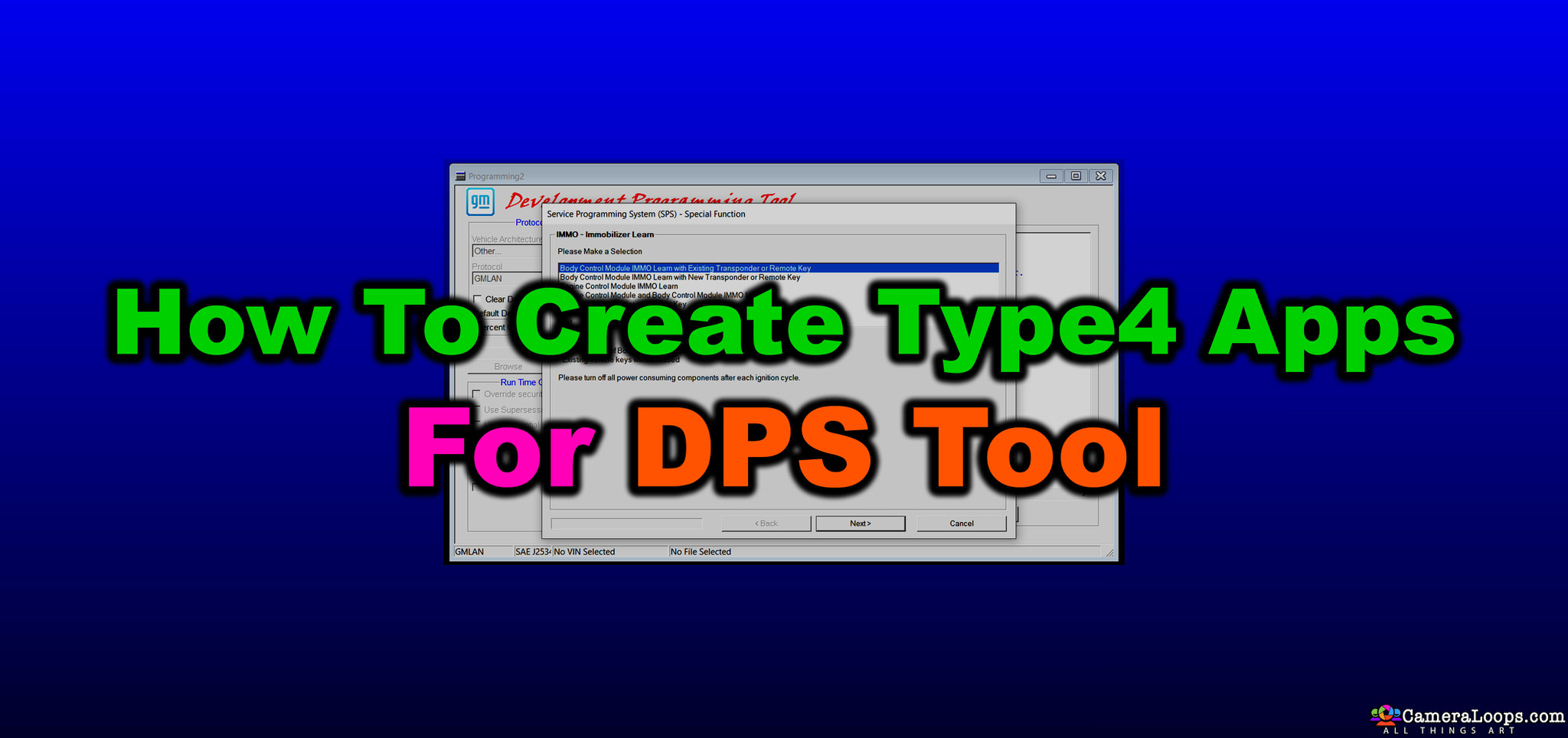
How to create GM DPS Type4 Application files manually

$100

1 Screenshot

This tutorial is now transferred to the course section at the web-link below.

If you already purchased this tutorial file, you can access the course where you have been automatically enrolled. Click the web-link below. 


User Feedback

Recommended Comments

star Apprentice

+star

+Contributor

  • Contributor

Hi  Why is this not available type4

Troy Grand Master

5 minutes ago, star said:

Hi  Why is this not available type4


Hi, here is the new method.


Join the conversation

You can post now and register later. If you have an account, sign in now to post with your account.

Guest
Add a comment...

Other files from Troy


CameraLoops™
Powered by Art
All Trademarks appearing on this website are the property of their respective owners.

Account

Navigation

Configure browser push notifications

Chrome (Android)
  1. Tap the lock icon next to the address bar.
  2. Tap Permissions → Notifications.
  3. Adjust your preference.
Chrome (Desktop)
  1. Click the padlock icon in the address bar.
  2. Select Site settings.
  3. Find Notifications and adjust your preference.
CameraLoops members who viewed this content
veetdoc oddyssey Ahmadjon Rahimjanov Elias Haddad Inam Ullah NikSergey ruben casique Luxservice KaDD Bolamix dt_precision soj8961 TunnerXP MUNDA Christos Tsirdanis bakermu bekatsilosani Behruz leehw5523 oltenasu marian