


Skip to content
Install the CameraLoops App

Browse CameraLoops via the app. Learn more.

www.CameraLoops.ru

Use the CameraLoops full-screen app on your home screen with push notifications, badges and more.

To install the CameraLoops app on iOS and iPadOS
  1. Tap the Share icon in Safari
  2. Scroll the menu and tap Add to Home Screen.
  3. Tap Add in the top-right corner.
To install the CameraLoops app on Android
  1. Tap the 3-dot menu (⋮) in the top-right corner of the browser.
  2. Tap Add to Home screen or Install app.
  3. Confirm by tapping Install.

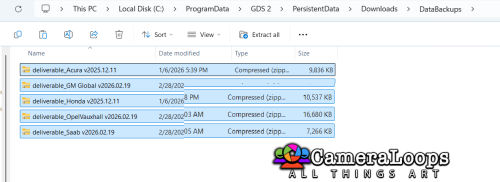
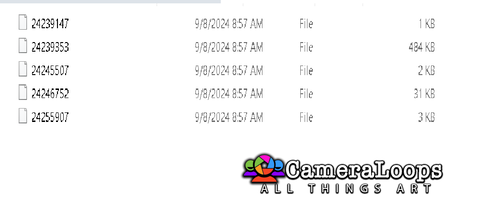
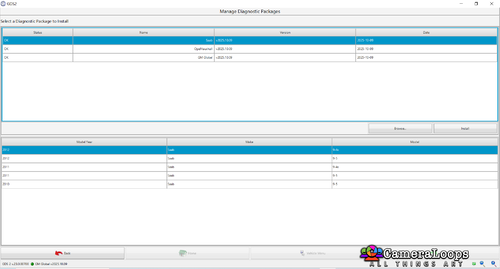
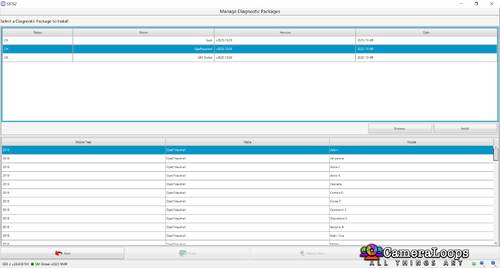
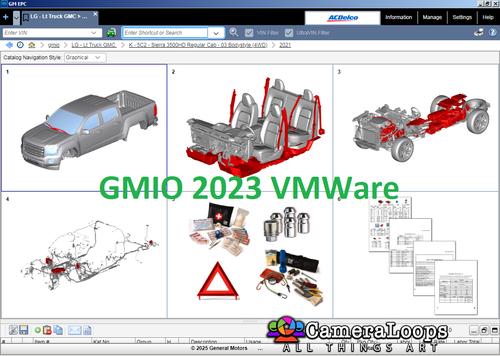
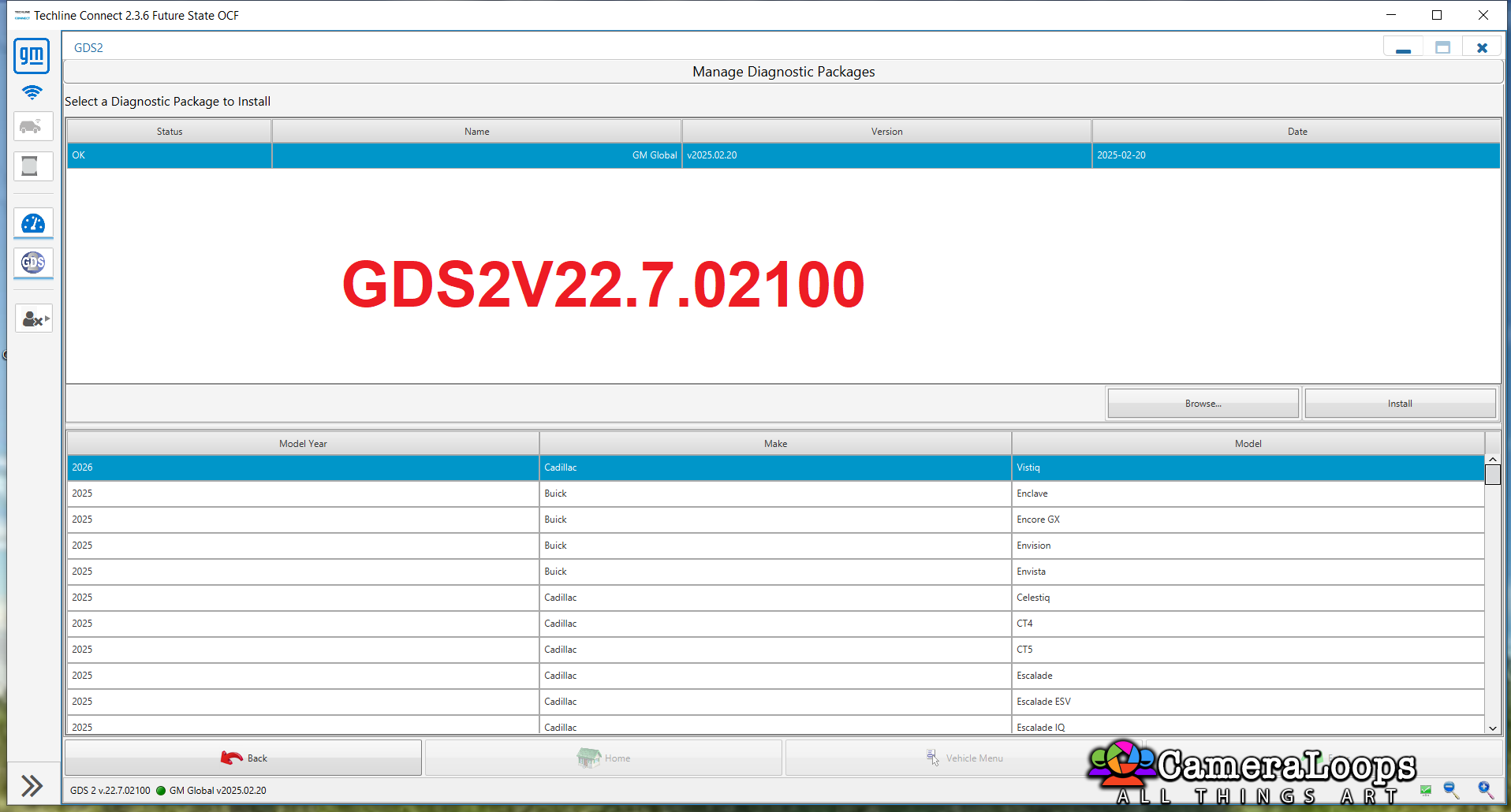
deliverable_GM Global v2025.02.20

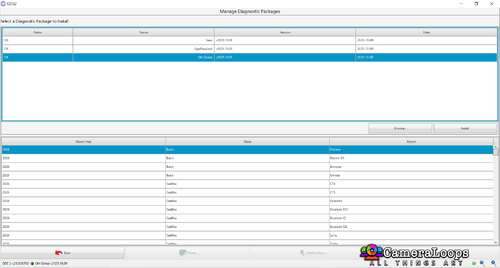
1 Screenshot

GM GLOBAL V2025.02.20 GDS 2 V.22.7.02100

User Feedback

Recommended Comments

uglyoldbastard Community Regular

+uglyoldbastard

+Contributor

  • Contributor

Does this version work on v22.7.01500 because if it doesn't you need to let people know who run the keygen license version because if they update to v22.07.2100 it will kill the license and they will have to delete and reinstall GDS2 as there is no way to license v22.07.2100 at the moment unless you have found a way other than logging into to Techline Connect SPS

uglyoldbastard Community Regular

+uglyoldbastard

+Contributor

  • Contributor

I just checked it and it does work under 22.02.01500 so all good if anyone wants use it on their lease generated version.

pupu14 Community Regular

+pupu14

+Contributor

  • Contributor
6 hours ago, uglyoldbastard said:

Does this version work on v22.7.01500 because if it doesn't you need to let people know who run the keygen license version because if they update to v22.07.2100 it will kill the license and they will have to delete and reinstall GDS2 as there is no way to license v22.07.2100 at the moment unless you have found a way other than logging into to Techline Connect SPS

I have re-installed v22.7.01500 straight back, after finding out v22.07.2100 did not work with the existing "infinite lease" solution - no issues, what are you talking about?

uglyoldbastard Community Regular

+uglyoldbastard

+Contributor

  • Contributor
2 hours ago, pupu14 said:

I have re-installed v22.7.01500 straight back, after finding out v22.07.2100 did not work with the existing "infinite lease" solution - no issues, what are you talking about?

Yes it works currently just reinstalling the older version but as most people are aware although you may not be is that GM like to change things without warning and sooner rather than later you will find that the GDS2 Deliverables will only work on versions of GDS2 after 22.7.02100.

pupu14 Community Regular

+pupu14

+Contributor

  • Contributor

Each deliverable have an XML file inside, which contains info on min. required GDS2 version it needs to run. Which is also shown inside GDS2 in package manager...
Anyway, I am more than certain that it will work if we "downgrade" this requirement back to v.1500, if that was the case.

uglyoldbastard Community Regular

+uglyoldbastard

+Contributor

  • Contributor

Yes I know how it works but there is no way to be certain that GM will not change other requirements so realistically regardless of what you can or can't do now it can still be changed.
I hope your "more than certain" comment does not come back to bite you in the near future although it doesn't bother me as I have an ongoing TLC account but a lot of people don't so it will be case of wait and see what happens as neither of us know what GM are going to do.

amretp Rising Star

amretp

Member

❤️❣️

amretp Rising Star

amretp

Member

Yes I know how it works but there is no way to be certain that GM will not change other requirements so realistically regardless of what you can or can't do now it can still be changed.
I hope your "more than certain" comment does not come back to bite you in the near future although it doesn't bother me as I have an ongoing TLC account but a lot of people don't so it will be case of wait and see what happens as neither of us know what GM are going to do.❣️

SCAMMER Adam Khedache Rising Star

Scammer-SCAMMER Adam Khedache

Scammer-SCAMMER

hi all,

where i can download the GDS 22.7.01500

thanks

Join the conversation

You can post now and register later. If you have an account, sign in now to post with your account.

Guest
Add a comment...

Other files from GM-Enthusiast

CameraLoops™
Powered by Art
All Trademarks appearing on this website are the property of their respective owners.

Account

Navigation

Configure browser push notifications

Chrome (Android)
  1. Tap the lock icon next to the address bar.
  2. Tap Permissions → Notifications.
  3. Adjust your preference.

Chrome (Desktop)
  1. Click the padlock icon in the address bar.
  2. Select Site settings.

  3. Find Notifications and adjust your preference.
CameraLoops members who viewed this content
Miguel Cruces Bekashoo AJUK IBLOCKED ABOMAZEN E-Ing-X20XEV bekooly Marcin Tulowiecki Opelinsignia1985 Mohammed Aljack Sergey Alexandrovich Christos Tsirdanis Enterlan LebTech vignesh Divanoff Mobila Lutfulloh_Latifxanov Kpeezy Luis Avila marcel_hack_guy