







Skip to content
Install the CameraLoops App

Browse CameraLoops via the app. Learn more.

www.CameraLoops.ru

Use the CameraLoops full-screen app on your home screen with push notifications, badges and more.

To install the CameraLoops app on iOS and iPadOS
  1. Tap the Share icon in Safari
  2. Scroll the menu and tap Add to Home Screen.
  3. Tap Add in the top-right corner.
To install the CameraLoops app on Android
  1. Tap the 3-dot menu (⋮) in the top-right corner of the browser.
  2. Tap Add to Home screen or Install app.
  3. Confirm by tapping Install.
NEVER STOP LEARNING

Welcome To CameraLoops

Take a moment to join and become a member

  • Open Club
  • 151 members
  • Free

Happy New Year for All members and Question

Featured Replies

  • Contributor

Hi all i would like wish all Members Happy New Year , and healthy!!!

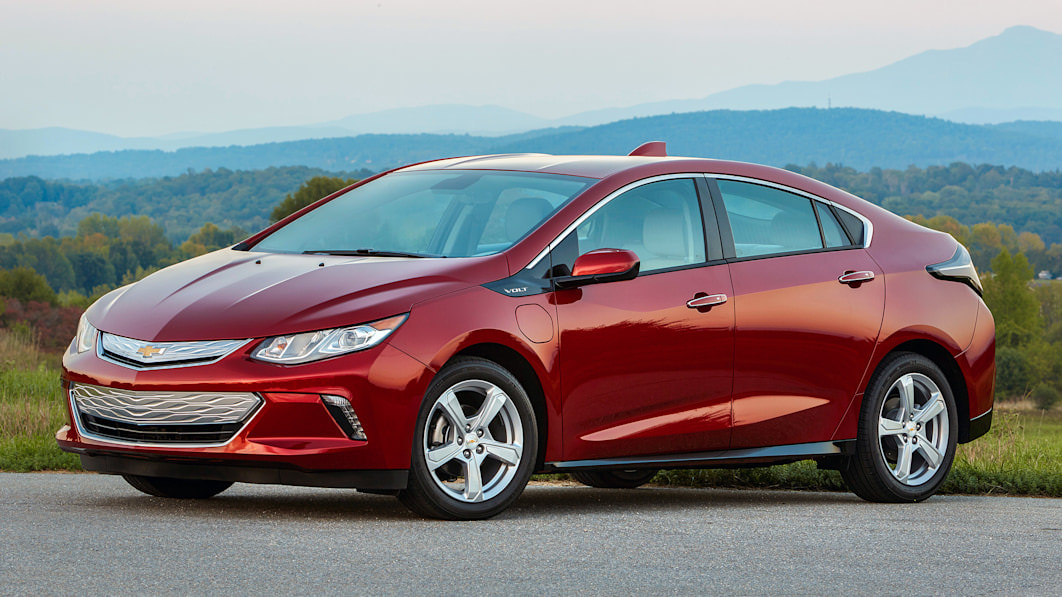
I have question i have ampera with problem IPC ,sometimes dash is black LCD  all hearing that work but black LCD , close car ,open and is ok

Anybody meet this problem in IPC? and what is solution for this

  • Views 574
  • Created
  • Last Reply

Popular Members

  1. Troy
    Troy
    29
  2. uglyoldbastard
    +uglyoldbastard
    14
  3. Arbe_gtc
    +Arbe_gtc
    13
  4. Adelin
    +Adelin
    10
  5. GM-Enthusiast
    +GM-Enthusiast
    9

CameraLoops™
Powered by Art
All Trademarks appearing on this website are the property of their respective owners.

Account

Navigation

Configure browser push notifications

Chrome (Android)
  1. Tap the lock icon next to the address bar.
  2. Tap Permissions → Notifications.
  3. Adjust your preference.
Chrome (Desktop)
  1. Click the padlock icon in the address bar.
  2. Select Site settings.
  3. Find Notifications and adjust your preference.



