Skip to content
Install CameraLoops App

Browse CameraLoops via the app. Learn more.

www.CameraLoops.ru

Use the CameraLoops full-screen app on your home screen with push notifications, badges and more.

To install the CameraLoops app on iOS and iPadOS
  1. Tap the Share icon in Safari
  2. Scroll the menu and tap Add to Home Screen.
  3. Tap Add in the top-right corner.
To install the CameraLoops app on Android
  1. Tap the 3-dot menu (⋮) in the top-right corner of the browser.
  2. Tap Add to Home screen or Install app.
  3. Confirm by tapping Install.

EPS VIN Change for Cadillac CTS-V 2019 5-Byte seed

$100

1 Screenshot

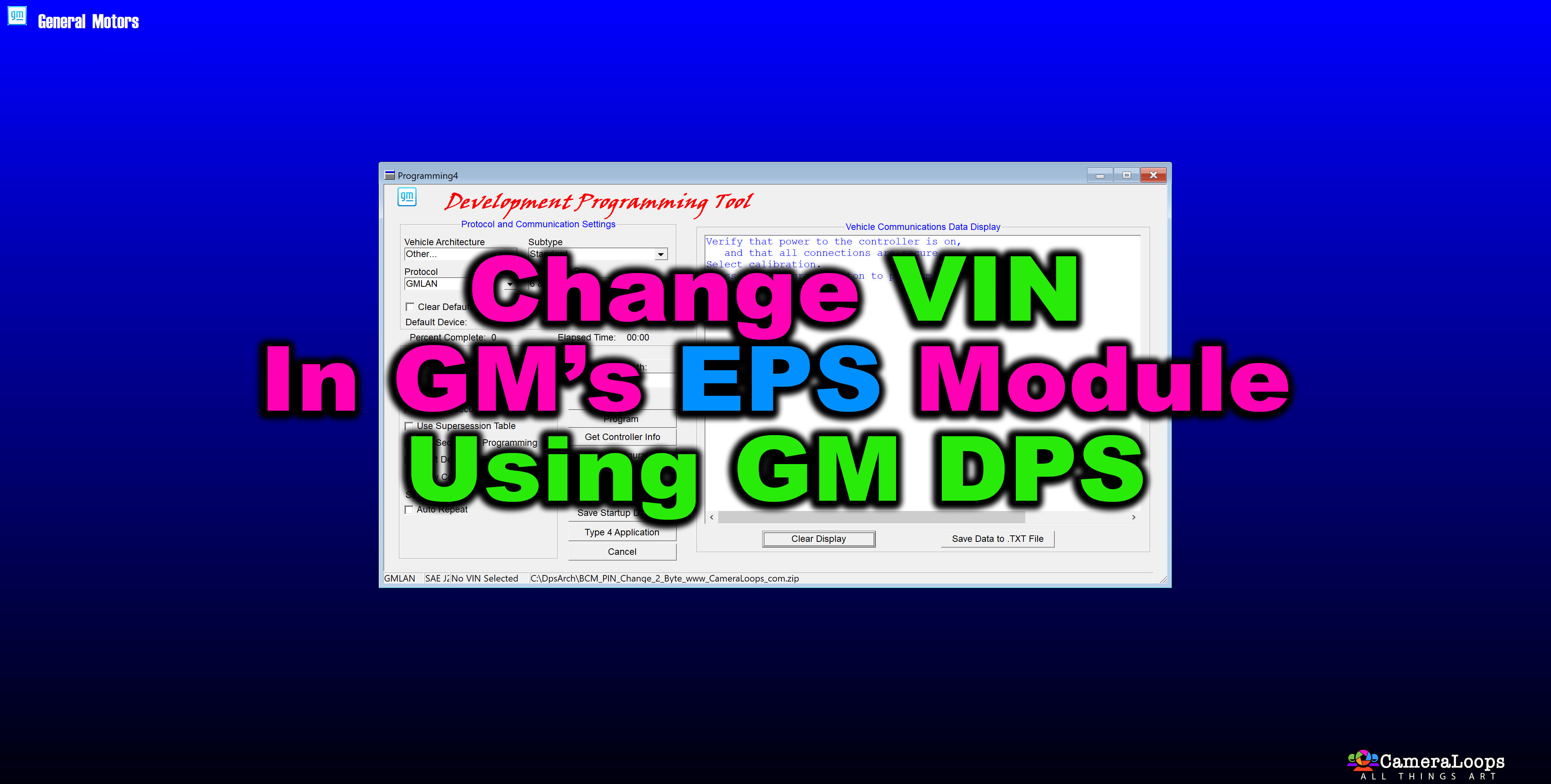
EPS (Electronic Power Steering/Vehicle Effort Steering) VIN change for Cadillac CTS-V 2019 5-Byte seed DPS archive.

You can use this DPS file to change the VIN in the K43 electric Power steering control module.

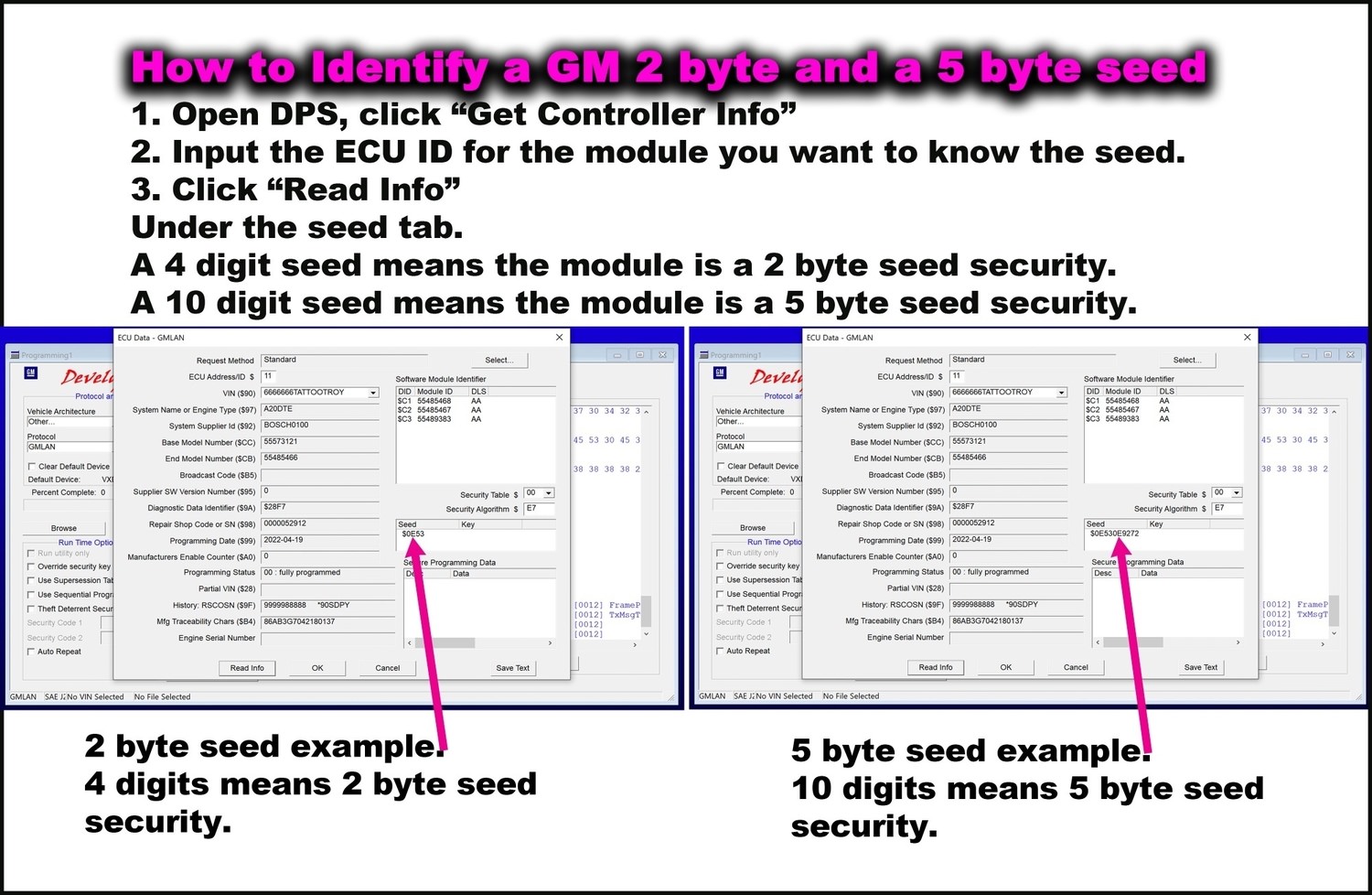
Works on 5-Byte seed key vehicles. 


1916242776_HowtoidentifyGM2and5byteseed.jpg.f46b4d8f85a83c349ad4f6e12b99a097.jpg

User Feedback

Recommended Comments

Cutter Rising Star

+Cutter

+Contributor

  • Contributor

Work with 19 Chevy Volt?

Troy Grand Master

1 hour ago, Cutter said:

Work with 19 Chevy Volt?

Hi, no it doesn’t. Send me the volt’s EPS calibration files then I can create the DPS VIN change file.

ajmiles Rising Star

+ajmiles

+Contributor

  • Contributor

Will this work on a 2016? I believe it is also a 5 byte

Troy Grand Master

3 hours ago, ajmiles said:

Will this work on a 2016? I believe it is also a 5 byte

Yes it will.

Join the conversation

You can post now and register later. If you have an account, sign in now to post with your account.

Guest
Add a comment...

Other files from Troy


CameraLoops™
Powered by Art
All Trademarks appearing on this website are the property of their respective owners.

Account

Navigation

Configure browser push notifications

Chrome (Android)
  1. Tap the lock icon next to the address bar.
  2. Tap Permissions → Notifications.
  3. Adjust your preference.
Chrome (Desktop)
  1. Click the padlock icon in the address bar.
  2. Select Site settings.
  3. Find Notifications and adjust your preference.
CameraLoops members who viewed this content
Troll Deryck freon Rosario Mussari rizwan buhardeen BLUE LION crakavelli SHARAWI Arbe_gtc TunnerXP KAREEM oddyssey pupu14 Daniil_Ast Nasstrac autokey ajmiles alatka asd Inam Ullah Pelonlsx Zarate-Solution