Skip to content
Install the CameraLoops App

Browse CameraLoops via the app. Learn more.

www.CameraLoops.ru

Use the CameraLoops full-screen app on your home screen with push notifications, badges and more.

To install the CameraLoops app on iOS and iPadOS
  1. Tap the Share icon in Safari
  2. Scroll the menu and tap Add to Home Screen.
  3. Tap Add in the top-right corner.
To install the CameraLoops app on Android
  1. Tap the 3-dot menu (⋮) in the top-right corner of the browser.
  2. Tap Add to Home screen or Install app.
  3. Confirm by tapping Install.

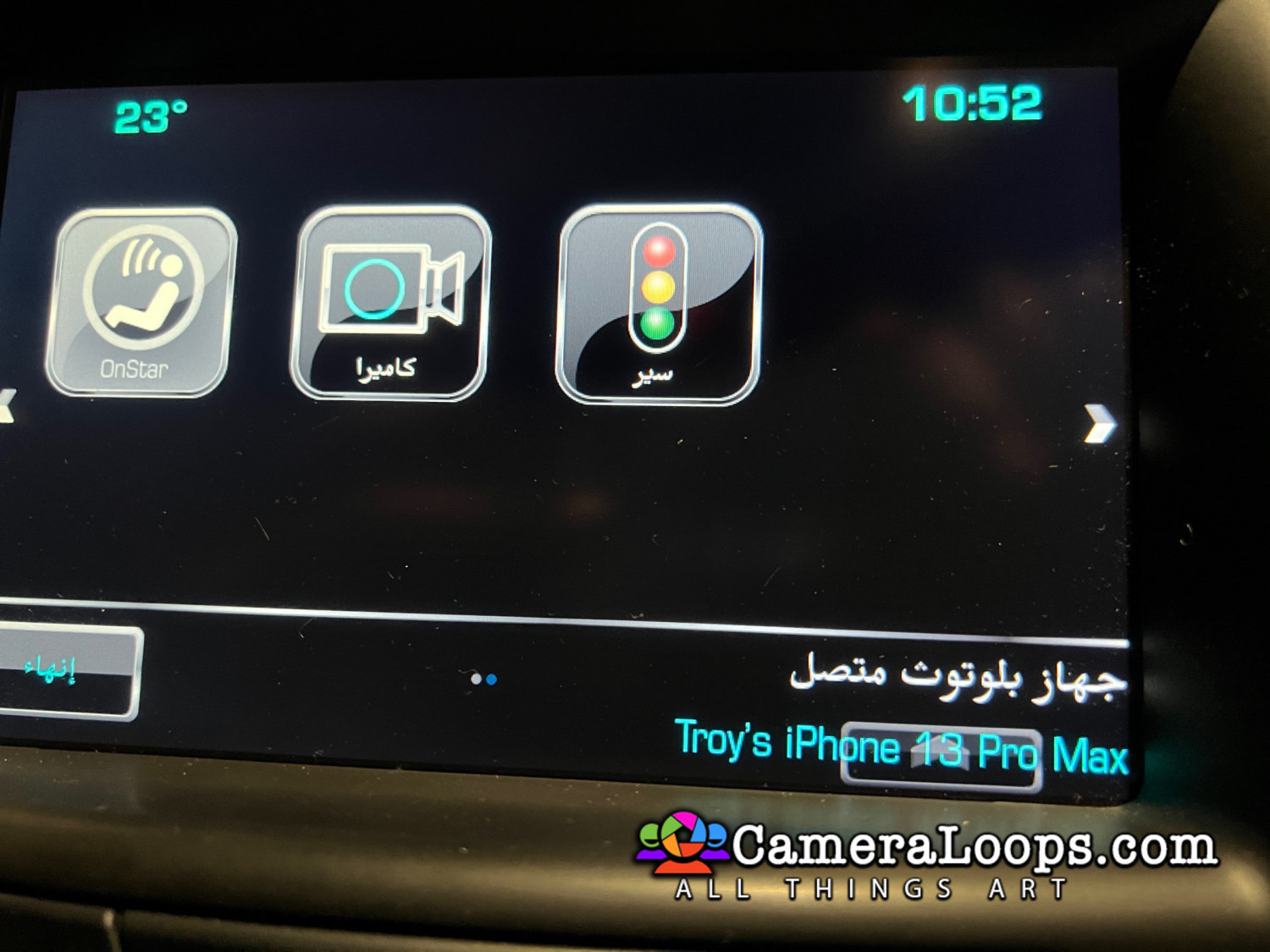
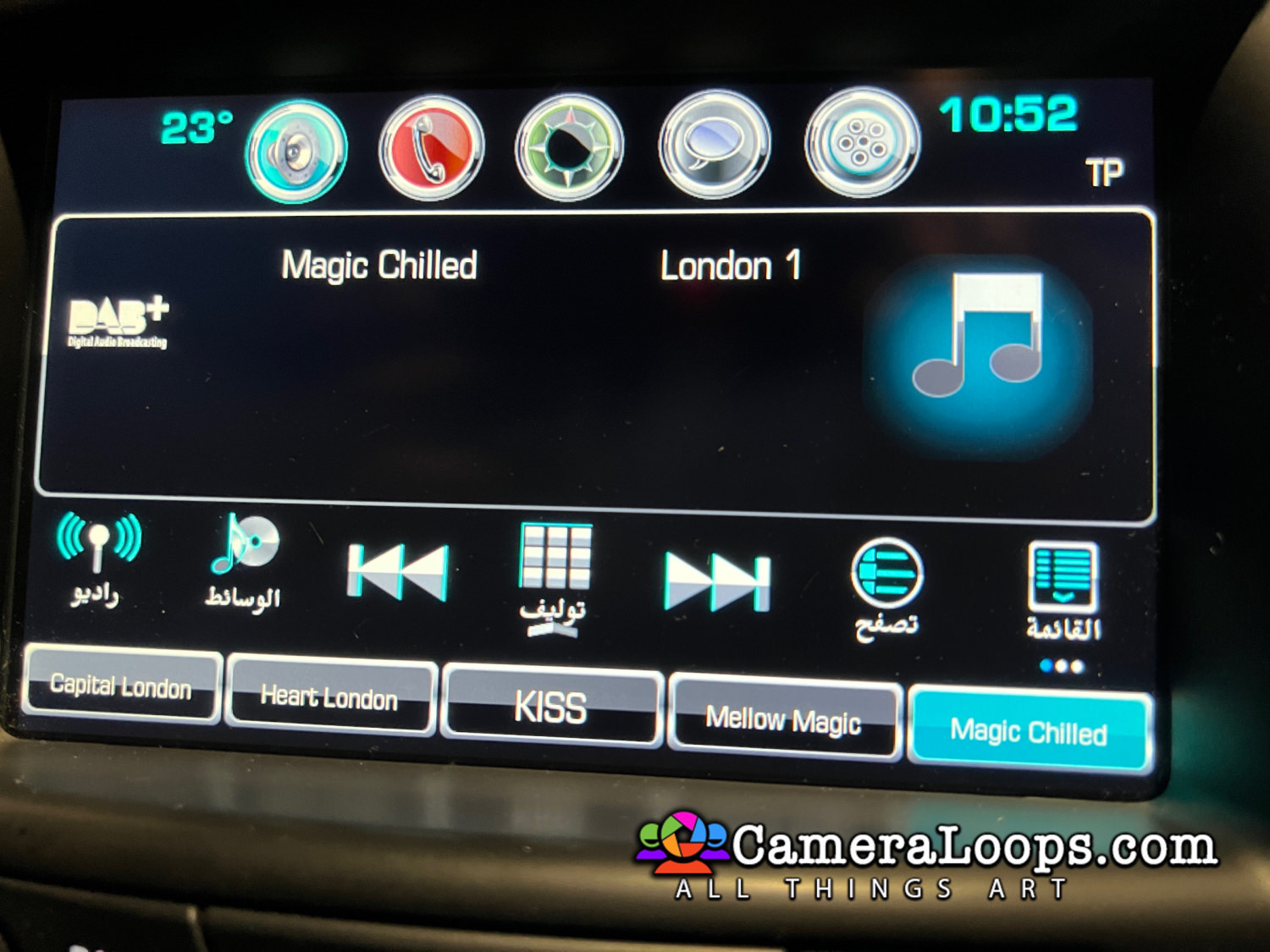
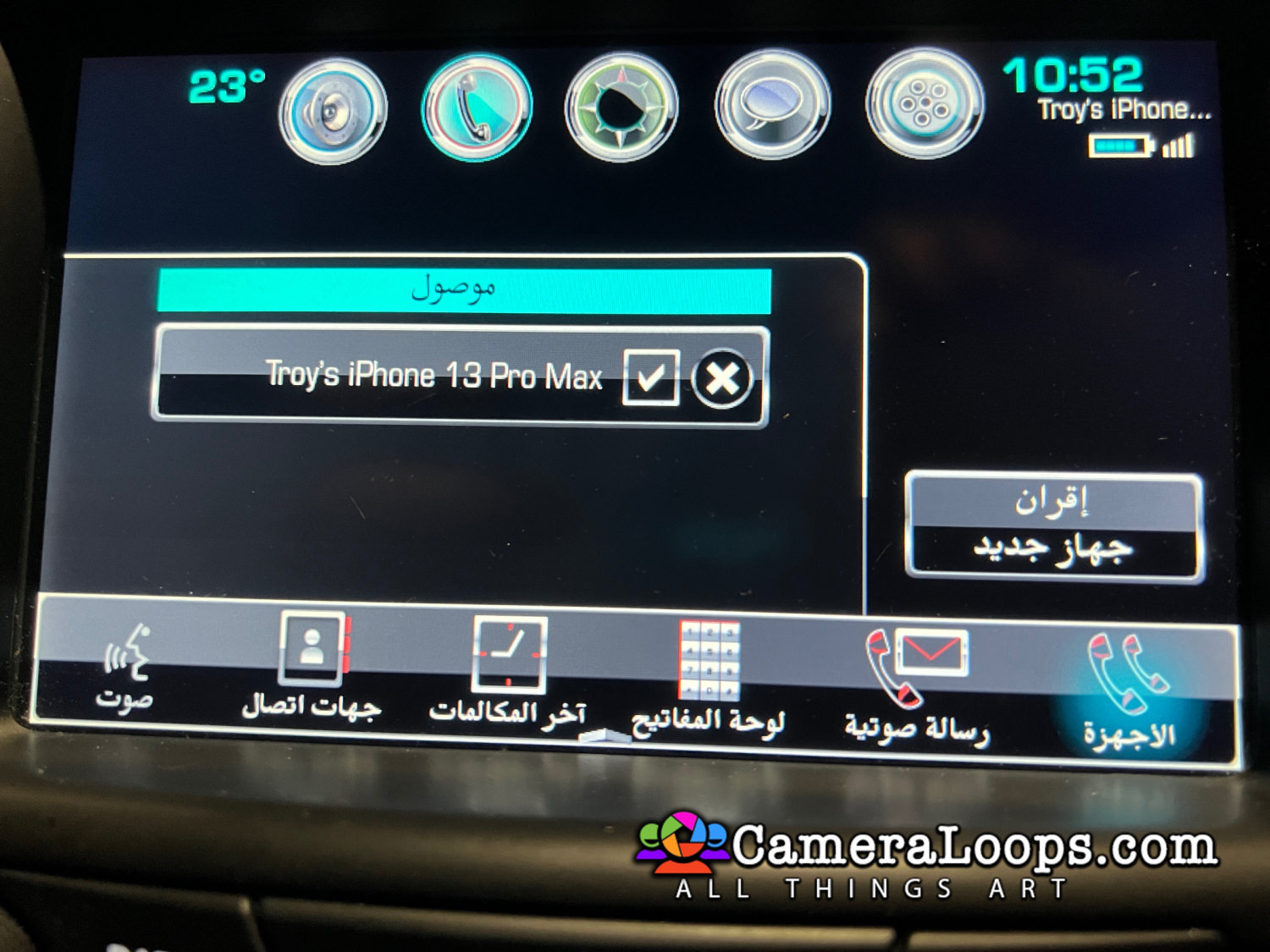
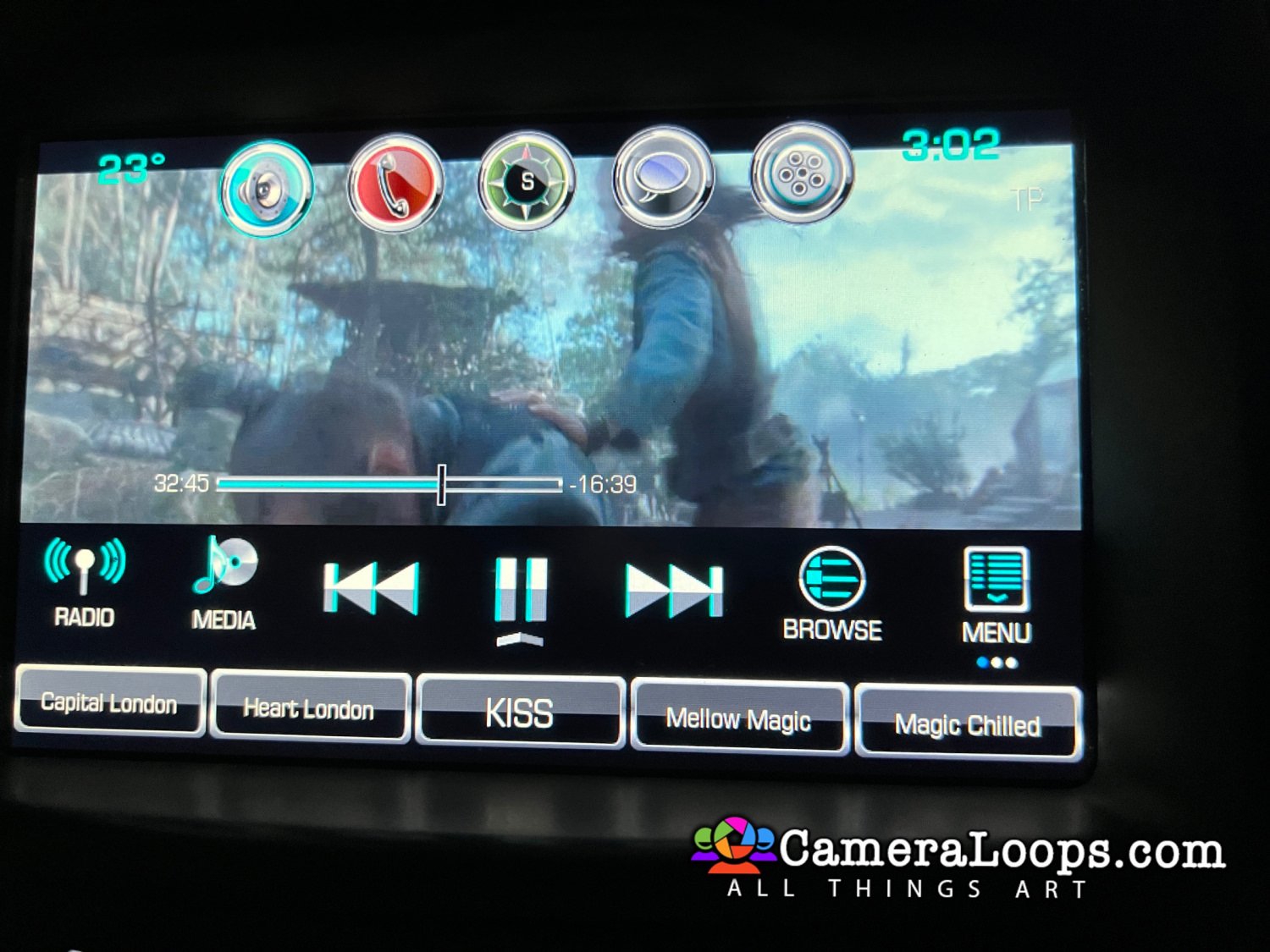
Video In Motion HMI 2.5 GMC Yukon Arabic IntelliLink

$200

1 Screenshot


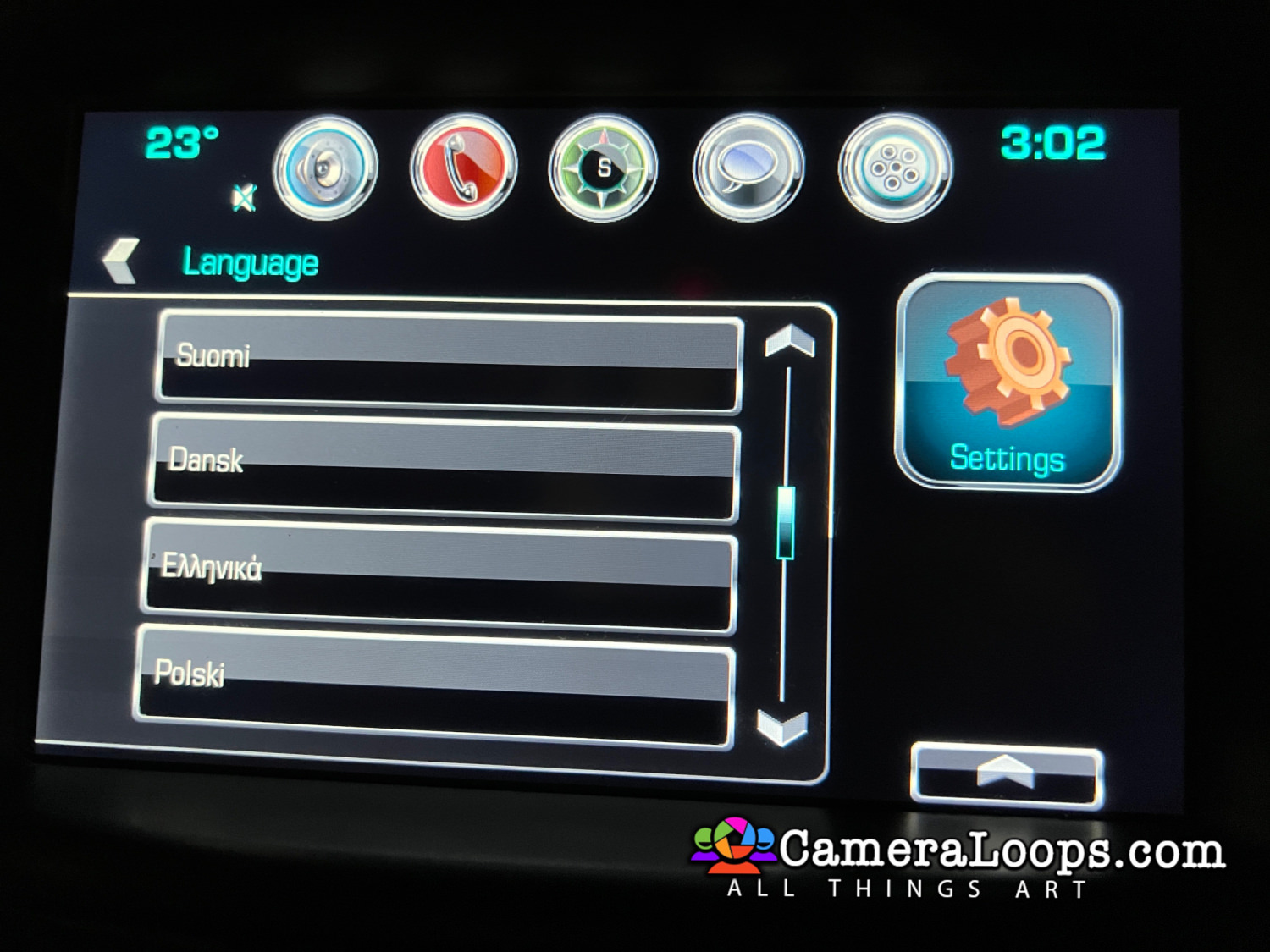
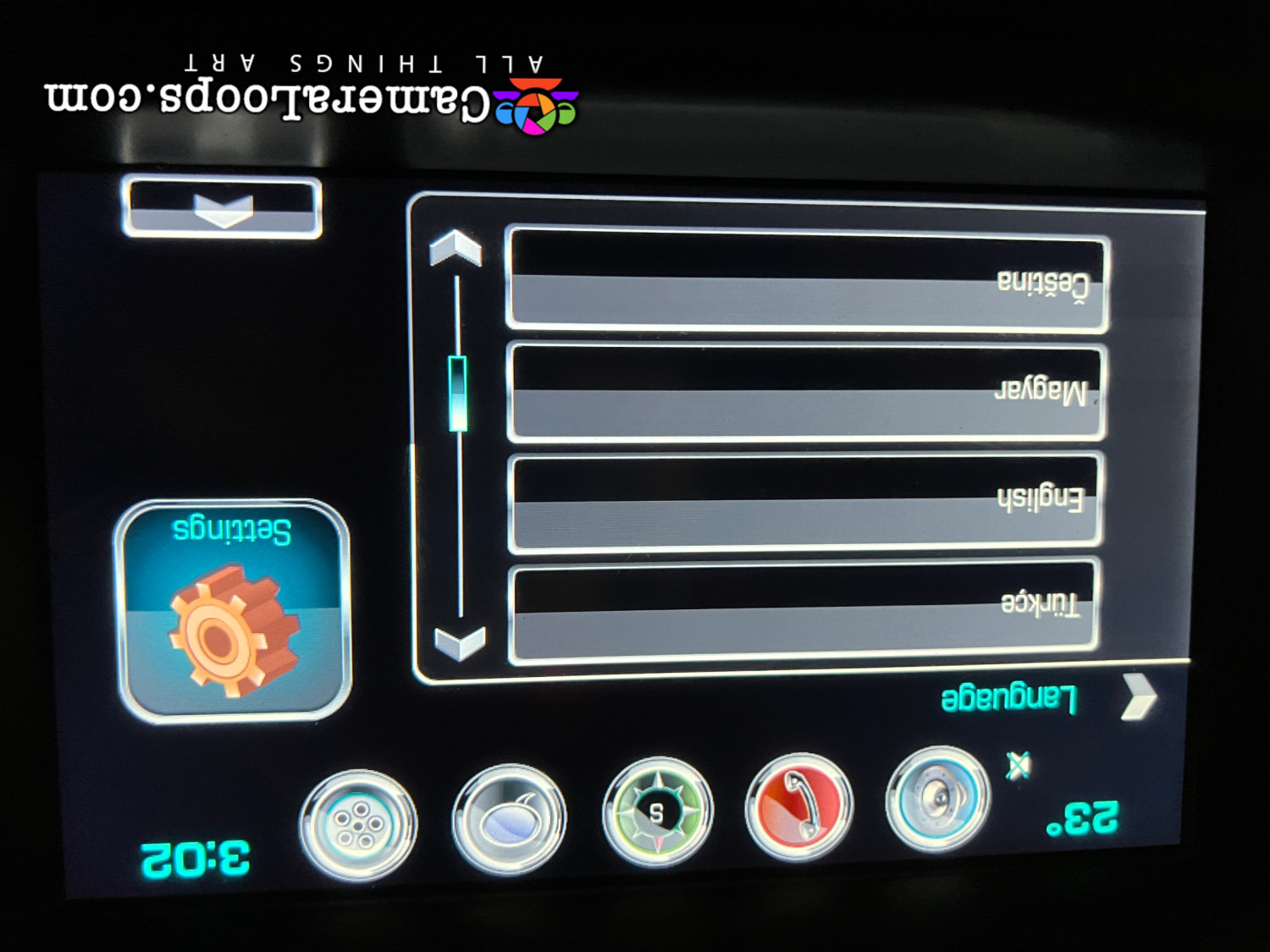
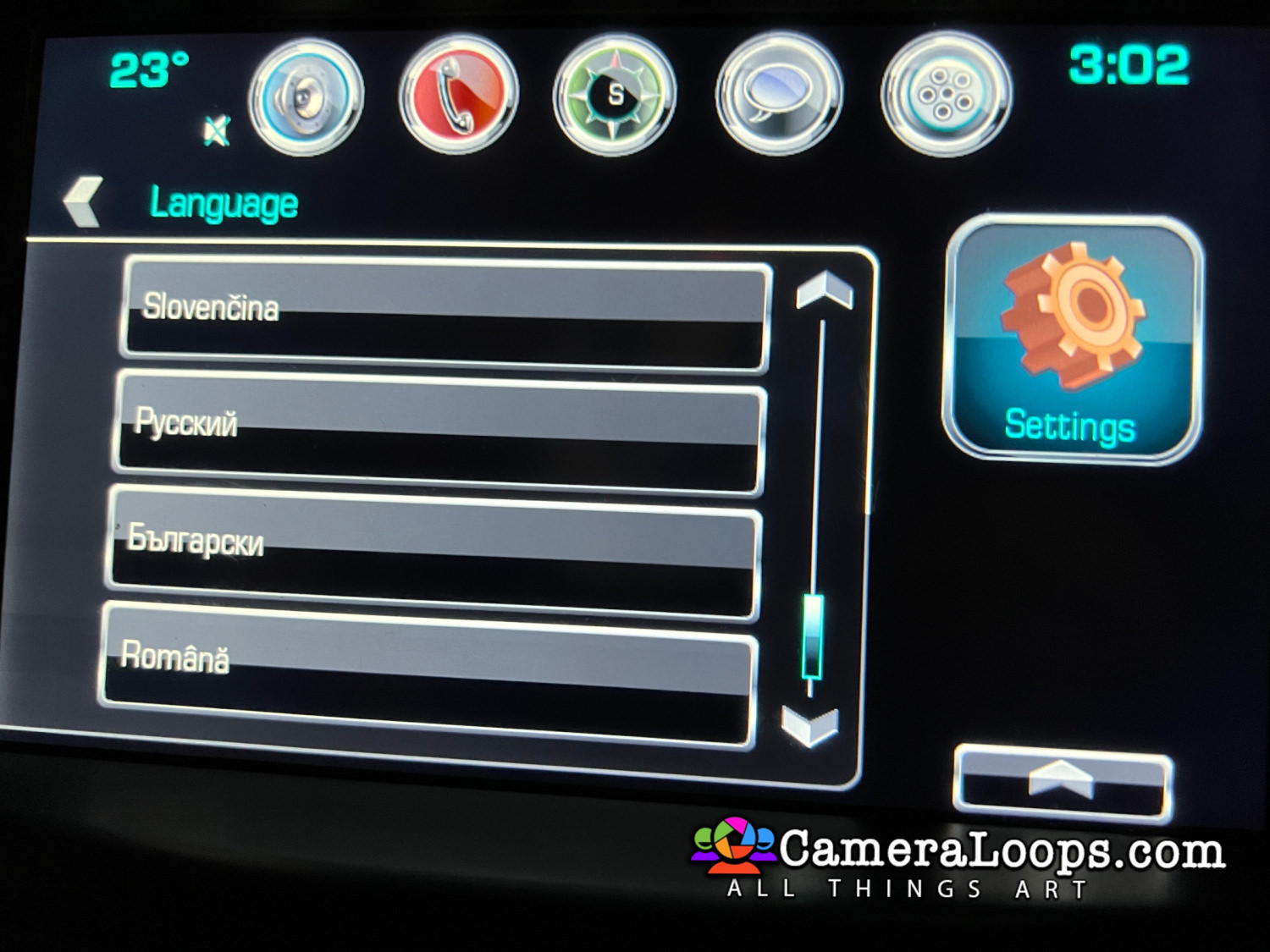
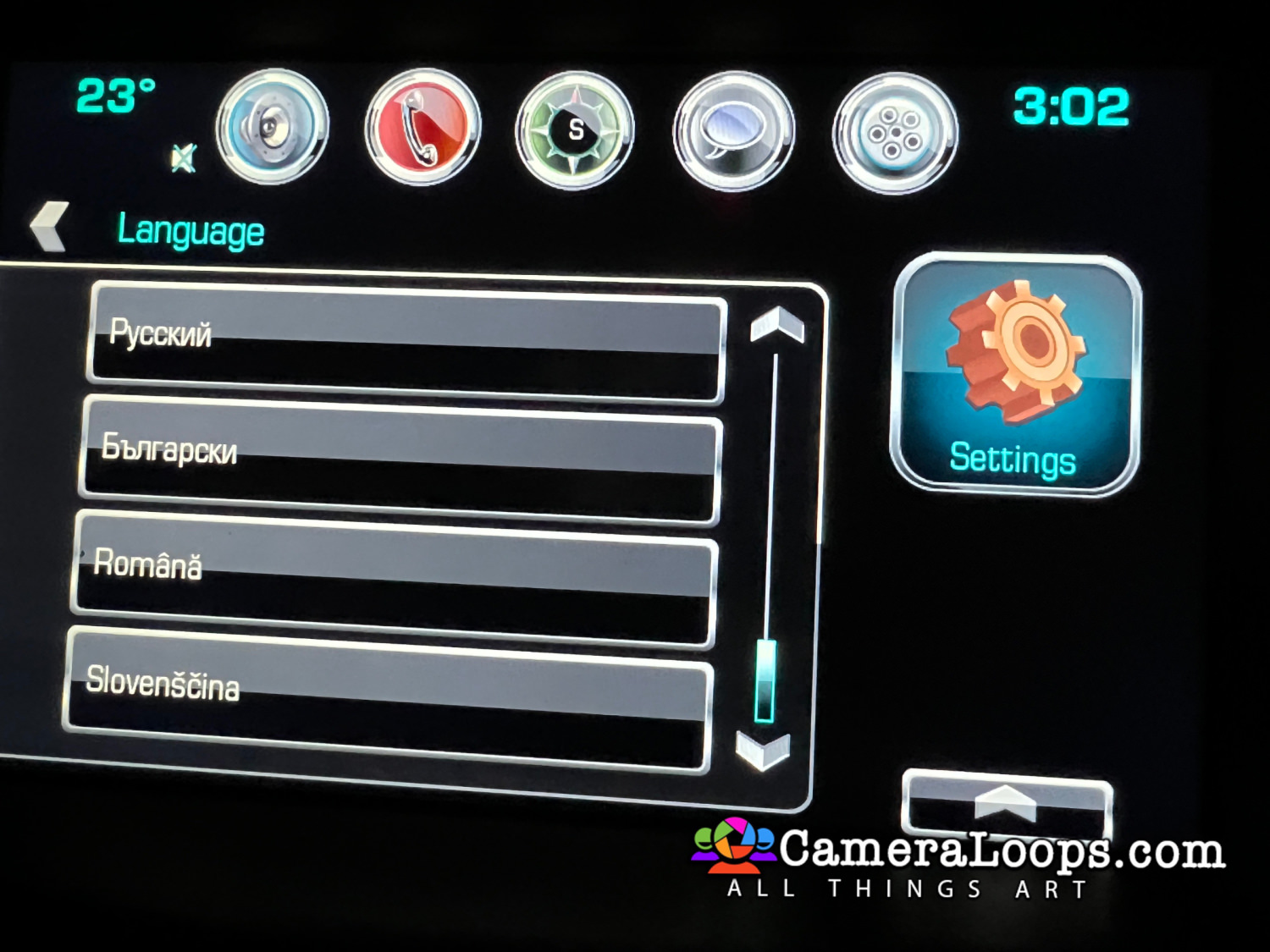
Video In Motion HMI 2.5 GMC Denali IntelliLink Arabic Language.

The video still plays when the vehicle is driving in drive mode.


This file can be used with the GM DPS tool to: 

Activate Video in Motion.

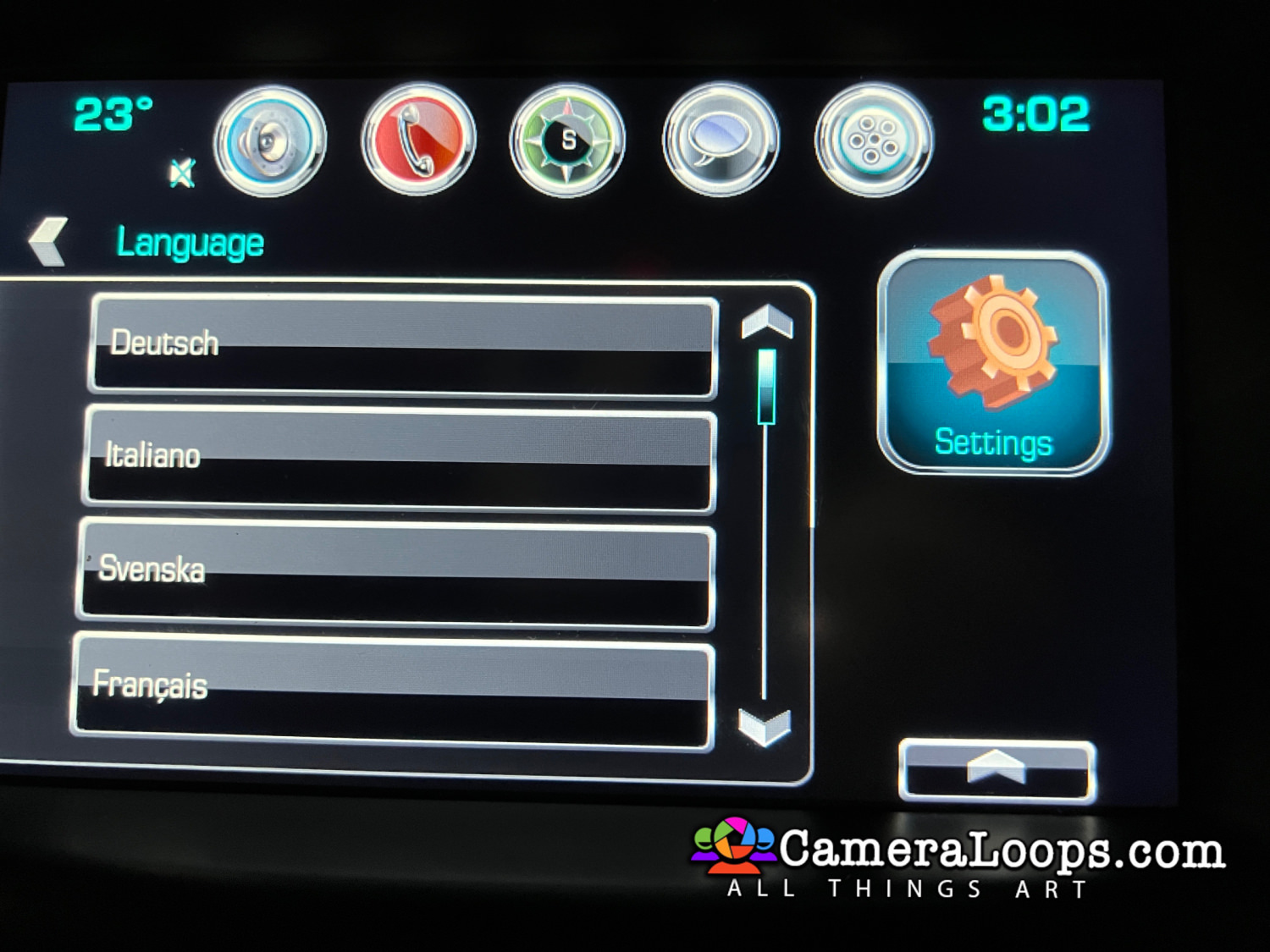
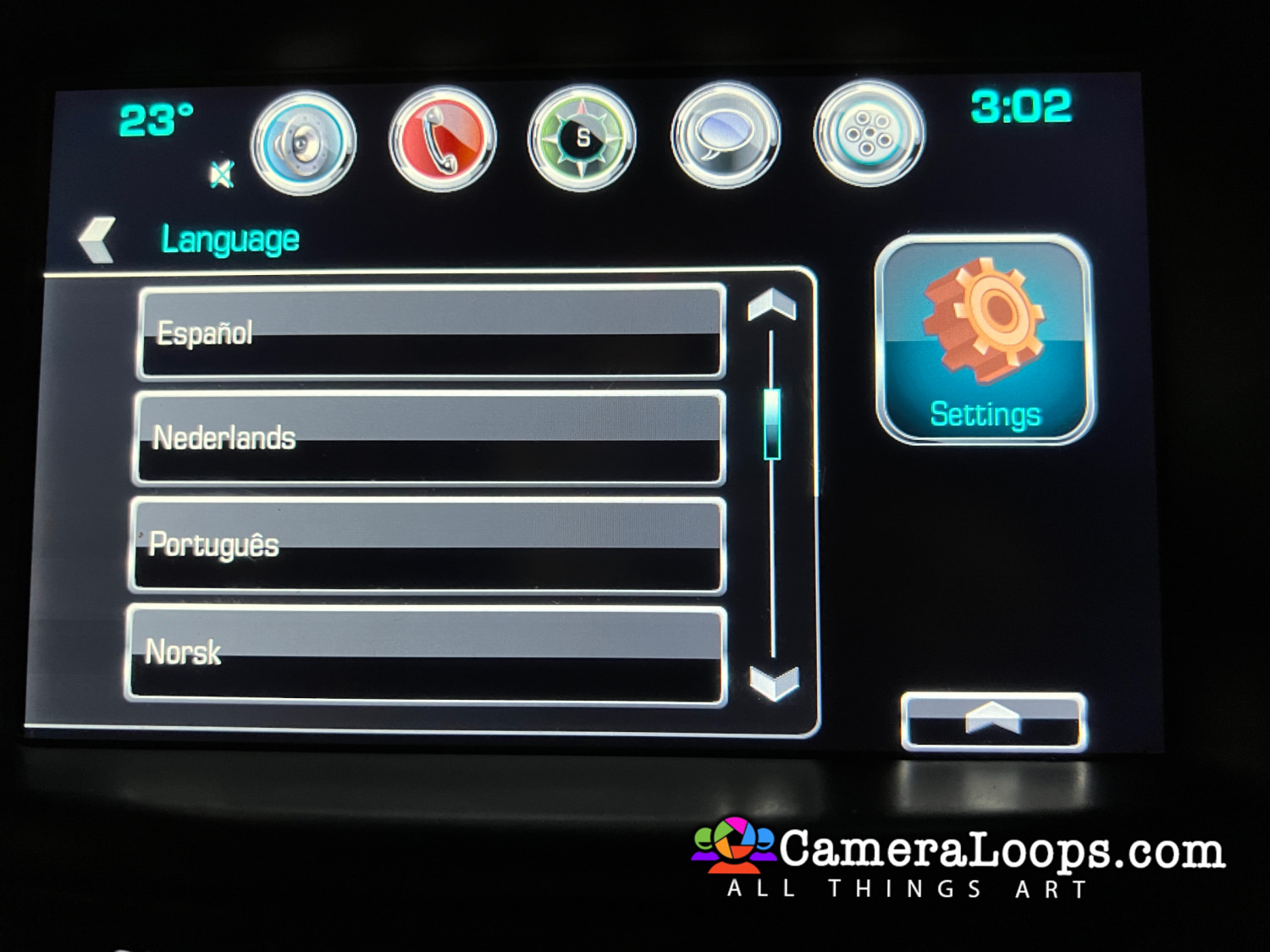
Activate Both North American and European languages on the infotainment and IPC screens. (The language selected in infotainment settings is set in the IPC).

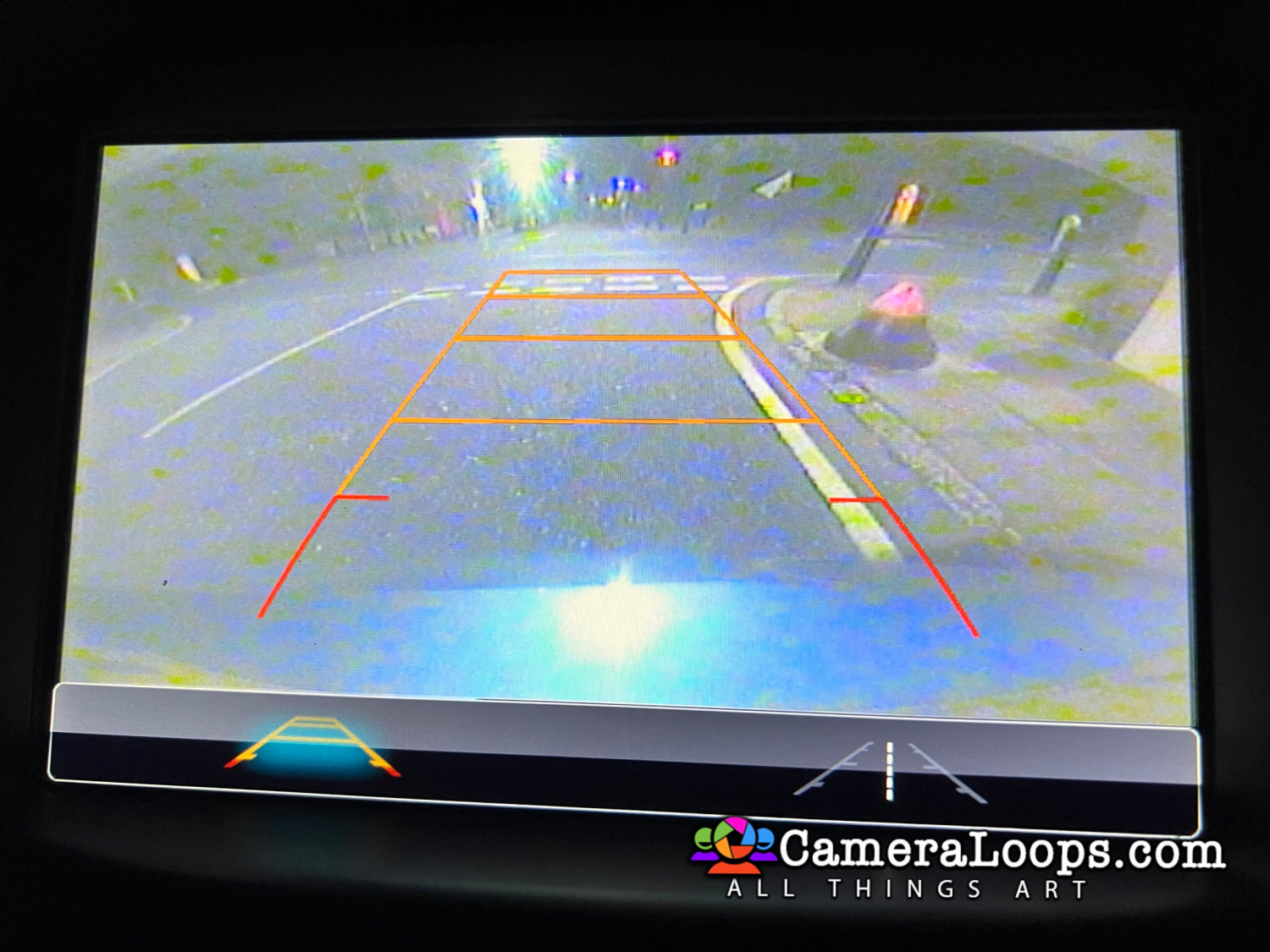
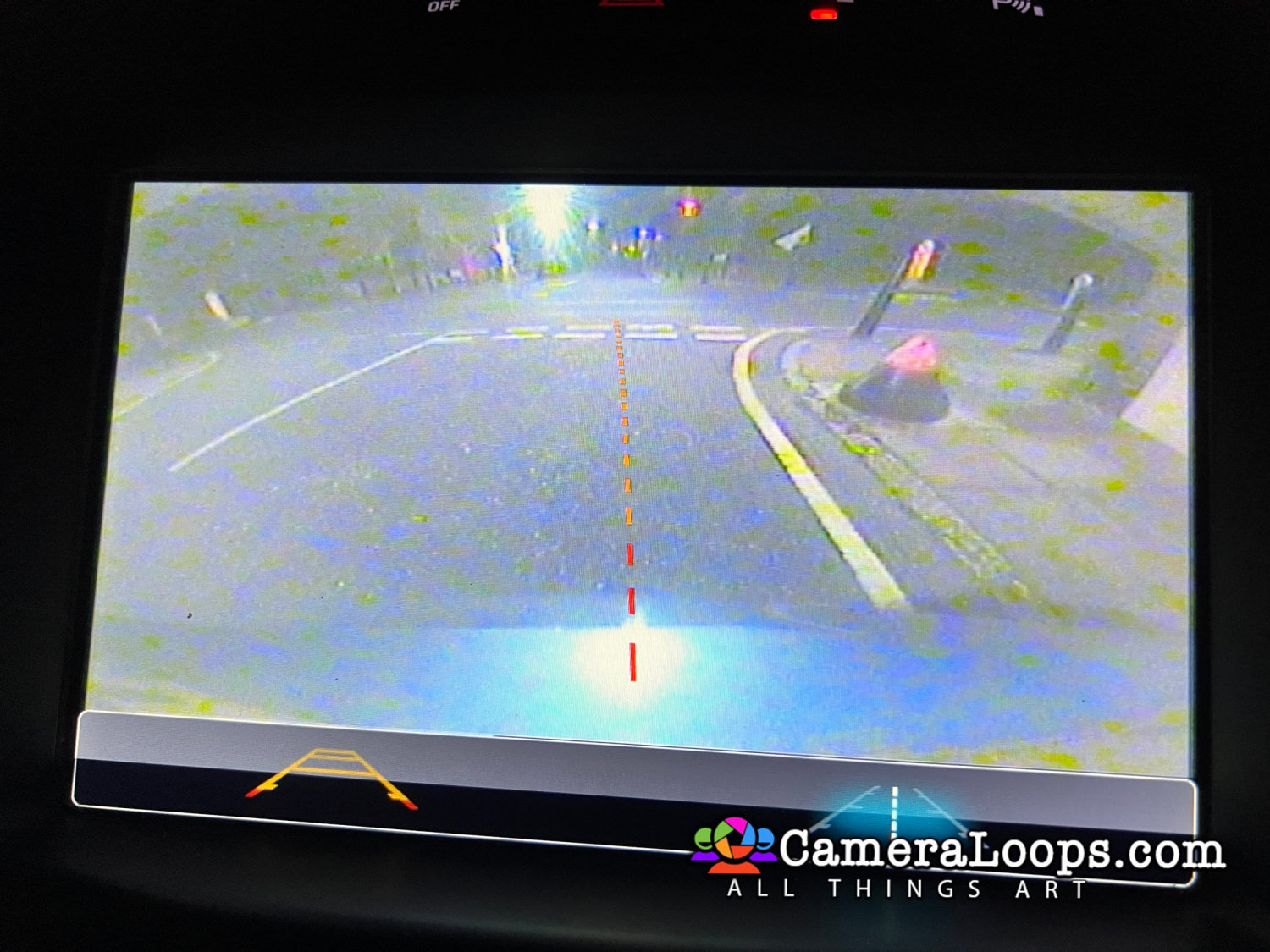
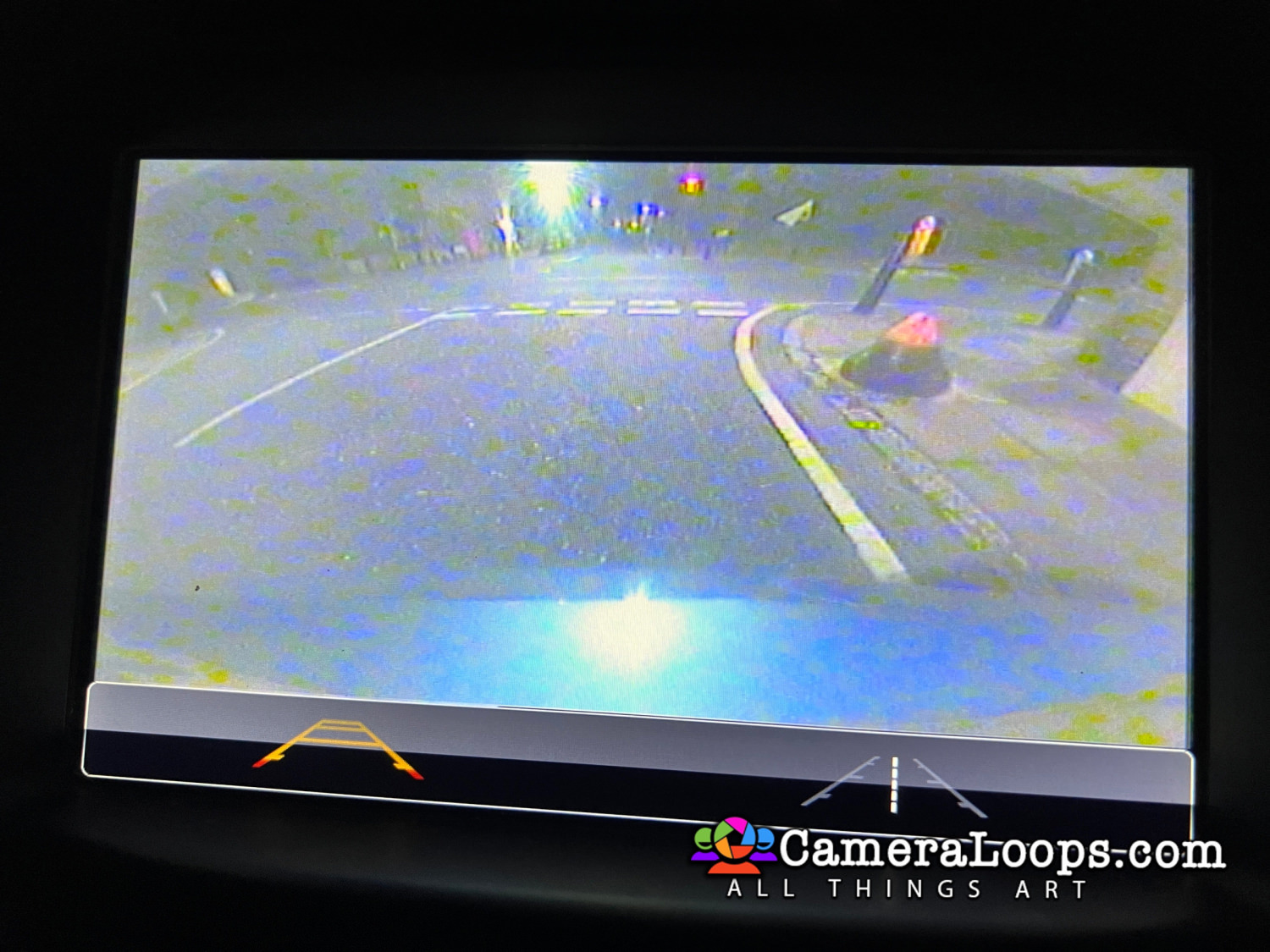
Activate reverse camera guide-lines.

Activate the reverse camera always on. (Note, an extra attachment or mod is needed to activate the reverse camera always-on feature).


Watch the below video to see the process.



image.jpeg


IMG_7501.JPG


IMG_7502.JPG


IMG_7504.JPG


IMG_7505.JPG


(The language selected in infotainment settings is also set in the IPC).
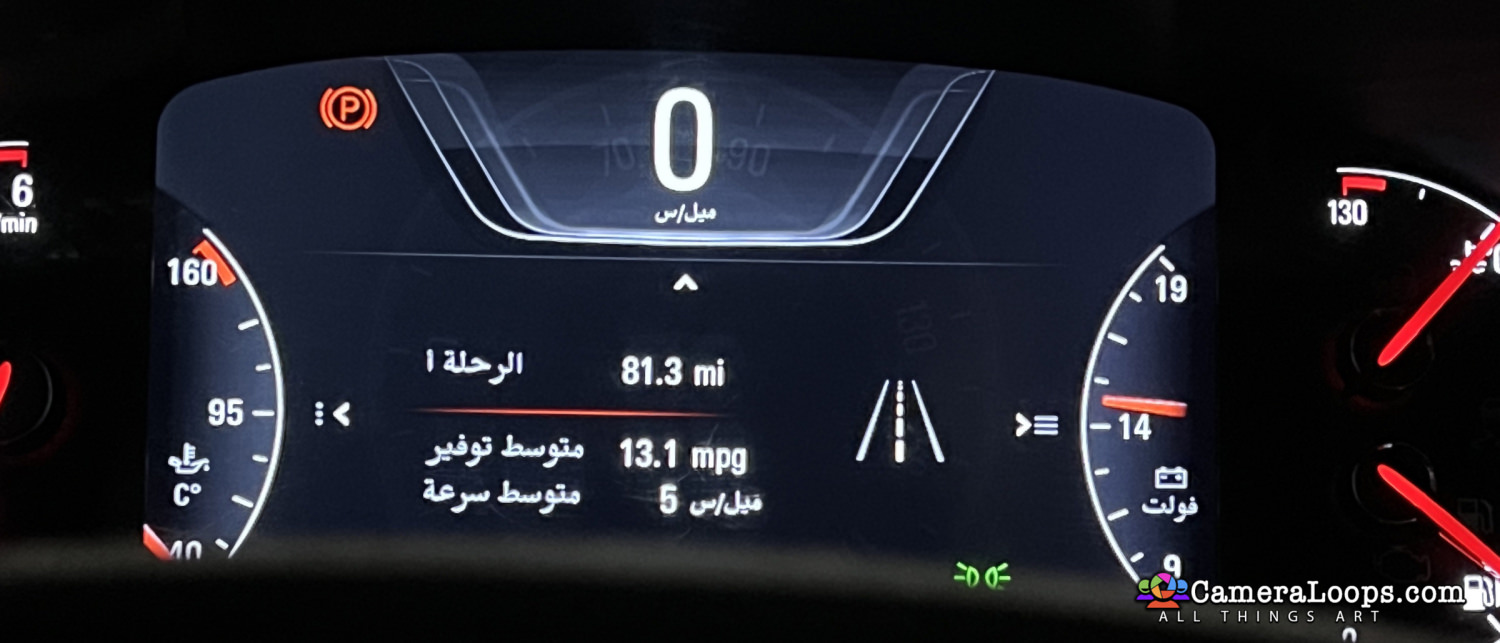
image.jpeg


IMG_7339.JPG


IMG_7340.JPG


IMG_7341.JPG


IMG_7345.JPG


IMG_7346.JPG


IMG_7347.JPG


IMG_7348.JPG


IMG_7349.JPG


IMG_7350.JPG


IMG_7351.JPG


User Feedback

Recommended Comments

There are no comments to display.

Join the conversation

You can post now and register later. If you have an account, sign in now to post with your account.

Guest
Add a comment...

Other files from Troy


CameraLoops™
Powered by Art
All Trademarks appearing on this website are the property of their respective owners.

Account

Navigation

Configure browser push notifications

Chrome (Android)
  1. Tap the lock icon next to the address bar.
  2. Tap Permissions → Notifications.
  3. Adjust your preference.
Chrome (Desktop)
  1. Click the padlock icon in the address bar.
  2. Select Site settings.
  3. Find Notifications and adjust your preference.
CameraLoops members who viewed this content
bekooly SHPSHP Thamer Mo Alpha-Leader A61bk sinnak Enterlan AL RAED Kaanermis_ Hussein Althamir jahedgm Umerastic Volt_Programmer CAR DOCTOR Aliwalid BullMech Benn Mehmet Zeki Cengiz Rrmjn Last_Captain