










.thumb.png.6cba57c5e88519e419516e3ed1152e01.png)
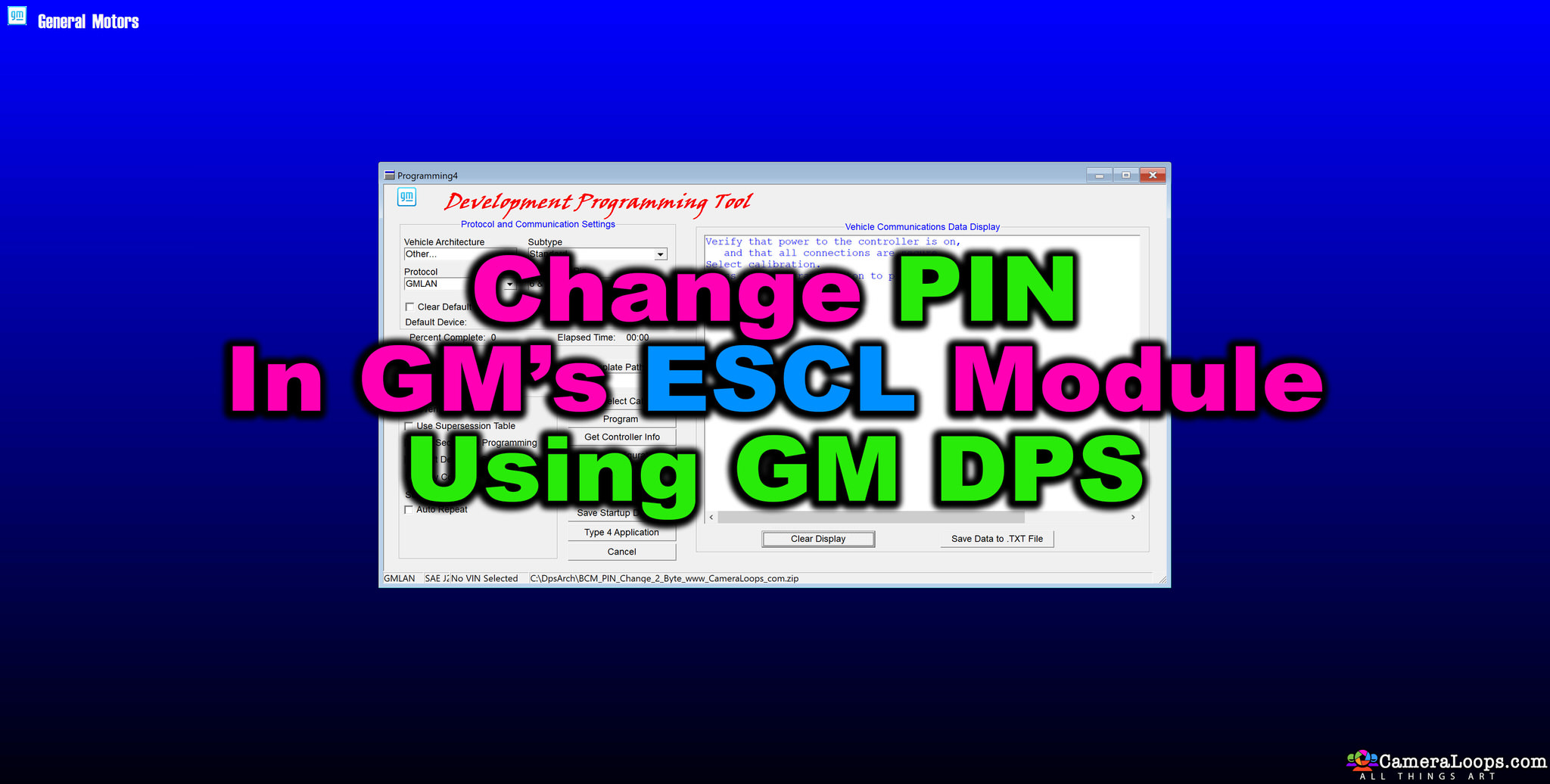
This DPS file can change the PIN CODE in Yukon 2015, 2-byte, ESCL modules.
Without a pin code change in a used IPC, BCM, EBCM, and SDM you won’t be able to program those modules via GM online SPS service using the vehicle’s original PIN.
Important
- In order to change the PIN code in a used GM module, you will need to know the PIN code that’s already programmed/stored in that module. Without knowing that PIN code, you will not be able to change the PIN code in the modules using DPS.
-
You have to wait 12 minutes for the PIN code programming procedure to be completed by DPS.
Methods for knowing the PIN CODE that's stored in a used module and generating the PIN CODE from all GM VINs.
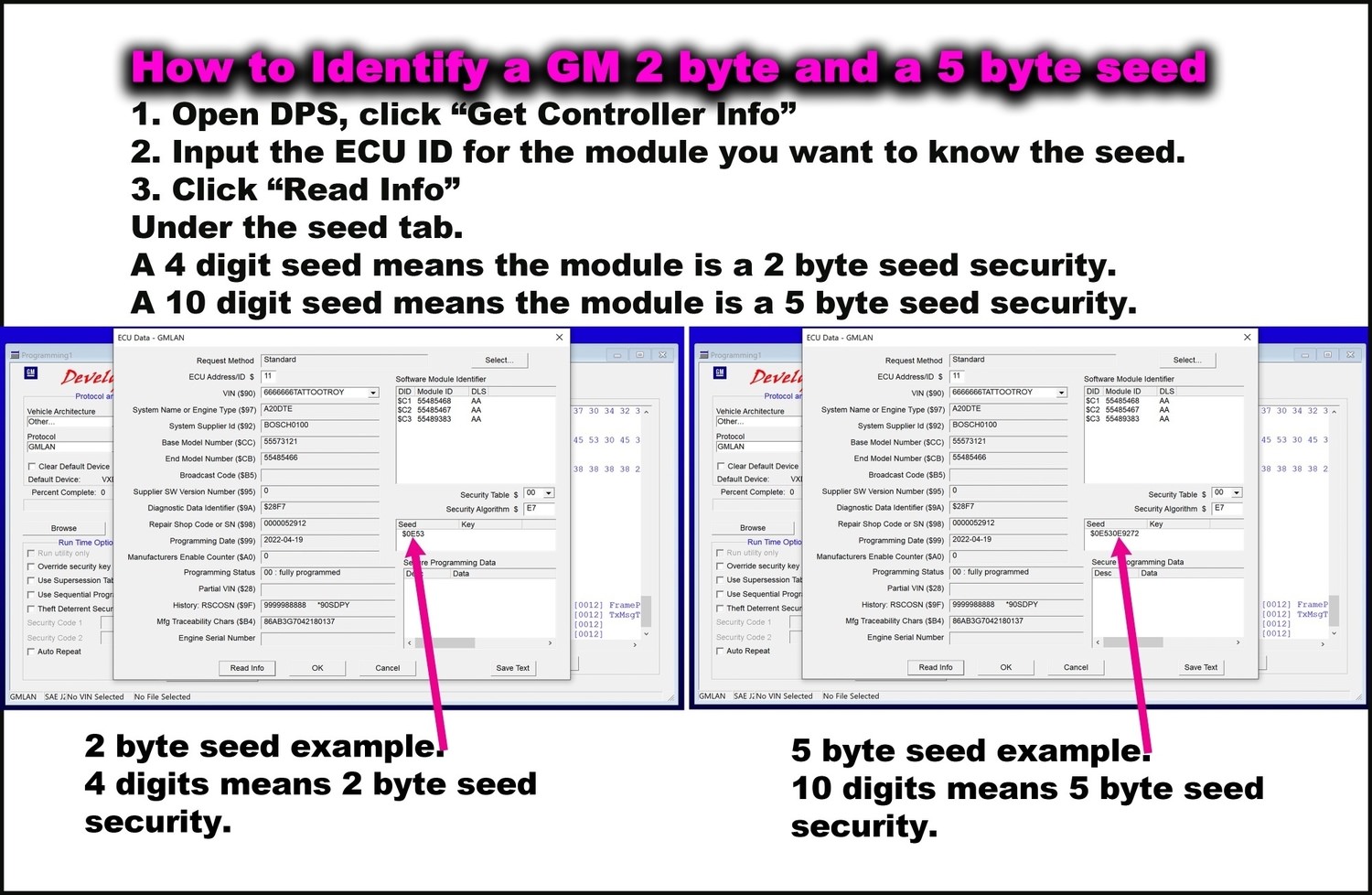
Connect the used module to DPS, then use DPS "get Controller Info" option to know the VIN that's stored in the module.
You can then use this VIN to PIN tool or this VIN to PIN service to know the PIN CODE that's stored in the used module.
VIN to PIN Tool
VIN to PIN Service
Watch this video to see the process.









.thumb.jpg.9f4d13724b1c2de1592cb8d64fcb5248.jpg)























Recommended Comments
Join the conversation
You can post now and register later. If you have an account, sign in now to post with your account.