Skip to content
Install the CameraLoops App

Browse CameraLoops via the app. Learn more.

www.CameraLoops.ru

Use the CameraLoops full-screen app on your home screen with push notifications, badges and more.

To install the CameraLoops app on iOS and iPadOS
  1. Tap the Share icon in Safari
  2. Scroll the menu and tap Add to Home Screen.
  3. Tap Add in the top-right corner.
To install the CameraLoops app on Android
  1. Tap the 3-dot menu (⋮) in the top-right corner of the browser.
  2. Tap Add to Home screen or Install app.
  3. Confirm by tapping Install.

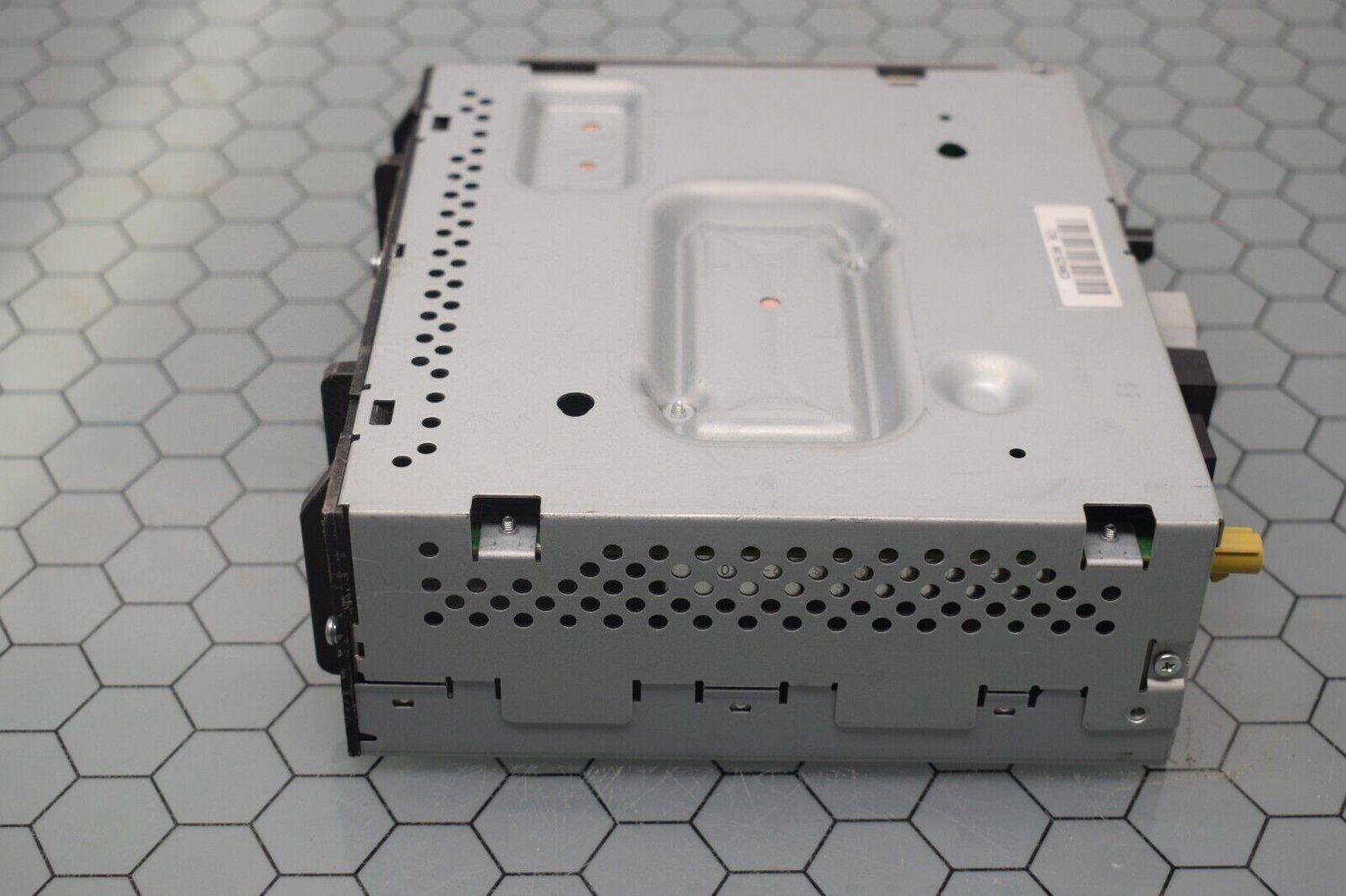
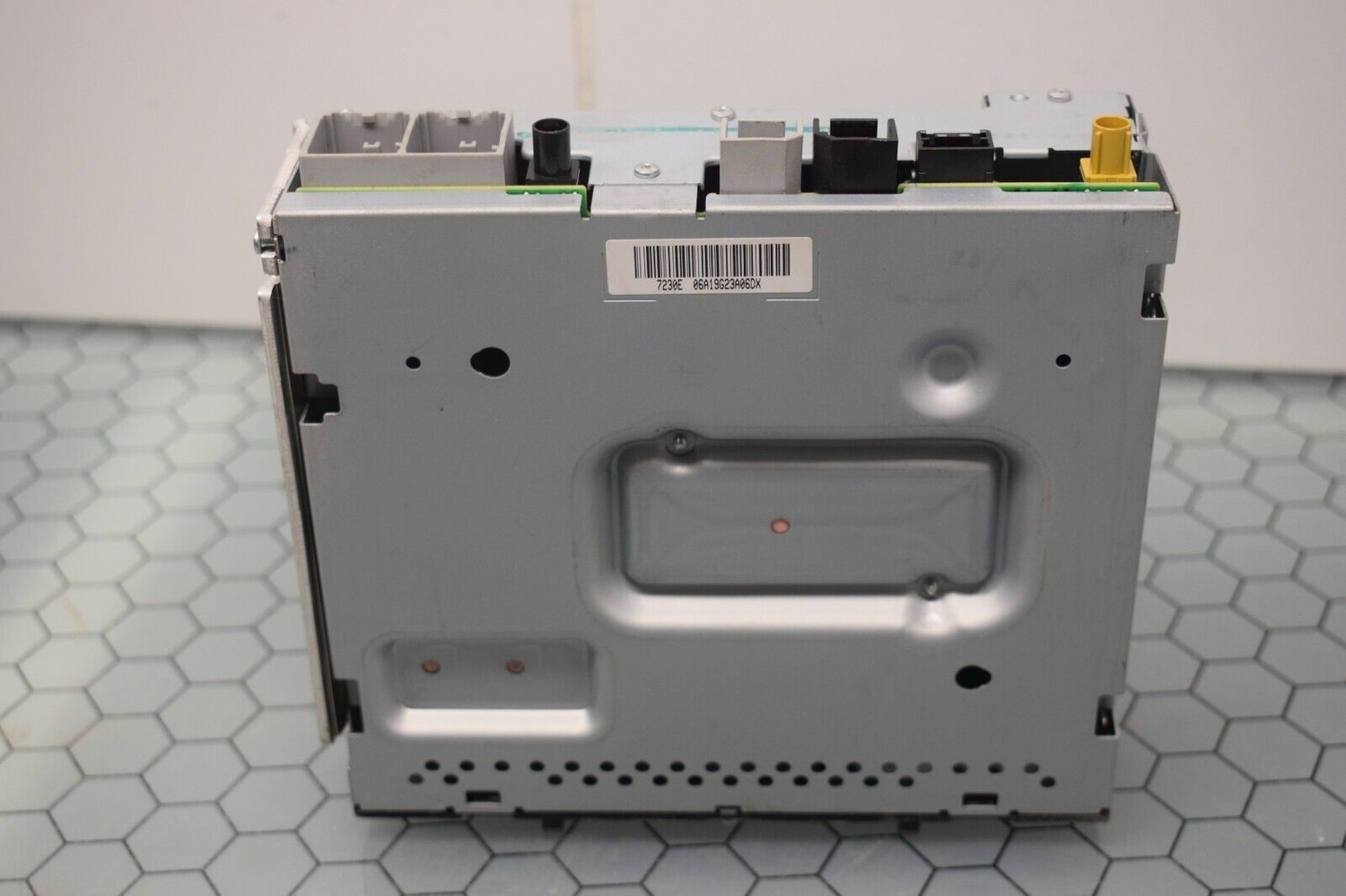
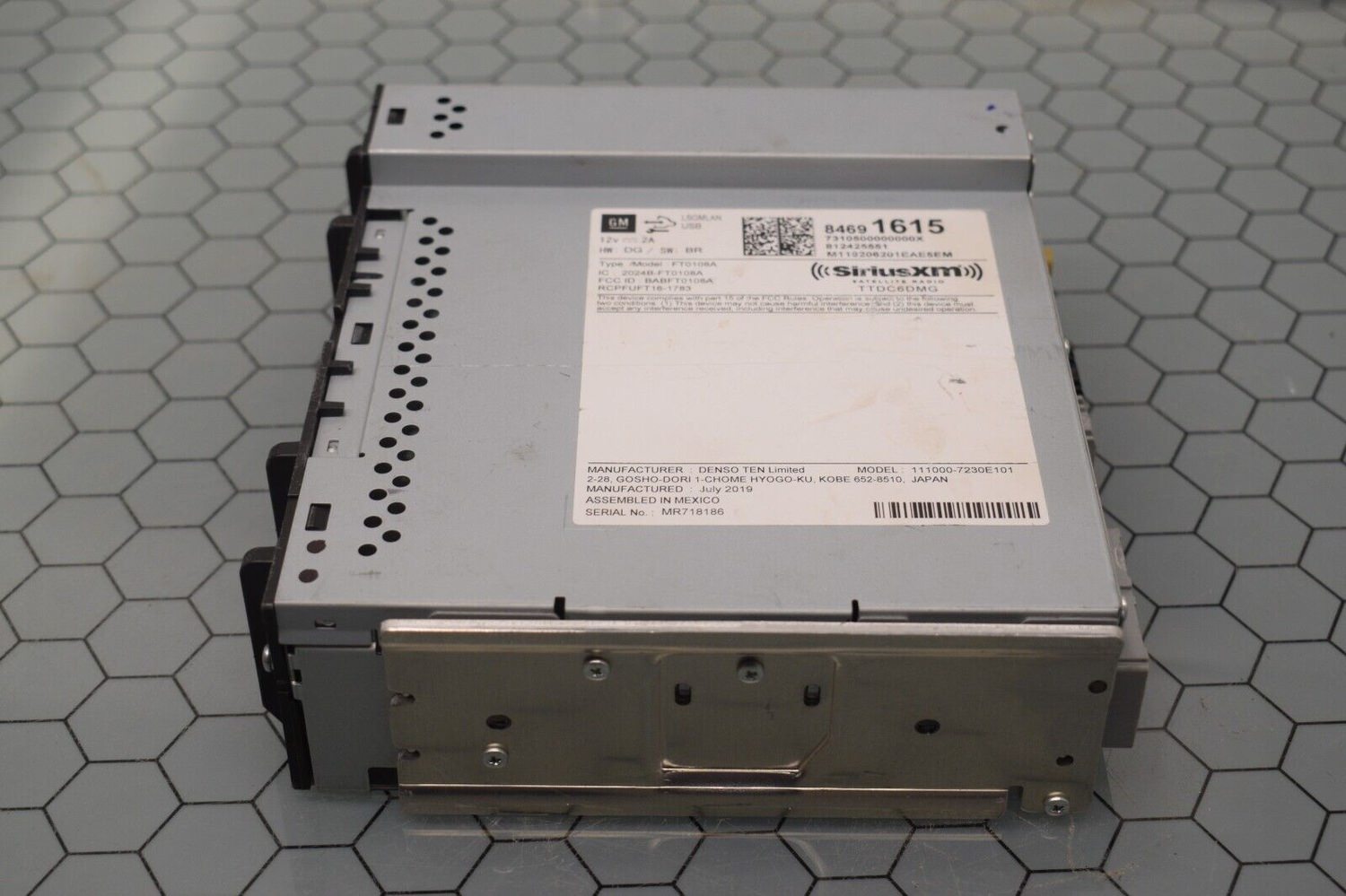
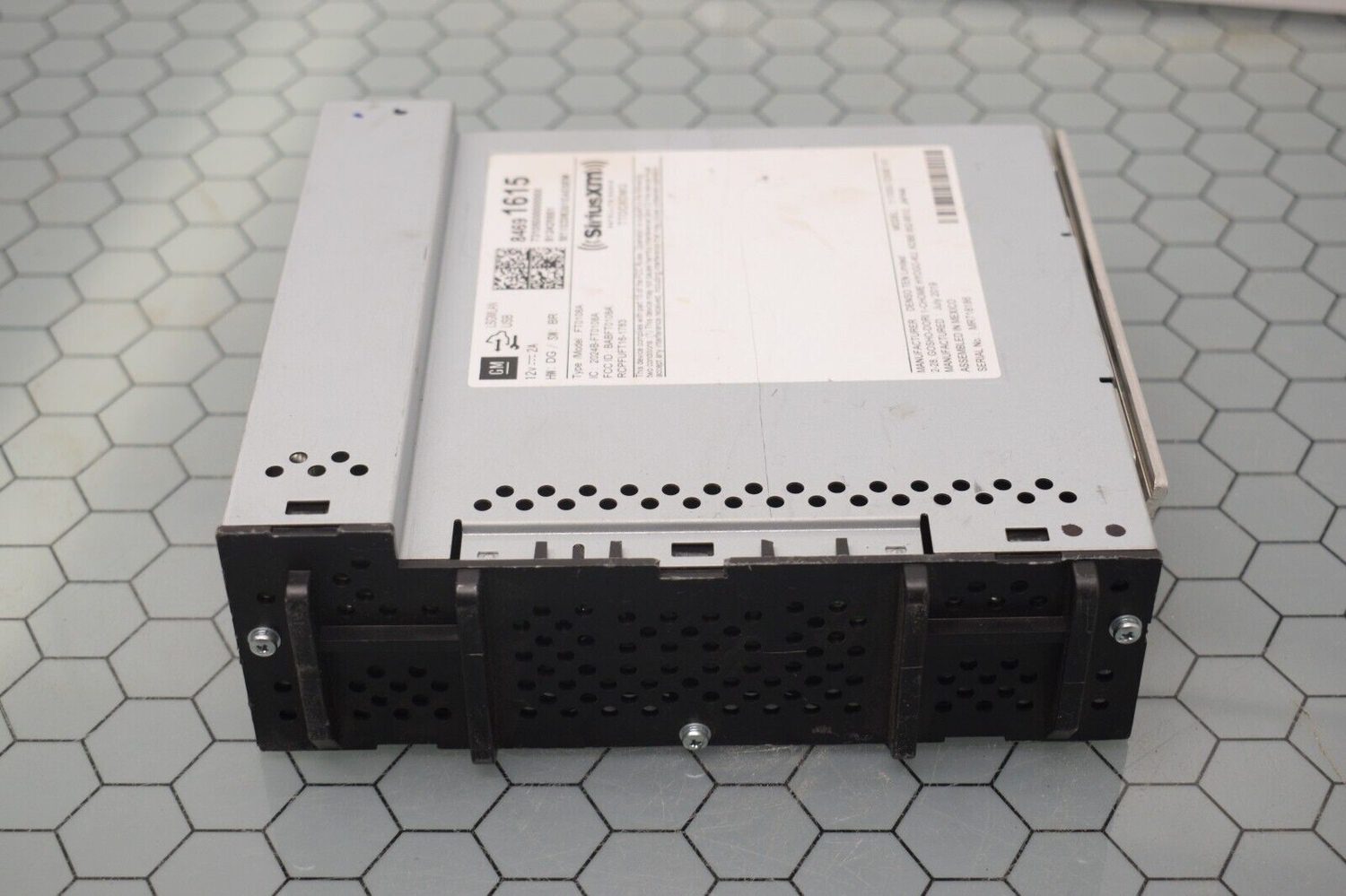
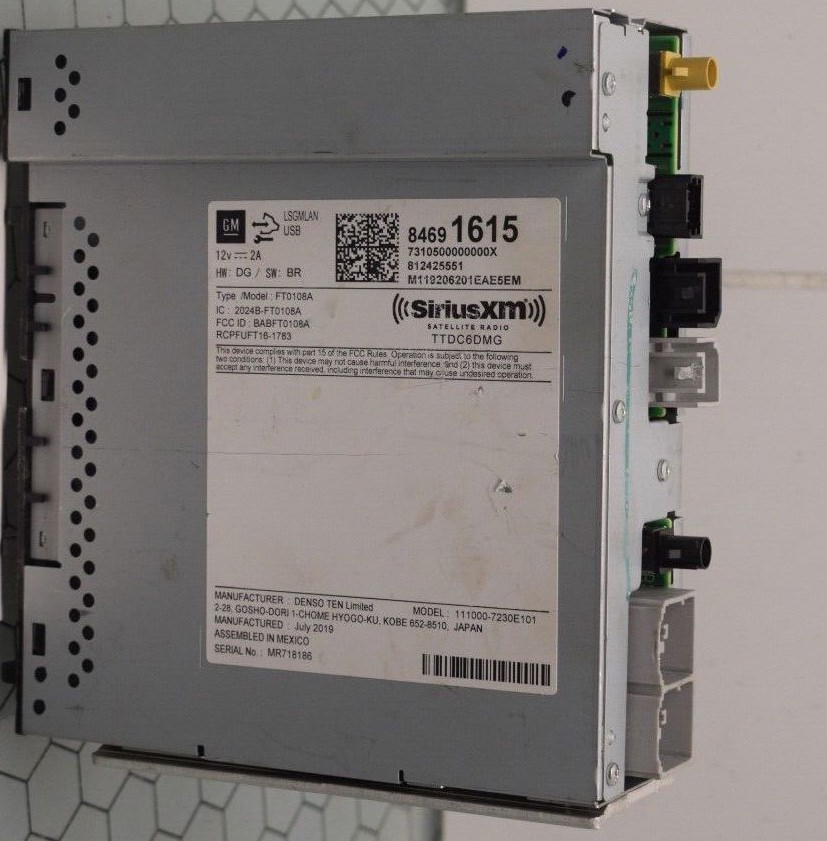
FT0108A, FT0108B Unlock Vin Change, Remove The Theft Lock, Denso Ten Radio FT0108A, FT0108B,84691615

$200

1 Screenshot

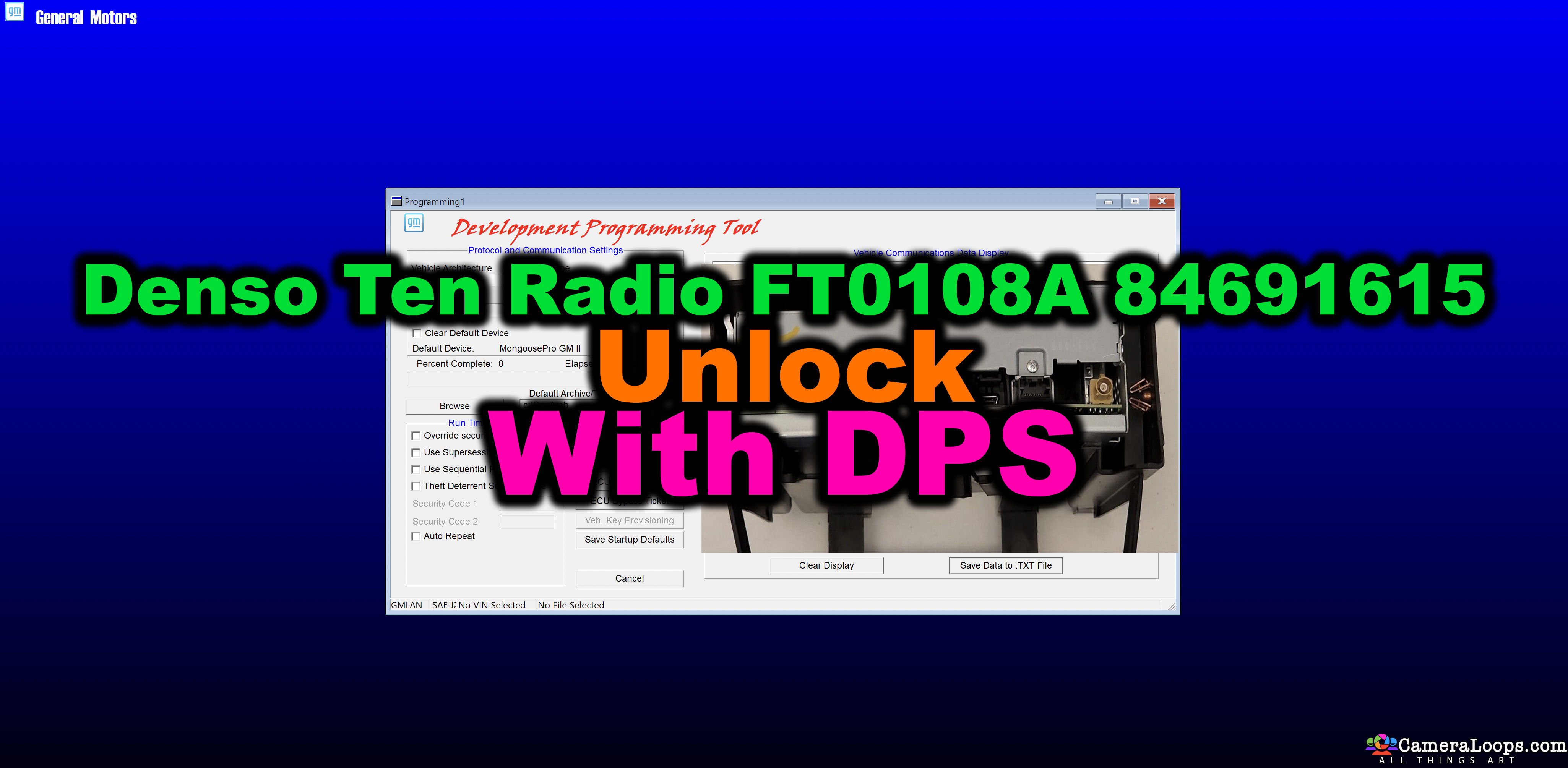
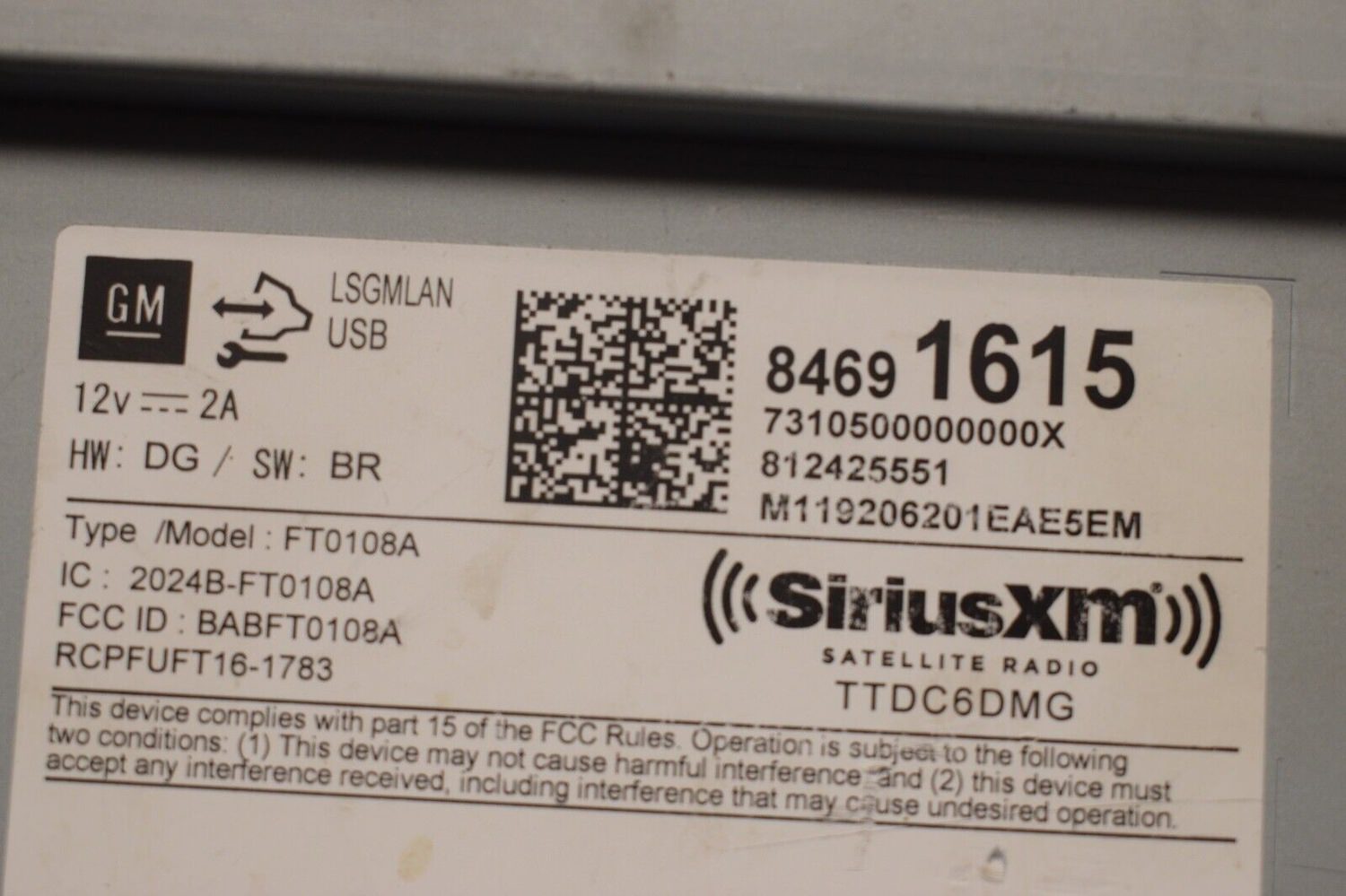
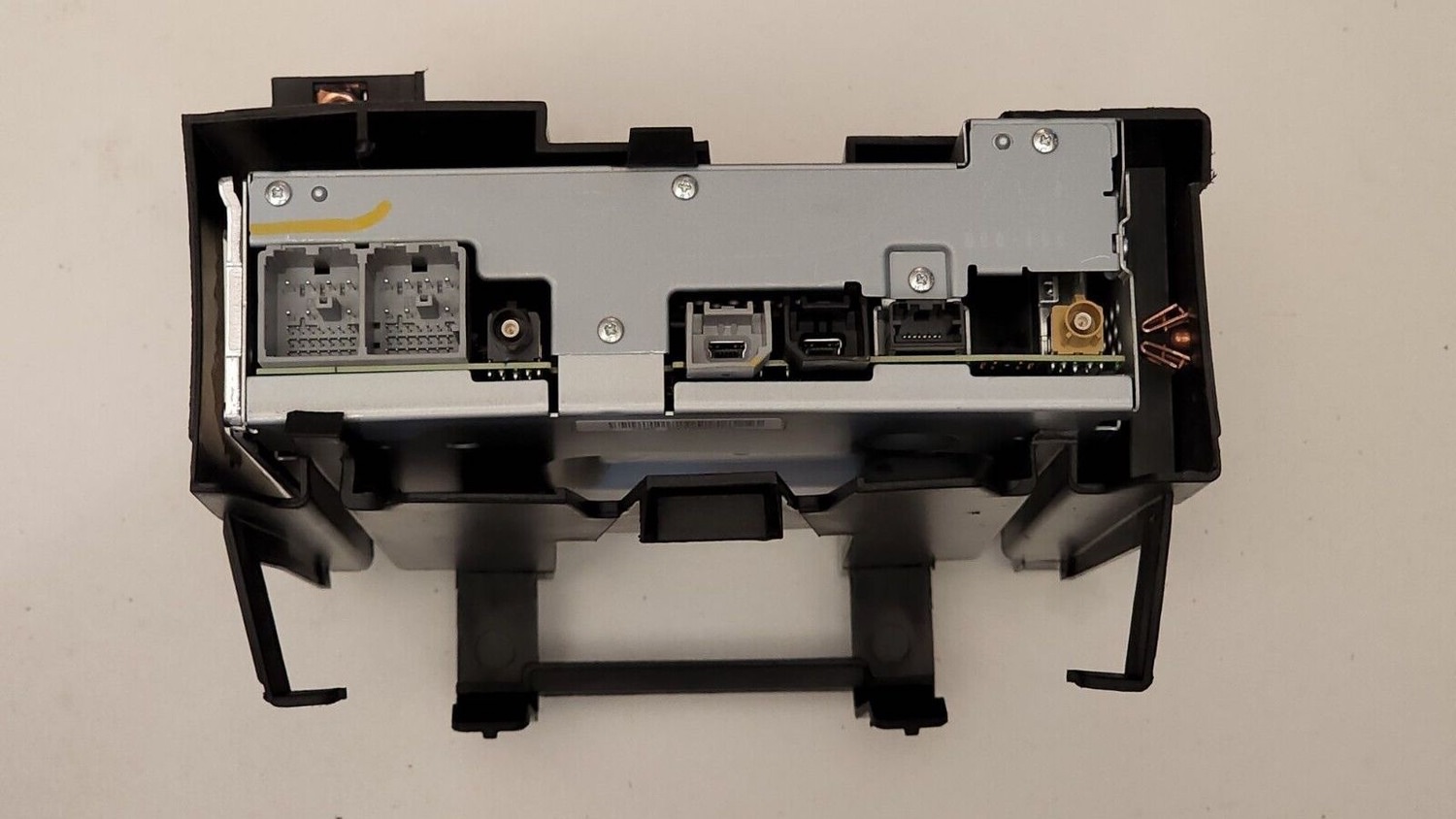
Denso Ten Radio FT0108A, FT0108B, 84691615 SiriusXM Satellite radio Unlock Vin Change With DPS.

This DPS file will remove the theft lock by changing the VIN in the Denso Ten Radio FT0108A, FT0108B, and 84691615 installed in Chevrolet Malibu, Cruz, and other GM vehicles.

The file instructs the radio module to learn the VIN stored in the BCM module. This file is useful when installing a used radio module in a GM vehicle.

This file does not work for the manufacturer Fujitsu Ten FT0108A.

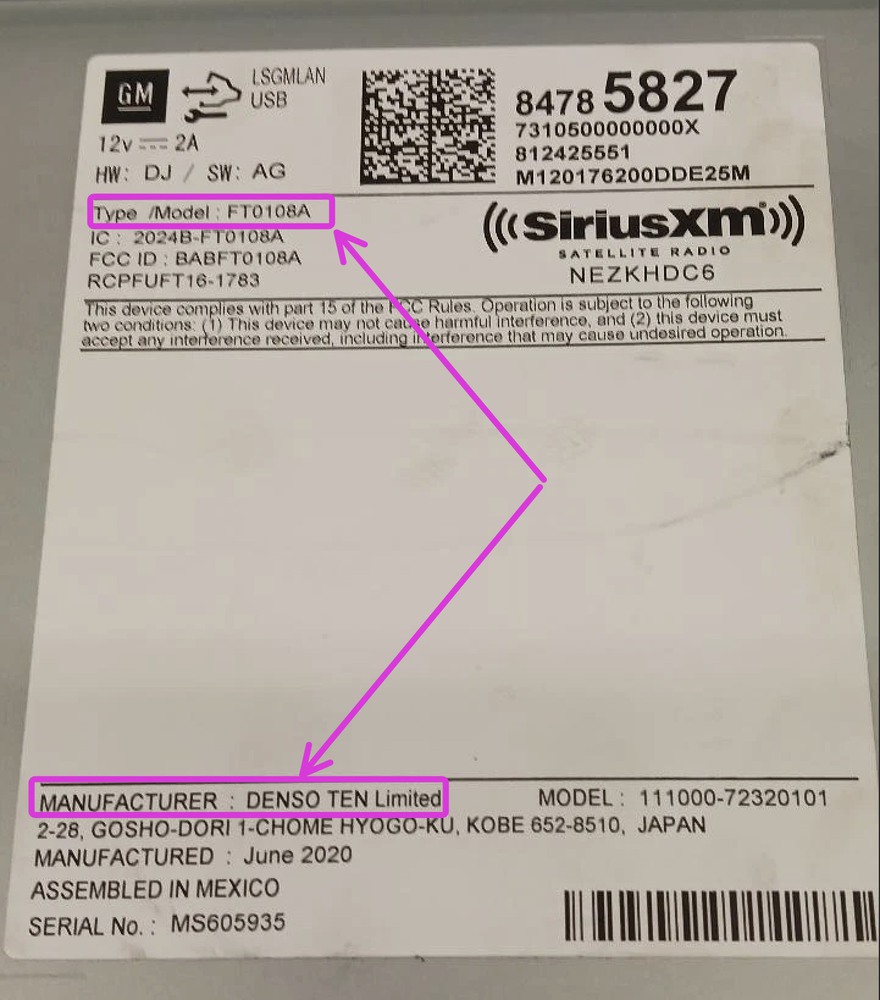
This file only works for the manufacturer: Denso Ten FT0108A and FT0108B SiriusXM Satellite radio.

This file does not work on UDS GM Global-B 12-byte seed vehicles.

This file only works for GM Global-A vehicles.
Screenshot 2025-04-29 at 6.50.26 pm.jpg


image.jpeg


s-l1600-14.jpg

s-l1600-6.jpgs-l1600-8.jpgs-l1600-9.jpgs-l1600-10.jpgs-l1600-11.jpg

image.jpeg

image.jpeg

s-l1600-12.jpgs-l1600-13.jpgs-l1600-15.jpg


s-l1600 (2).webp

User Feedback

Recommended Comments

GM-Enthusiast Mentor

+GM-Enthusiast

+Contributor

  • Contributor

DENSO-TEN FT0108A FILE WORKS ON FT0108B. TESTED OK


Car Hacking Services I Provide For General Motors Vehicles.

  • GM Remote Diagnosing and Troubleshooting
  • All GM Modules Programming
  • GM ECM/TCM Tuning
  • Auto Mechanic Workshop
TheAutoMaker Apprentice

+TheAutoMaker

+Contributor

  • Contributor

Model is FT018A with numbers 85521706

Vehicle is GMC 2022 Sierra  


Would this file support this one?

Sticker.jpg.dbead43873b18877fdeb6fc45fc13279.jpg

Troy Grand Master

1 minute ago, TheAutoMaker said:

Is model is FT018A with numbers 85521706

Vehicle is GMC 2022 Sierra  


Would this file support this one?

Sticker.jpg.dbead43873b18877fdeb6fc45fc13279.jpg


Hi, yes this file will remove the theft lock from your radio.

Doodle Bob Rising Star

+Doodle Bob

+Purchaser

Amazing, worked like magic

Philippe Breault Rising Star

+Philippe Breault

+Purchaser

I just tried it on a 2019 Terrain , doesn't work

tried on CAN and pin 1. Any idea ?

1000155617.jpg

1000155617.jpg

1000155614.jpg


Troy Grand Master

9 minutes ago, Philippe Breault said:

I just tried it on a 2019 Terrain , doesn't work

tried on CAN and pin 1. Any idea ?

1000155617.jpg

1000155617.jpg

1000155614.jpg


The DPS log states the VIN programming command was executed correctly, and the radio module responded with 7F. The radio module seems to be faulty. Can you try a different Denso SiriusXM Satellite radio?

Philippe Breault Rising Star

+Philippe Breault

+Purchaser

i'll try to get another one but it took quite some time to get this one.

what does 7F stands for ?

Troy Grand Master

2 minutes ago, Philippe Breault said:

i'll try to get another one but it took quite some time to get this one.

what does 7F stands for ?

It means the module responded with a write error. Get one that says Denso SiriusXM Satellite.

With a label like this

s-l1600-15.jpg

Philippe Breault Rising Star

+Philippe Breault

+Purchaser

ok so even if this is denso ten with correct # , it might be a weird different version ?

Troy Grand Master

They all work the same even the fujisu version is the same. However get the Denso SiriusXM Satellite as the VIN change file works on those 100%.

Join the conversation

You can post now and register later. If you have an account, sign in now to post with your account.

Guest
Add a comment...

Other files from Troy


CameraLoops™
Powered by Art
All Trademarks appearing on this website are the property of their respective owners.

Account

Navigation

Configure browser push notifications

Chrome (Android)
  1. Tap the lock icon next to the address bar.
  2. Tap Permissions → Notifications.
  3. Adjust your preference.
Chrome (Desktop)
  1. Click the padlock icon in the address bar.
  2. Select Site settings.
  3. Find Notifications and adjust your preference.
CameraLoops members who viewed this content
Saqib Hussain vext__ ViCo2 ateyourveight Joseph Toohey EDGAR HC Daniel Guerrero DennisH soulgueye VivoAutos alialsayyed codebuilder Hdtuner ErikRP Lorenzo Torres ajmiles Cutter jrmopar tonypre Volodymyr Ratushko