


Skip to content
Install the CameraLoops App

Browse CameraLoops via the app. Learn more.

www.CameraLoops.ru

Use the CameraLoops full-screen app on your home screen with push notifications, badges and more.

To install the CameraLoops app on iOS and iPadOS
  1. Tap the Share icon in Safari
  2. Scroll the menu and tap Add to Home Screen.
  3. Tap Add in the top-right corner.
To install the CameraLoops app on Android
  1. Tap the 3-dot menu (⋮) in the top-right corner of the browser.
  2. Tap Add to Home screen or Install app.
  3. Confirm by tapping Install.
NEVER STOP LEARNING

Welcome To CameraLoops

Take a moment to join and become a member

Deleted

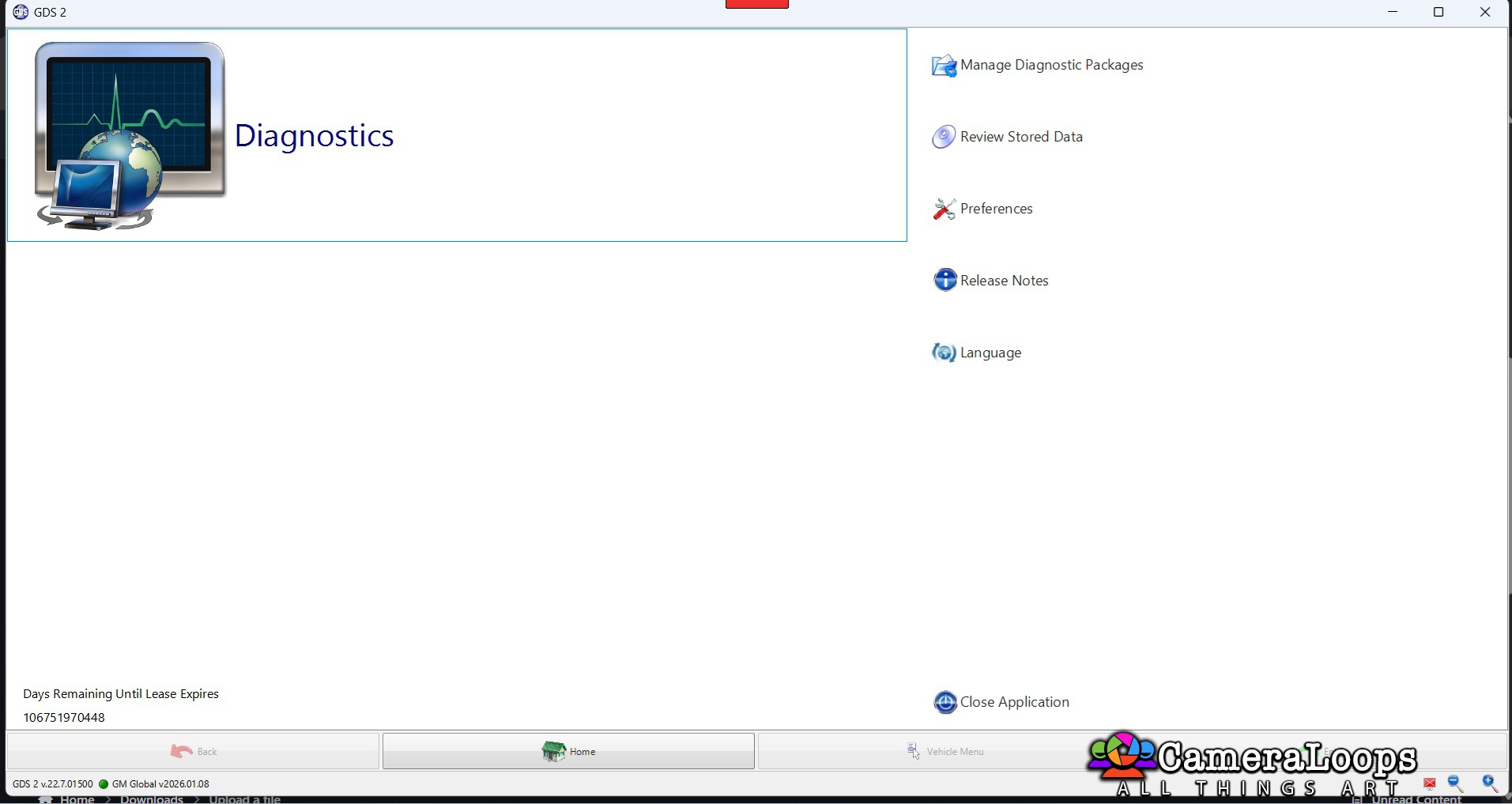
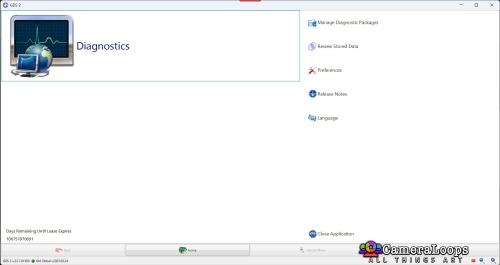
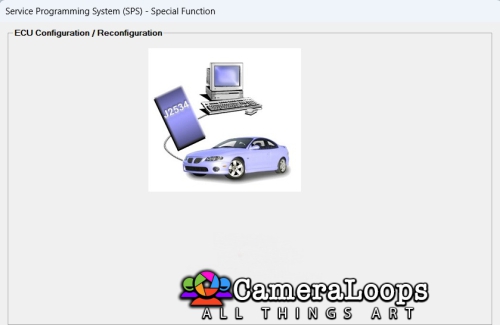
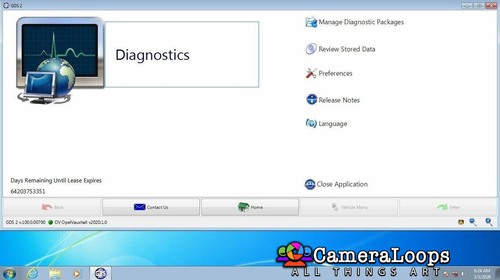
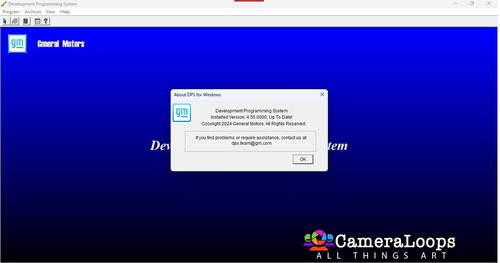
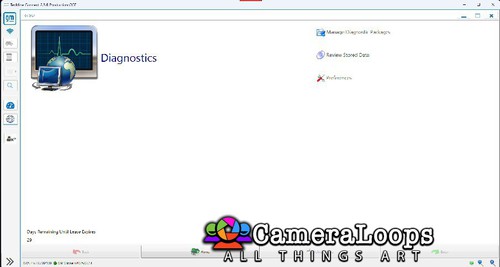
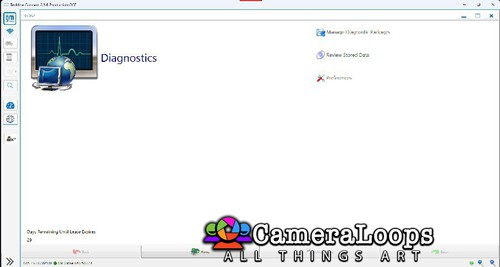
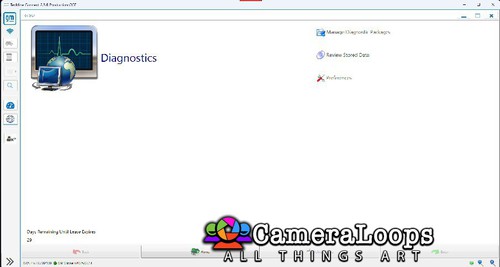
1 Screenshot

Link deleted due to comment from Pupu 14 so no more sharing here.

Apparently people that steal files from GM and patch them own them according to Pupu 14

That would mean he does not run any stolen or hacked software on his computer and is better than everyone else.

Software that is stolen, hacked, cracked or manipulated in any way, shape or form do not belong to that person and once he or she shares them then they become pirated software and free for anyone and if you do not agree with that then why are you on a GM hacking forum????

No one owns anything unless they are the © copyright holder by law.

Pirated software is just stolen software and only fuckwits claim ownership.

User Feedback

Recommended Comments

pupu14 Community Regular

+pupu14

+Contributor

  • Contributor

Stealing others people work from another forum.. Nice one 👍

uglyoldbastard Community Regular

+uglyoldbastard

+Contributor

  • Contributor

Deleted

Join the conversation

You can post now and register later. If you have an account, sign in now to post with your account.

Guest
Add a comment...

Other files from uglyoldbastard


CameraLoops™
Powered by Art
All Trademarks appearing on this website are the property of their respective owners.

Account

Navigation

Configure browser push notifications

Chrome (Android)
  1. Tap the lock icon next to the address bar.
  2. Tap Permissions → Notifications.
  3. Adjust your preference.
Chrome (Desktop)
  1. Click the padlock icon in the address bar.
  2. Select Site settings.
  3. Find Notifications and adjust your preference.
CameraLoops members who viewed this content
Mikluha_Maklay hassan77h uglyoldbastard Camaro2022 Arbe_gtc pupu14 Eddypan