





Skip to content
Install the CameraLoops App

Browse CameraLoops via the app. Learn more.

www.CameraLoops.ru

Use the CameraLoops full-screen app on your home screen with push notifications, badges and more.

To install the CameraLoops app on iOS and iPadOS
  1. Tap the Share icon in Safari
  2. Scroll the menu and tap Add to Home Screen.
  3. Tap Add in the top-right corner.
To install the CameraLoops app on Android
  1. Tap the 3-dot menu (⋮) in the top-right corner of the browser.
  2. Tap Add to Home screen or Install app.
  3. Confirm by tapping Install.

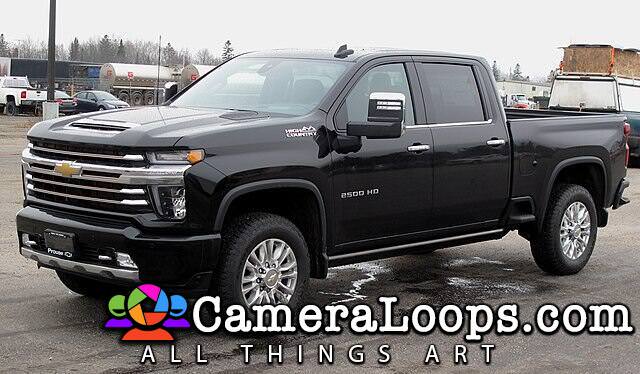
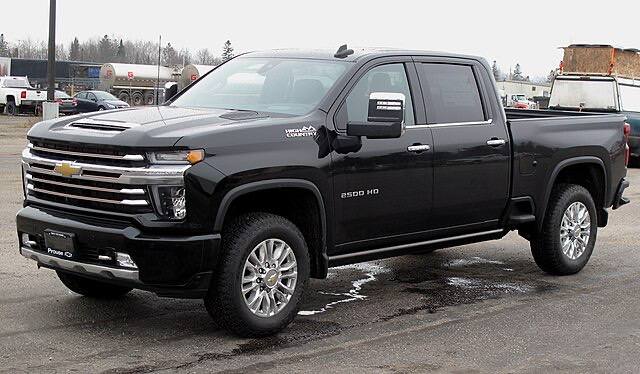
Silverado Stock HMI 2.5 calibration files in DPS format.

1 Screenshot

Silverado Stock HMI 2.5 calibration files in DPS format.

image.jpeg

image.jpeg


User Feedback

Recommended Comments

Alain Apprentice

Alain

Member

Does will work for equinox 2018, i have a hmi 2.5 with GPS on my settled.

auto_ecm_experts Rising Star

+auto_ecm_experts

+Contributor

  • Contributor
On 4/25/2026 at 9:19 AM, Alain said:

Does will work for equinox 2018, i have a hmi 2.5 with GPS on my settled.

Most likely not, these calibration files are only going to work for a vehicle with the same HMI part number and similar RPO codes.

Arbe_gtc Rookie

+Arbe_gtc

+Contributor

  • Contributor
7 hours ago, auto_ecm_experts said:

Most likely not, these calibration files are only going to work for a vehicle with the same HMI part number and similar RPO codes.

You can load any HMI 2.5 calibration onto any HMI 2.5, and it will work. However, some features may not be available or may be specific to other cars. But it will work.

Join the conversation

You can post now and register later. If you have an account, sign in now to post with your account.

Guest
Add a comment...

Other files from Troy


CameraLoops™
Powered by Art
All Trademarks appearing on this website are the property of their respective owners.

Account

Navigation

Configure browser push notifications

Chrome (Android)
  1. Tap the lock icon next to the address bar.
  2. Tap Permissions → Notifications.
  3. Adjust your preference.
Chrome (Desktop)
  1. Click the padlock icon in the address bar.
  2. Select Site settings.
  3. Find Notifications and adjust your preference.
CameraLoops members who viewed this content
bekooly pupu14 notovi tobiasp Arbe_gtc auto_ecm_experts miltonautomotive AL RAED pchase Arcani Alpha marcel_hack_guy spadesbrian Robi_X RubenTX samer A61bk DocMacMex OP VivoAutos