


Skip to content
Install the CameraLoops App

Browse CameraLoops via the app. Learn more.

www.CameraLoops.ru

Use the CameraLoops full-screen app on your home screen with push notifications, badges and more.

To install the CameraLoops app on iOS and iPadOS
  1. Tap the Share icon in Safari
  2. Scroll the menu and tap Add to Home Screen.
  3. Tap Add in the top-right corner.
To install the CameraLoops app on Android
  1. Tap the 3-dot menu (⋮) in the top-right corner of the browser.
  2. Tap Add to Home screen or Install app.
  3. Confirm by tapping Install.

GM Seed Key Generator Tool

$300 -10%

$270

1 Screenshot

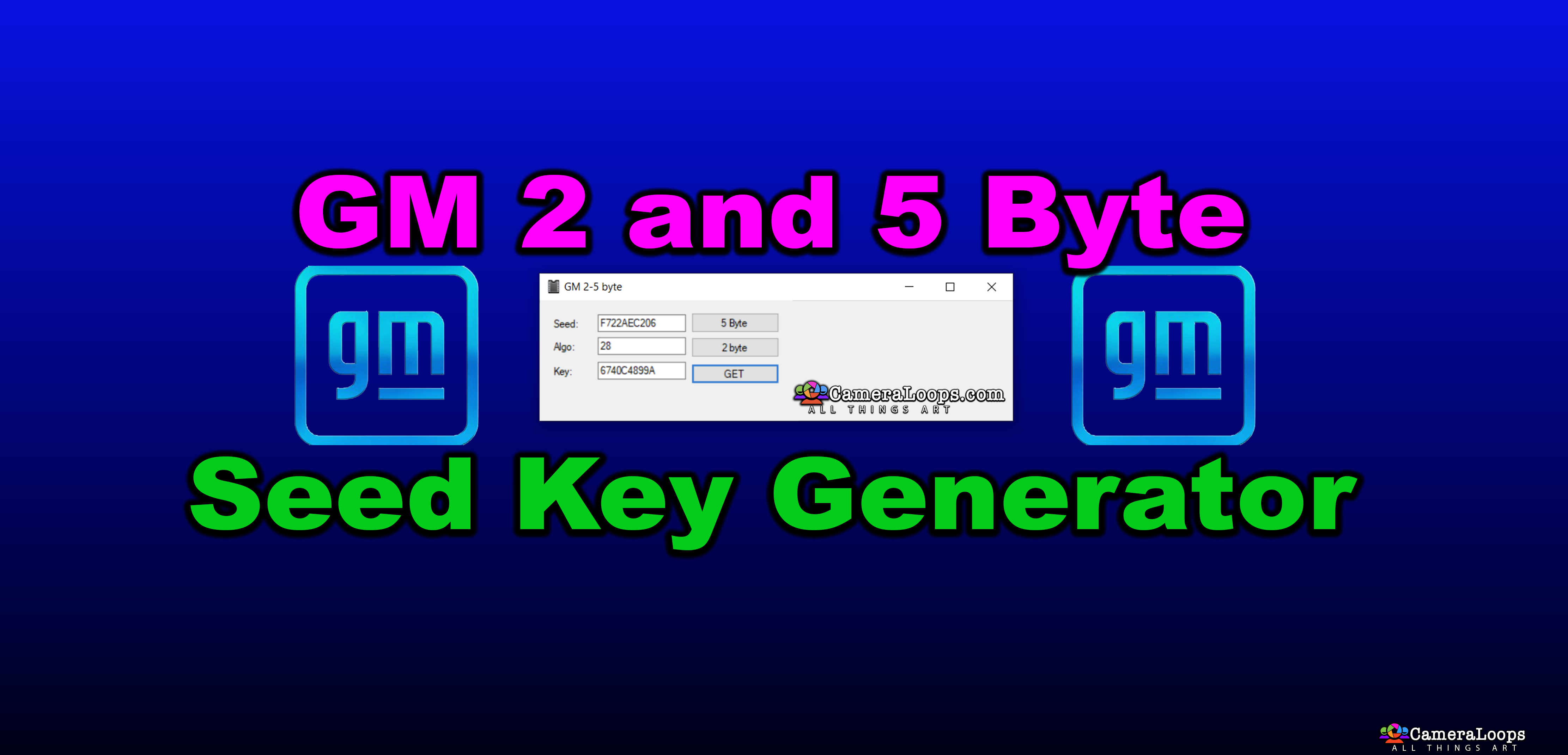
I am pleased to announce the release of the GM seed key generator tool.

This tool can generate the seed key for all GM 5-Byte and 2-Byte seed electronic modules.

Note: To generate the correct seed key, you must input the module's seed and security algorithm code into the seed key generator tool.

The included "Read Me! Instructions.pdf" demonstrates how to know a module's algorithm code. You can use the GM DPS tool to know the module's seed.

A useful tool for advanced users who want to send commands to the modules manually. 

Note: This tool is for advanced users. I do not offer any support regarding figuring out your module's seed and algorithm. Do not message me asking, as I will not reply.


This tool is locked to the PC hardware ID. 

After purchasing, you must install the tool and send a private message, including your PC hardware ID to @Troy  to receive your activation key.


How to receive your activation code.

  1. Download the tool from the downloads section.

  2. Extract the "GM Seed Key Generator.zip" to your PC desktop.

  3. Open the PDF file "Read Me! Instructions.pdf", read its content and follow the instructions.


GM Seed Key Generator
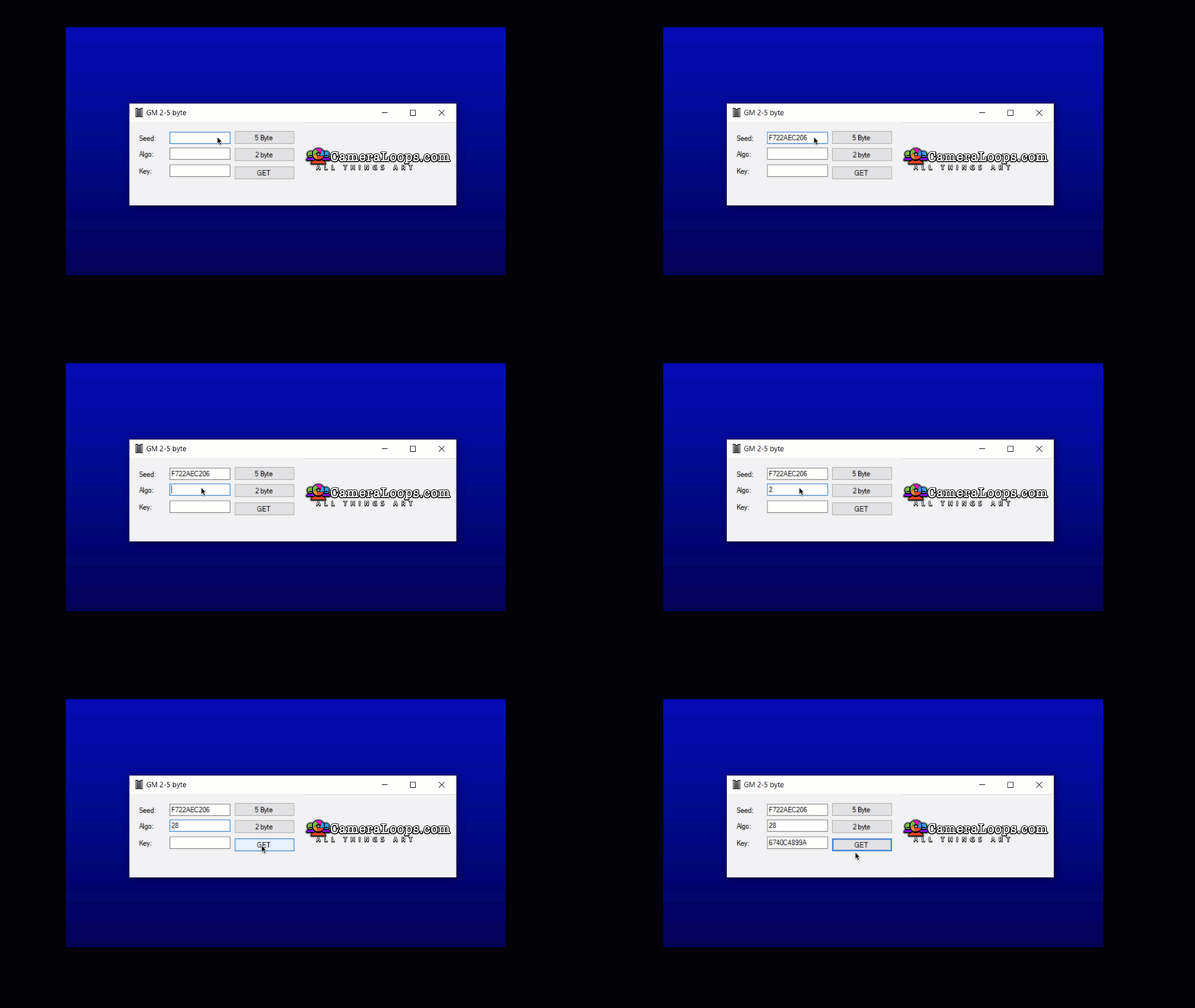
image.gif


User Feedback

Recommended Comments

Troy Grand Master

2 hours ago, jlautosrl said:

hola, tengo un ecm e92 con el seed code en FFFFFFFFFF y no me permite escribirlo, y quiero saber si con el generador de seed code puedo solucionarlo.

IMG_1379.jpg


No the tool will not help with that issue. 

Join the conversation

You can post now and register later. If you have an account, sign in now to post with your account.

Guest
Add a comment...

Other files from Troy


CameraLoops™
Powered by Art
All Trademarks appearing on this website are the property of their respective owners.

Account

Navigation

Configure browser push notifications

Chrome (Android)
  1. Tap the lock icon next to the address bar.
  2. Tap Permissions → Notifications.
  3. Adjust your preference.
Chrome (Desktop)
  1. Click the padlock icon in the address bar.
  2. Select Site settings.
  3. Find Notifications and adjust your preference.
CameraLoops members who viewed this content
rodimiro  romero apetrushenko Ahmadjon Rahimjanov dgjtools Richard Beauchamp DieselTunerCo Kamoljon Bekashoo Zigor Gabe Almeida hammertime Thecrow Vasiliy U exc11 Garik67 sakeer ElsidiSA sbticket rizwan buhardeen Ishfaqtaj