


Skip to content
Install the CameraLoops App

Browse CameraLoops via the app. Learn more.

www.CameraLoops.ru

Use the CameraLoops full-screen app on your home screen with push notifications, badges and more.

To install the CameraLoops app on iOS and iPadOS
  1. Tap the Share icon in Safari
  2. Scroll the menu and tap Add to Home Screen.
  3. Tap Add in the top-right corner.
To install the CameraLoops app on Android
  1. Tap the 3-dot menu (⋮) in the top-right corner of the browser.
  2. Tap Add to Home screen or Install app.
  3. Confirm by tapping Install.

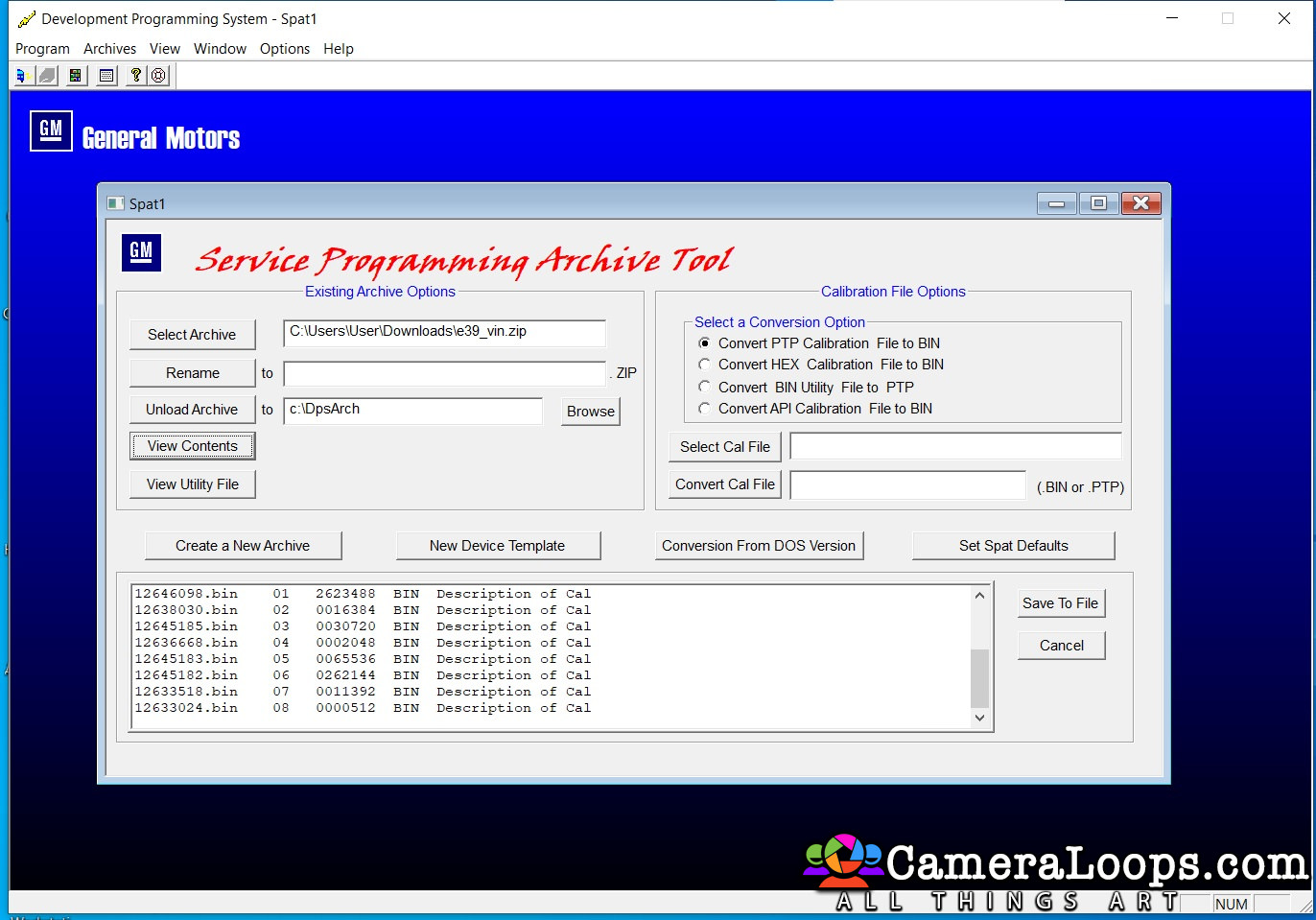
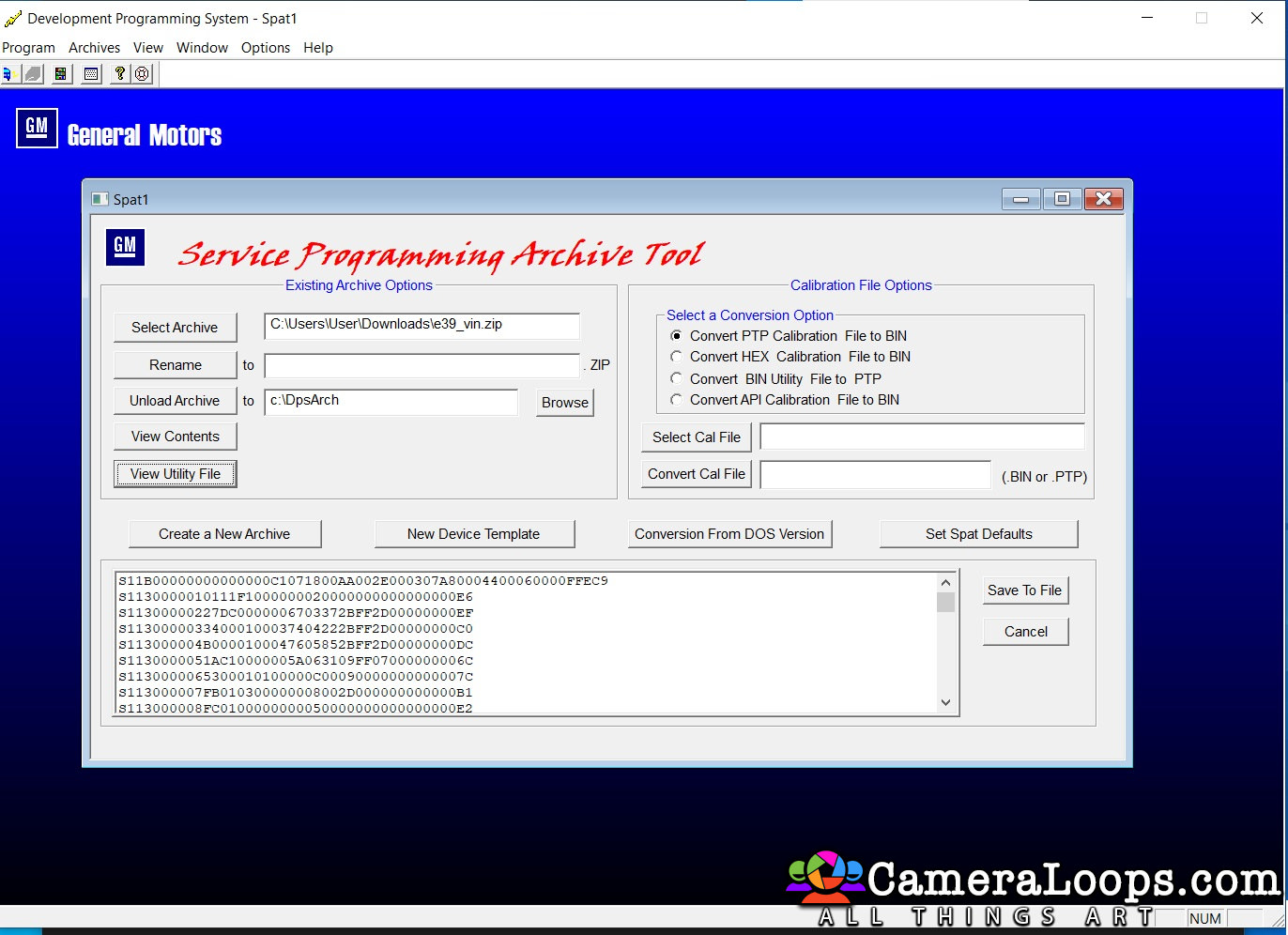
Buick Lacrosse 2010 ECM Delco E39 reprogram utility for DPS

2 Screenshots

Last version of operating system and calibrations. Extracted from an official SPS2.

User Feedback

Recommended Comments

med458 Enthusiast

+med458

+Contributor

  • Contributor

Hi I am going to try this, please tell me did you need any key/seed or pin to make it work, or was it just plug and play?

Join the conversation

You can post now and register later. If you have an account, sign in now to post with your account.

Guest
Add a comment...

CameraLoops™
Powered by Art
All Trademarks appearing on this website are the property of their respective owners.

Account

Navigation

Configure browser push notifications

Chrome (Android)
  1. Tap the lock icon next to the address bar.
  2. Tap Permissions → Notifications.
  3. Adjust your preference.
Chrome (Desktop)
  1. Click the padlock icon in the address bar.
  2. Select Site settings.
  3. Find Notifications and adjust your preference.
CameraLoops members who viewed this content
cleison ruben casique damian szlezier pupu14 Dmarvez Wei Ronihabeel Ahmadjon Rahimjanov shekspeer Pavel hassan77h tcautotech GM-Enthusiast javier flores bilmet Techpiotr DrJerry edison enriquez mttweeks AL RAED