Skip to content
Install the CameraLoops App

Browse CameraLoops via the app. Learn more.

www.CameraLoops.ru

Use the CameraLoops full-screen app on your home screen with push notifications, badges and more.

To install the CameraLoops app on iOS and iPadOS
  1. Tap the Share icon in Safari
  2. Scroll the menu and tap Add to Home Screen.
  3. Tap Add in the top-right corner.
To install the CameraLoops app on Android
  1. Tap the 3-dot menu (⋮) in the top-right corner of the browser.
  2. Tap Add to Home screen or Install app.
  3. Confirm by tapping Install.

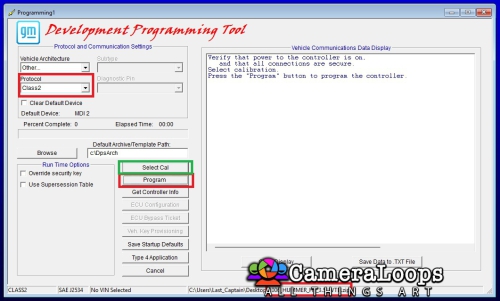
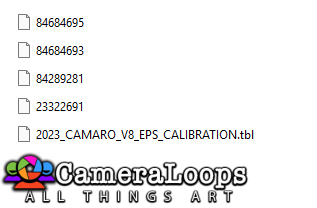
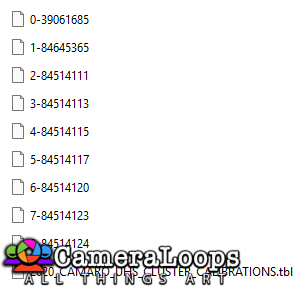
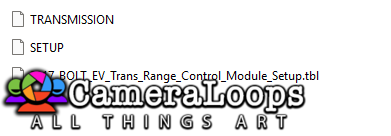
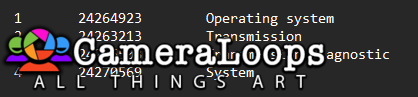
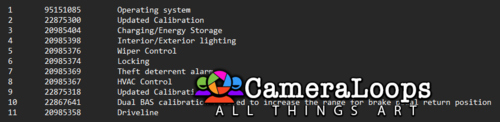
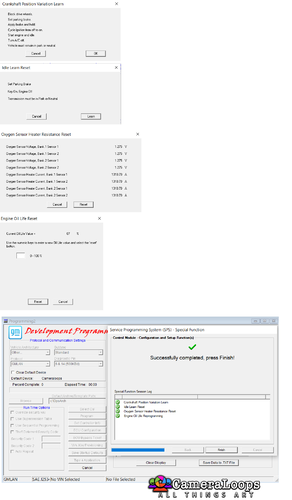
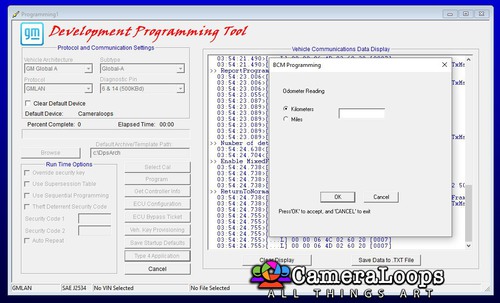
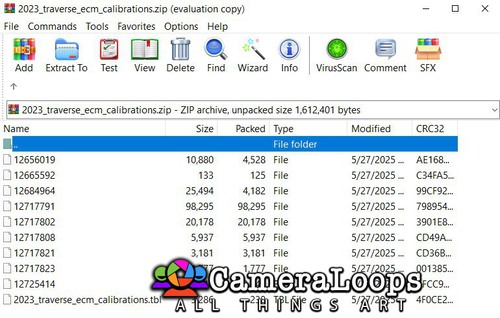
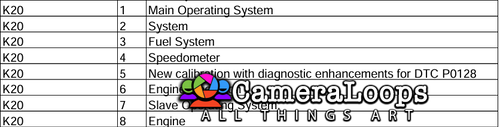
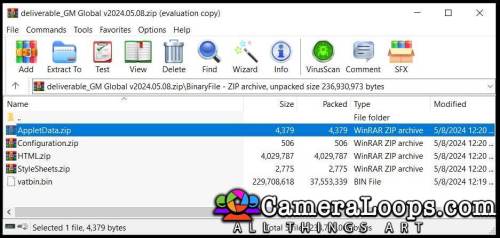
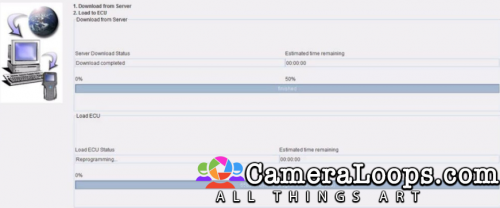
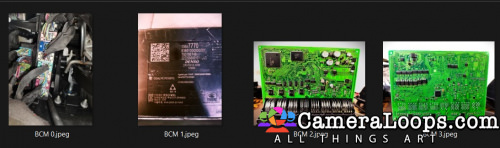
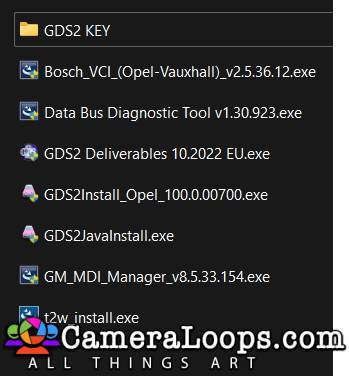
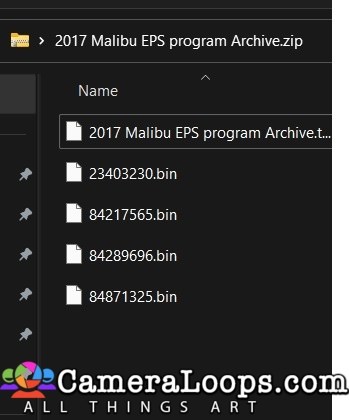
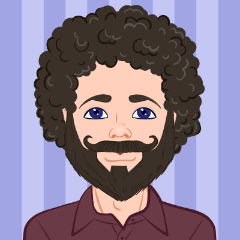
Latest GM GLOBAL deliverable v2022.9.2 UPDATED TO NEW VERSION 2025.02.13

1 Screenshot

User Feedback

Recommended Comments

Torsen Rising Star

+Torsen

+Contributor

  • Contributor

Need to react to download it seems.

Troy Grand Master

11 hours ago, Torsen said:
Need to react to download it seems.

Hi, yes, I added this requirement recently. All members need to react to the file before they can download files in the free section. A simple reaction helps to encourage community engagement, increase user participation, and add an interactive element to the free file sharing section 😀.

Join the conversation

You can post now and register later. If you have an account, sign in now to post with your account.

Guest
Add a comment...

Other files from Last_Captain


CameraLoops™
Powered by Art
All Trademarks appearing on this website are the property of their respective owners.

Account

Navigation

Configure browser push notifications

Chrome (Android)
  1. Tap the lock icon next to the address bar.
  2. Tap Permissions → Notifications.
  3. Adjust your preference.
Chrome (Desktop)
  1. Click the padlock icon in the address bar.
  2. Select Site settings.
  3. Find Notifications and adjust your preference.
CameraLoops members who viewed this content
chicking Mudhif Enterlan Alejandro Lopez Lopez Wlw2 ve_nico connor Murphy alatka asd exc11 shekspeer Mirjaxon Aliyev Ty Rat ruben casique Jacob M aleks nik Huang Zaafar radi akam RF Al-Shammri