Skip to content
Install the CameraLoops App

Browse CameraLoops via the app. Learn more.

www.CameraLoops.ru

Use the CameraLoops full-screen app on your home screen with push notifications, badges and more.

To install the CameraLoops app on iOS and iPadOS
  1. Tap the Share icon in Safari
  2. Scroll the menu and tap Add to Home Screen.
  3. Tap Add in the top-right corner.
To install the CameraLoops app on Android
  1. Tap the 3-dot menu (⋮) in the top-right corner of the browser.
  2. Tap Add to Home screen or Install app.
  3. Confirm by tapping Install.

Creating a Thumb Ring

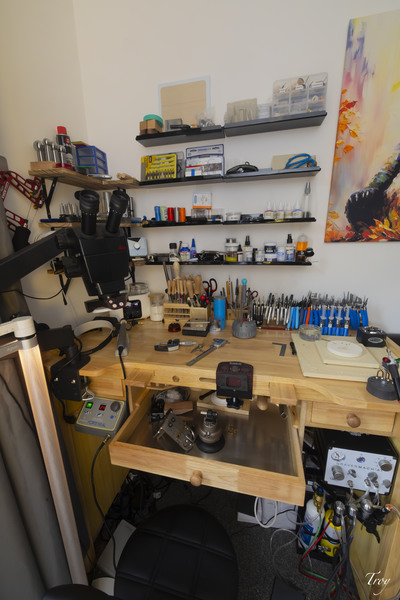
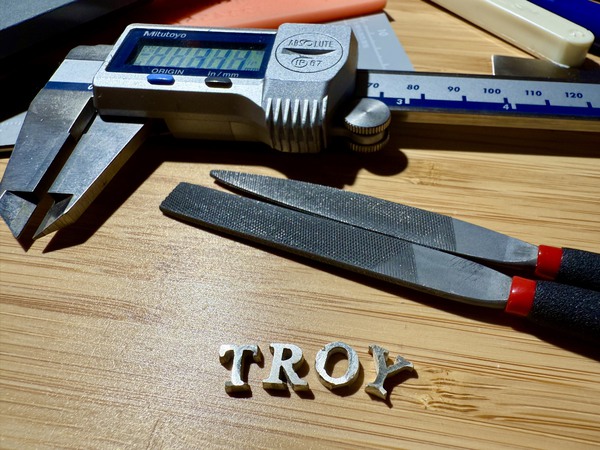
Today I created my first piece of jewellery from scratch. A thumb ring in 925 Silver with Lapiz and Opal inlay. It’s not perfect, as it’s my first piece. #TayouTroy

Copyright

© TattooTroy

    • Like 1

    From the album:

    Art

    · 37 images


    CameraLoops™
    Powered by Art
    All Trademarks appearing on this website are the property of their respective owners.

    Account

    Navigation

    Configure browser push notifications

    Chrome (Android)
    1. Tap the lock icon next to the address bar.
    2. Tap Permissions → Notifications.
    3. Adjust your preference.
    Chrome (Desktop)
    1. Click the padlock icon in the address bar.
    2. Select Site settings.
    3. Find Notifications and adjust your preference.
    CameraLoops members who viewed this content
    kosta Adelin