










GM Vehicle Modules Documentation
GM MDI2 User Guide
New Models Using VIP Require the MDI 2
January 18, 2023
The Vehicle Intelligence Platform (VIP) electrical architecture continues to power a growing number of new GM vehicles for the 2023 model year.
The VIP architecture offers enhanced capacity and better management of complex technology. With the capability of managing over 100 computer modules, it can support active safety systems, Over-the-Air (OTA) vehicle software updates, 5G networks, enhanced cybersecurity protections and EV technologies.
GM models using the VIP architecture include:
Buick
2021-2023 Envision
Cadillac
2023 LYRIQ
2021-2023 Escalade
2020-2023 CT4
2020-2023 CT5
Chevrolet
2023 Colorado
2022-2023 Silverado 1500
2021-2023 Tahoe and Suburban
2020-2023 Corvette
GMC
2023 Canyon
2022-2023 HUMMER EV
2022-2023 Sierra 1500
2021-2023 Yukon
MDI 2 Required:
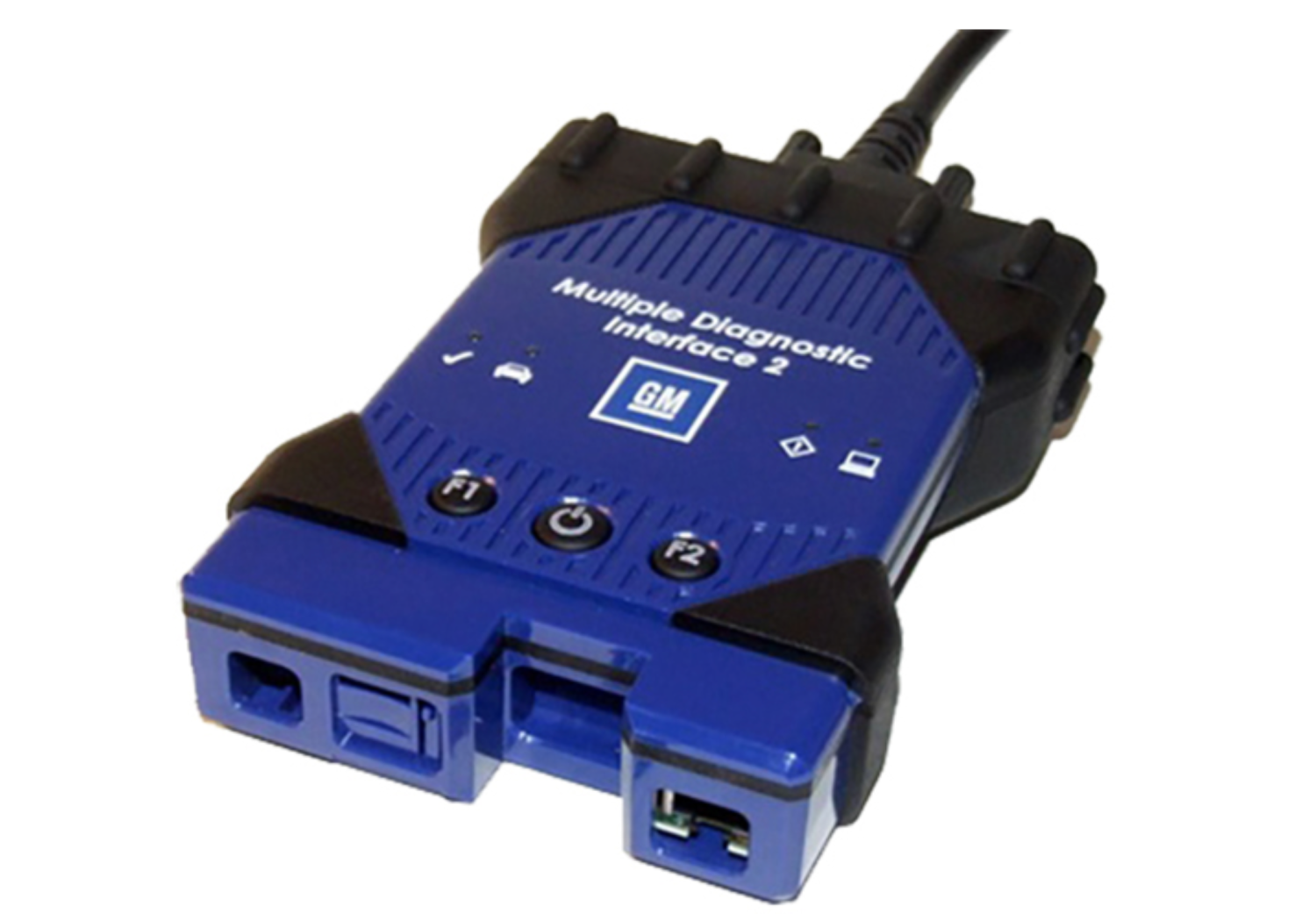
The EL-52100 MDI 2 is required for control module programming, configuration and setup on vehicles equipped with the VIP architecture. (Fig. 11) The MDI 1 cannot complete programming and setup procedures. Using an MDI 1 on these vehicles could result in erroneous data or failed programming events, leading to unnecessary module replacement.
Fig. 11. When a scan tool is installed, it will attempt to communicate with every control module available on the vehicle, depending on optional equipment. The tool will display No Communication for that control module if an option is not installed on the vehicle. To avoid misdiagnosing a No Communication message, refer to the Data Link References that list the control modules and the buses with which the modules communicate in the appropriate Service Information. The vehicle builds RPO codes to determine optional control modules.
GM Diagnostic Interface MDI2 User Guide
.thumb.png.6cba57c5e88519e419516e3ed1152e01.png)
By Troy
Recommended Comments
Join the conversation
You can post now and register later. If you have an account, sign in now to post with your account.