Skip to content
Install the CameraLoops App

Browse CameraLoops via the app. Learn more.

www.CameraLoops.ru

Use the CameraLoops full-screen app on your home screen with push notifications, badges and more.

To install the CameraLoops app on iOS and iPadOS
  1. Tap the Share icon in Safari
  2. Scroll the menu and tap Add to Home Screen.
  3. Tap Add in the top-right corner.
To install the CameraLoops app on Android
  1. Tap the 3-dot menu (⋮) in the top-right corner of the browser.
  2. Tap Add to Home screen or Install app.
  3. Confirm by tapping Install.
NEVER STOP LEARNING

Welcome To CameraLoops

Take a moment to join and become a member

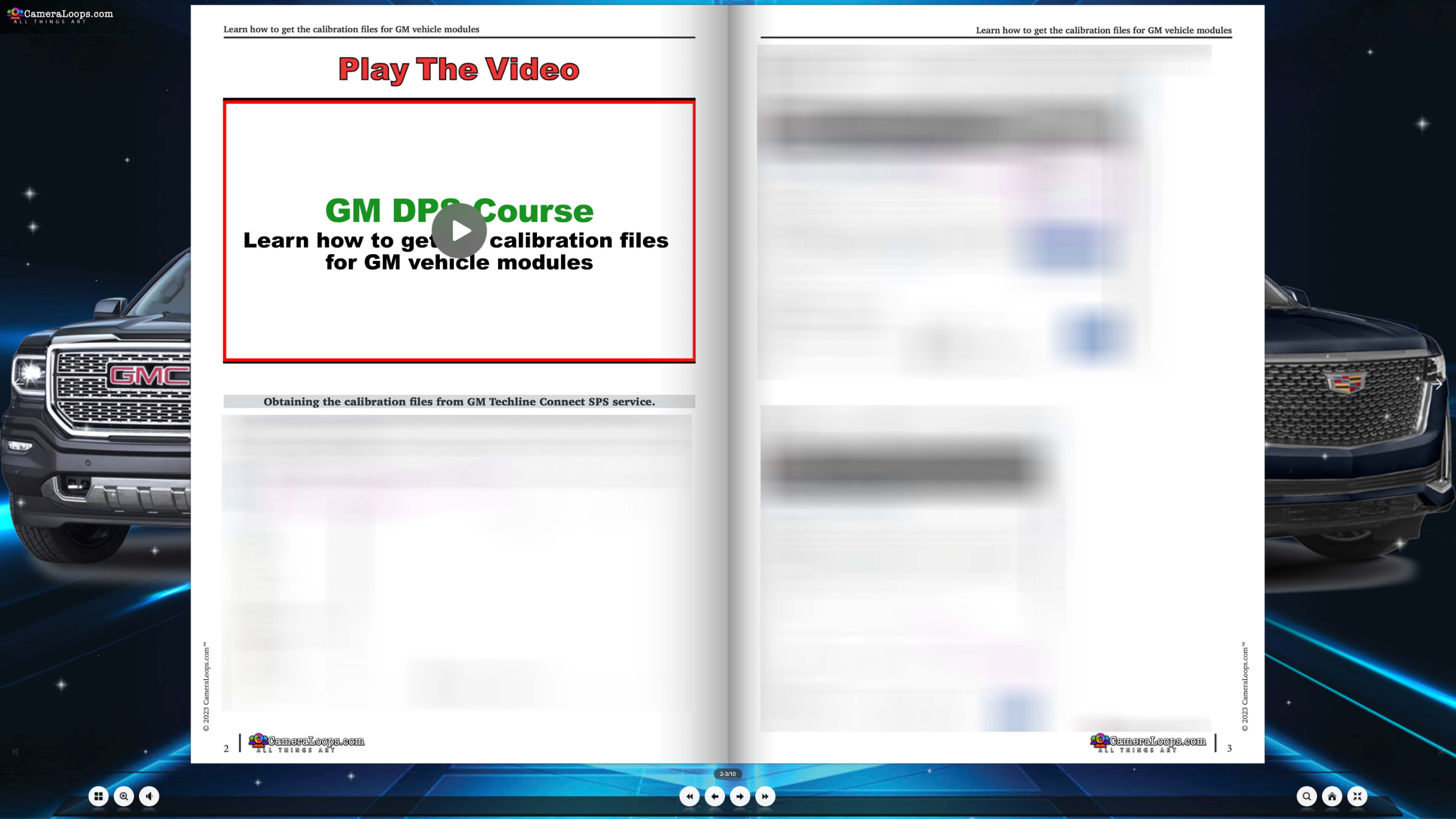
Learn How To Get The Calibration Files For GM Vehicle Modules

(1 review)

In this course, you will learn how to get the calibration files for a GM vehicle module that can be used with the GM DPS tool to program a GM vehicle module.


Course preview. A fully detailed online interactive course system, including a tutorial video.

image.jpeg

image.jpeg


Lessons

  • Learn how to get the calibration files for a GM vehicle module for GM DPS vehicle programming
    00:01
  • GM Acdelco Techline Connect SPS subscription account with a VIN slot or other GM SPS service access.

You must already know how to operate the GM DPS software tool.


User Feedback

Join the conversation

You can post now and register later. If you have an account, sign in now to post with your account.
Note: Your post will require moderator approval before it will be visible.

Guest
  • This will not be shown to other users.

  • Your review Required
    Add a review...


Car-Hacker Rising Star

+Car-Hacker

   8 of 11 members found this review helpful 8 / 11 members

Thanks.


CameraLoops™
Powered by Art
All Trademarks appearing on this website are the property of their respective owners.

Account

Navigation

Configure browser push notifications

Chrome (Android)
  1. Tap the lock icon next to the address bar.
  2. Tap Permissions → Notifications.
  3. Adjust your preference.
Chrome (Desktop)
  1. Click the padlock icon in the address bar.
  2. Select Site settings.
  3. Find Notifications and adjust your preference.