



Skip to content
Install the CameraLoops App

Browse CameraLoops via the app. Learn more.

www.CameraLoops.ru

Use the CameraLoops full-screen app on your home screen with push notifications, badges and more.

To install the CameraLoops app on iOS and iPadOS
  1. Tap the Share icon in Safari
  2. Scroll the menu and tap Add to Home Screen.
  3. Tap Add in the top-right corner.
To install the CameraLoops app on Android
  1. Tap the 3-dot menu (⋮) in the top-right corner of the browser.
  2. Tap Add to Home screen or Install app.
  3. Confirm by tapping Install.

Get $50 off for +Contributor, Site Donator Unlimited Life-Time CameraLoops Access! Offer expires soon

Troy

Troy

06/08/2026

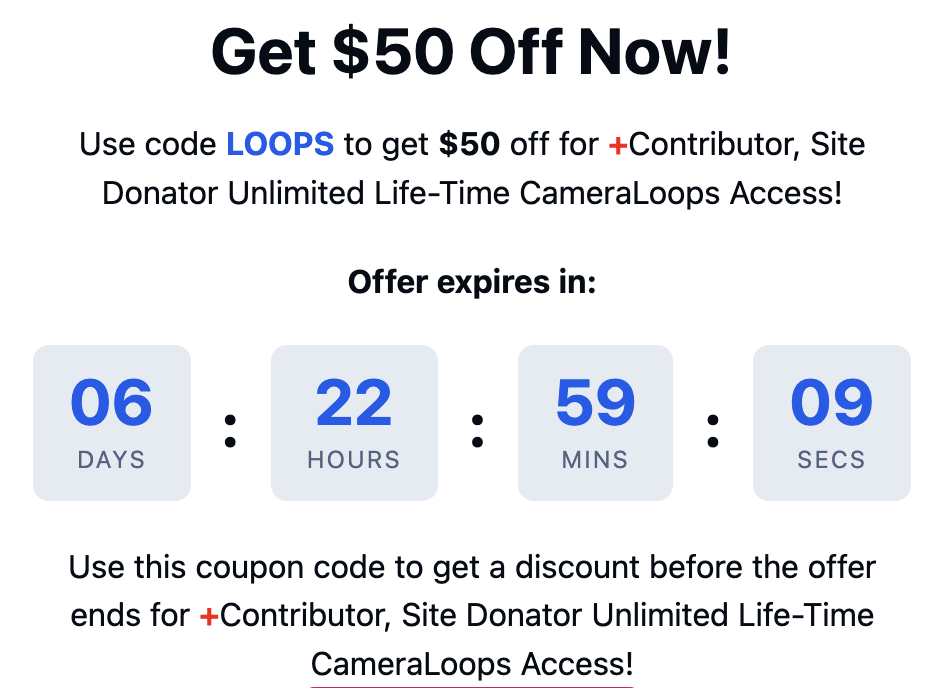
Get $50 Off Now!

Use code LOOPS to get $50 off for + Contributor, Site Donator Unlimited Life-Time CameraLoops Access!

Offer expires soon.

Get this offer now by using the coupon code LOOPS on the checkout page by clicking this WEBLINK!
Screenshot 2026-06-09 at 11.03.52 pm.png


CameraLoops™
Powered by Art
All Trademarks appearing on this website are the property of their respective owners.

Account

Navigation

Configure browser push notifications

Chrome (Android)
  1. Tap the lock icon next to the address bar.
  2. Tap Permissions → Notifications.
  3. Adjust your preference.
Chrome (Desktop)
  1. Click the padlock icon in the address bar.
  2. Select Site settings.
  3. Find Notifications and adjust your preference.
